

Shipping Fee Discount
05/06/2025
This promotional tool is available on both the Tokopedia & TikTok Shop platform with exception to several unsupported logistic services on Tokopedia including JNE (Regular), Tiki (Regular), Pos Indonesia (Regular), SiCepat (Regular), NinjaVan (Regular), J&T (Regular), AnterAja (Regular), Lion Parcel (Regular). If these logistics services are chosen, the buyers will not enjoy the Shipping Fee Discount. Read more about the integration of Tokopedia & TikTok Shop

What is Seller Shipping Fee Discount
The Shipping Fee Discount is a shipping discount promotion set by the Seller in the Seller Center, where the Seller bears all/part of the shipping cost.The benefits of using Seller Shipping Fee Discount
- Seller shipping discounts can increase your basket size and help make buyers' purchasing decisions easier.
- Offer your customers subsidised shipping on selected products, minimum basket sizes or storewide.
- More visibility: The Free Shipping label helps your products stand out and appear more attractive.
- The seller must maintain a positive shop account balance; and
- The seller account has passed the probation period (find out more here)

Customer Display
Here's how users will view and enjoy the Shipping Fee Discount| TikTok Shop by Tokopedia - Product Tag | TikTok Shop by Tokopedia - Product Detail Page | TikTok Shop by Tokopedia - Shopping Cart | Tokopedia - Product Tag | Tokopedia - Product Detail Page | Tokopedia - Shopping Cart |
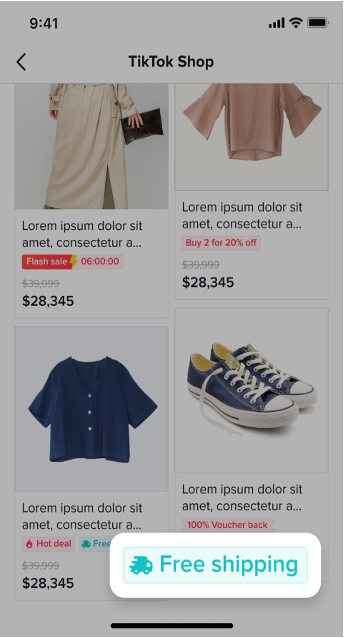 | 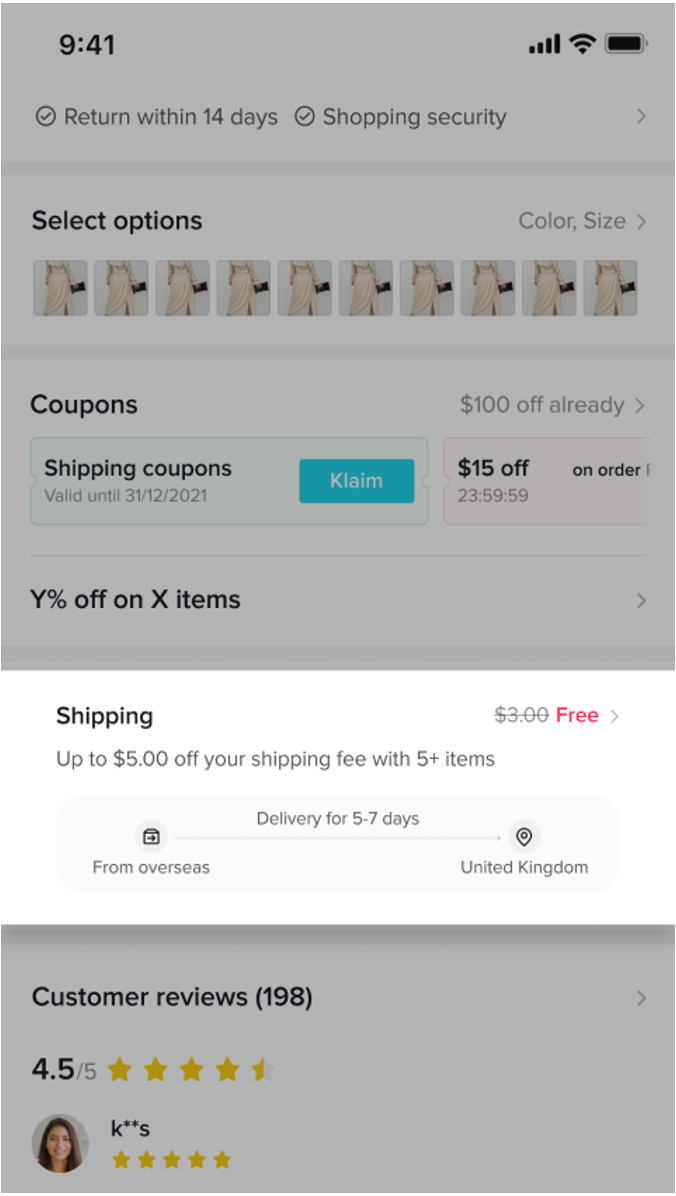 | 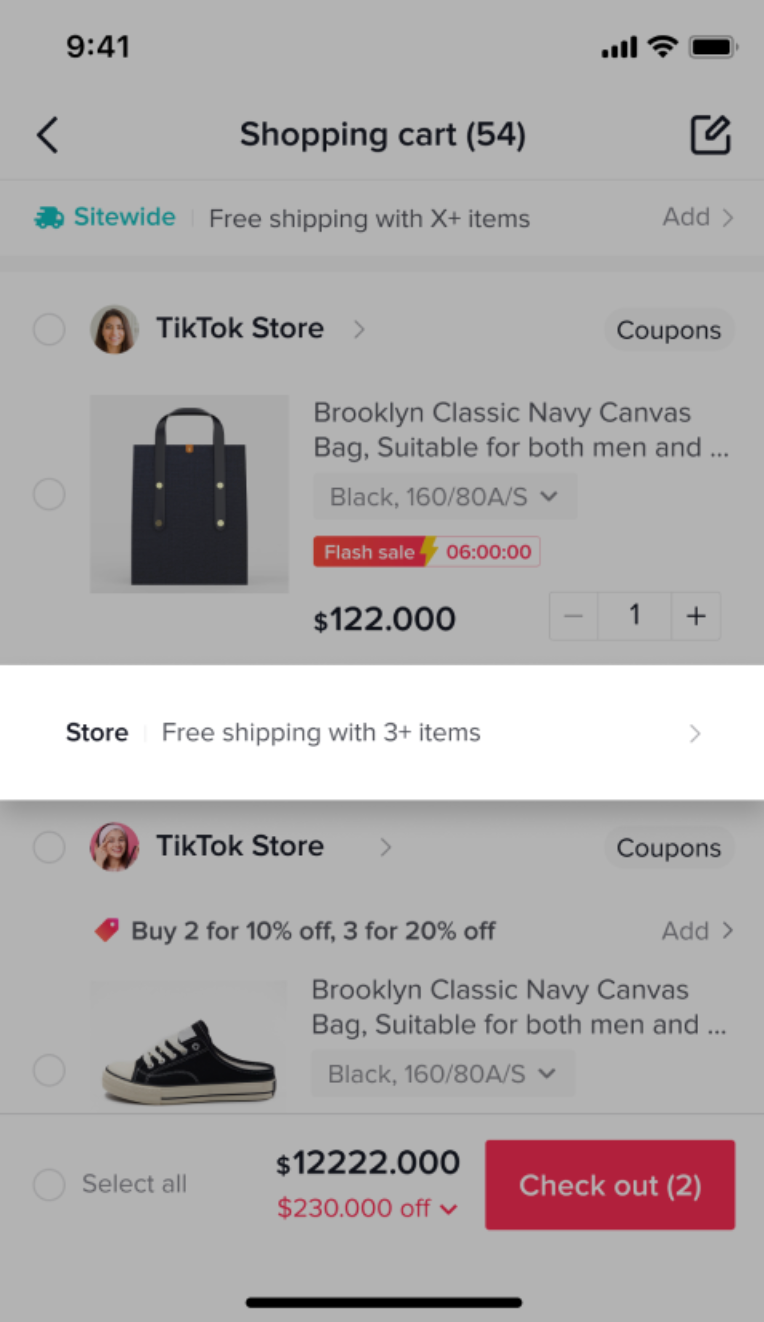 | 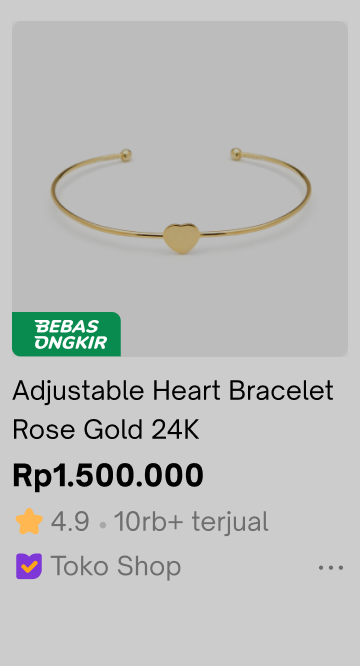 | 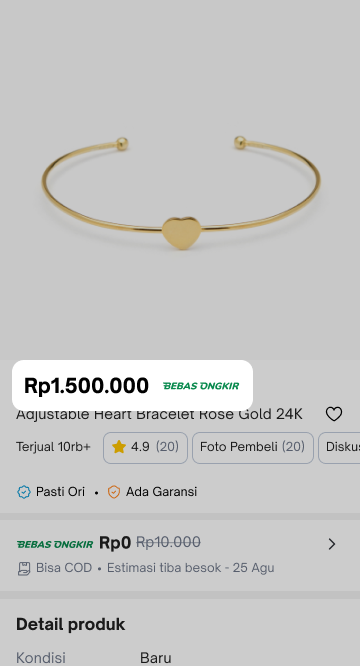 | 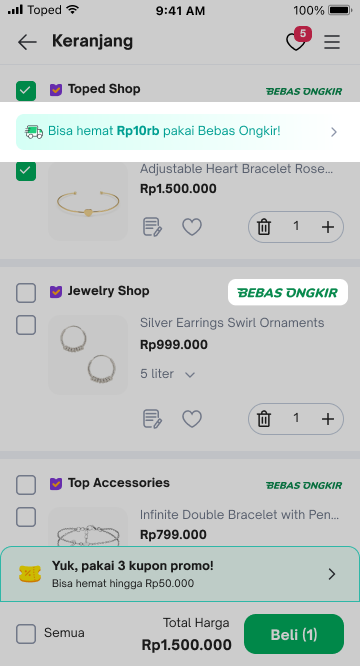 |

Create Shipping Fee Discount
Entrance
To create a voucher on the Seller Center on PC, visit the Promotional Tools tab.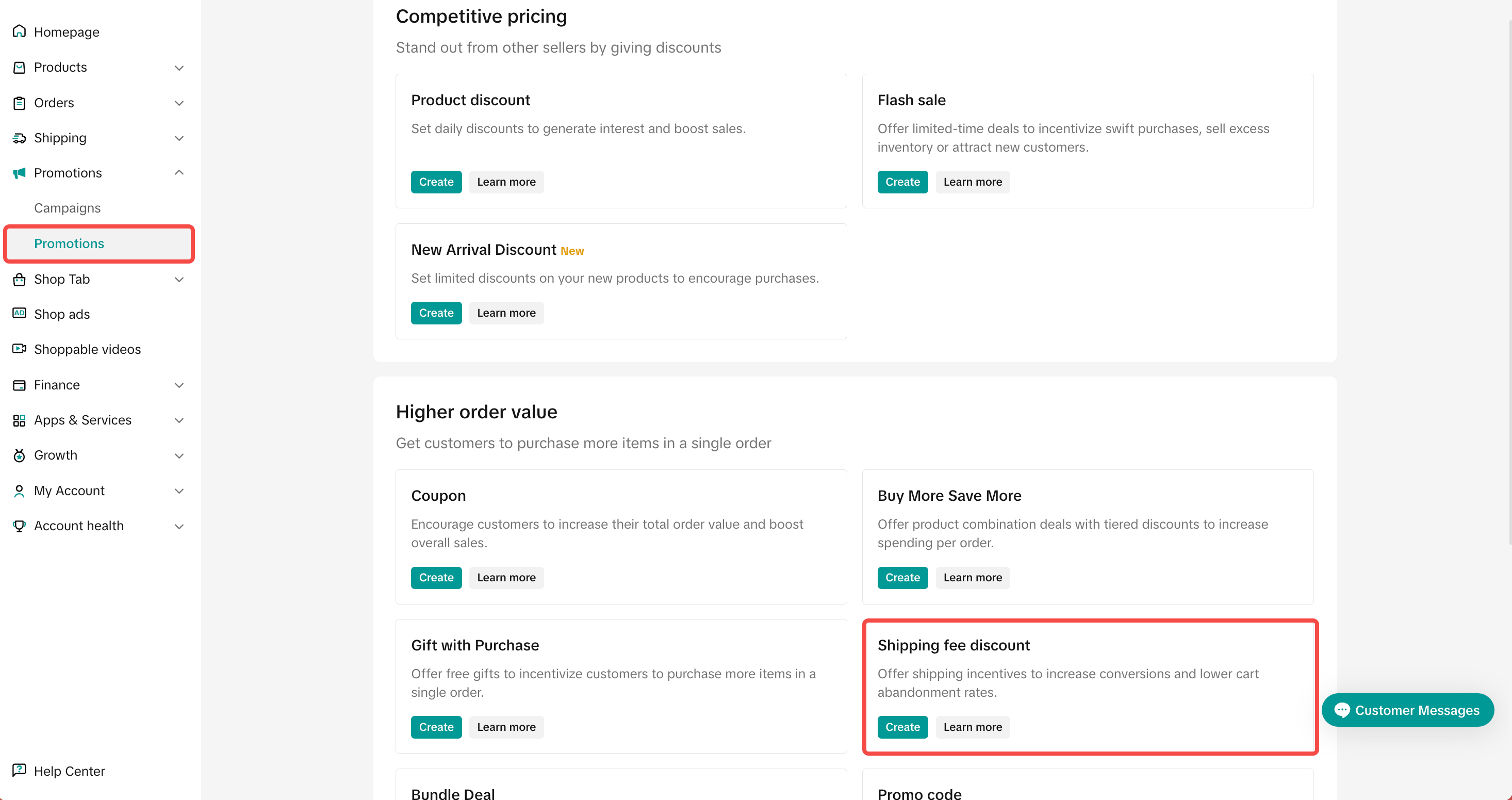
Basic Information
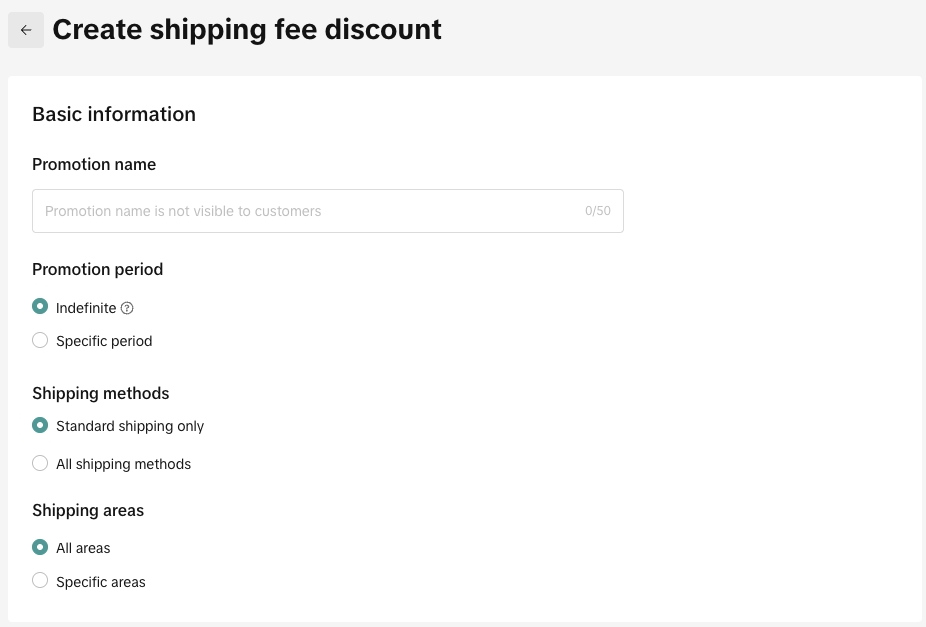
- Period: Set your period to indefinite and be more competitive all year round, or a specific duration to create a sense of urgency
- Indefinite
- Specific period
- Shipping Methods
- Standard shipping only: Economy and standard shipping
- All shipping methods: All shipping methods including express, next day delivery, economy and standard shipping.
- Shipping Area
- All areas
- Specific areas
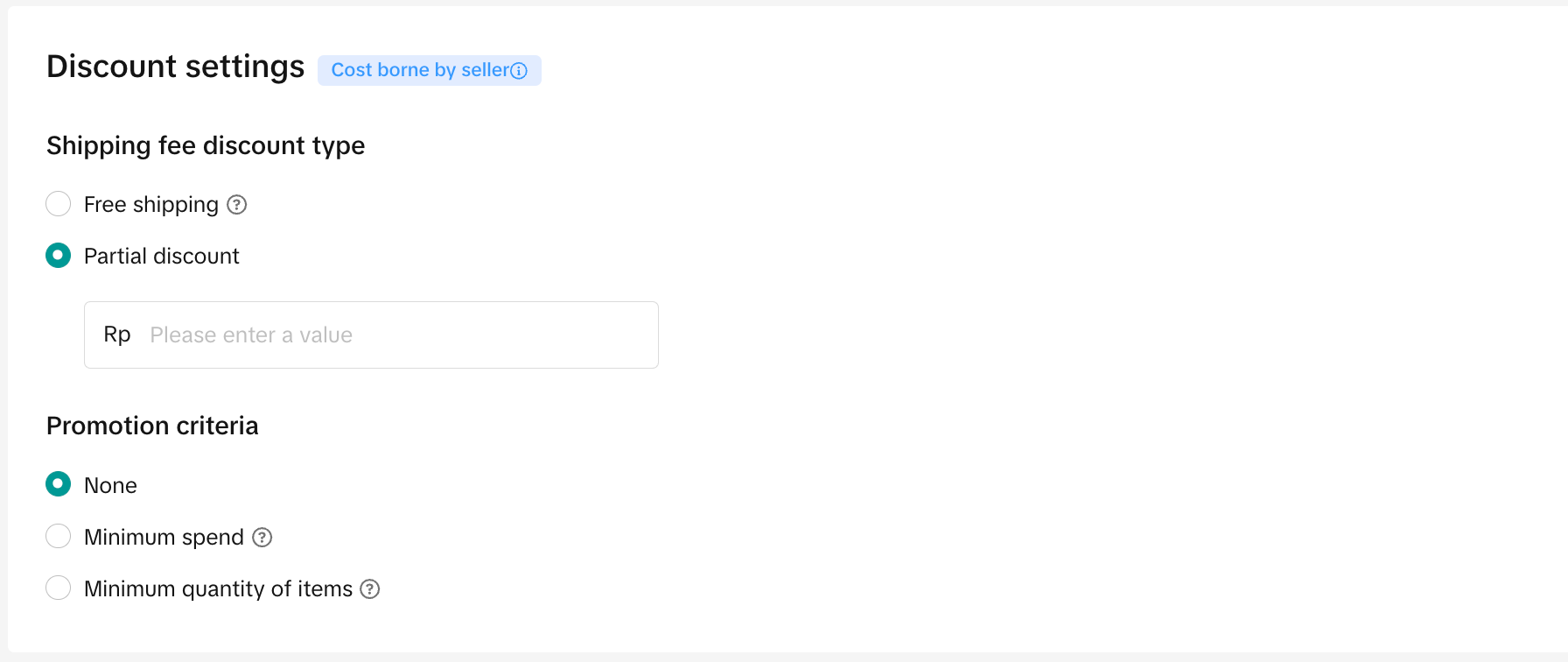
- Shipping Fee Discount Type: make sure your subsidised shipping fee does not cost more than your order value. This will result in a negative balance.
- Free shipping
- Partial discount
- 💡 Pro Tip: Set your minimum spend slightly higher than your average order value. Get your buyers to spend more!
- Minimum spend: The order total amount that must be met in order for the Shipping Fee Discount to be applied
- Minimum quantity of items: The total number of SKUs to be added to the order for the Shipping Fee Discount to be applied
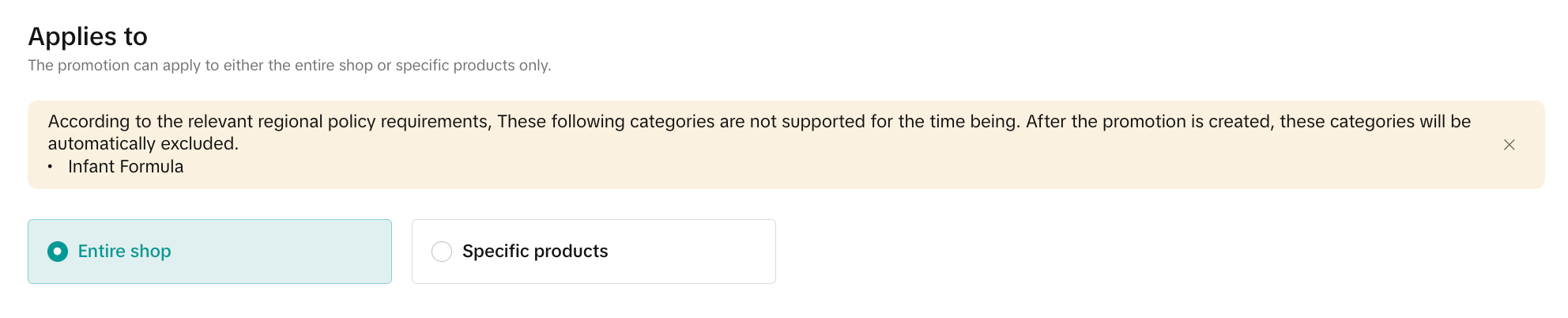
Select Products: select whether promotion will apply to the Entire Shop or Specific Products

Promotion Previews for Tokopedia & TikTok Shop customer-end displays
After Integration (Read More), sellers will be able to create and manage Product Discount promotions for products that are on both Tokopedia & TikTok Shop.This will be covered under "Promotion Platform" when the promotion covers products that are across both platforms as follows:
| When products are available on both platforms with the same promotional mechanism | 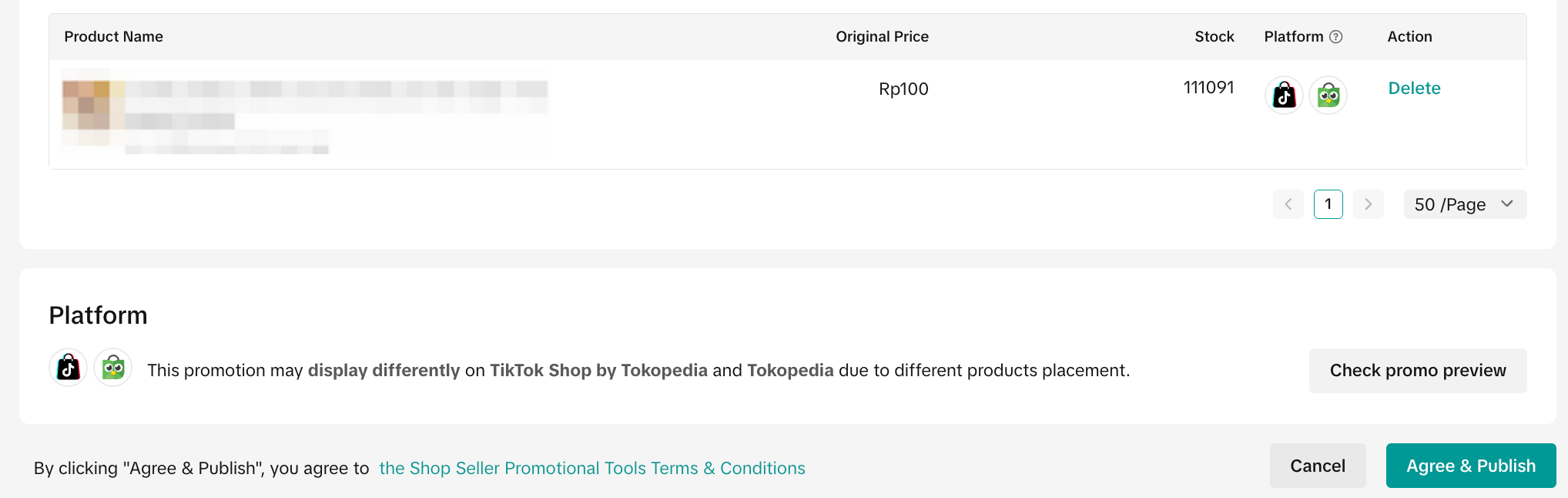 | |
| When products are available on either platform with different promotion mechanisms | 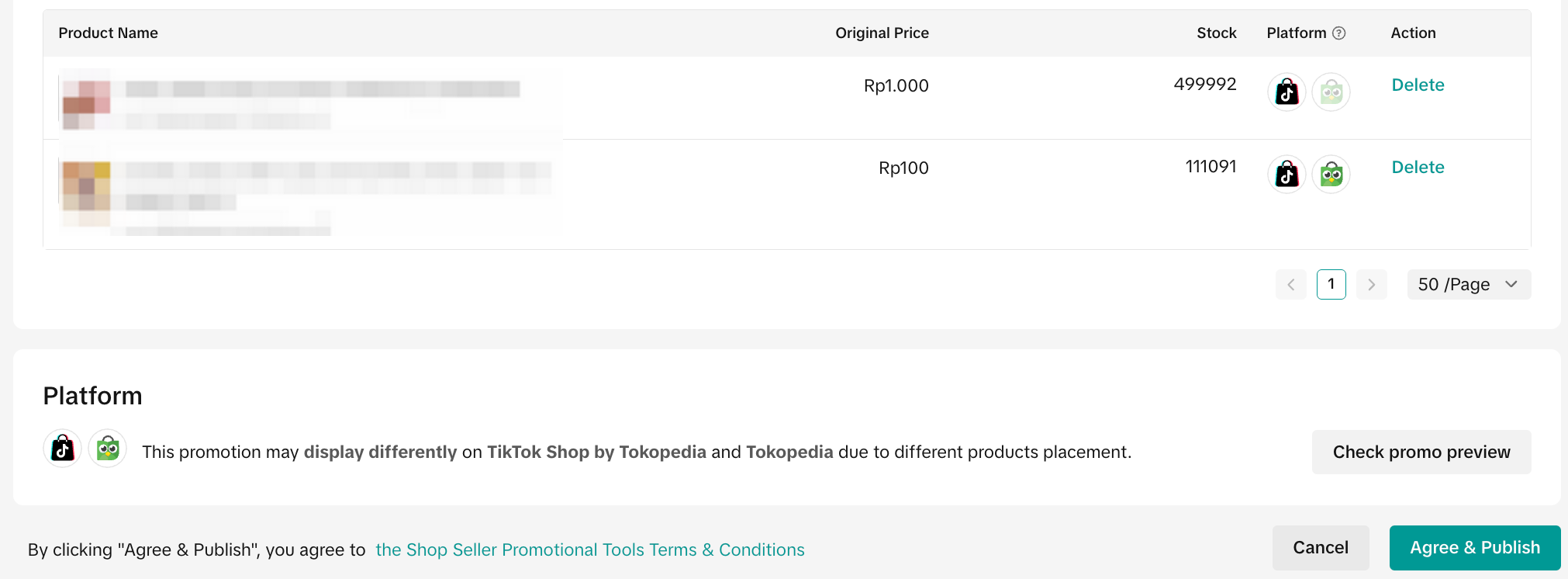 | |
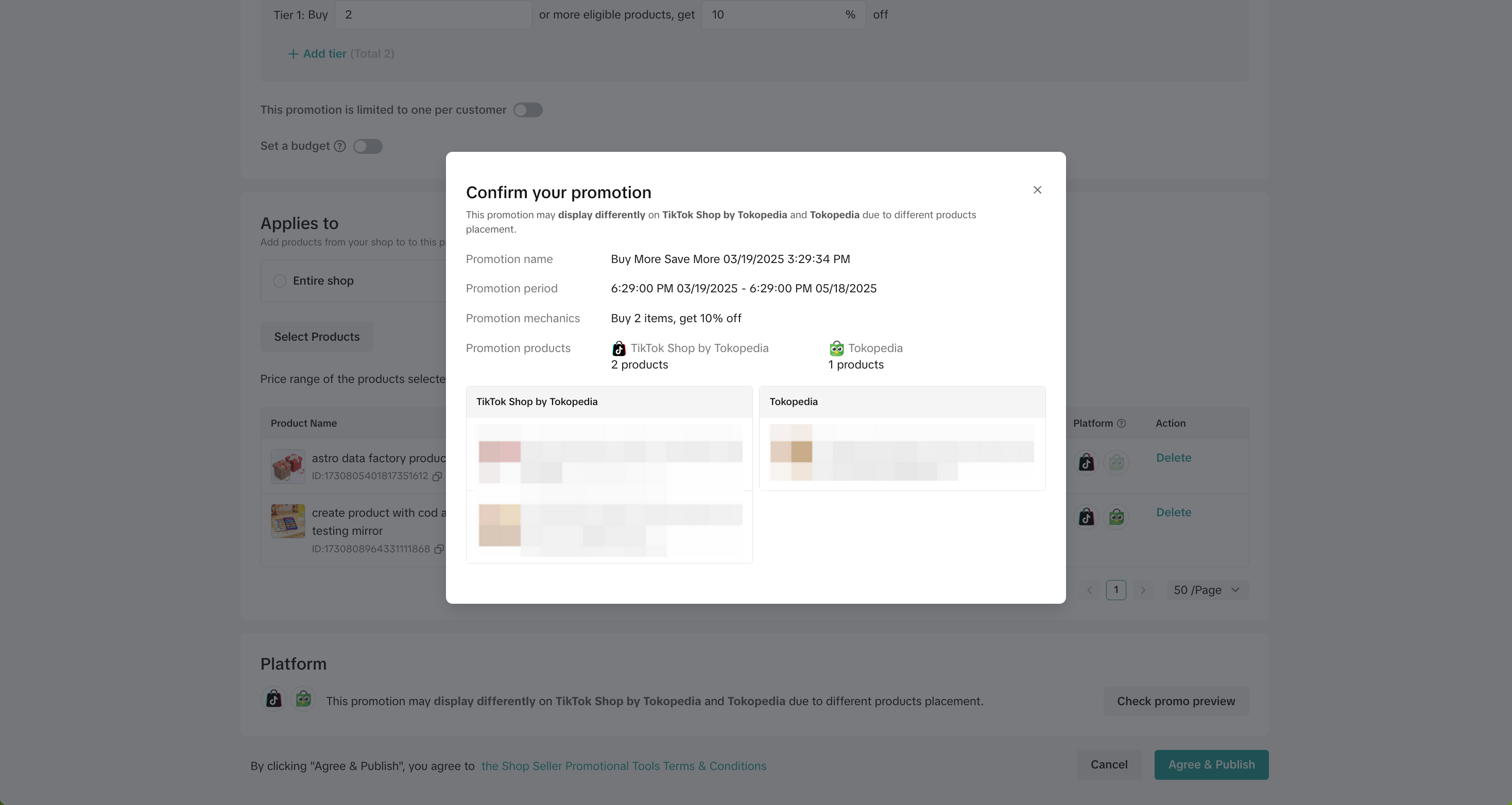 Check Promo Preview on PC | 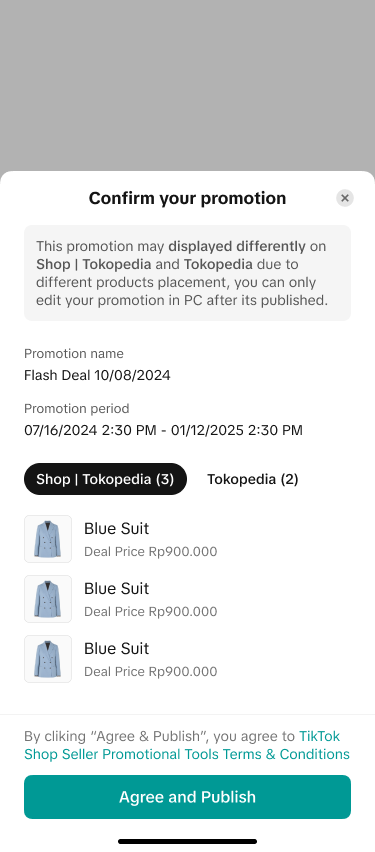 Check Promo Preview on App | |
| When products are only shown on 1 platform | 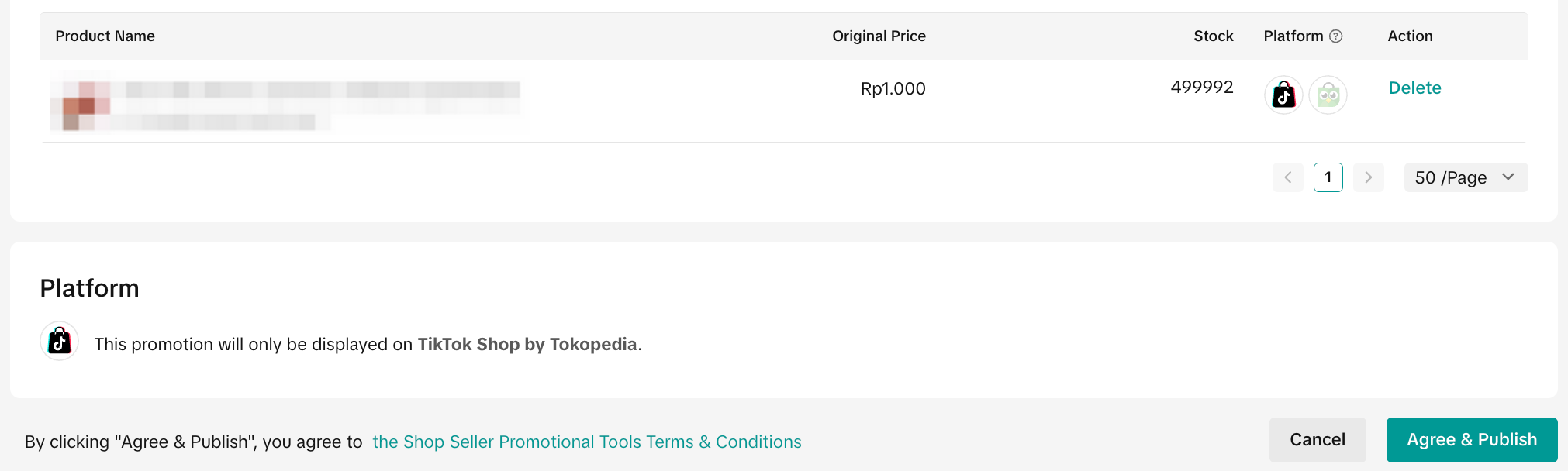 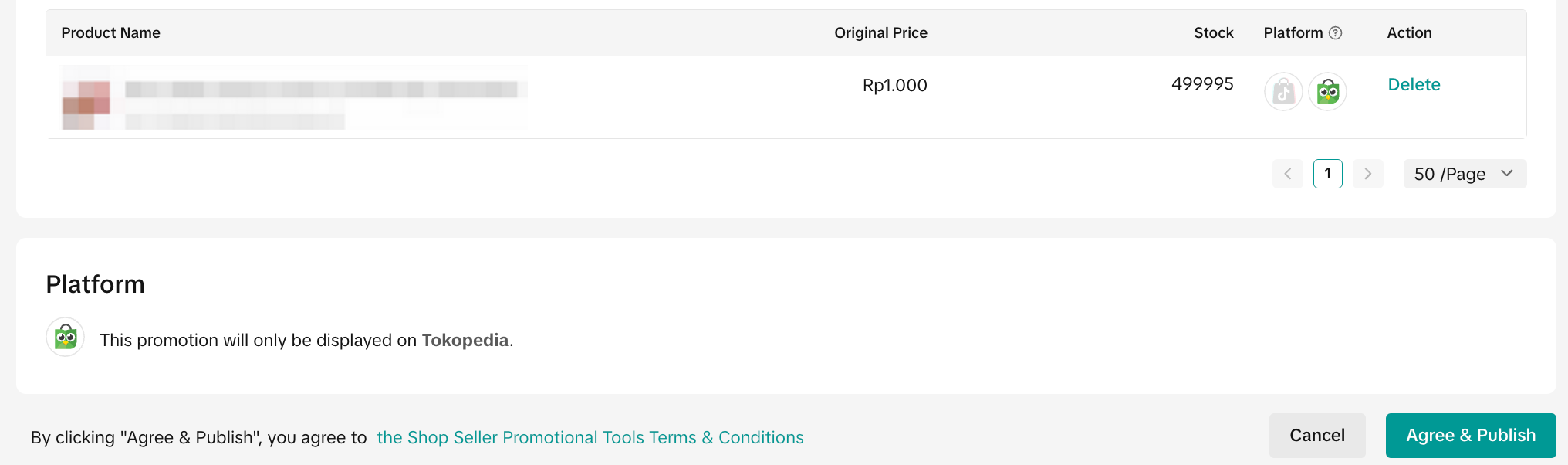 | |
Manage Shipping Fee Discount
EntranceTo manage a promotion on the Seller Center PC, visit Manage Your Promotions to review the details on ongoing, upcoming and deactivated promotions.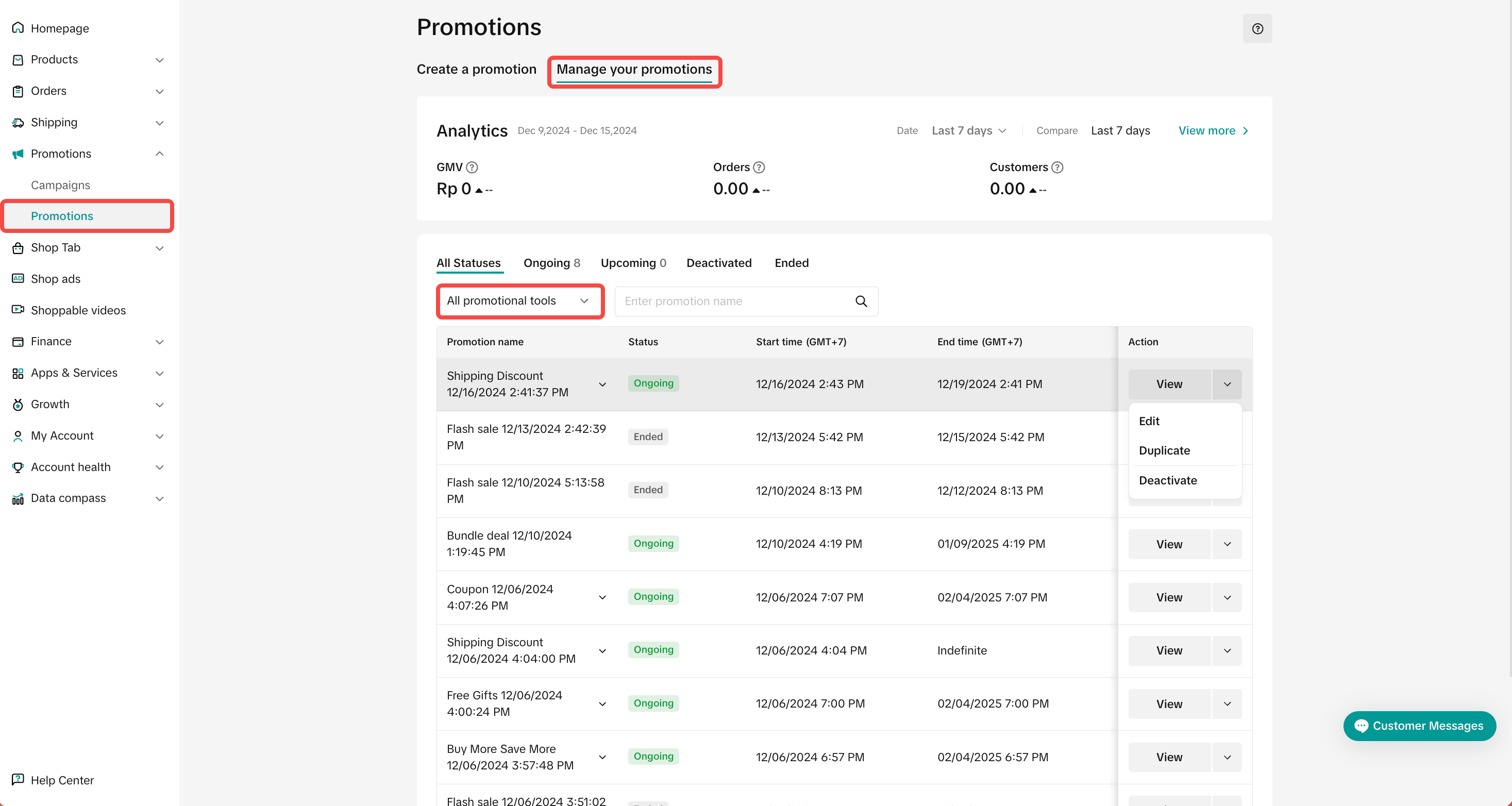
- Click edit:
- To edit upcoming promotions, sellers can change the promotion period and promotion settings.
- To edit ongoing promotions, sellers can extend the promotion period.
- Click deactivate:To end an upcoming or ongoing promotion
- Click Duplicate: To copy and paste the promotion setting to help you quikcly set up another one.
You may also be interested in
- 1 lesson
Tokopedia PLUS
Tokopedia PLUS, now with More and Better benefits!
- 1 lesson
Promotion
Leverage promotions to attract more customers and boost sales!
- 7 lessons
Promotional Tools
Utilize vouchers, discounts, and bundling features to encourage purchases and attract buyers.

Bundle Deal
This article teaches you how to use Seller Bundle Deal to increase the Average Order Value in your s…
Bundle Deal Terms and Conditions
As a special limited time promotion, we, sellers of certain products on TikTok Shop, are offering yo…
Promotional Tools - Shipping Fee Discount Eligibility
What are shipping fee discounts? You may choose to offer a shipping discount on orders by bearing al…
Gift with Purchase
This article teaches you how to use Gift with Purchase to increase your average order value and conv…

Seller LIVE Interactive Voucher
This article teaches you how to use LIVE Interactive Vouchers to increase your average order value a…

First order discount
If it is the customers first order, the discount coupon is only available for new user/customer who…

Seller Regular Voucher
This article teaches you how to use Seller Regular Vouchers to increase your average order value and…