

Product Media Center
03/14/2024
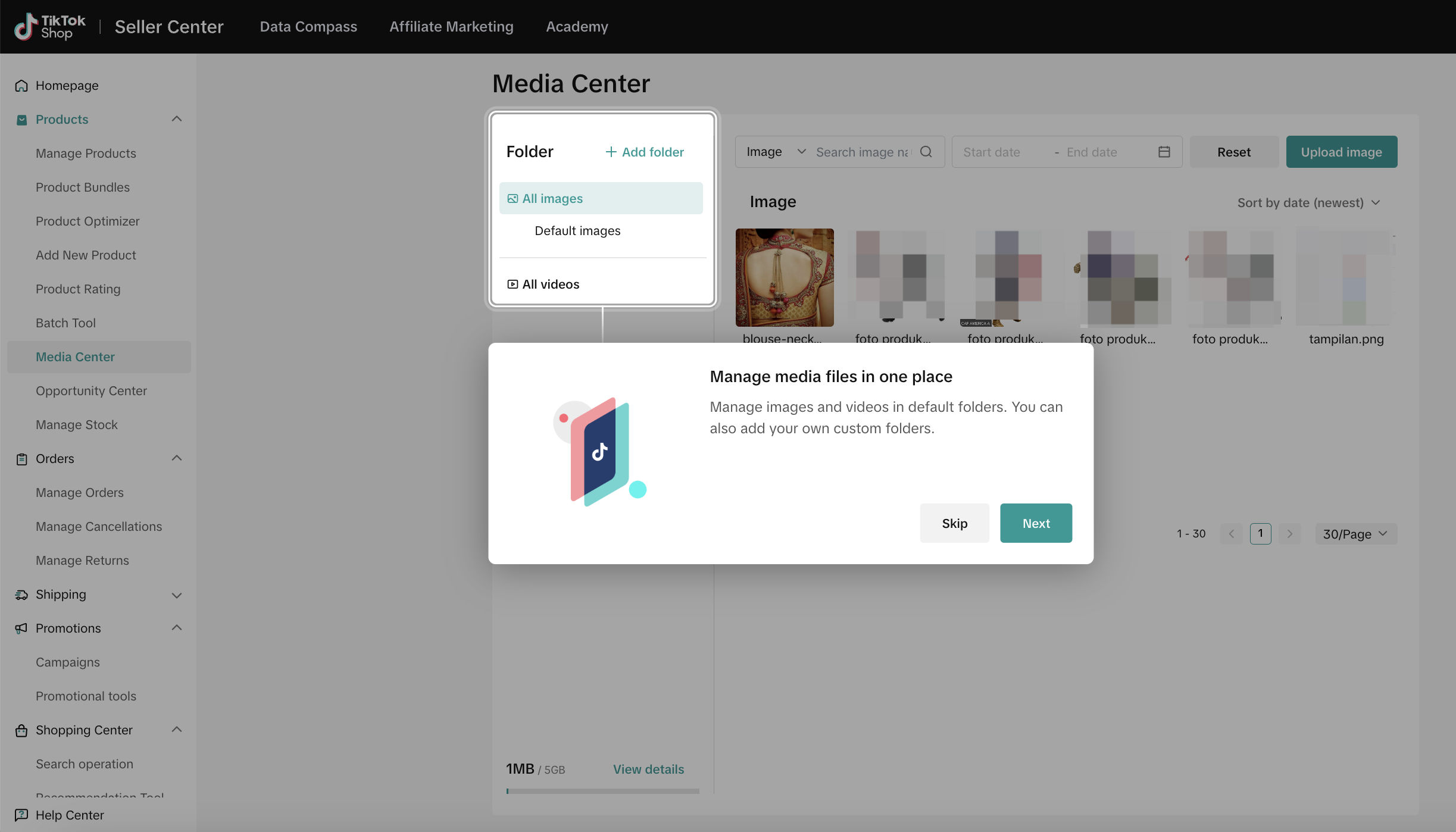
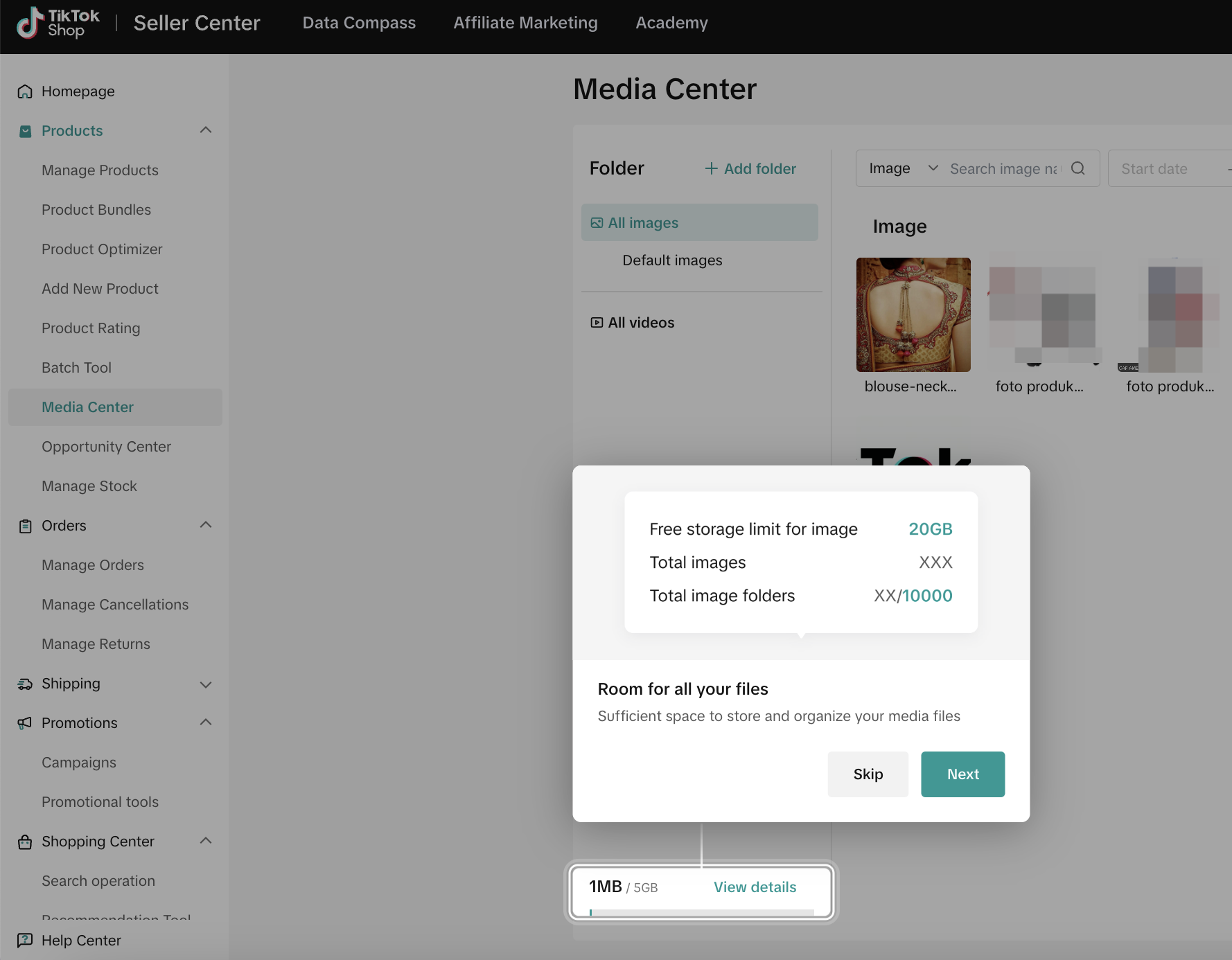
Entrance: Products - Media Center

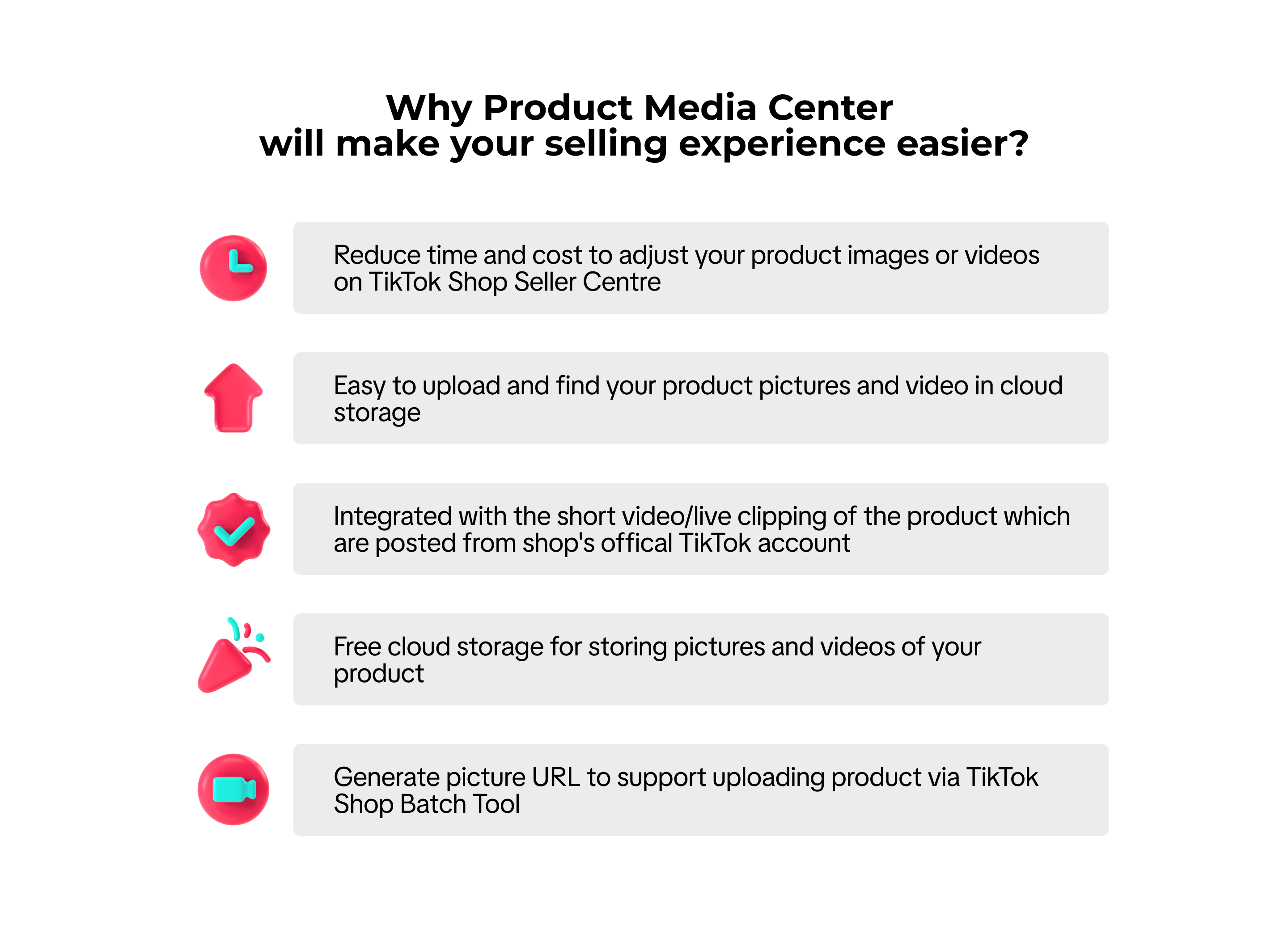
Benefits of Product Media Center

How to Use Product Media Center
Upload through Media Center Menu
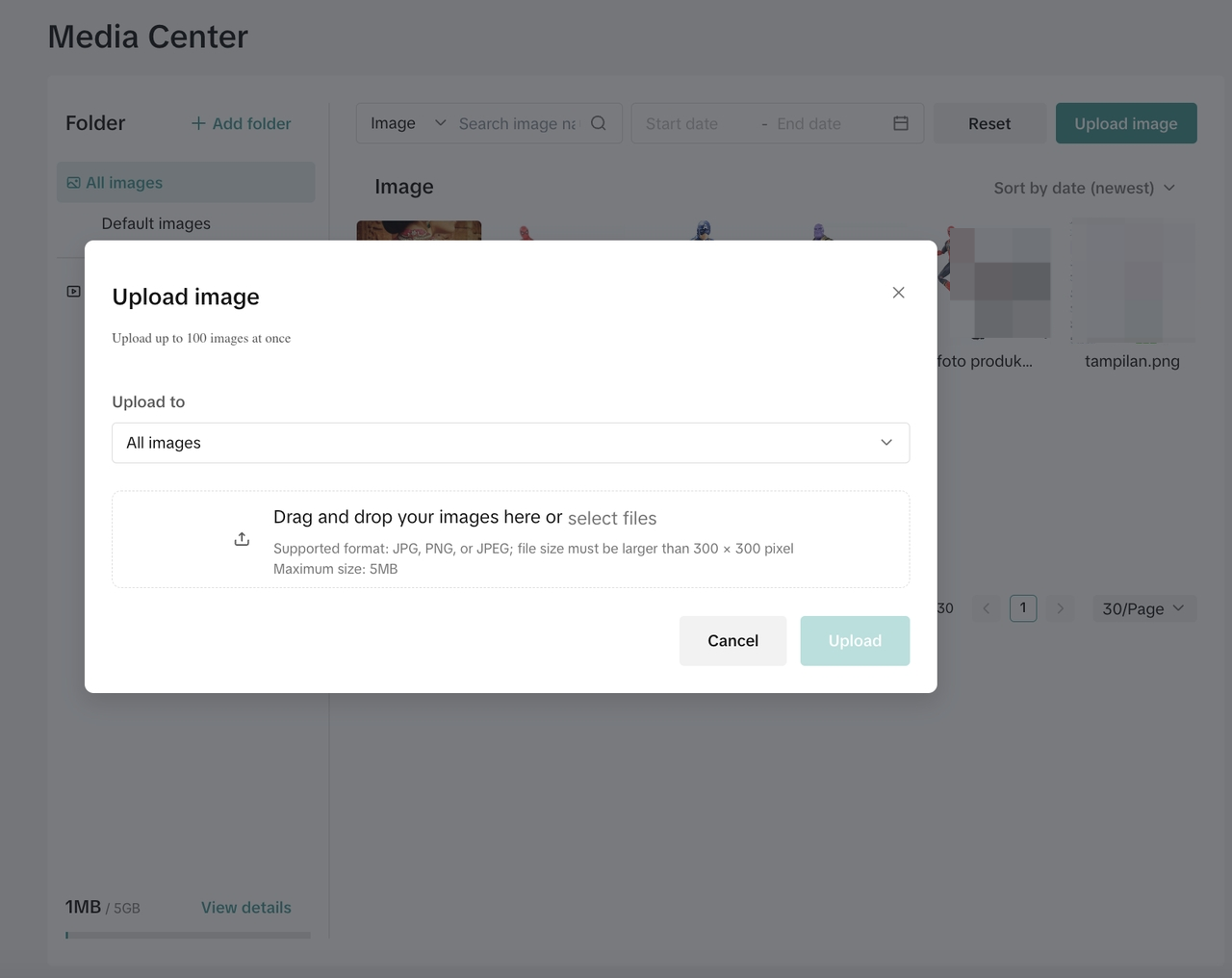
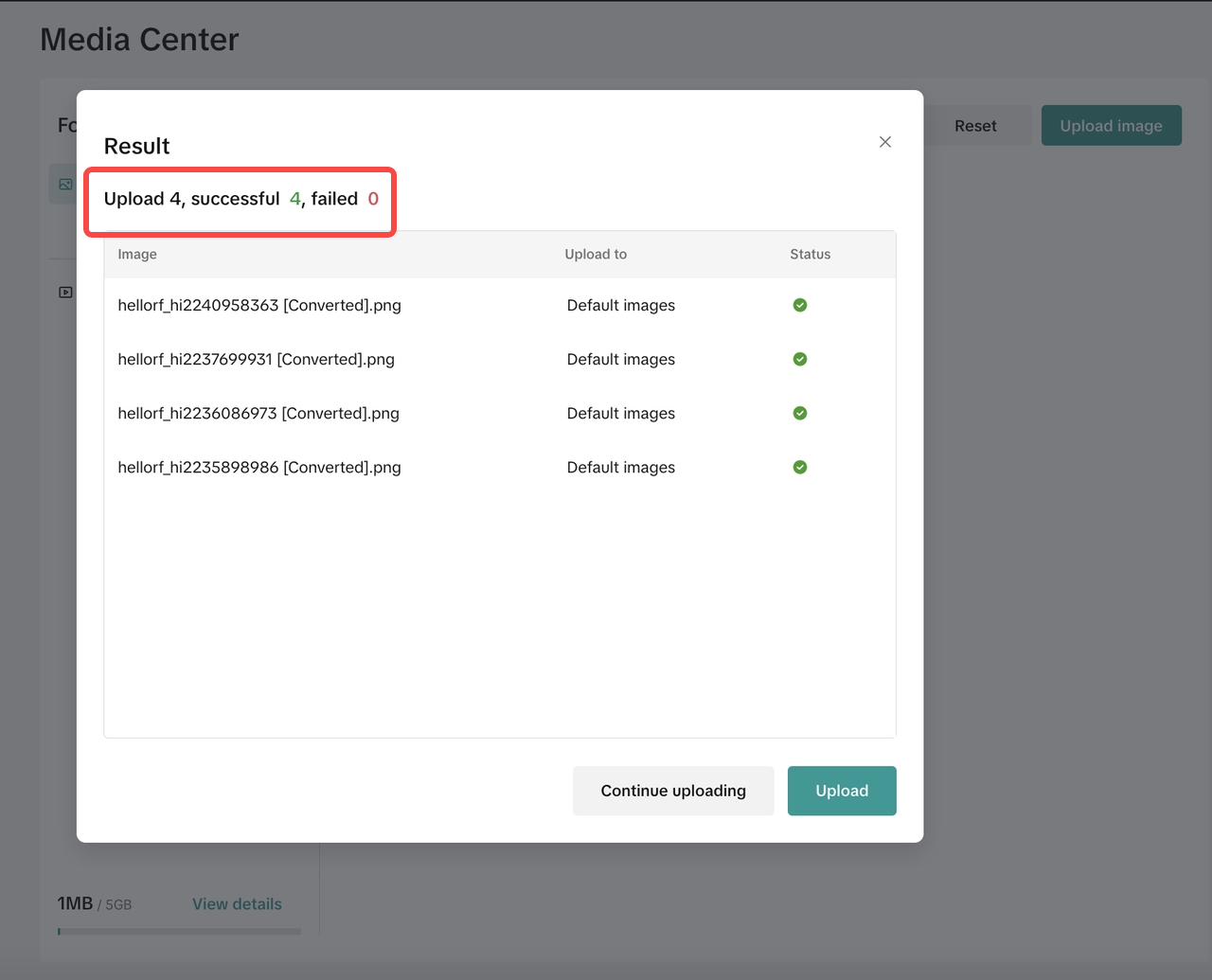
Select the target folder. The system provides an image storage folder and a video storage folder by default. Merchants can add and name new folders.- Image uploading: select the image and click "OK " to upload it. It supports JPG, PNG, or JPEG formats, with a maximum size of 5MB. The image size should be bigger than 300×300.
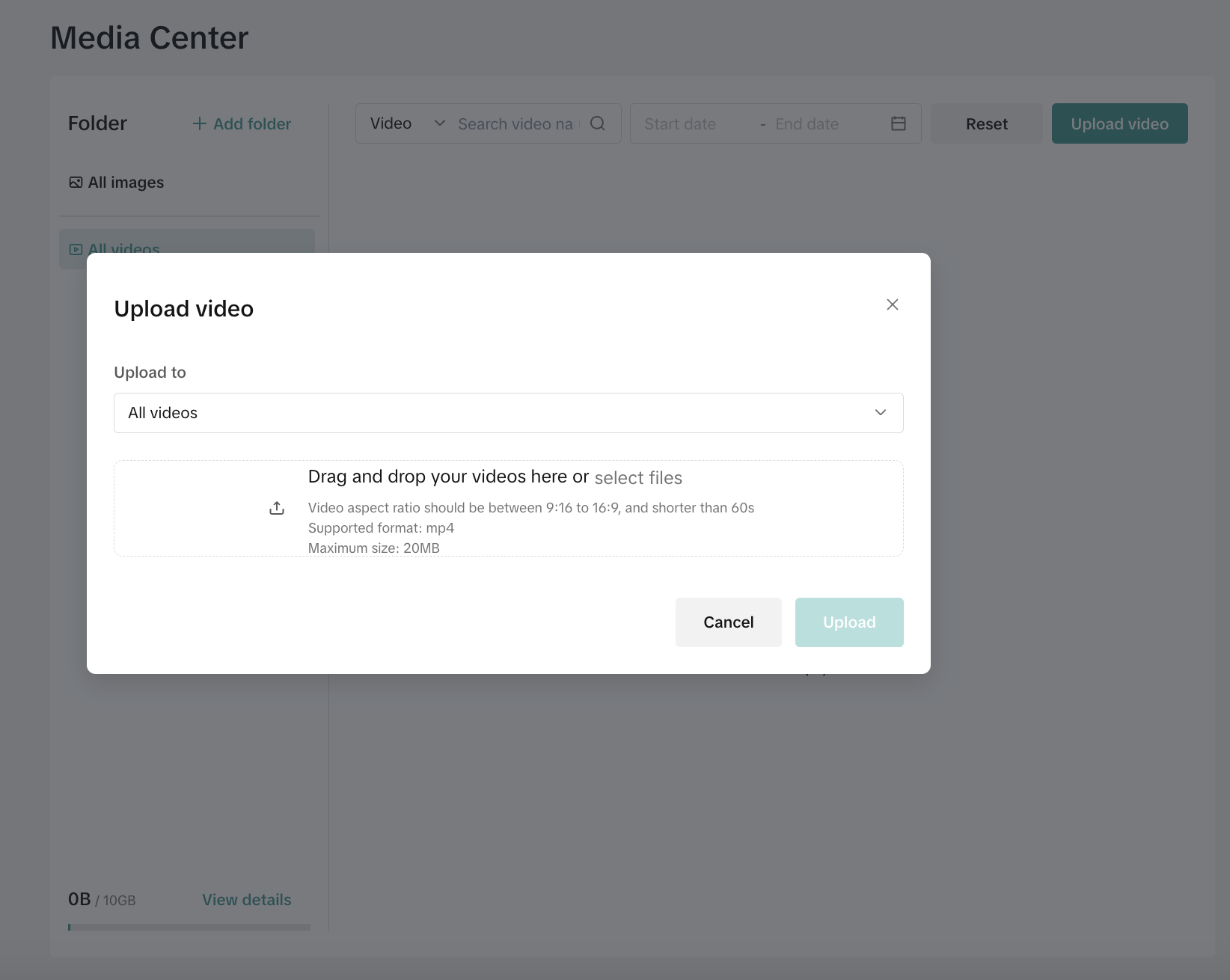
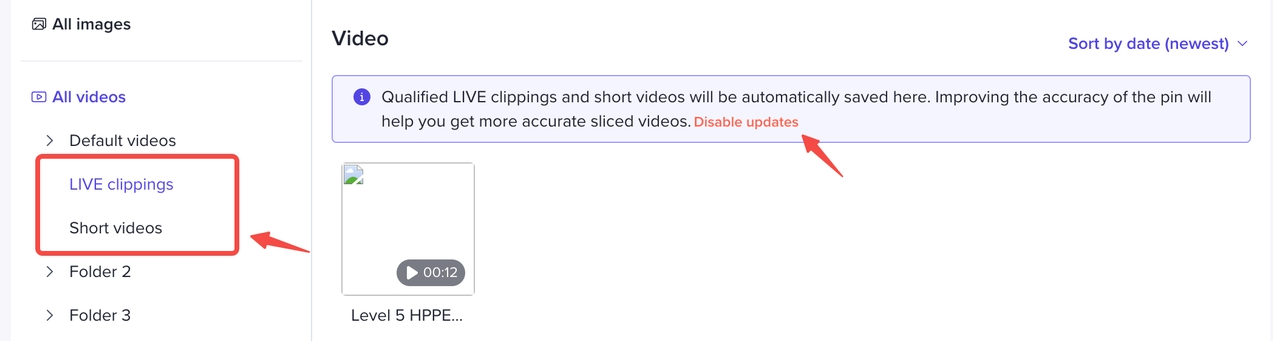
- Video upload: select a video and click the "Upload" button to upload it. Merchants can upload one video at a time. Merchants can edit the video name, and the system automatically sets the home page as the video's cover image.It supports MP4 format, with a maximum of 20MB. The video aspect ratio needs to be between 9:16 and 16:9 and the video needs to be shorter than 60s.
Upload through Manage Products
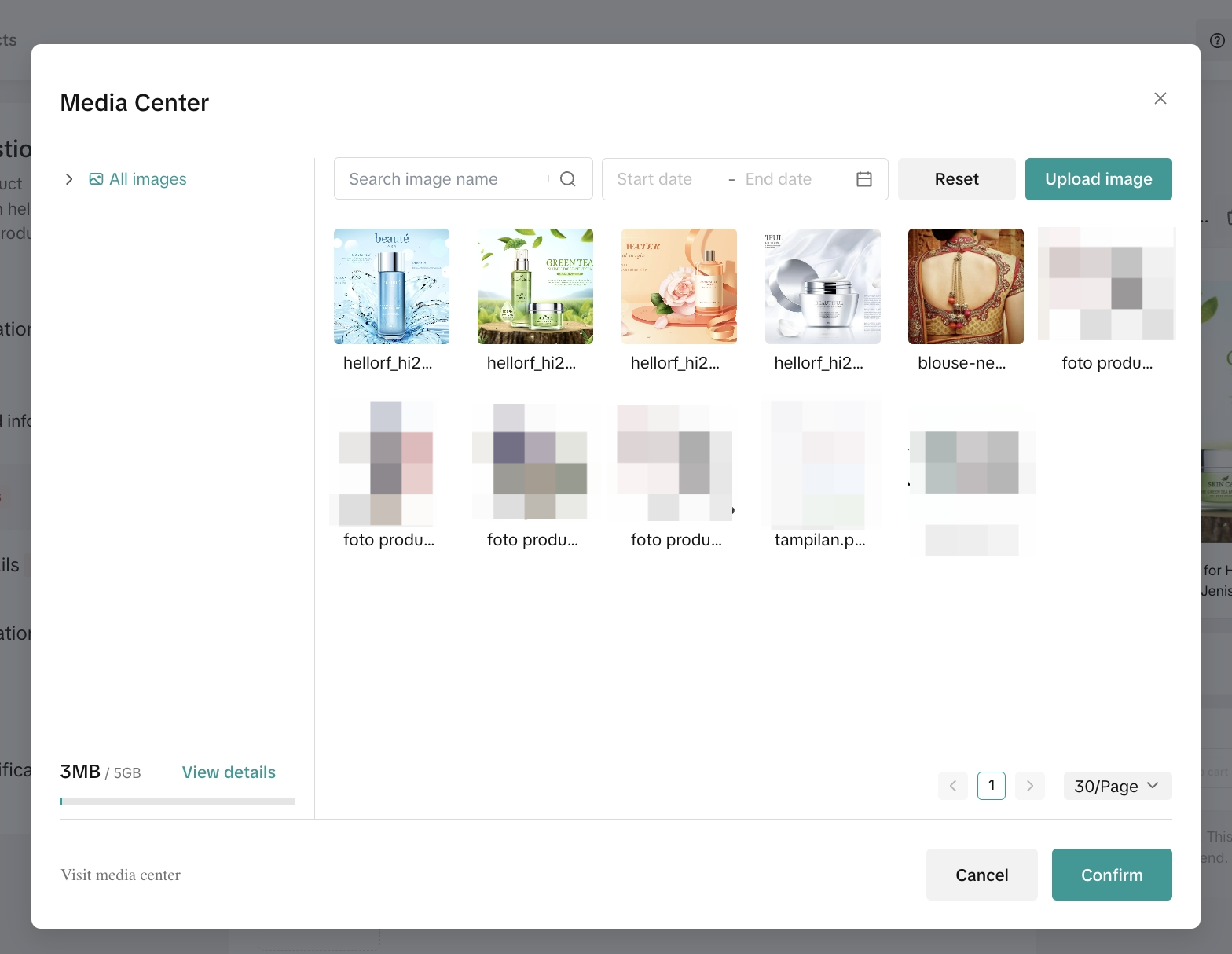
When listing products, select "Media Center", select the images/videos to be used in the Media Center, and click "OK" to upload them.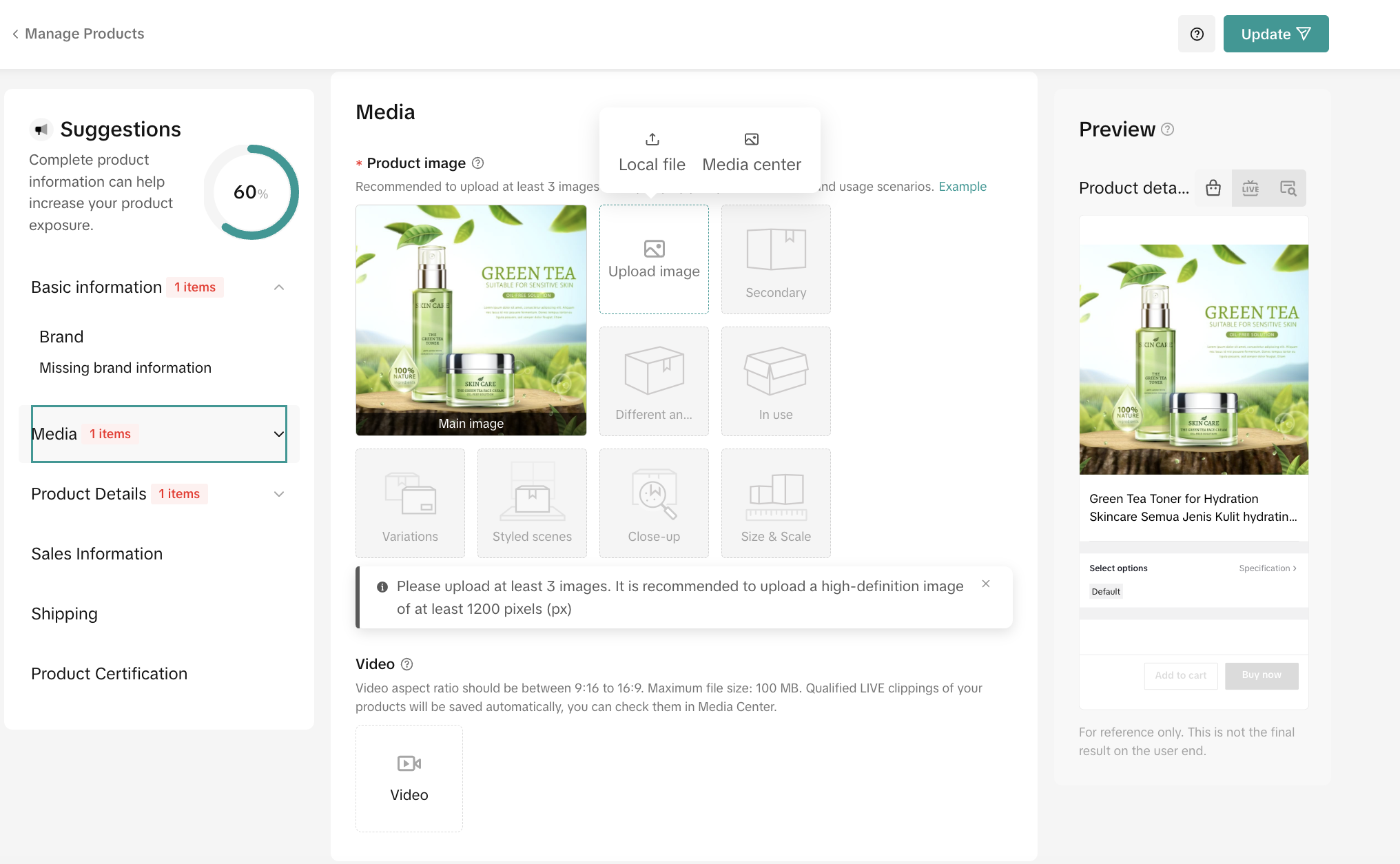
Upload in Batches
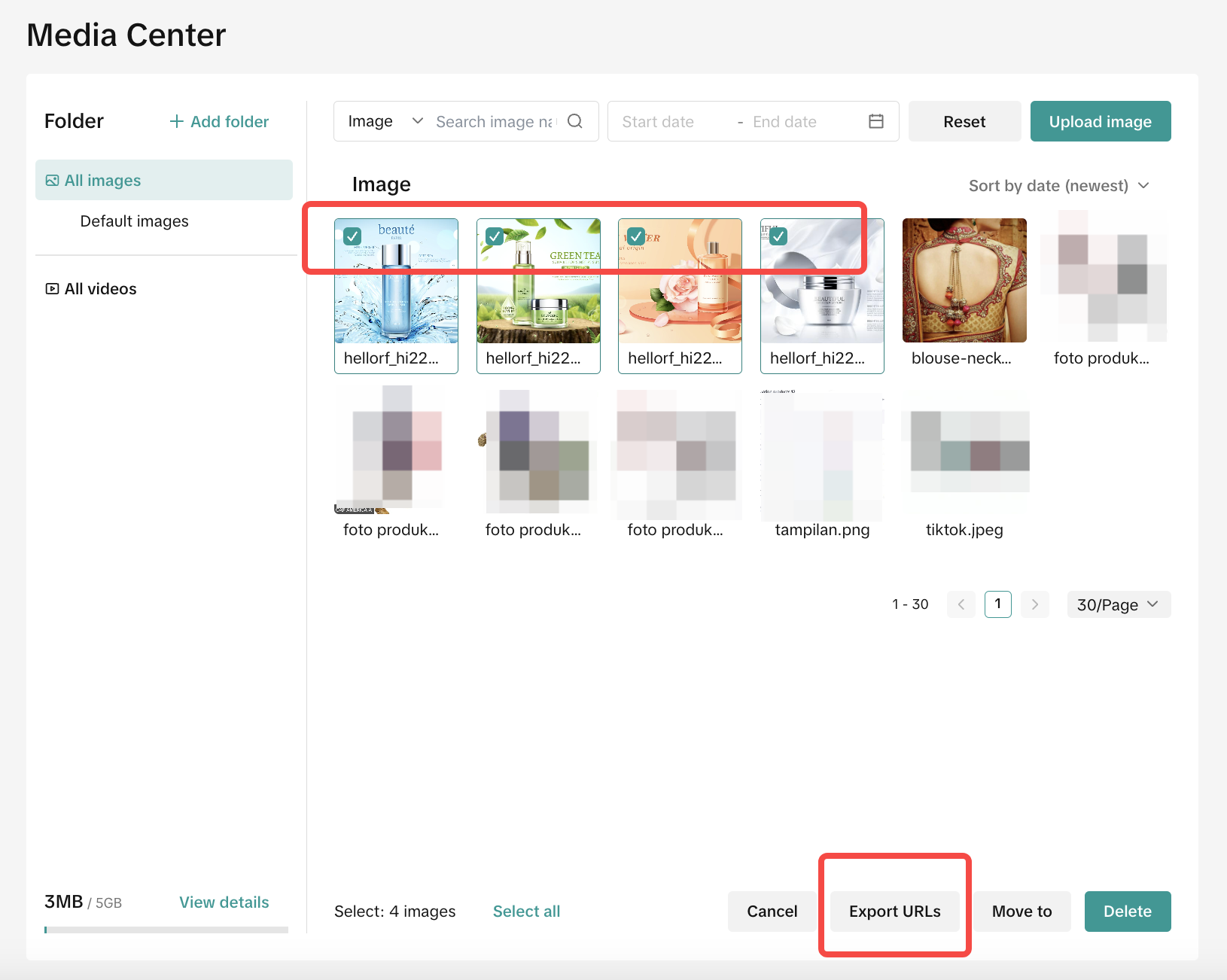
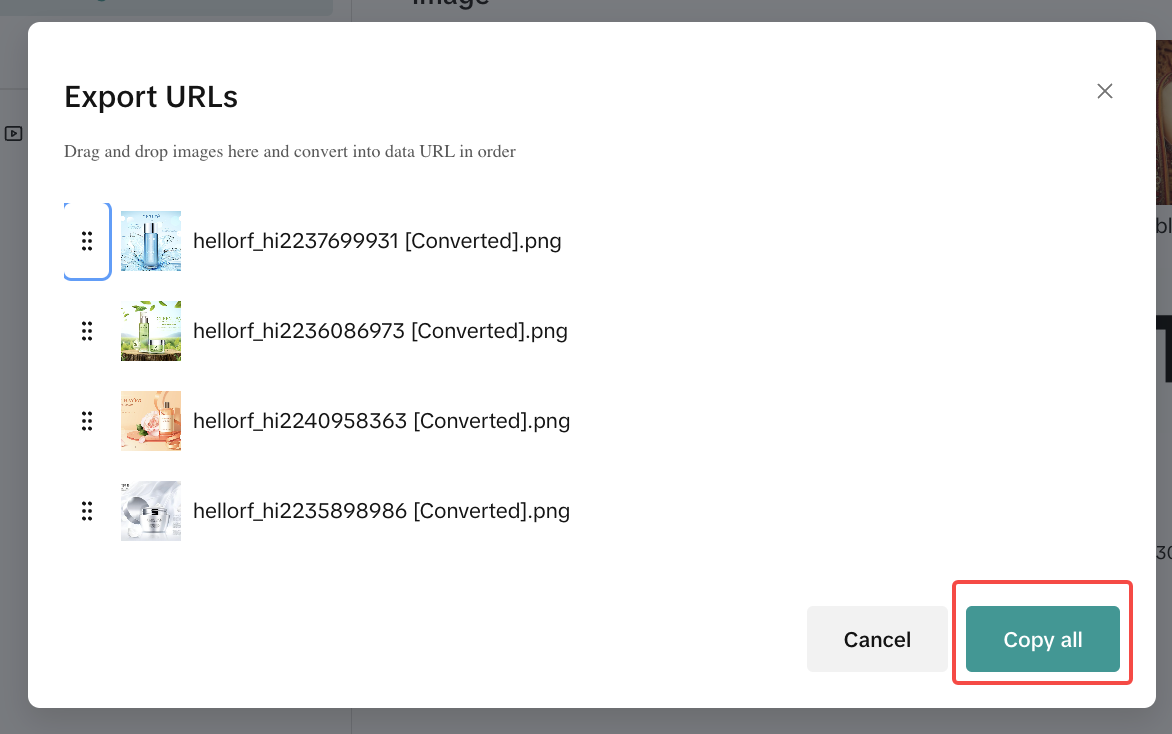
- Copy the generated image URL, select multiple images, and click "Export URLs" at the bottom of the page to get the URLs.
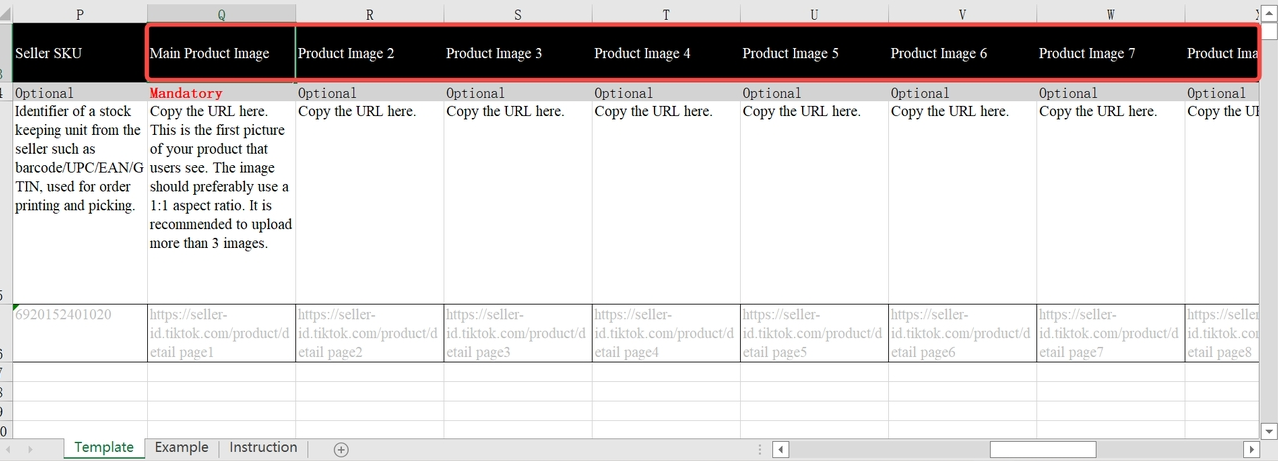
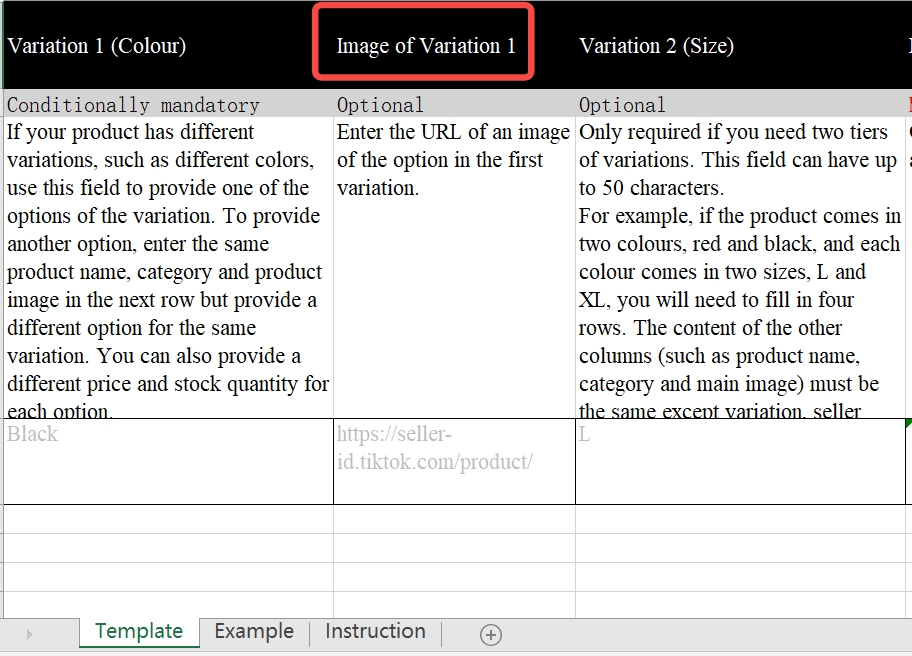
- Fill the URL in the columns of the Main product image/size chart/qualification/SKU images and other necessary columns.

FAQ
- Will there be any charge for using the Product Media Center?
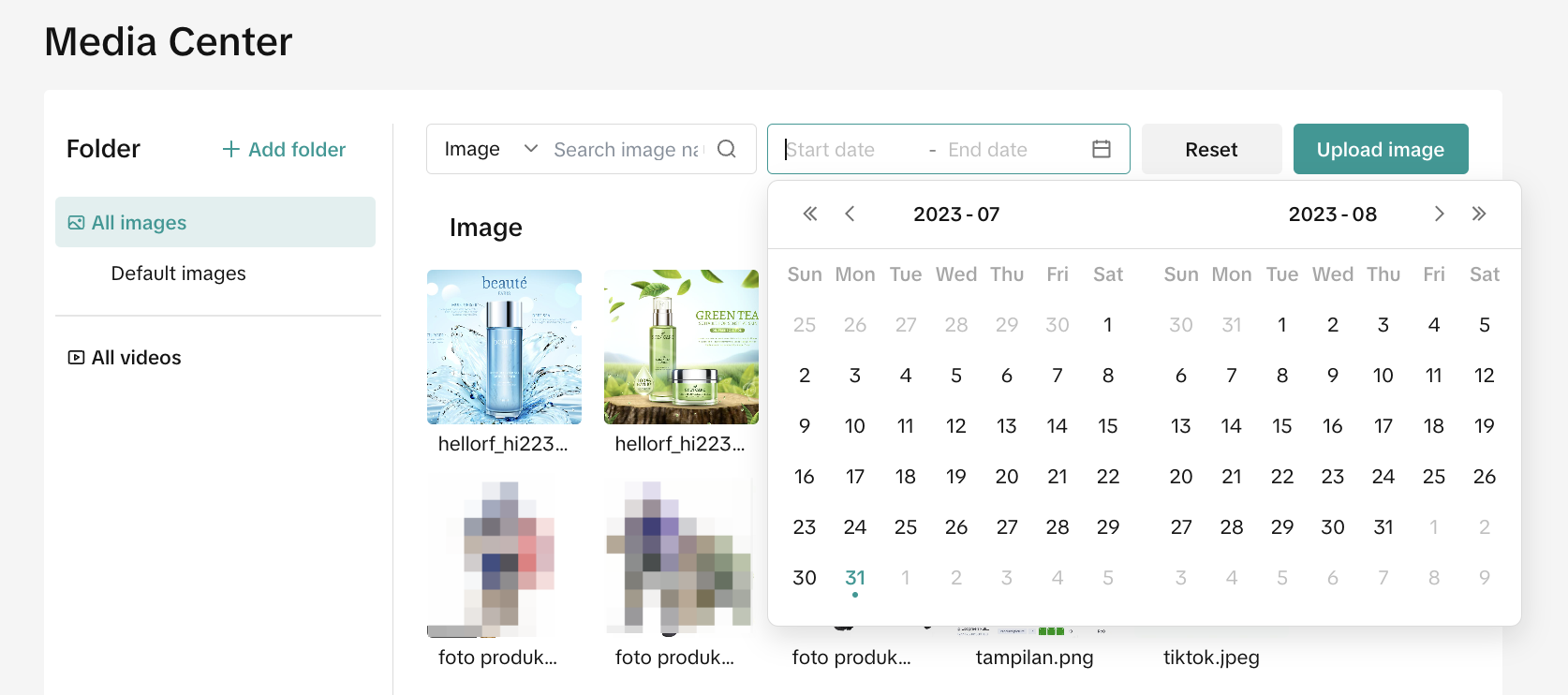
- How to find an image/video quickly?
- What are the specifications for uploading images and videos?
Sellers can also upload videos in MP4 format, with a maximum of 20MB. The video aspect ratio needs to be between 9:16 and 16:9 and the video needs to be shorter than 60s.
You may also be interested in
- 1 lesson
Product Listing
Create compelling and informative product listings to attract more buyers!
- 4 lessons
Listing Product
A practical guide to uploading products effectively covering naming, categorization, visuals, and de…
- 2 lessons
Finding the perfect product list
Discover how to choose the right products that align with current trends and buyer demands on TikTok…
What are Restricted Products?
This policy applies to products listed on TikTok Shop by Tokopedia. For products listed on Tokopedia…
Branded Products Listing Guidelines
What are Branded Products? Branded products are products bearing a brand. The brand and its features…
Product Categorisation
This policy applies to products listed on TikTok Shop by Tokopedia. For products listed on Tokopedia…

Why can't my products be purchased on the TikTok Shop platfo…
Ensure that the product is live with sufficient stock quantity enabled for buyers to purchase. Alt…

How can I edit my products?
Go to Seller Center > Products > Manage Products > Edit Once you have made the necessary changes, s…

How can I optimise my product name?
Be as accurate and concise as possible, while highlighting the main selling point. Here is a sugges…

Can I upload a product video?
It is optional to upload a video to showcase your product. If you choose to do so, kindly ensure th…