

Seller Center Directory After Upgrade
06/24/2025
For Tokopedia Sellers who have bound their account with TikTok Shop by Tokopedia and integrate their shops in both platforms will be able to manage their two shops in one Tokopedia & Shop Seller Center, while operations on the Tokopedia Seller dashboard will automatically be redirected to Tokopedia & Shop Seller Center with upgraded functions.
After sellers confirm the integration and the process has finished, sellers will still be able to operate their shop from Tokopedia Seller Dashboard but with limited experience and access, because most of the functions will automatically be merged and upgraded to Tokopedia & Shop Seller Center for better selling experience.
Sellers need to check the details of things that need to be reviewed and confirmed before submitting the integration. Check the detail HERE.

Click each link provided below to learn more about the feature guides of each function on Tokopedia & Shop Seller Center.
After sellers confirm the integration and the process has finished, sellers will still be able to operate their shop from Tokopedia Seller Dashboard but with limited experience and access, because most of the functions will automatically be merged and upgraded to Tokopedia & Shop Seller Center for better selling experience.
Sellers need to check the details of things that need to be reviewed and confirmed before submitting the integration. Check the detail HERE.
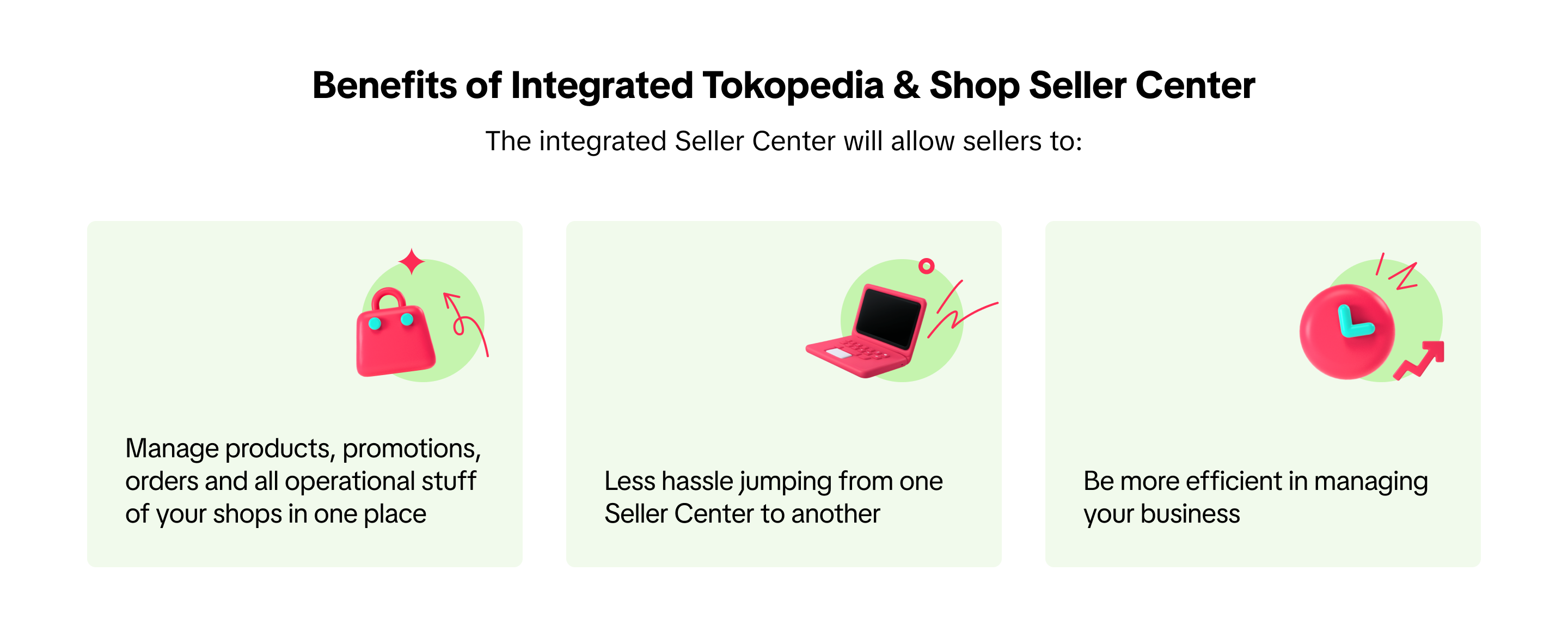
Benefits of Integrated Tokopedia & Shop Seller Center
Directory of the Integrated Tokopedia & Shop Seller Center
Find the details of the new Integrated Tokopedia & Shop Seller Center and how it accommodates the functions transferred from the old Tokopedia Seller Dashboard.Click each link provided below to learn more about the feature guides of each function on Tokopedia & Shop Seller Center.
Module | Old Tokopedia Seller Dashboard | New Integrated Tokopedia & Shop Seller Center |
| Chat | Chat 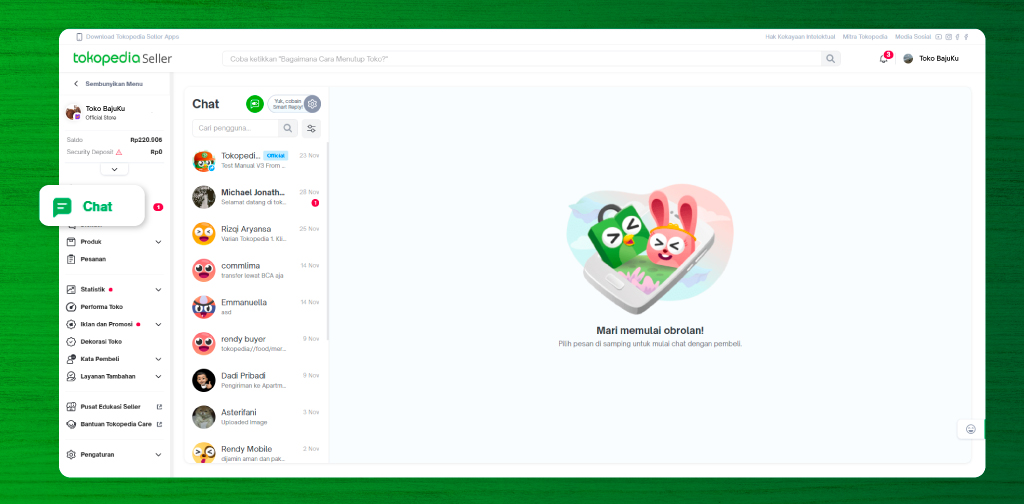
| Buyer Messages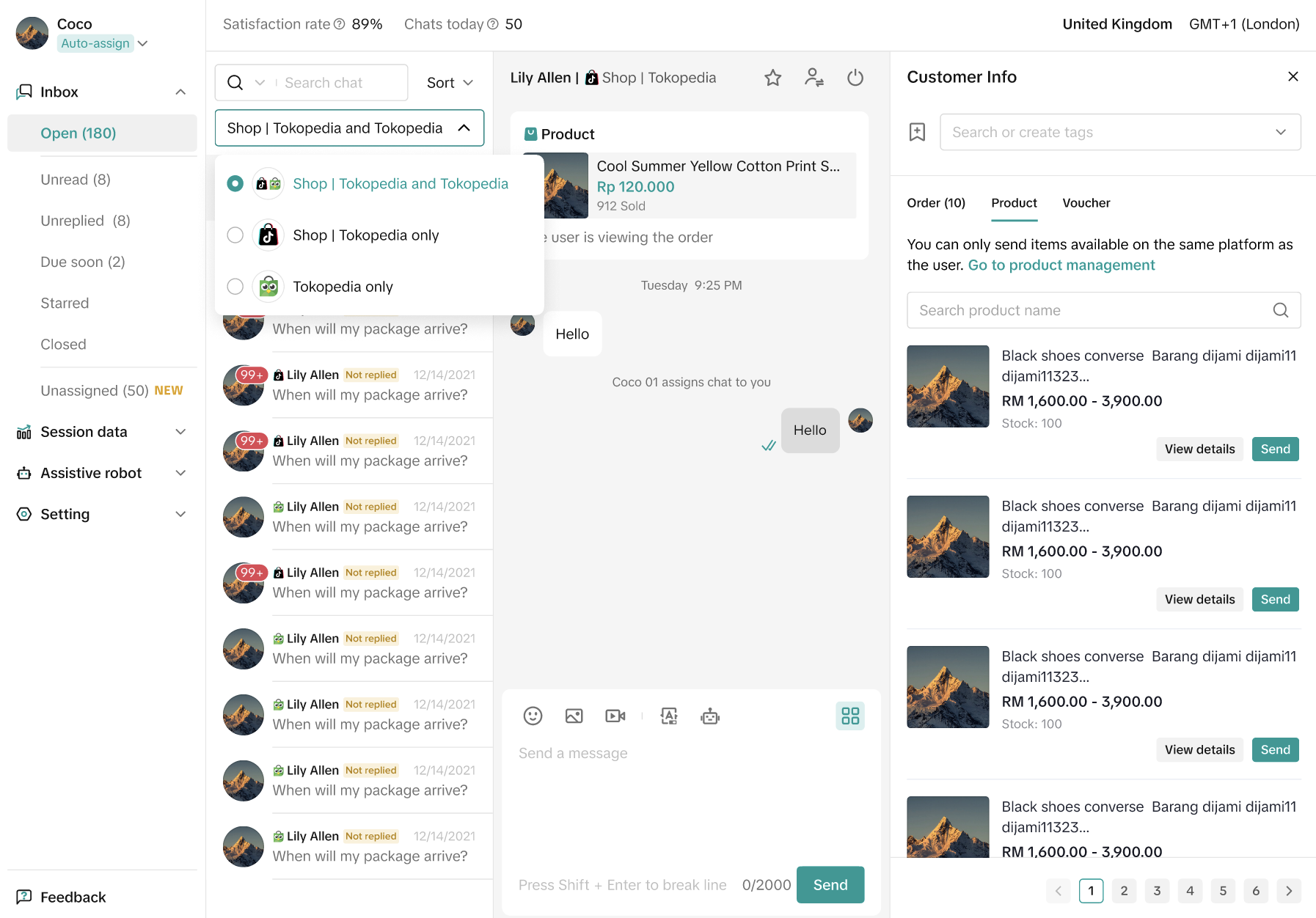 |
Broadcast Chat 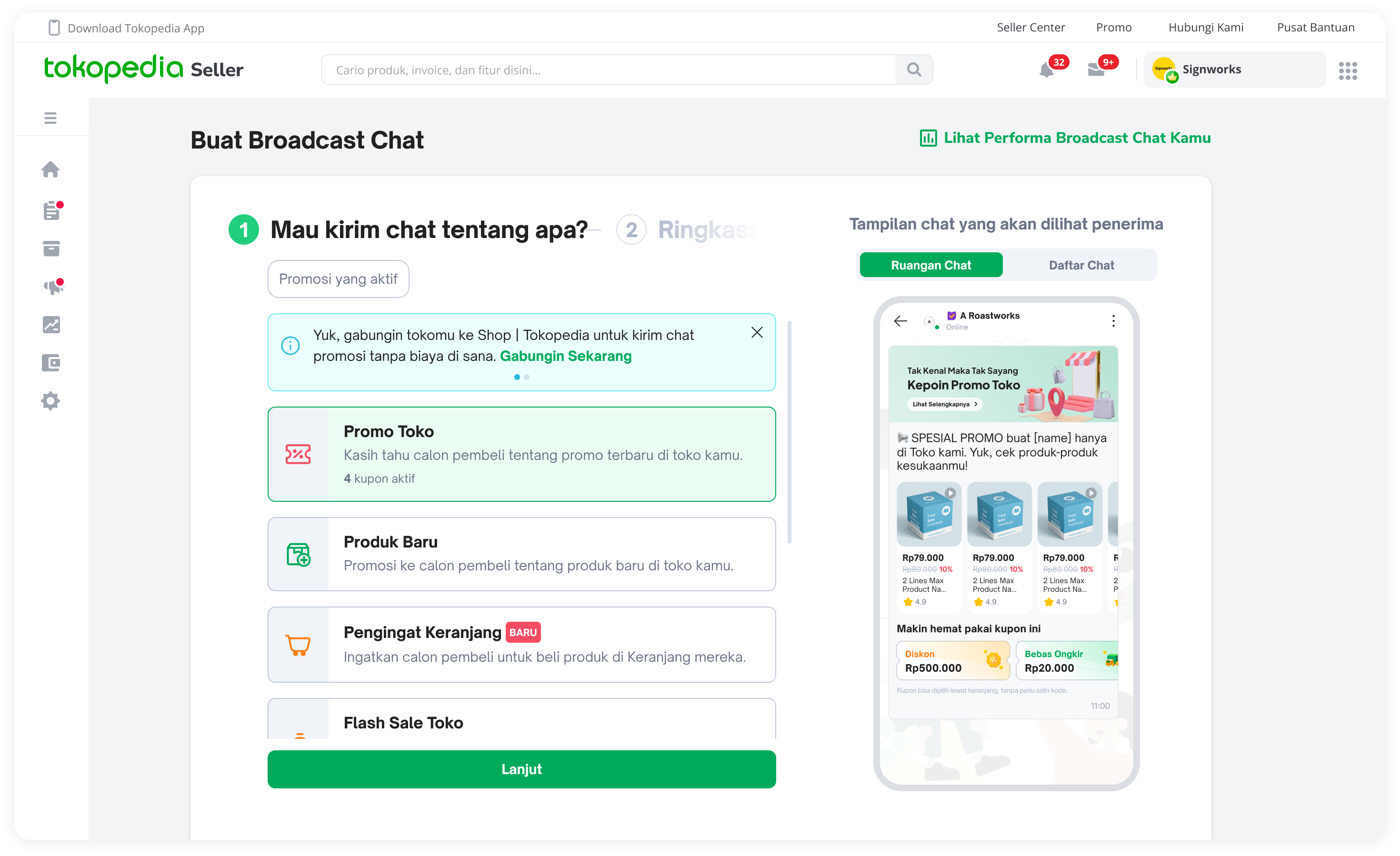
| Customers (CRM)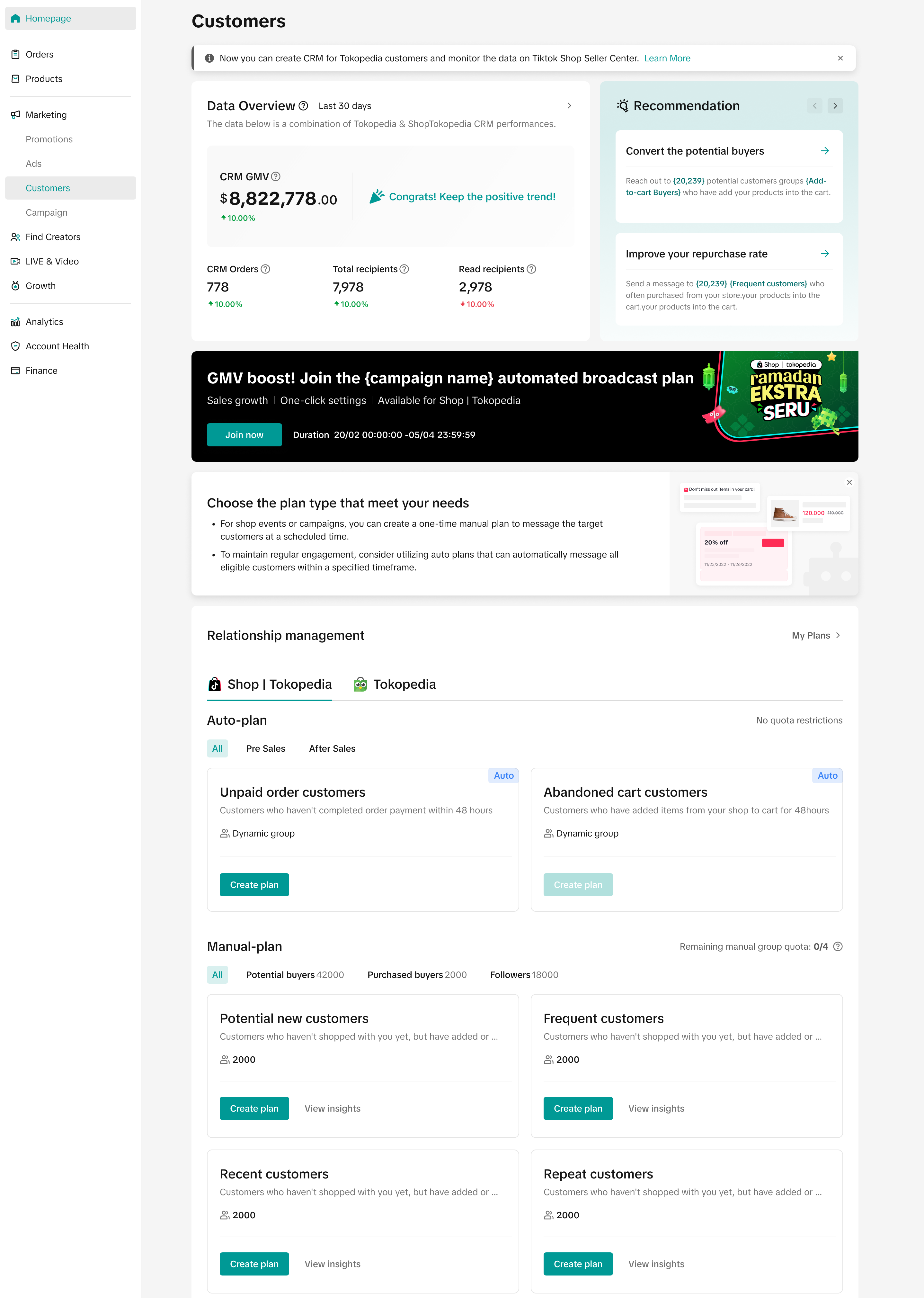 | |
Diskusi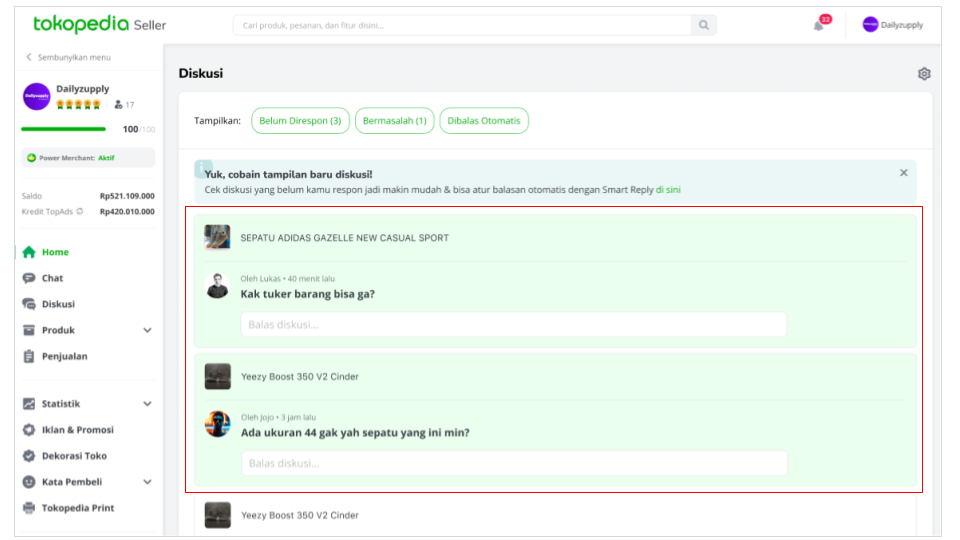
| Not Available | |
| Product | Tambah Produk 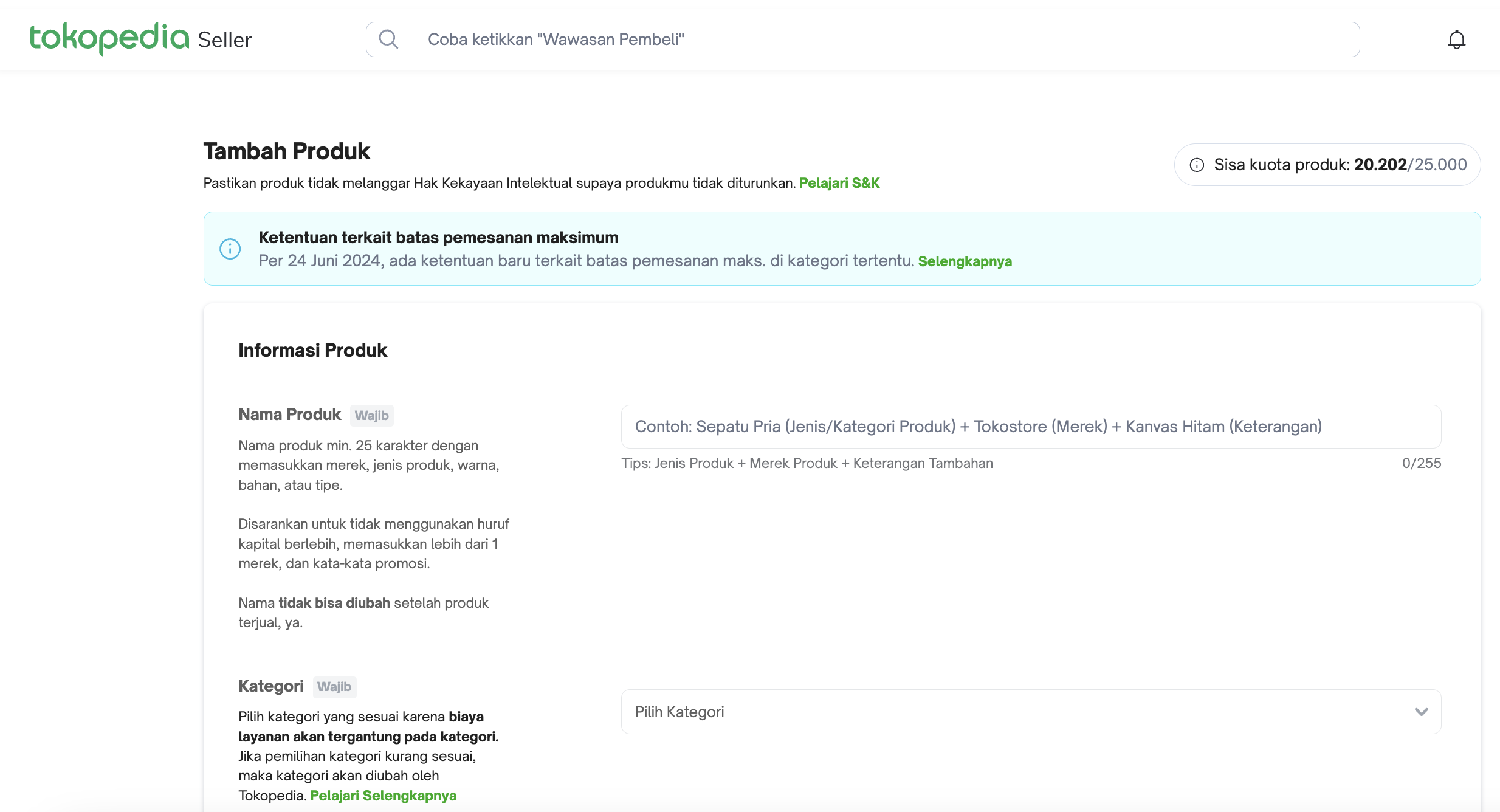
| Manage Products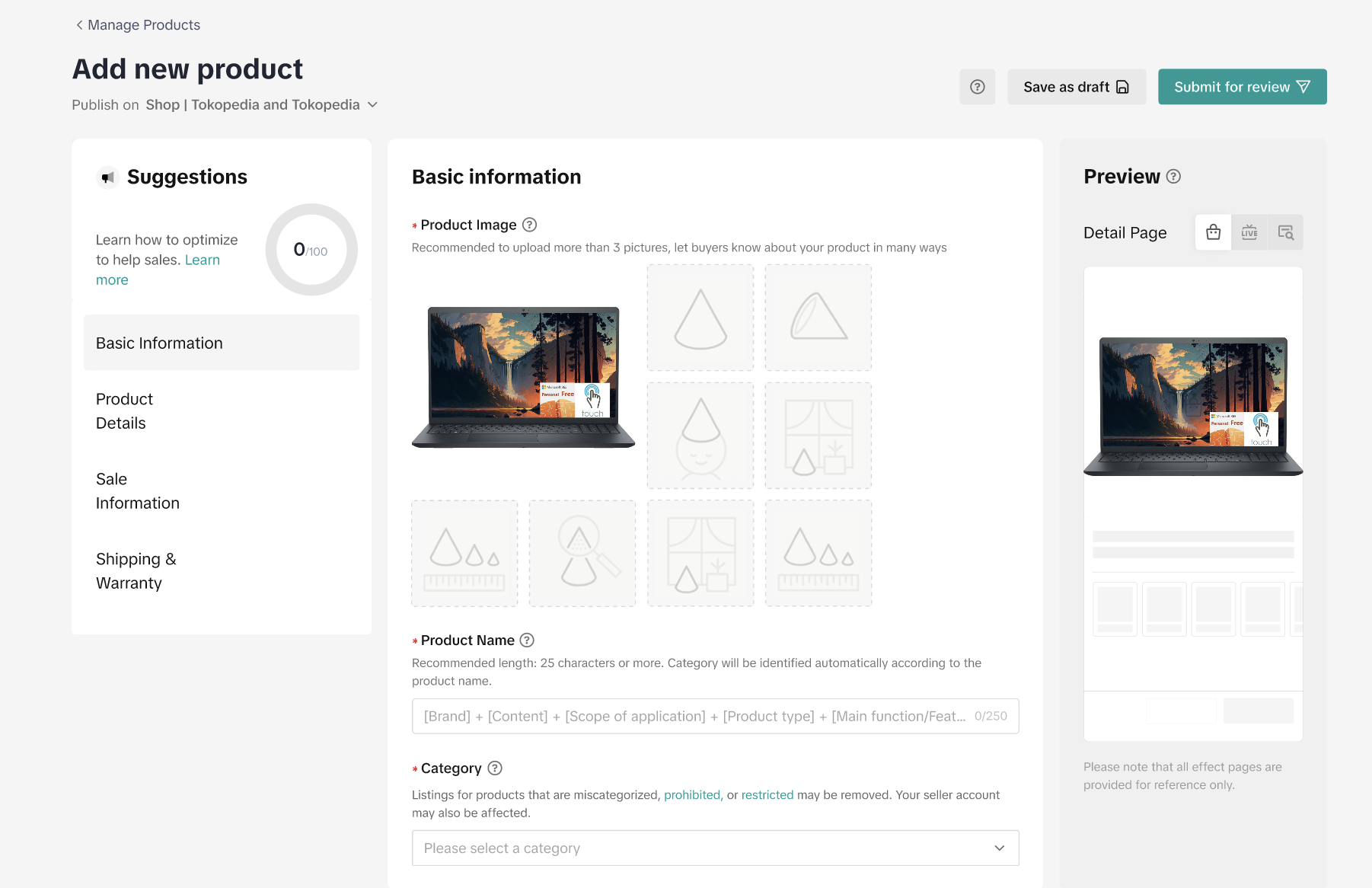 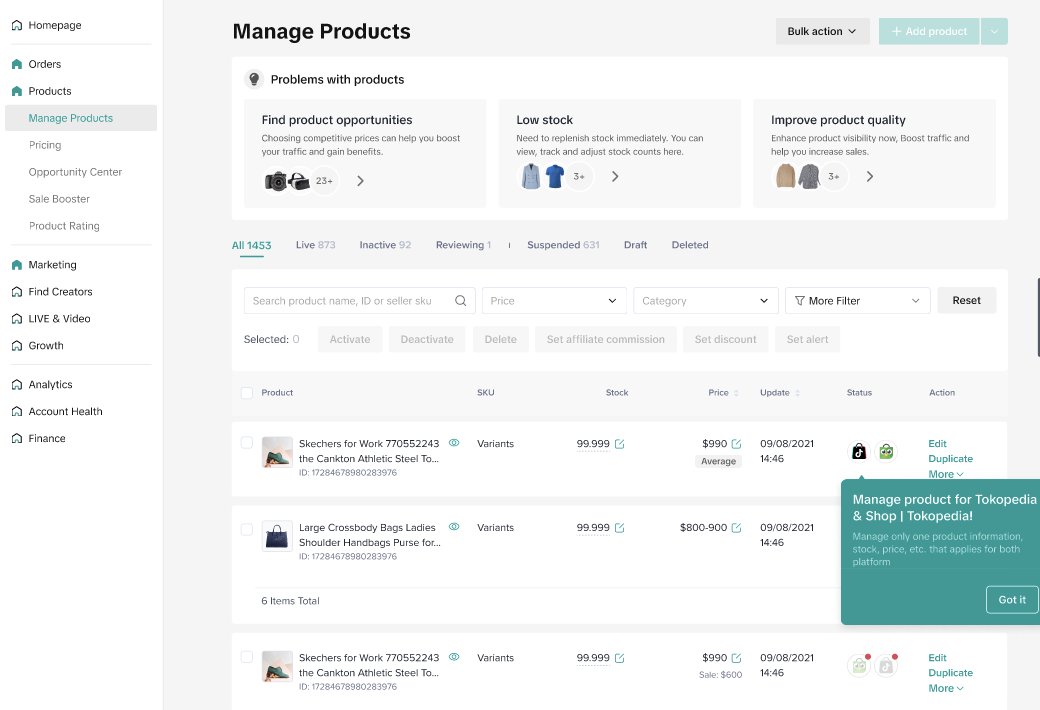 |
Daftar Produk 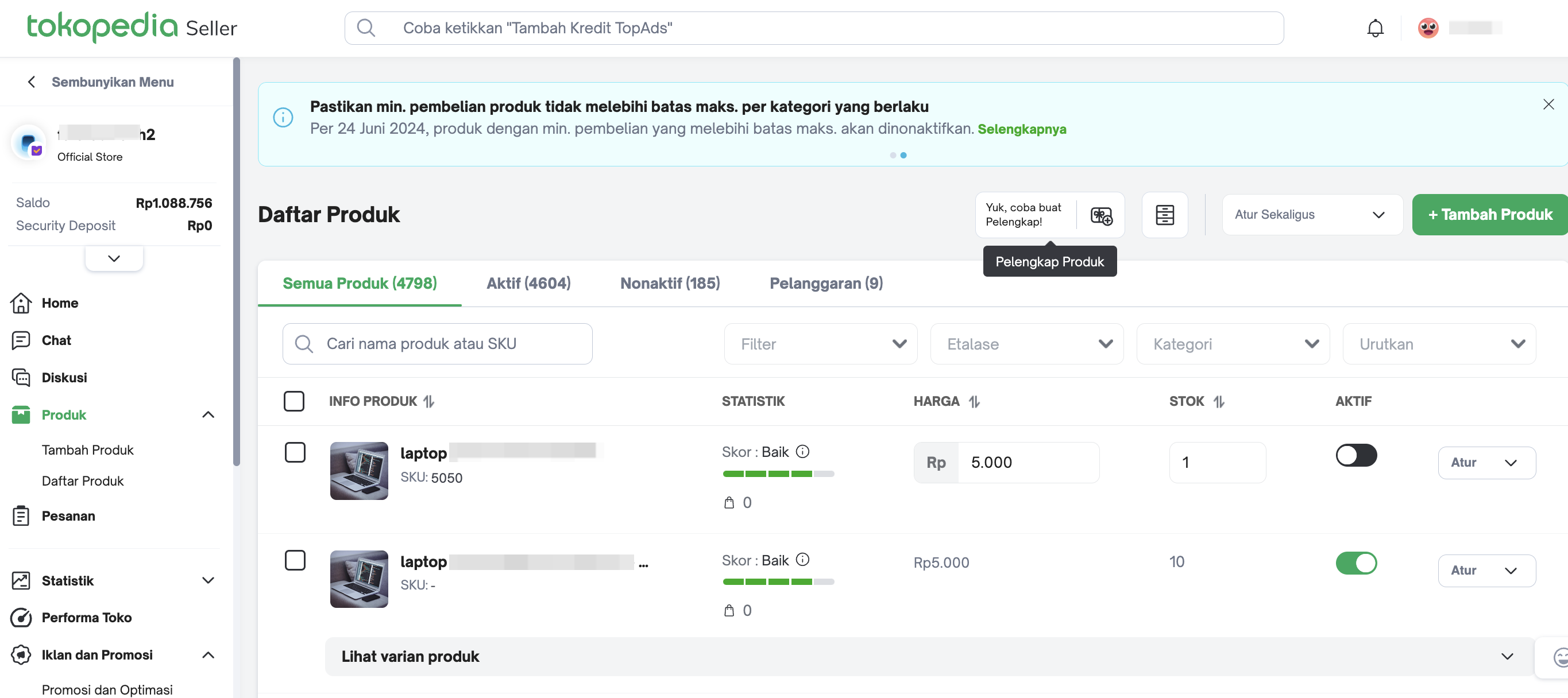
| ||
| Orders | Pesanan 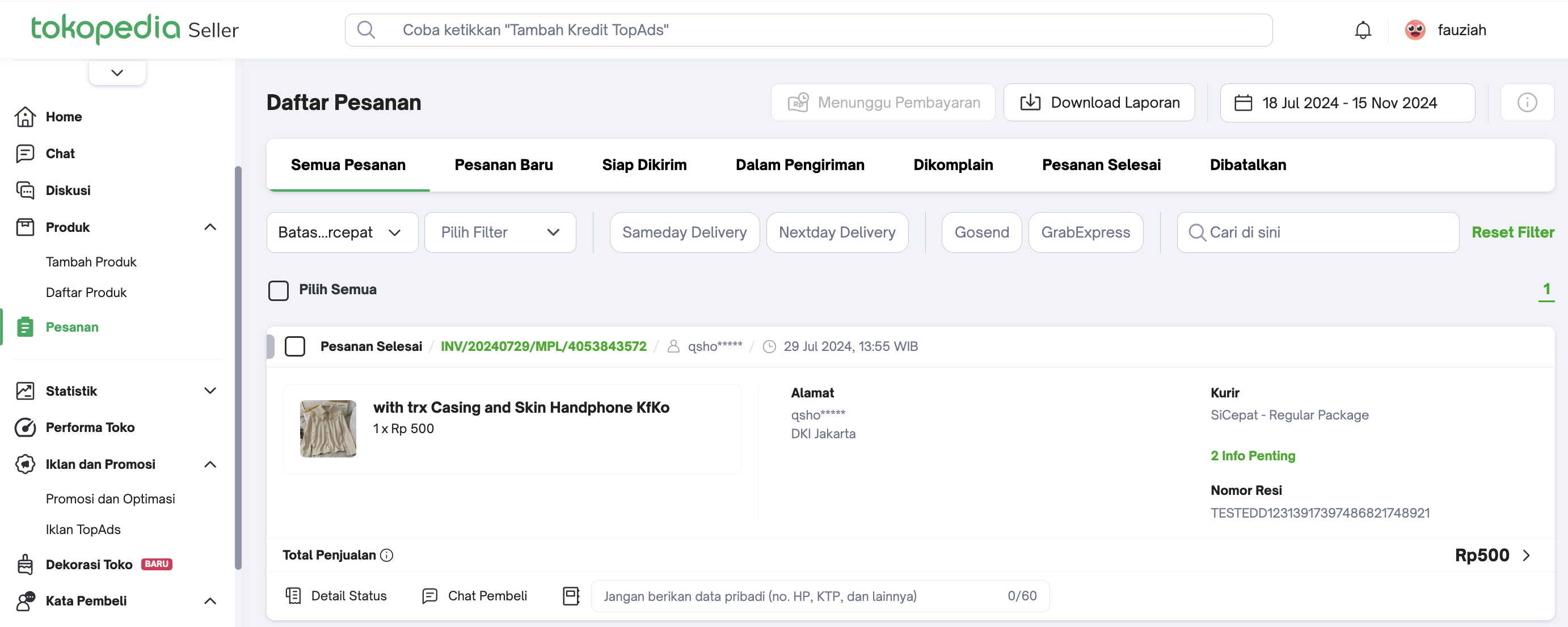
| Manage Orders 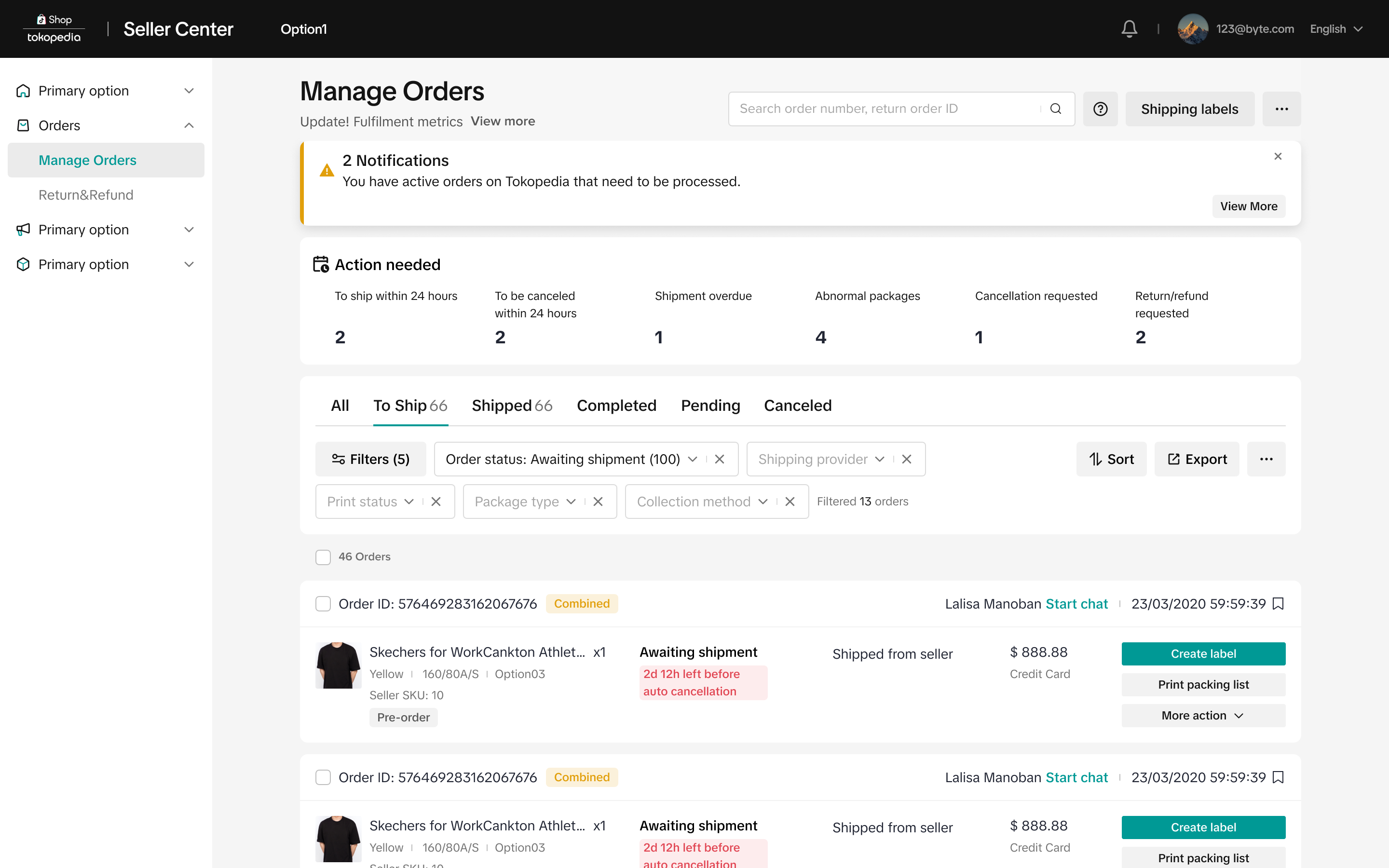 |
Manage Cancellation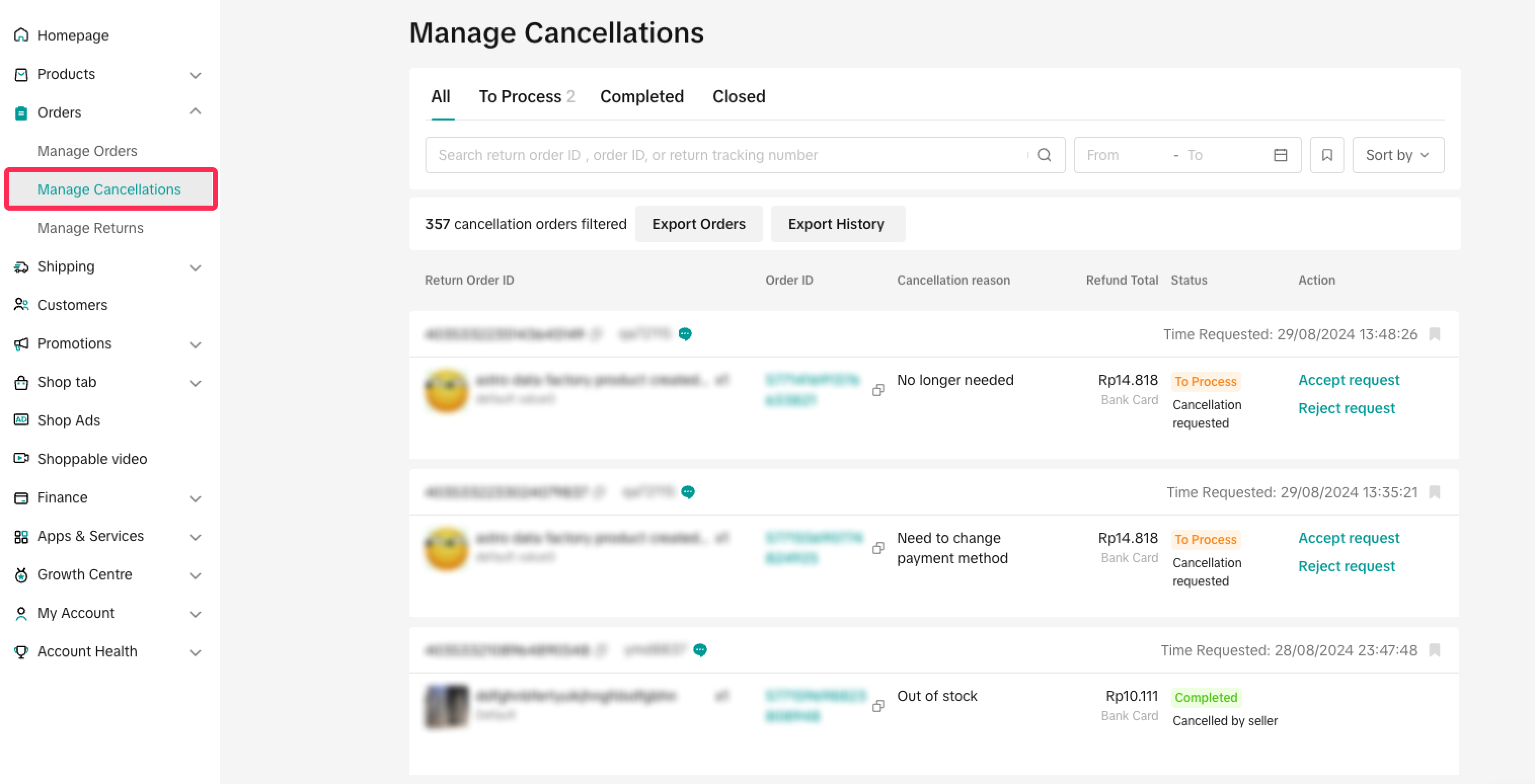 | ||
Manage Returns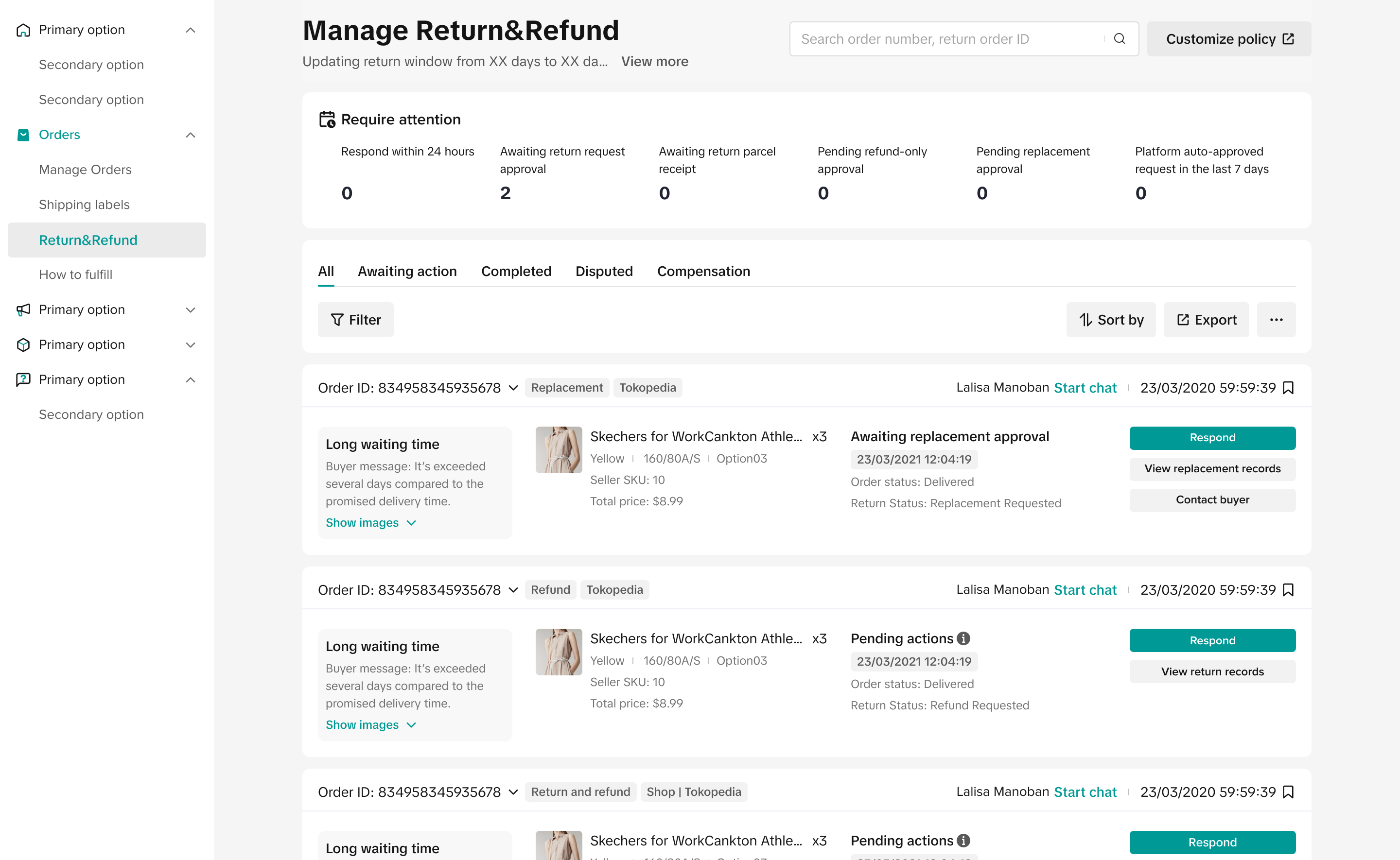 | ||
Shipping Options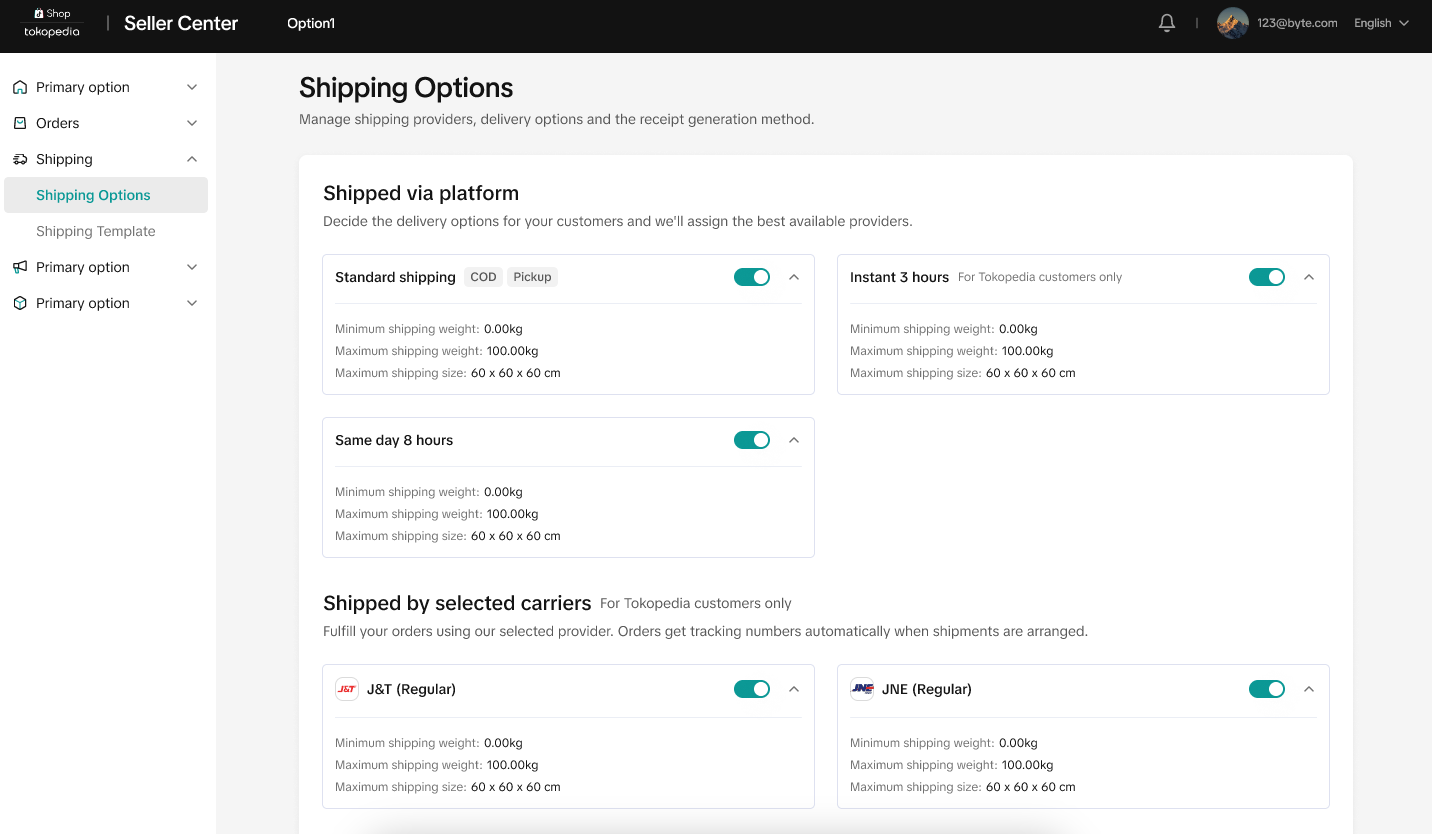 | ||
Collection Method Setup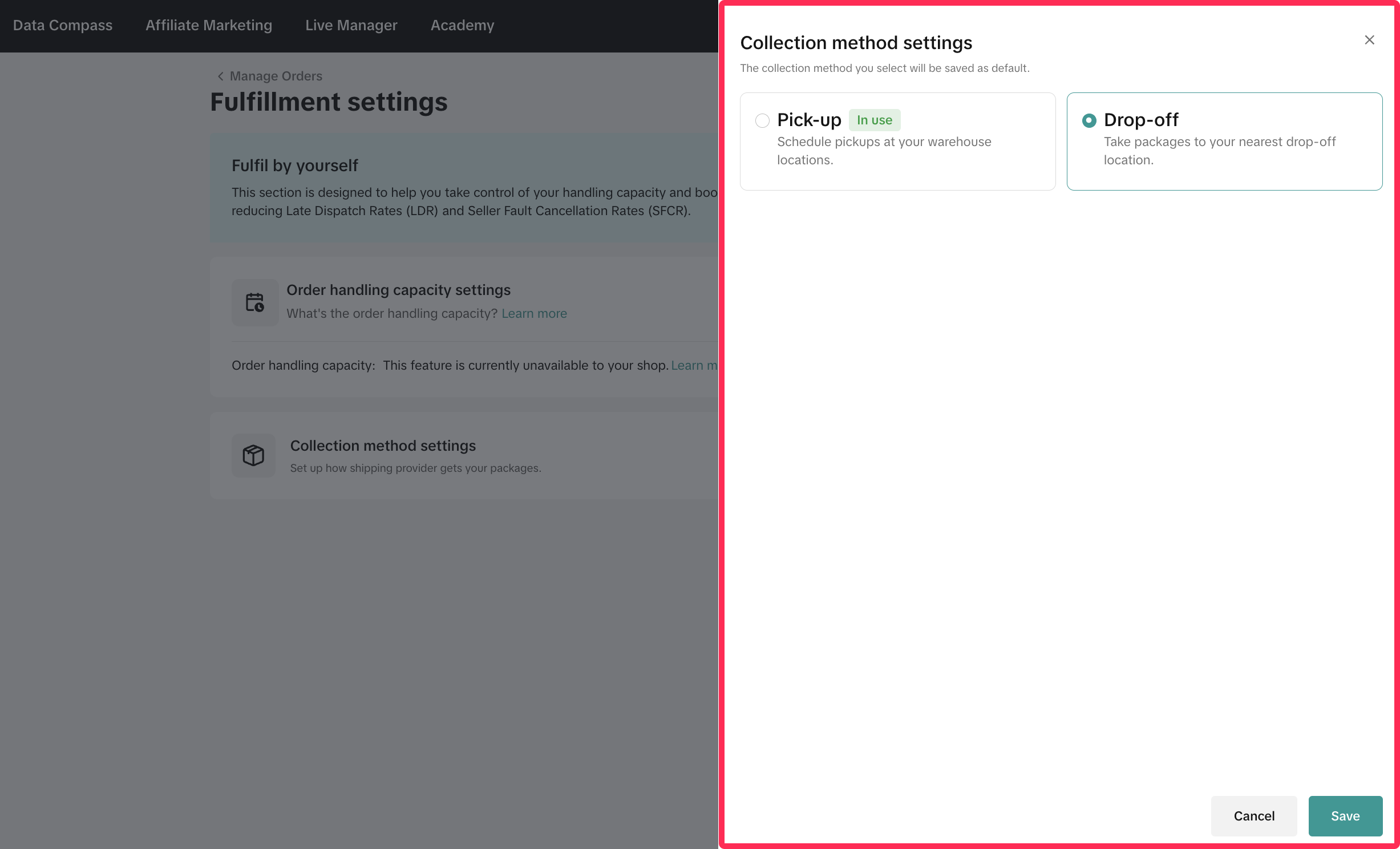 | ||
Warehouse Address Setup (New Article)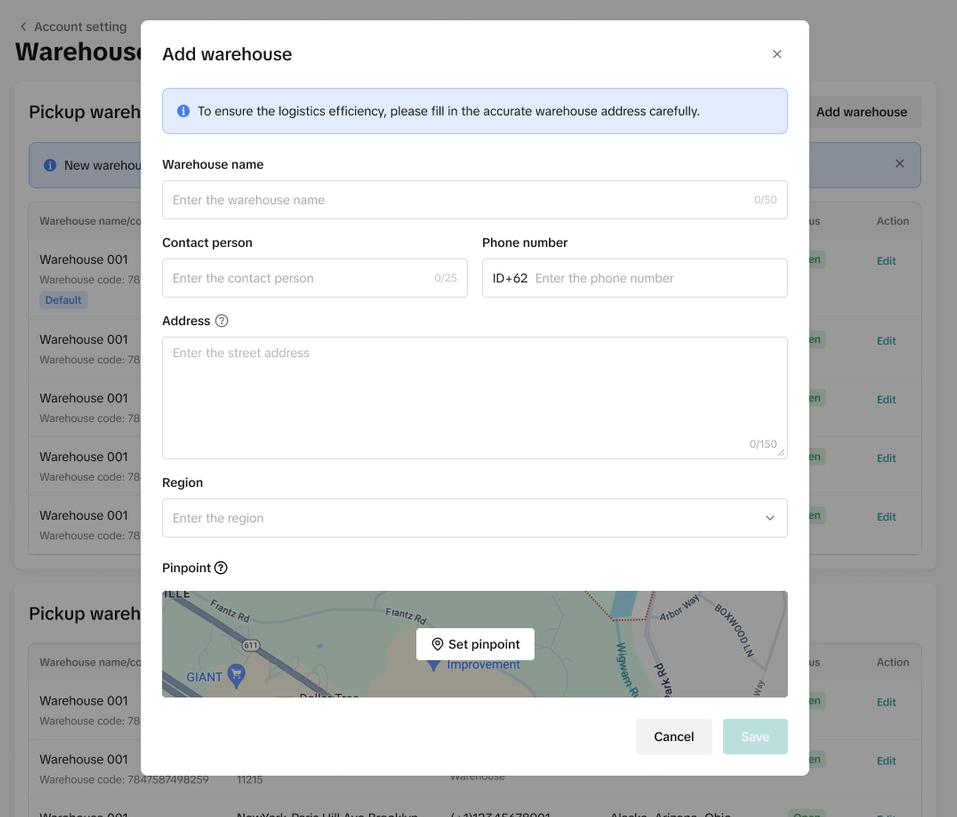 | ||
| Analytics | Wawasan Toko 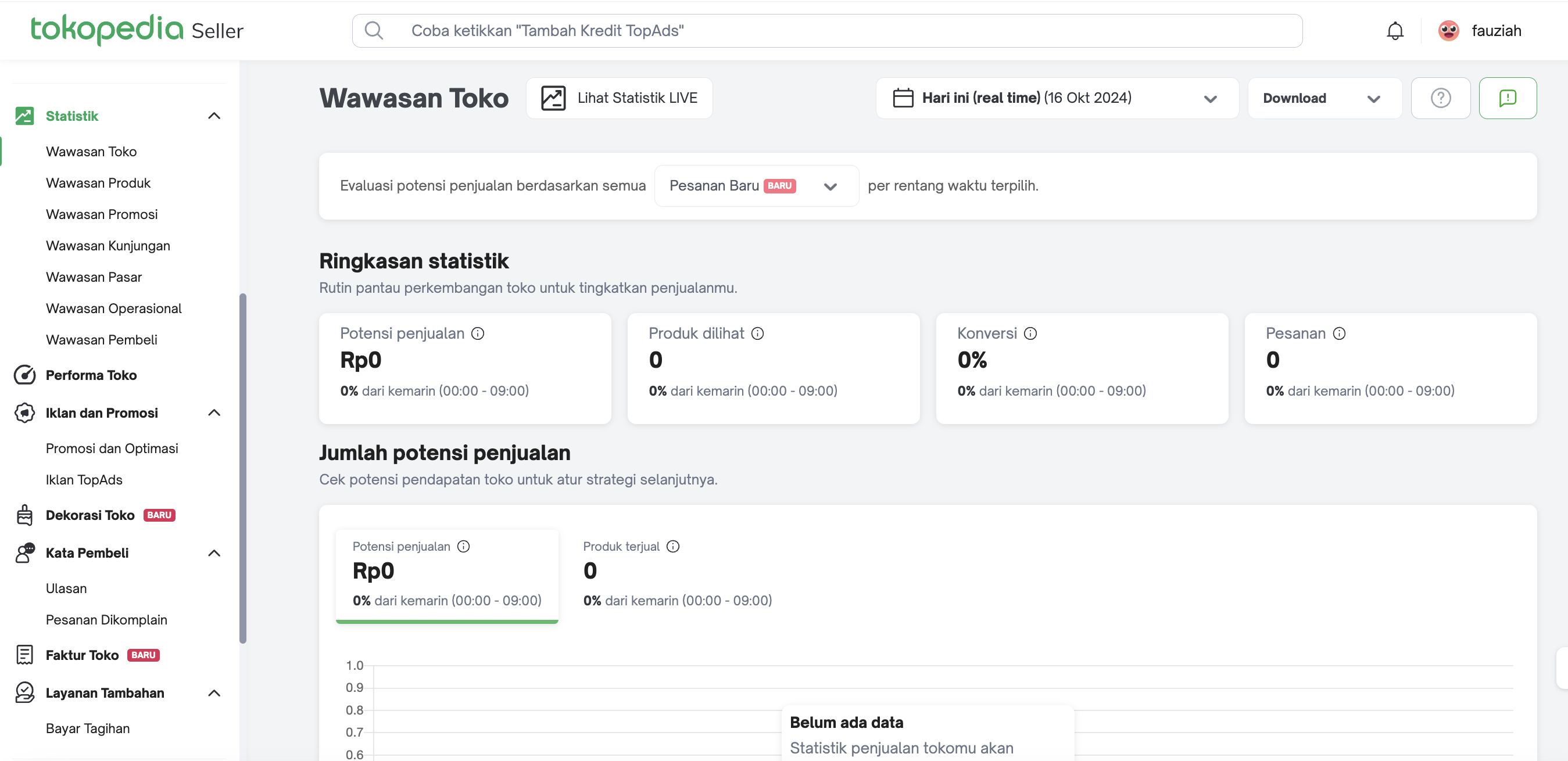
| Data Compass Homepage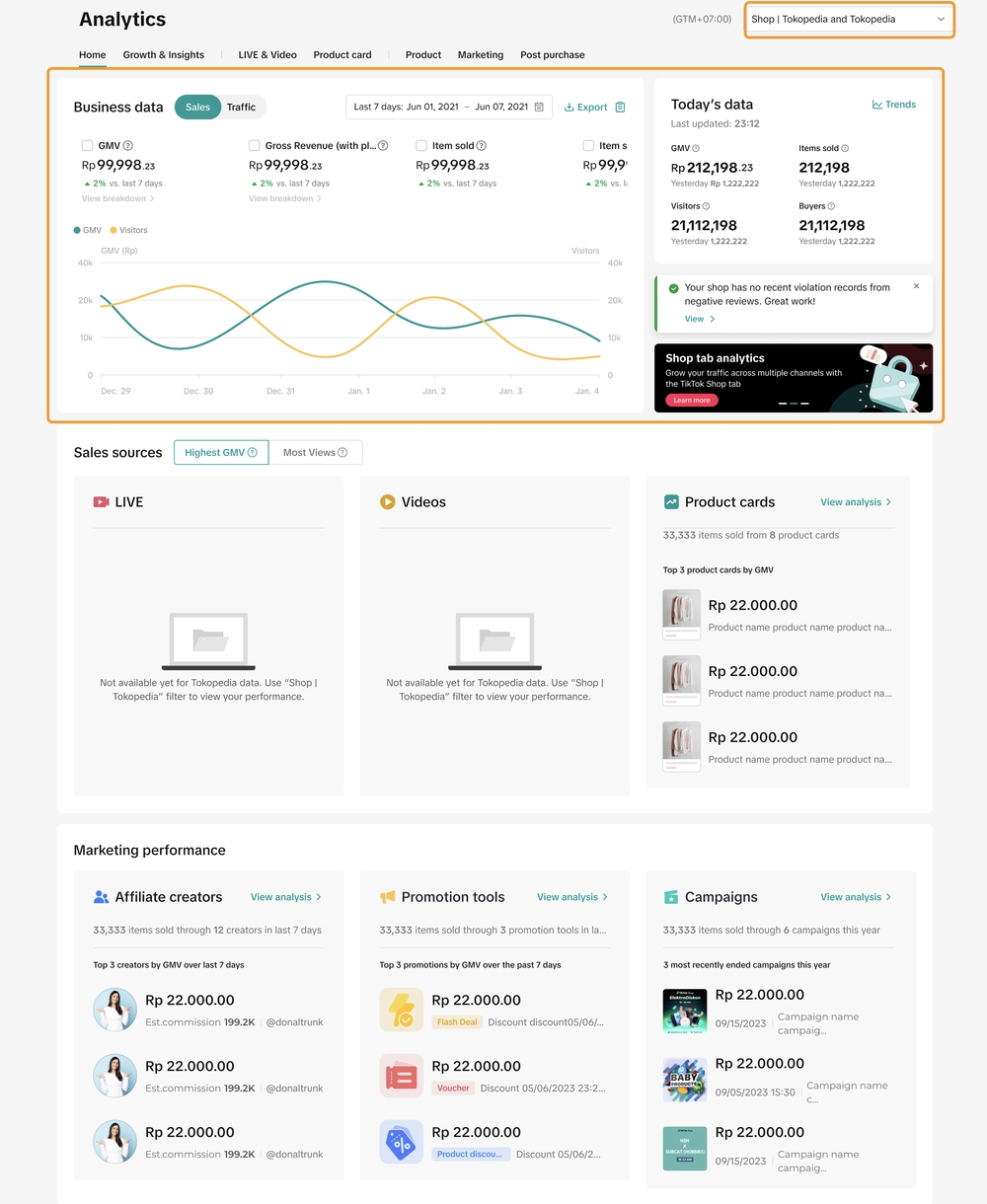 |
Wawasan Produk 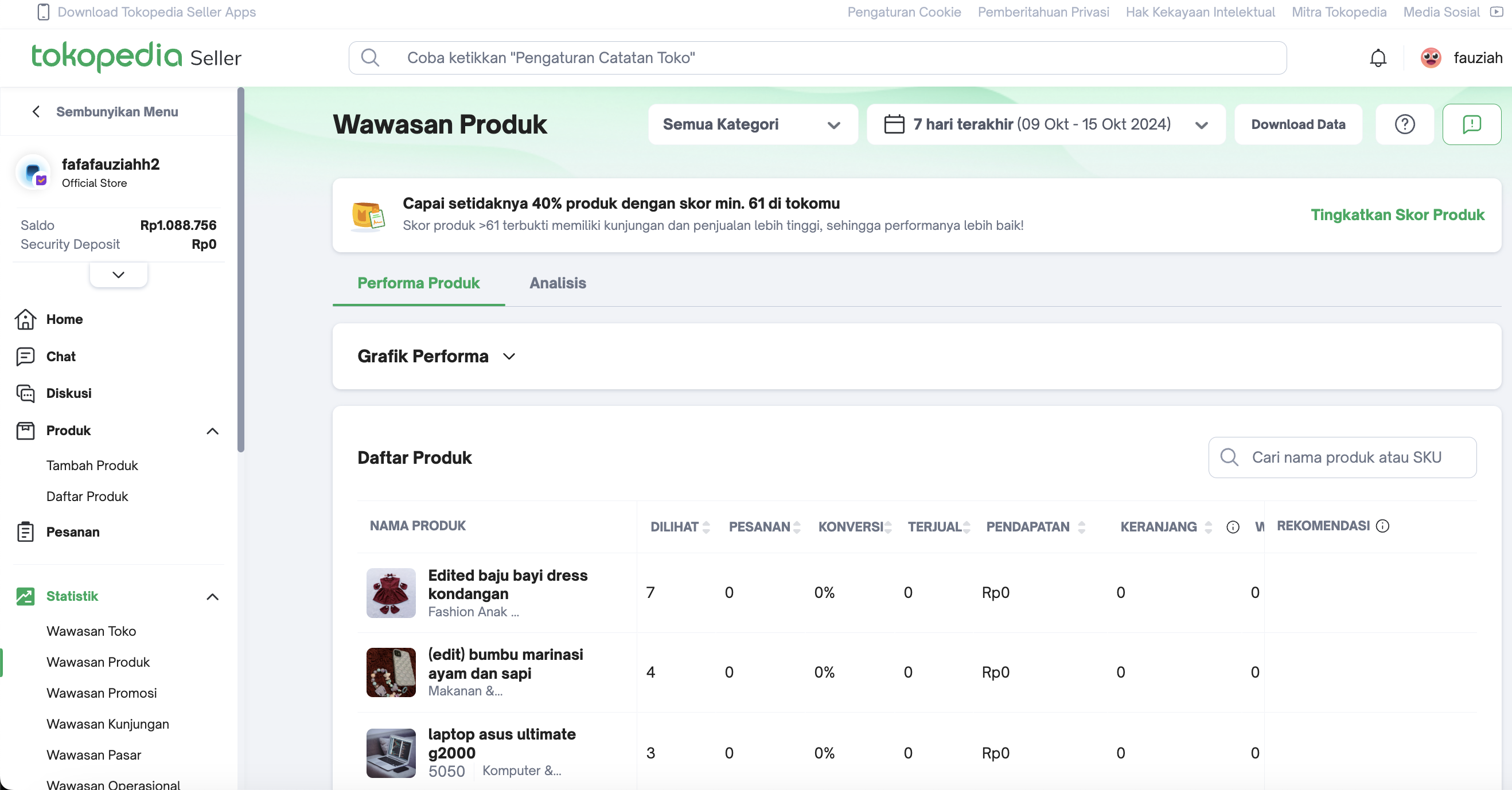 | Product Details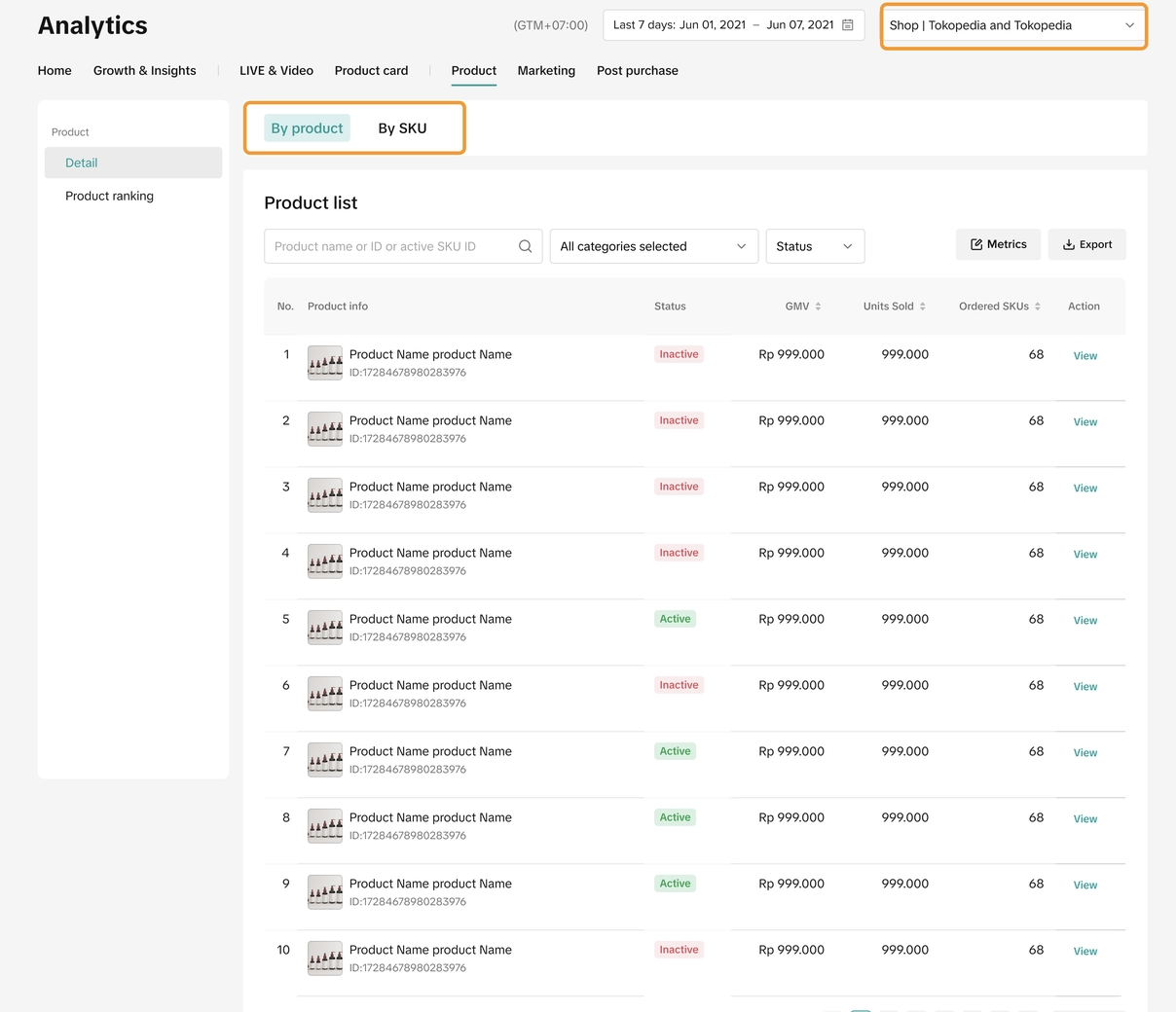 | |
Wawasan Promosi 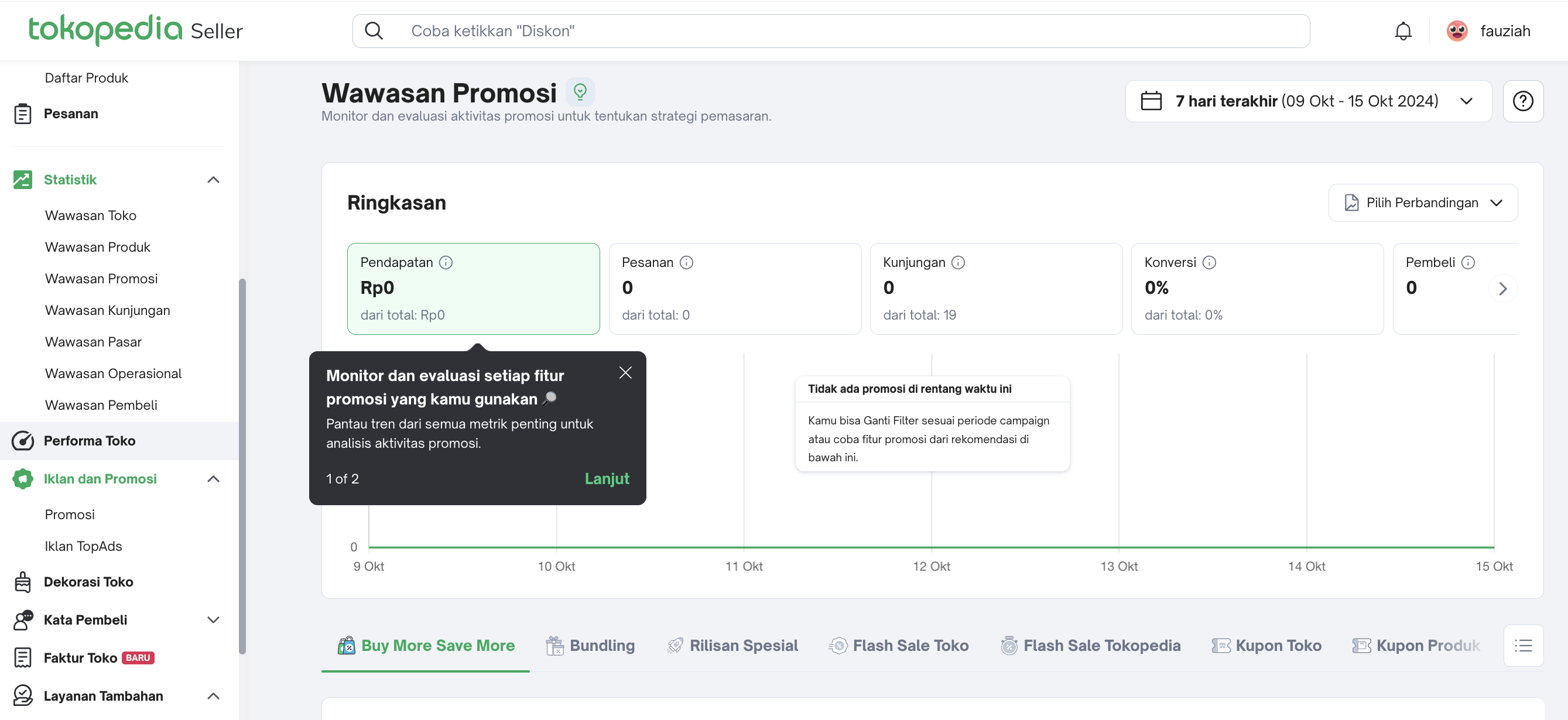 | Promotion Tool Analytics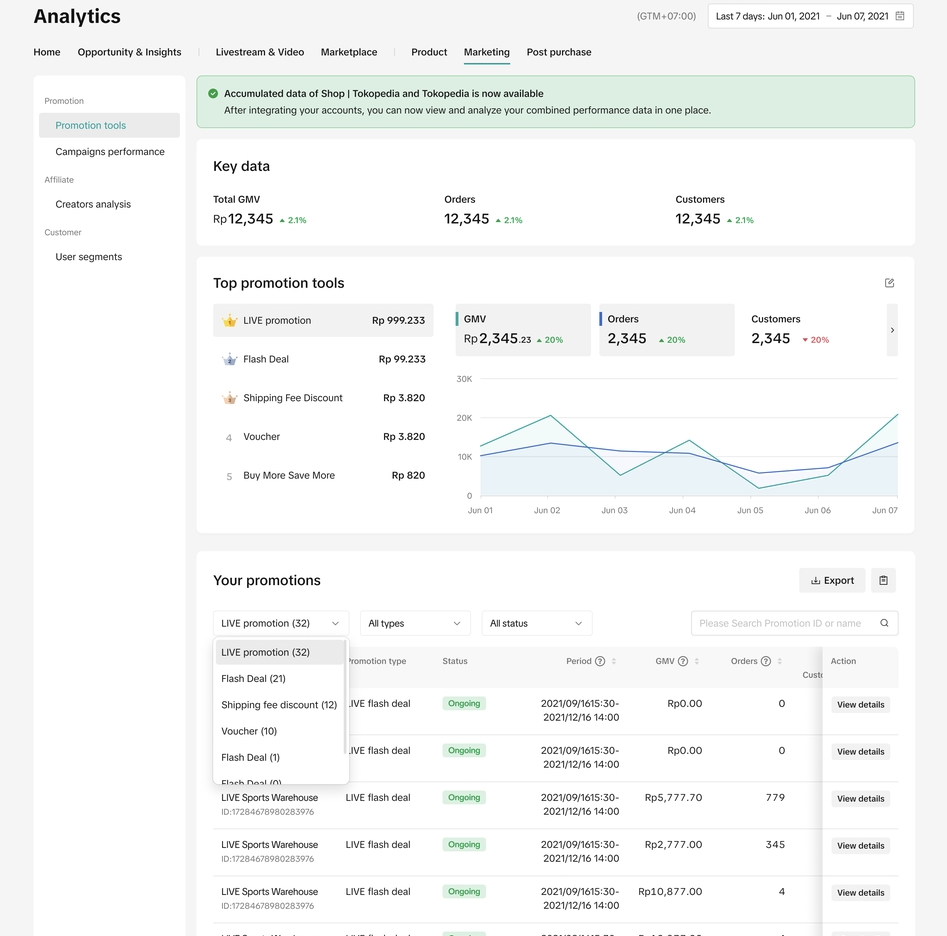 | |
Wawasan Kunjungan 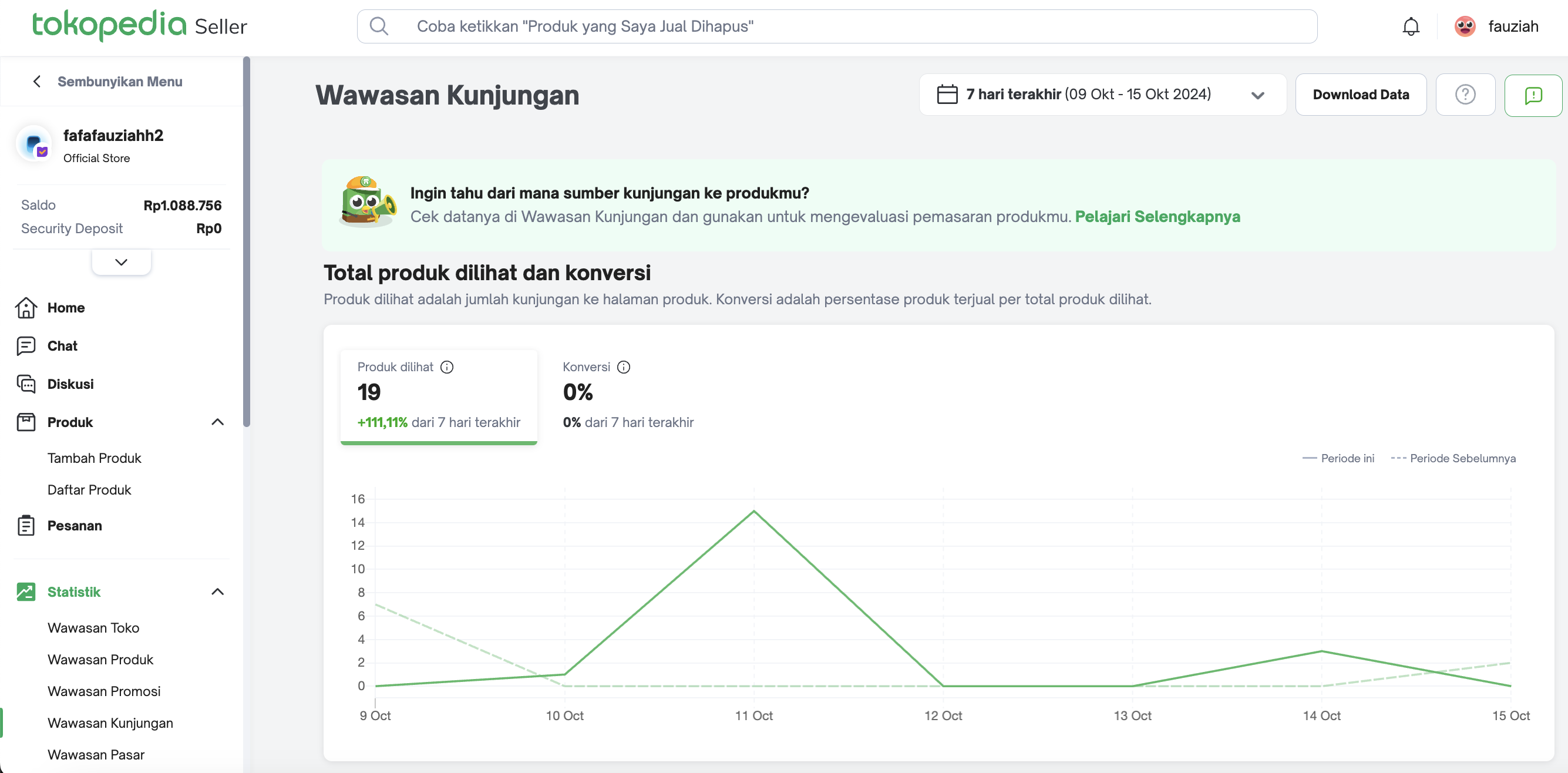 | Product Card Performance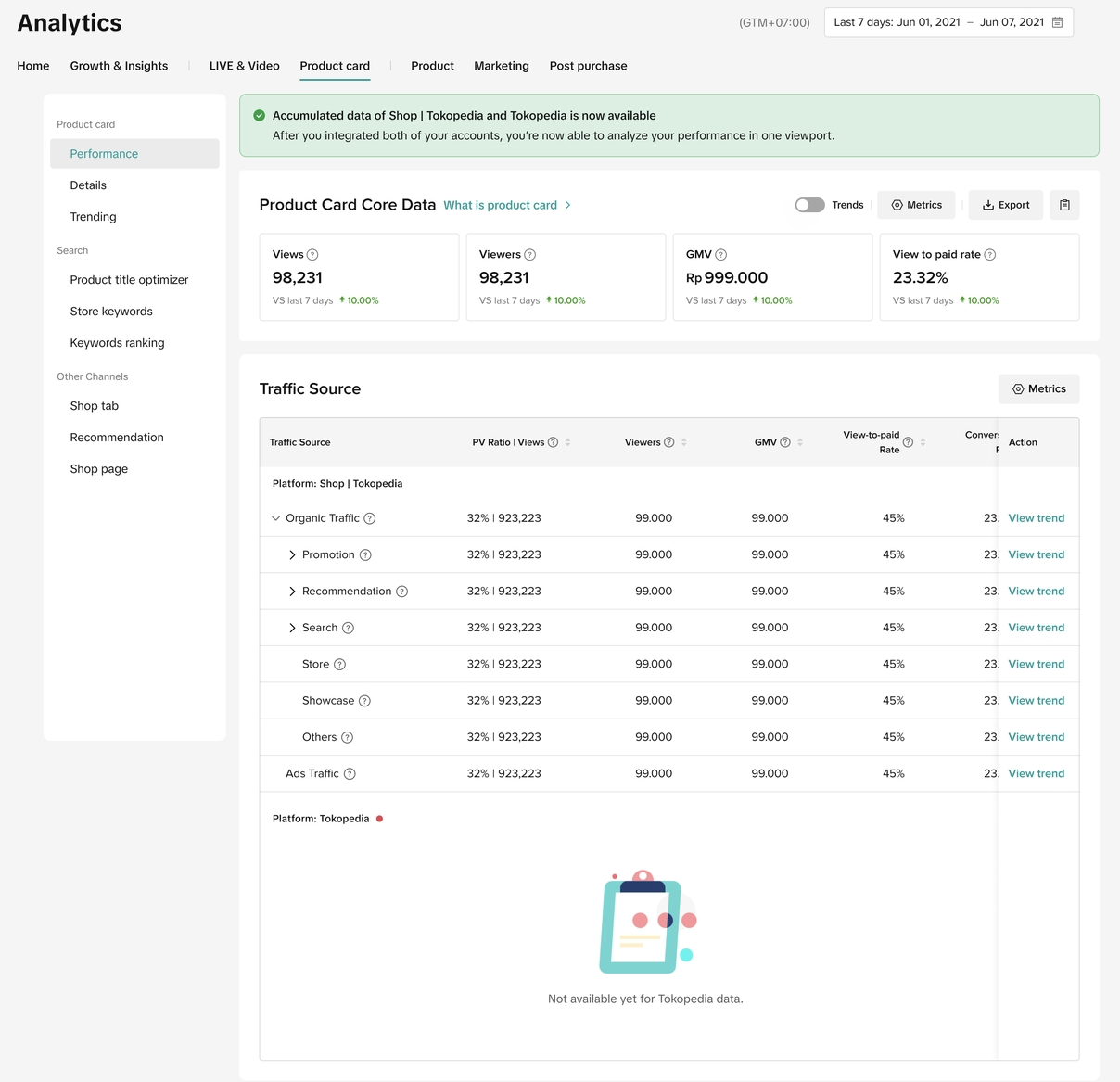 | |
Wawasan Pasar 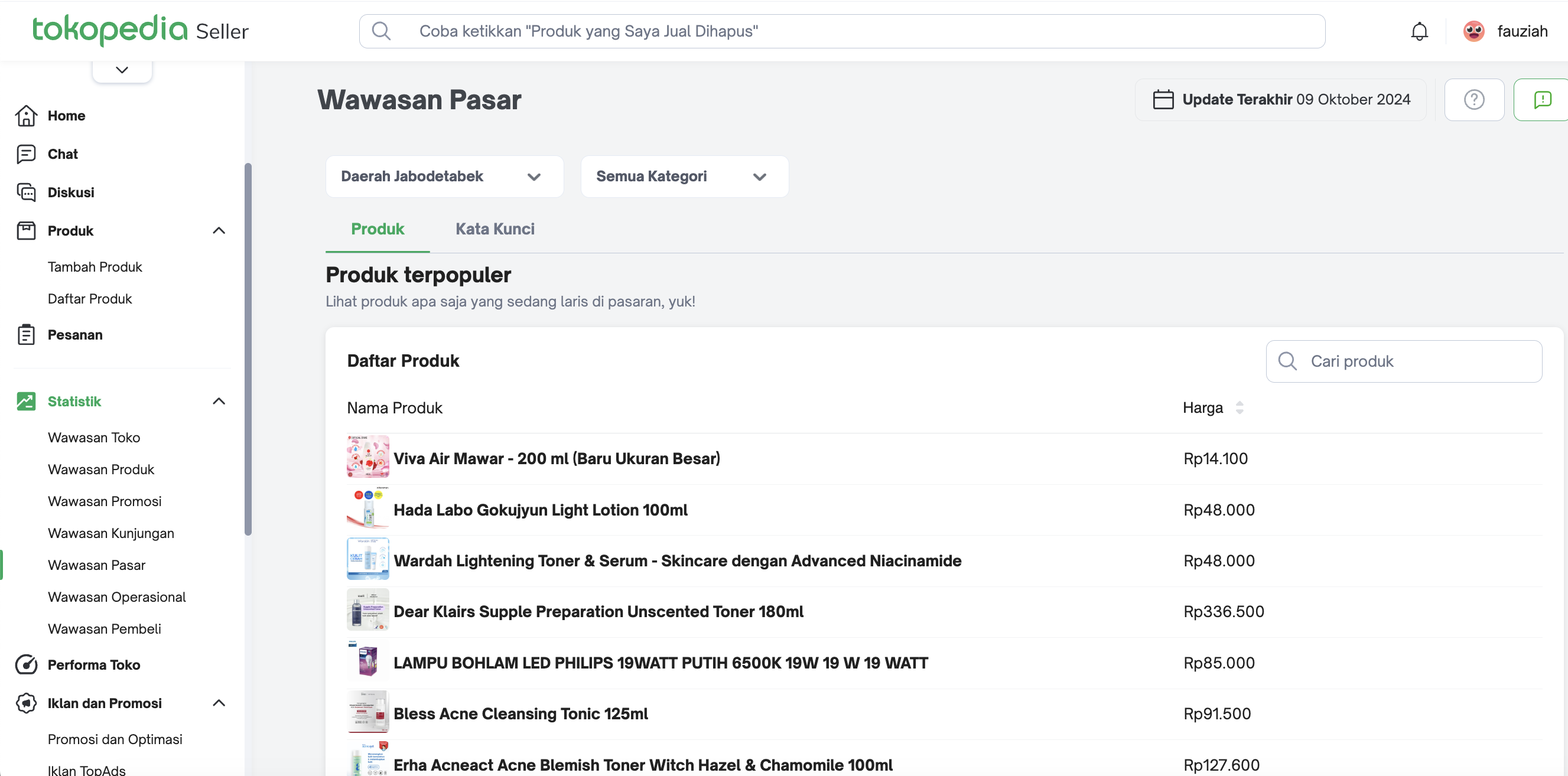 | Keyword Ranking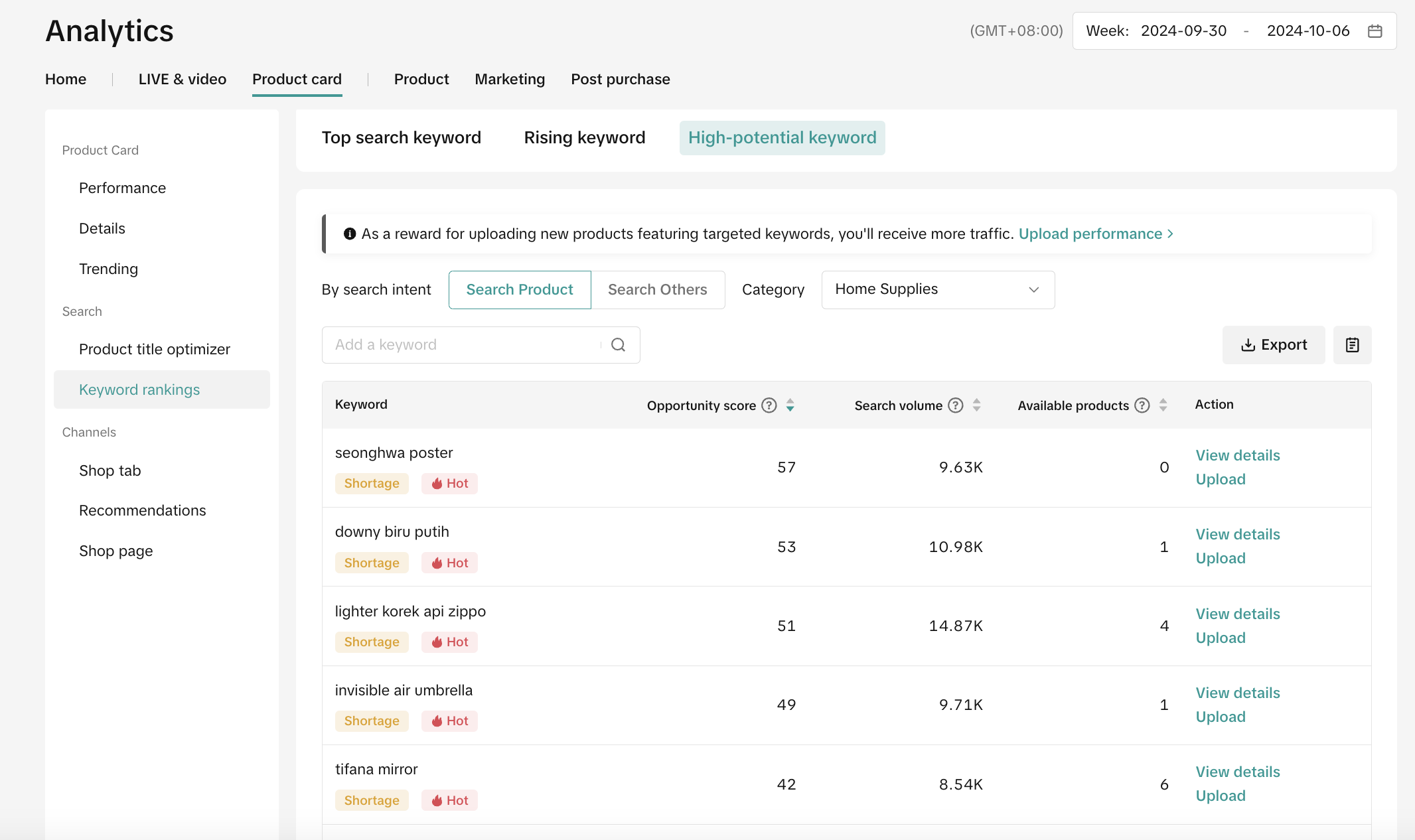 | |
Wawasan Operasional 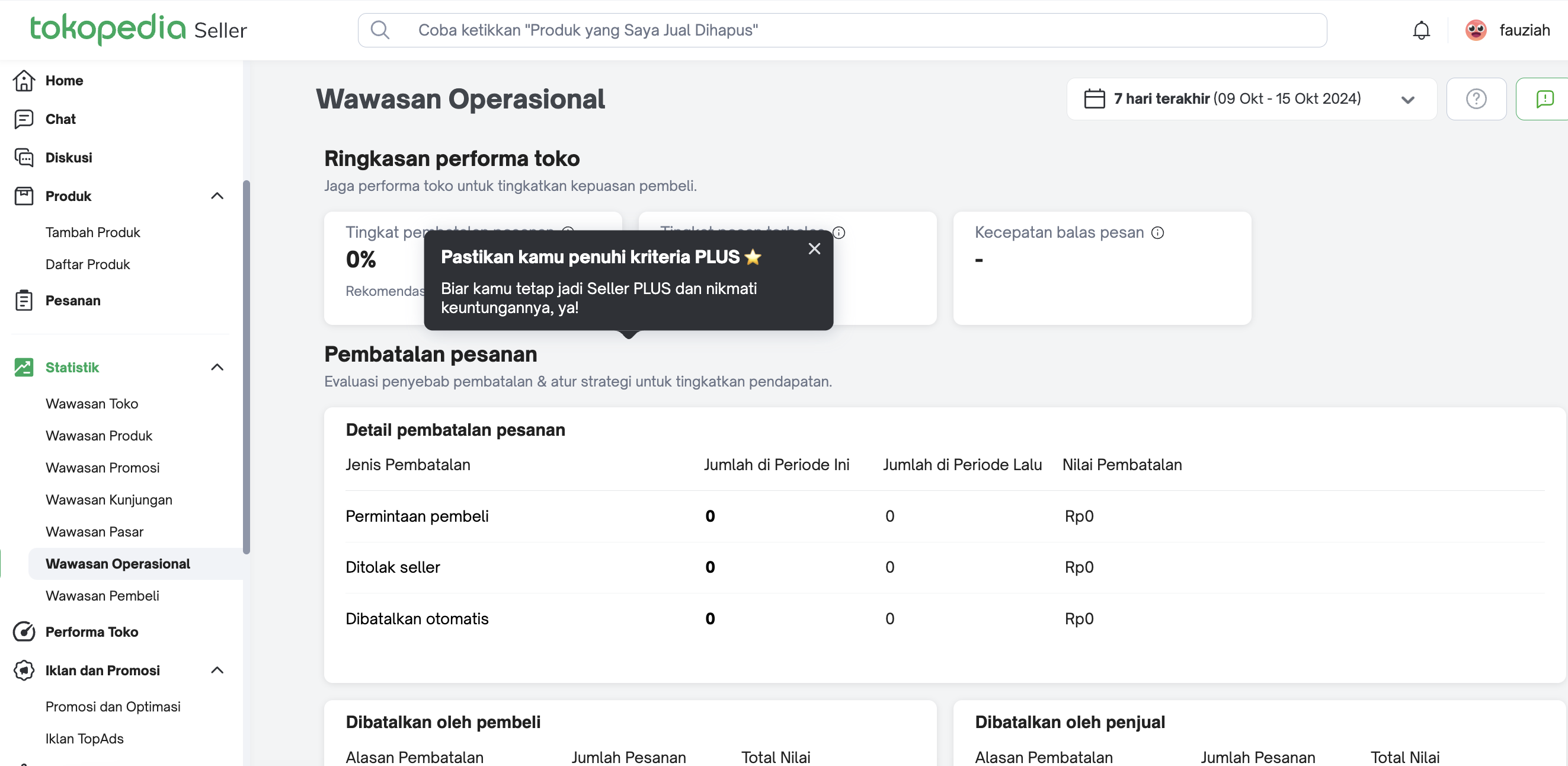 | Post Purchase Analytics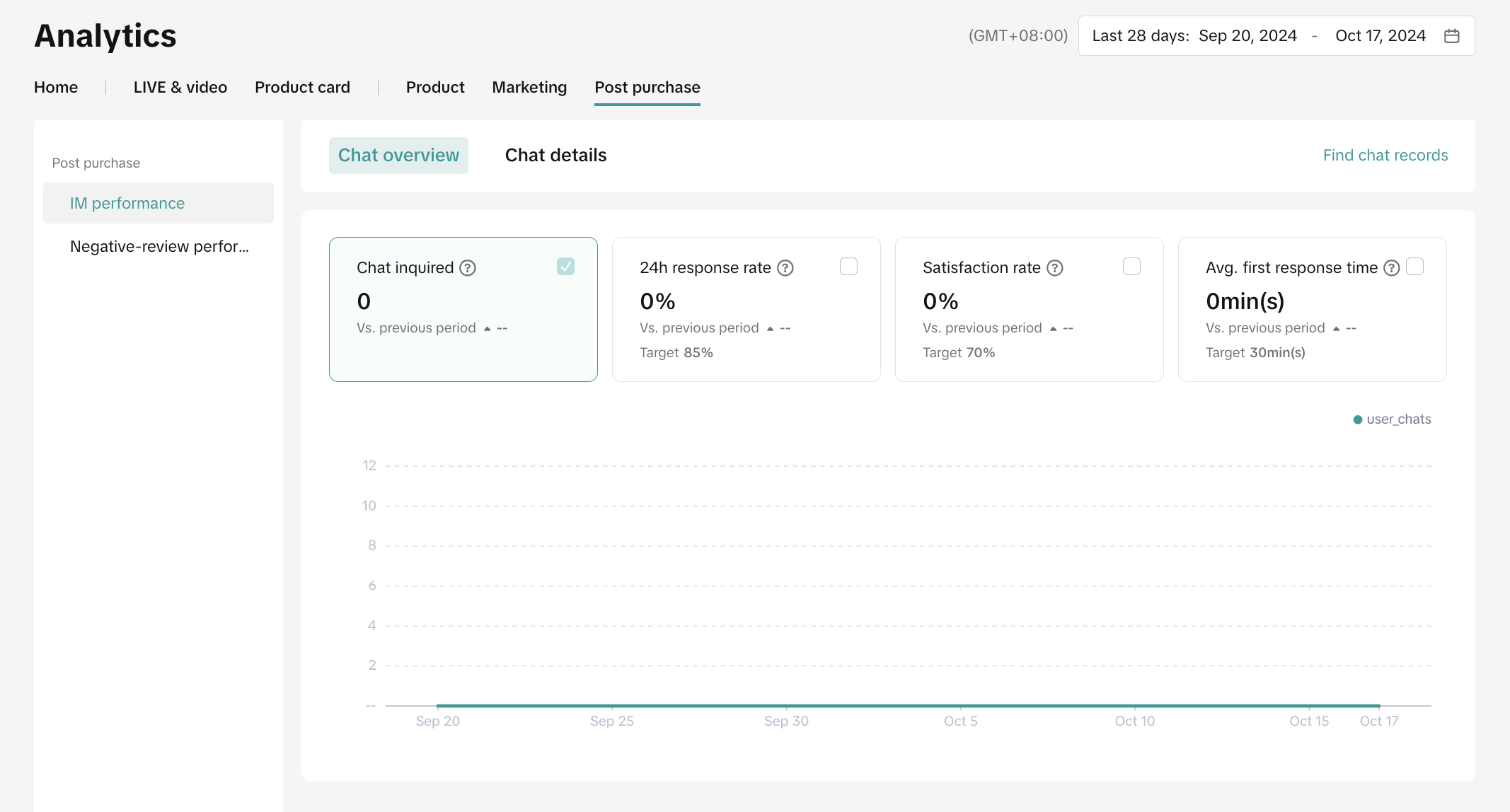 | |
Wawasan Pembeli 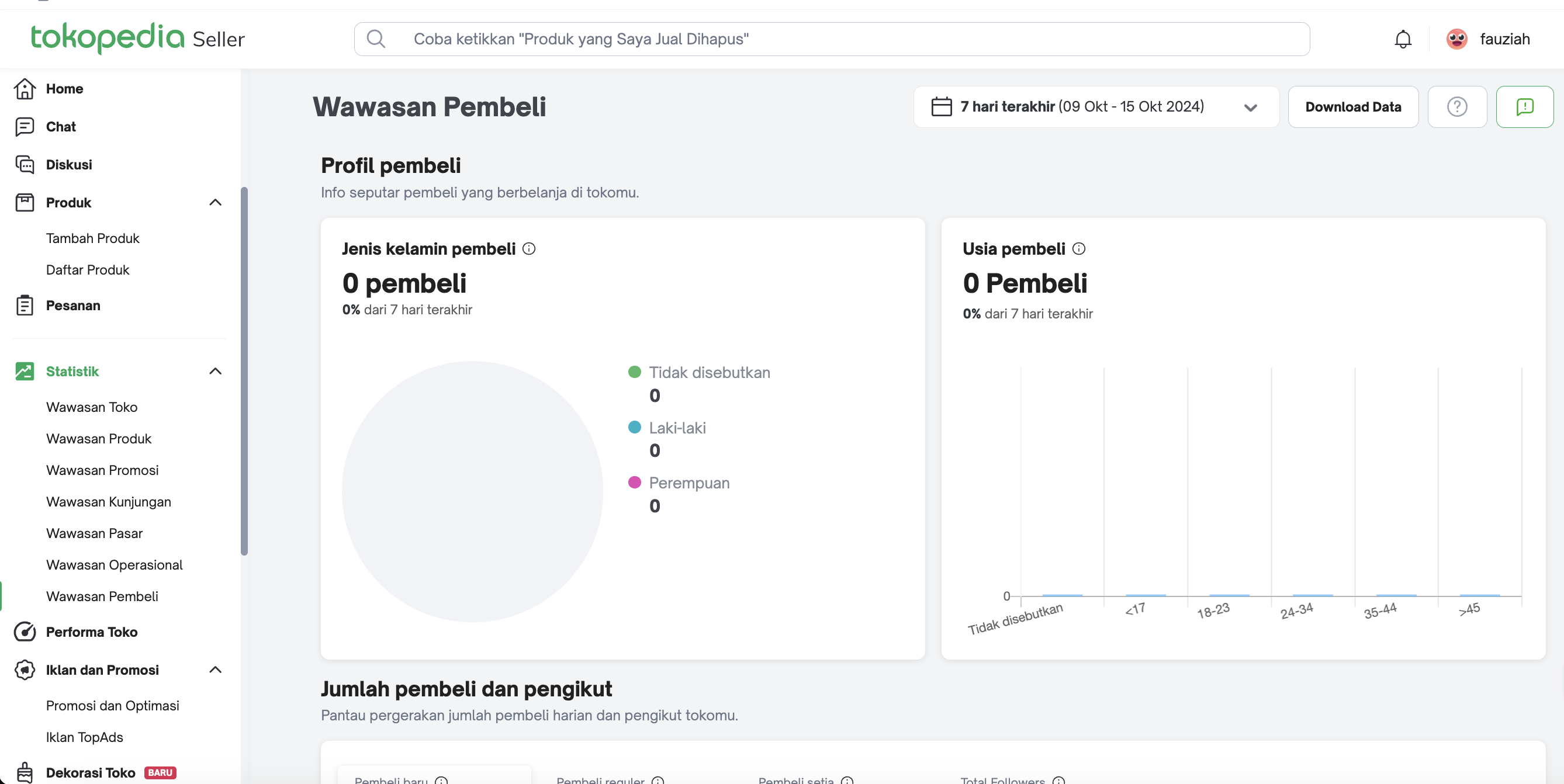 | Customer Analysis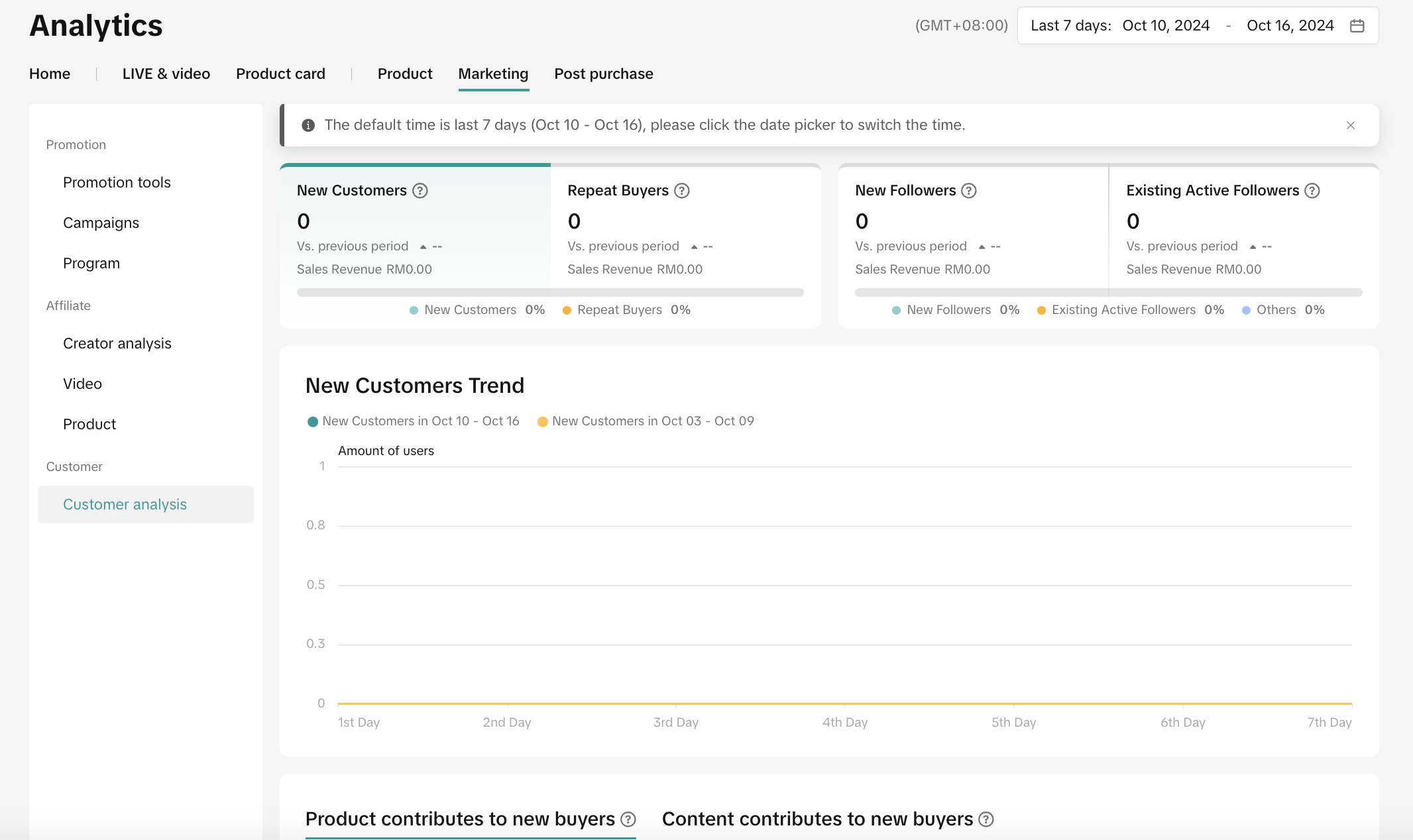 | |
| Shop and Account Performance | Performa Toko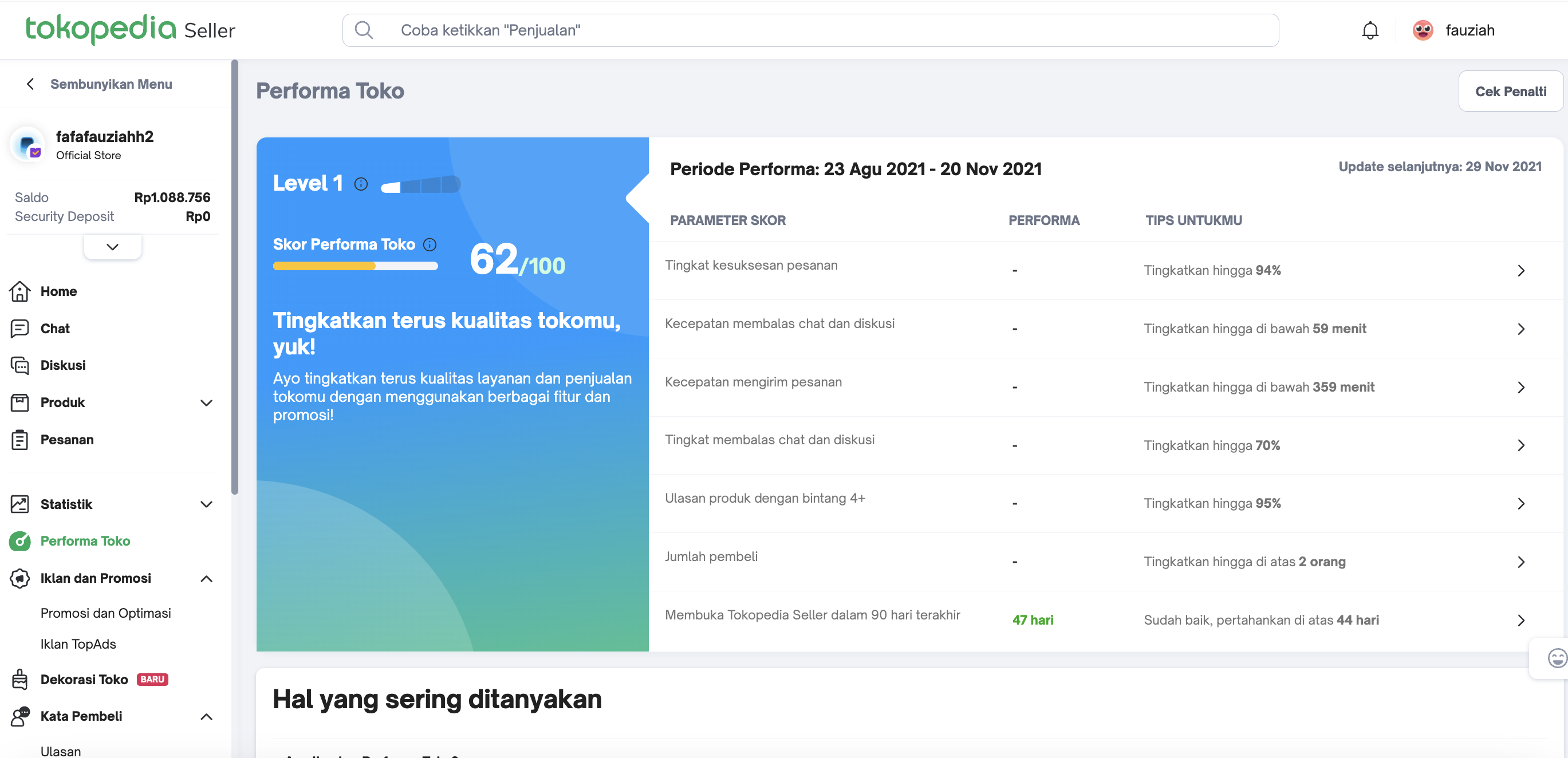 | Shop Health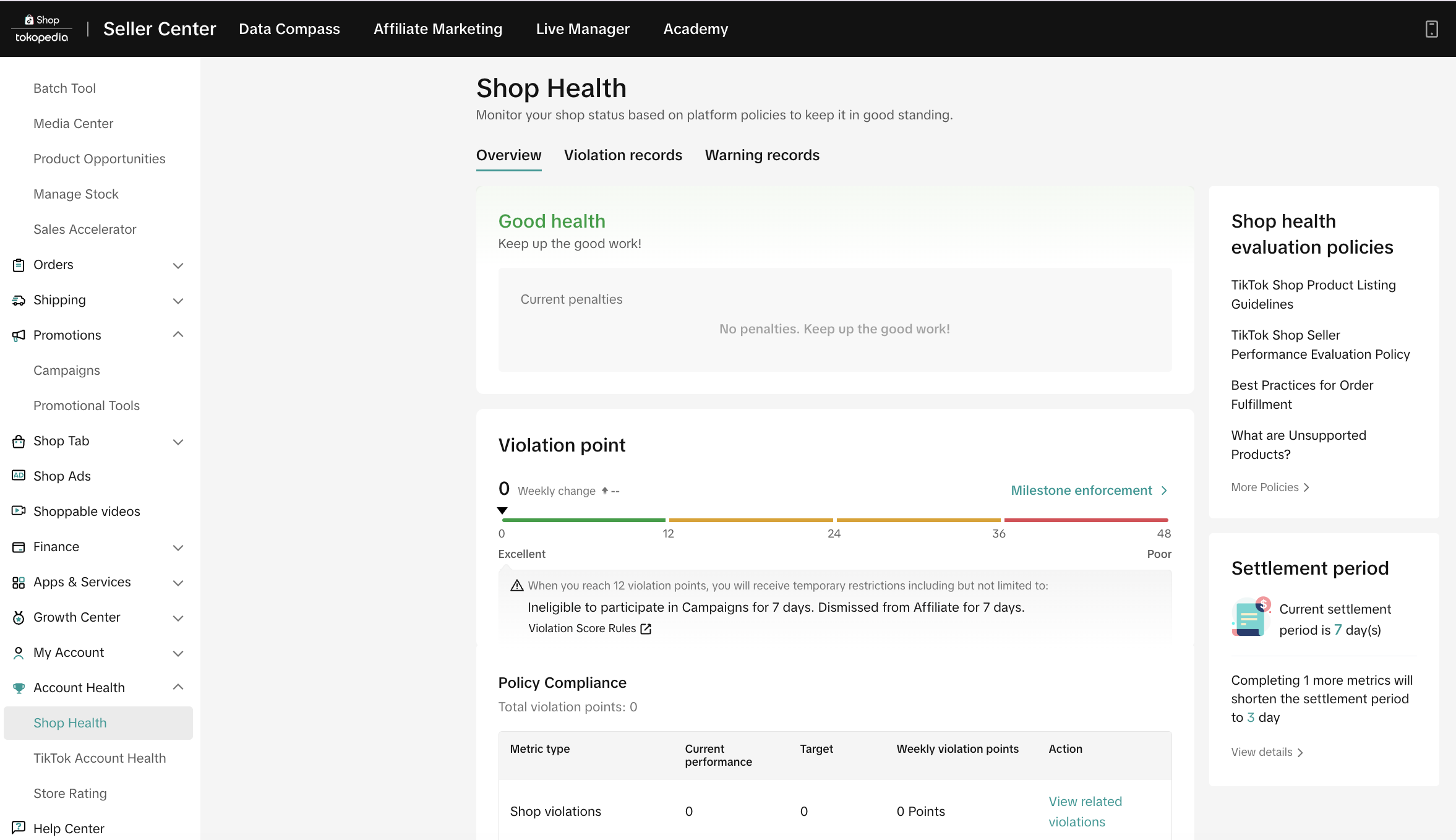 |
| Campaigns & Promotions | Promosi dan Optimasi 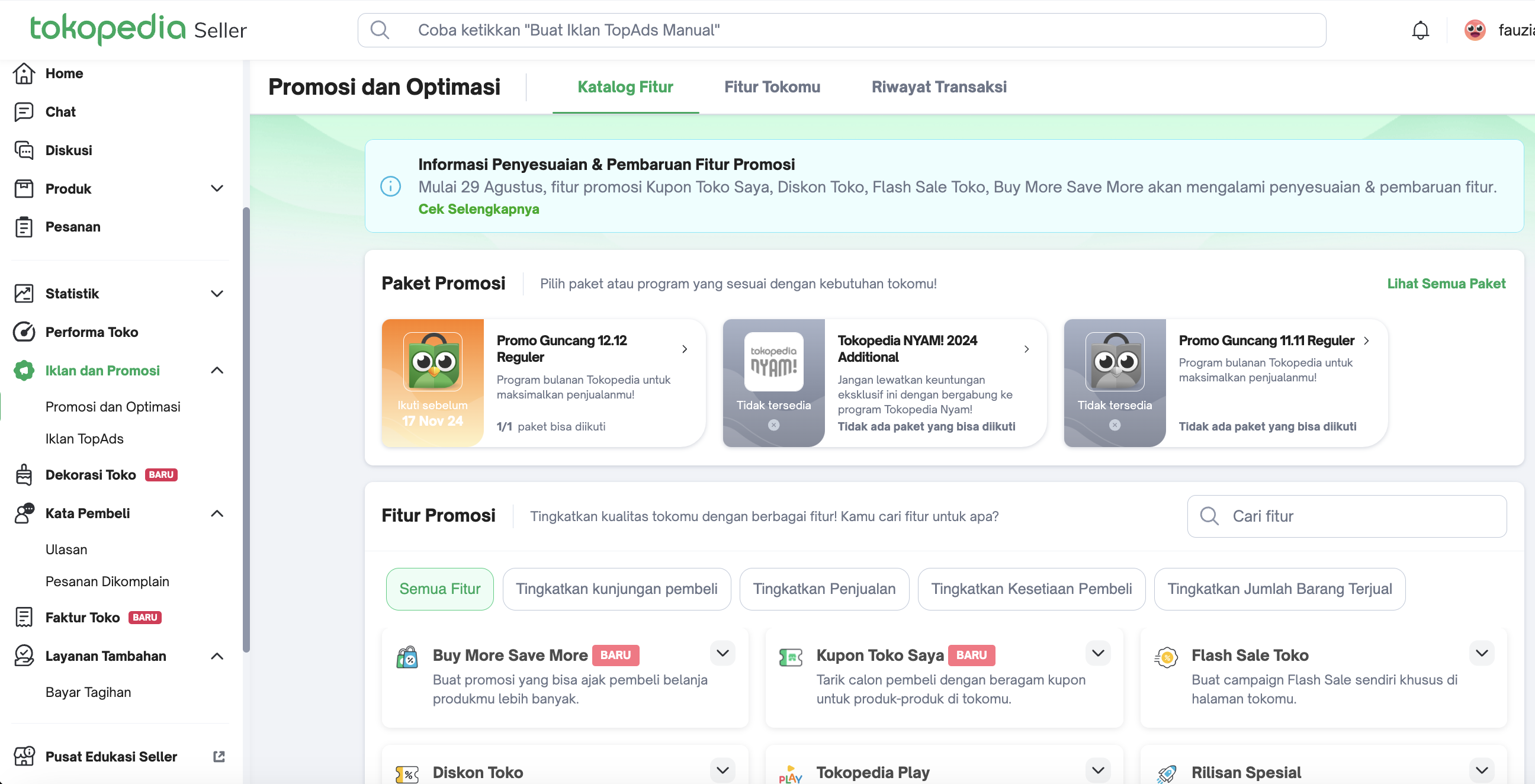
| Promotions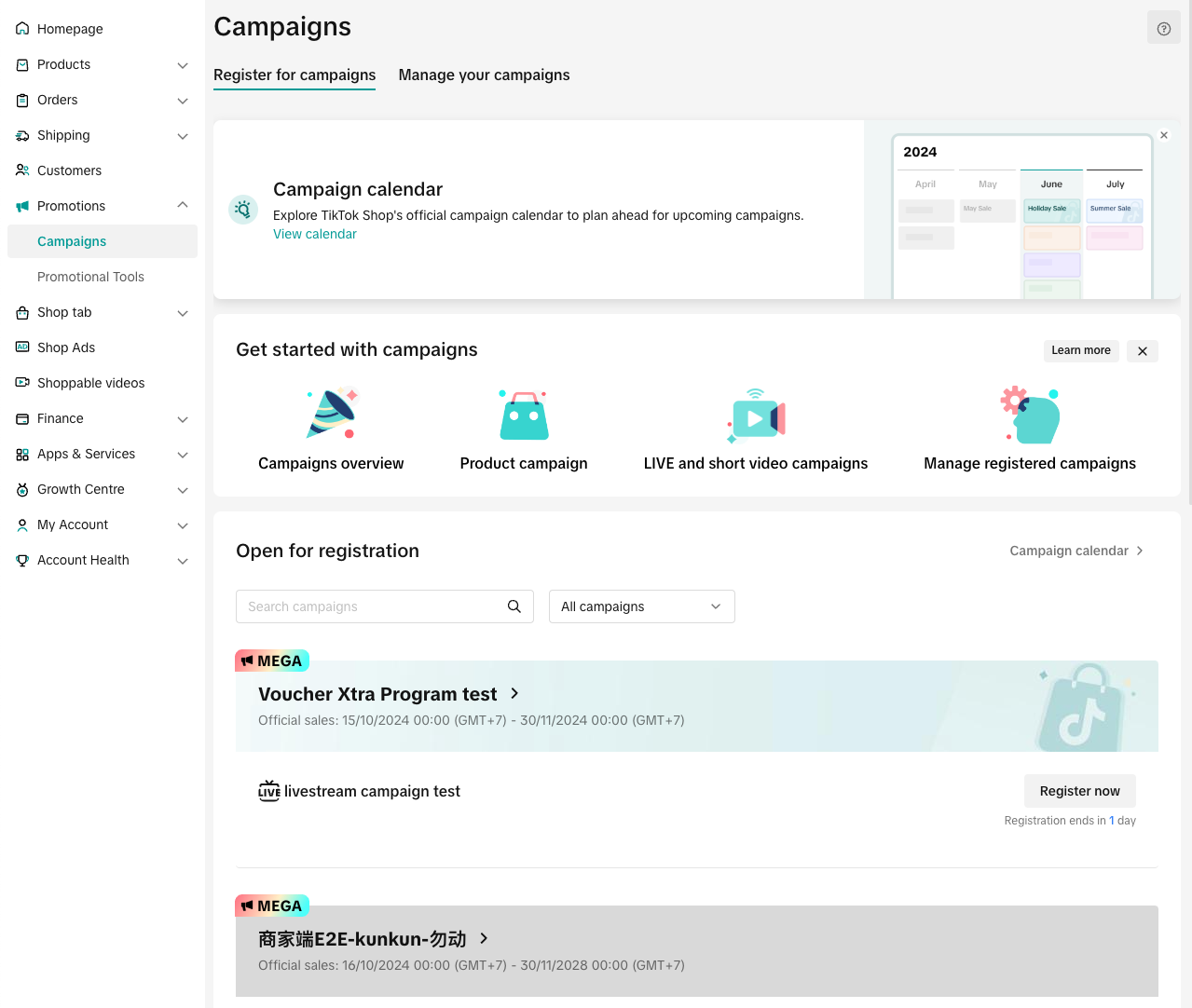 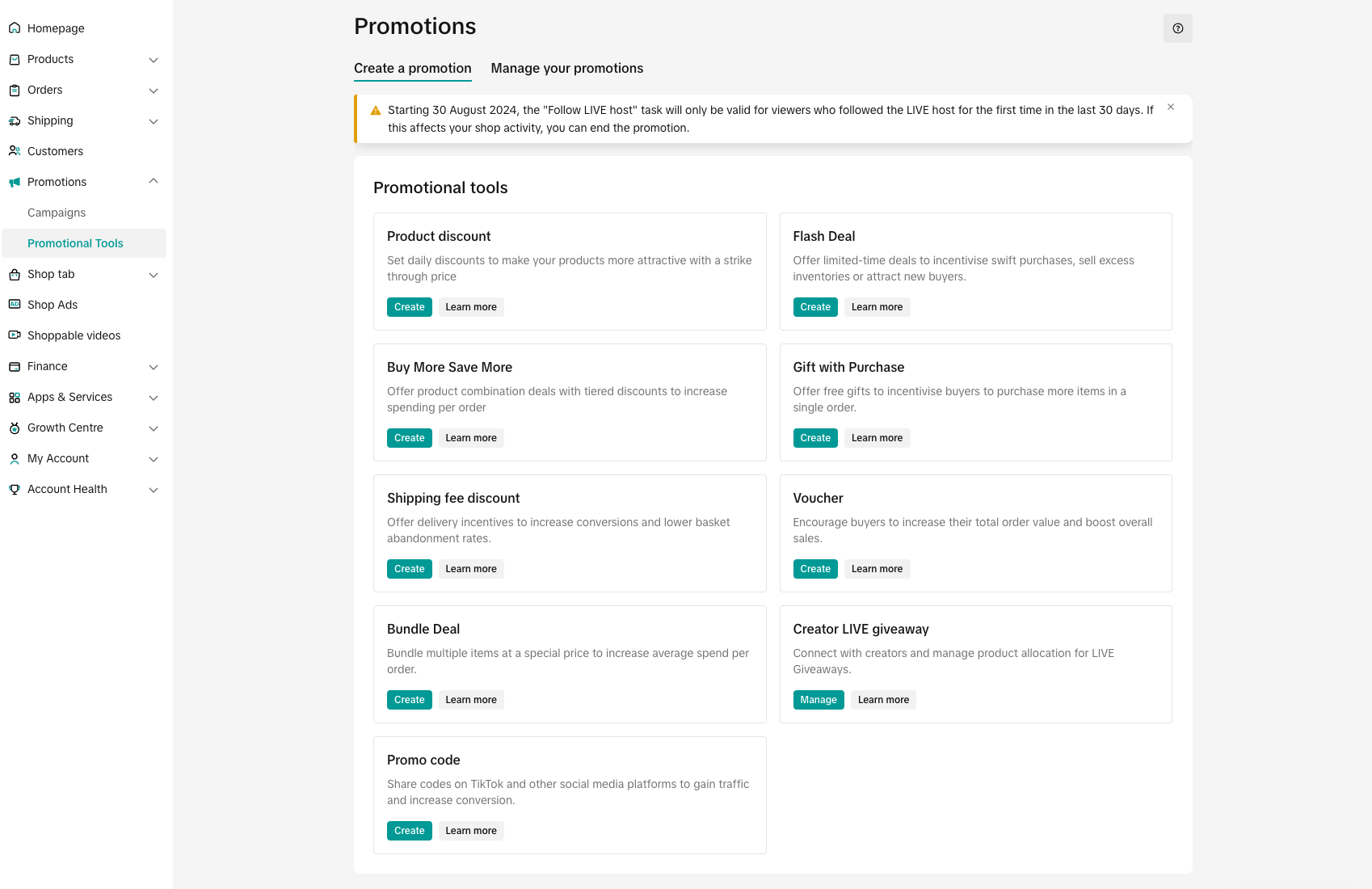 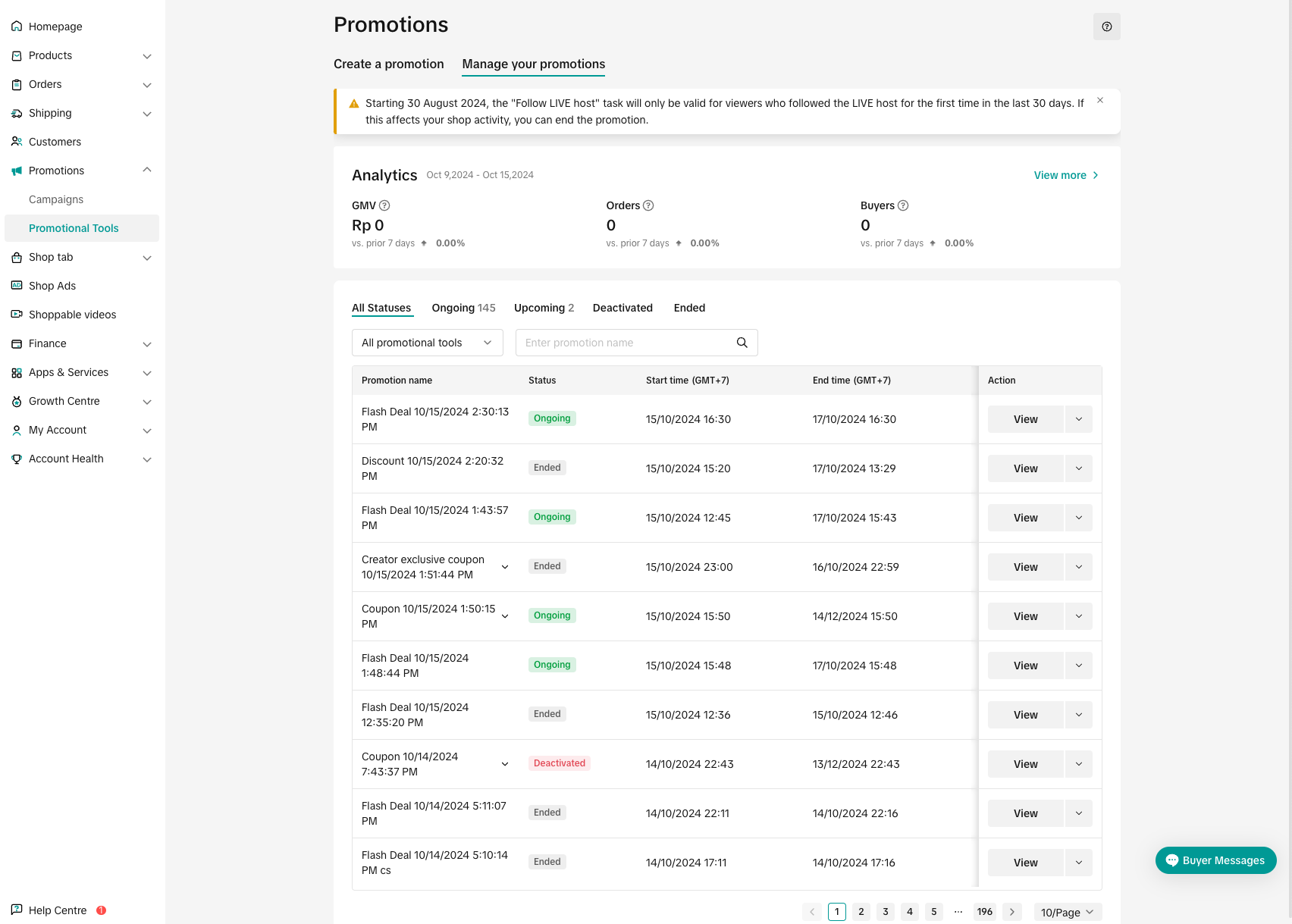 CreateManage CreateManage |
Buy More Save More 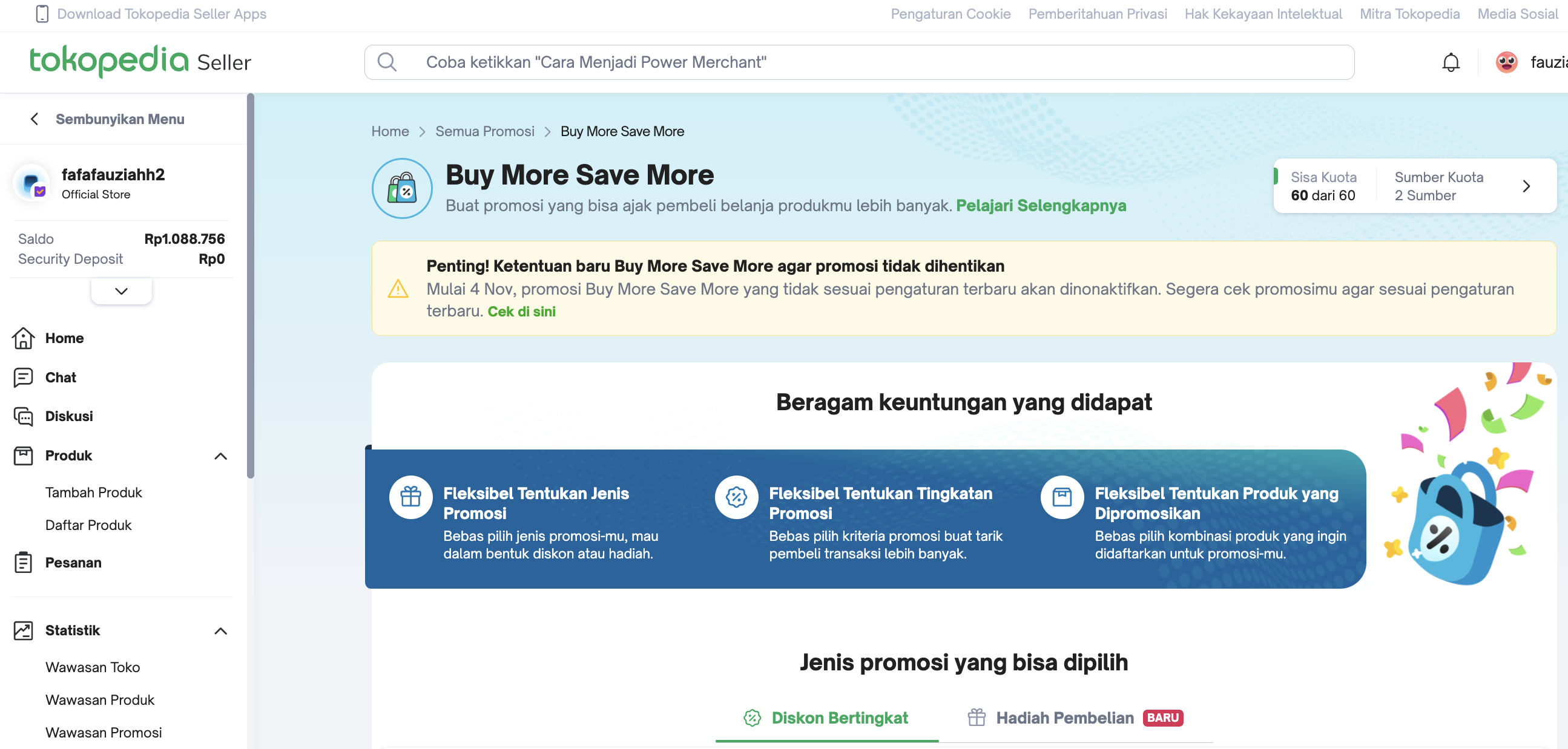 | Buy More Save More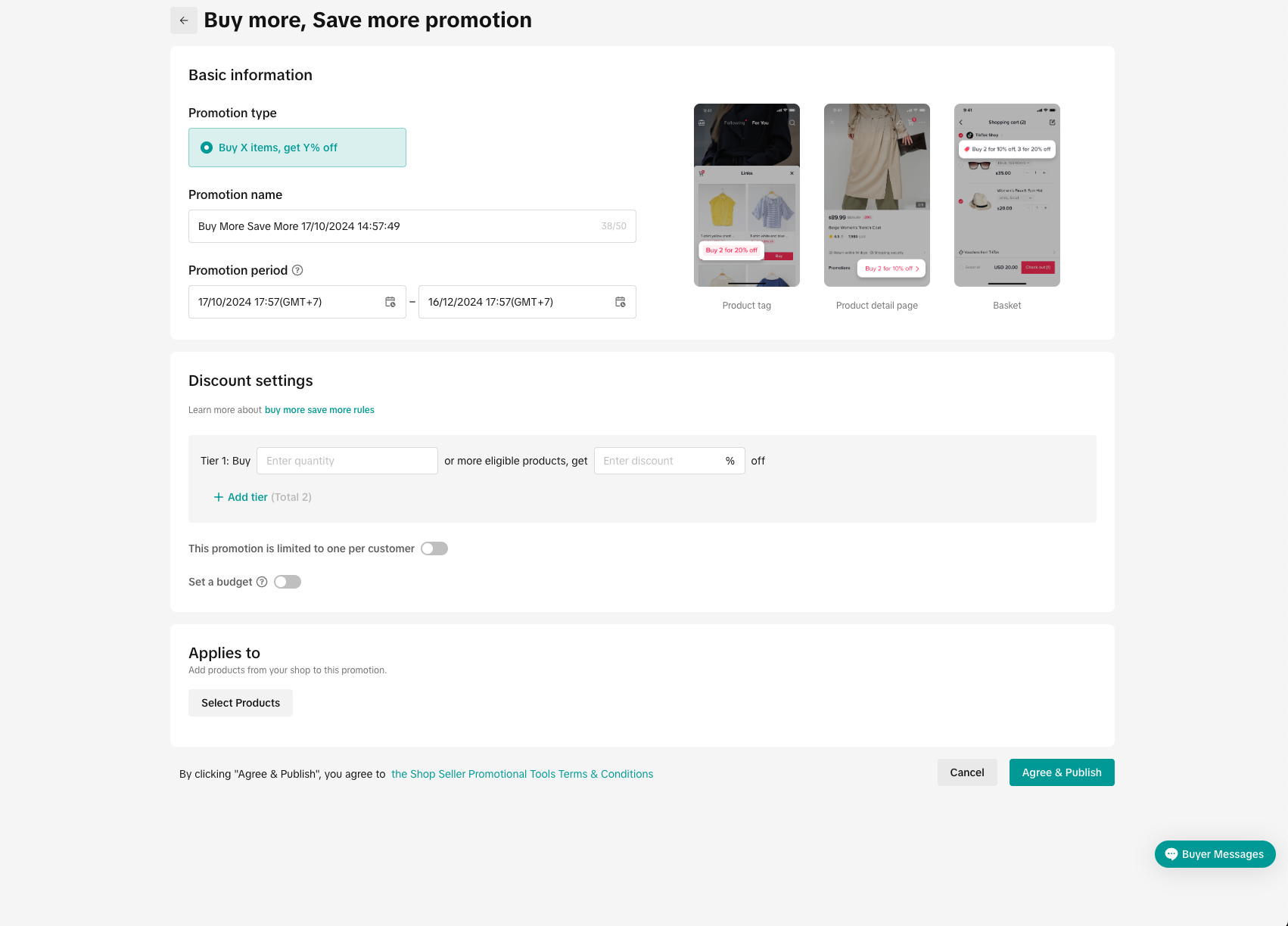 | |
Buy More Save More - Hadiah Pembelian 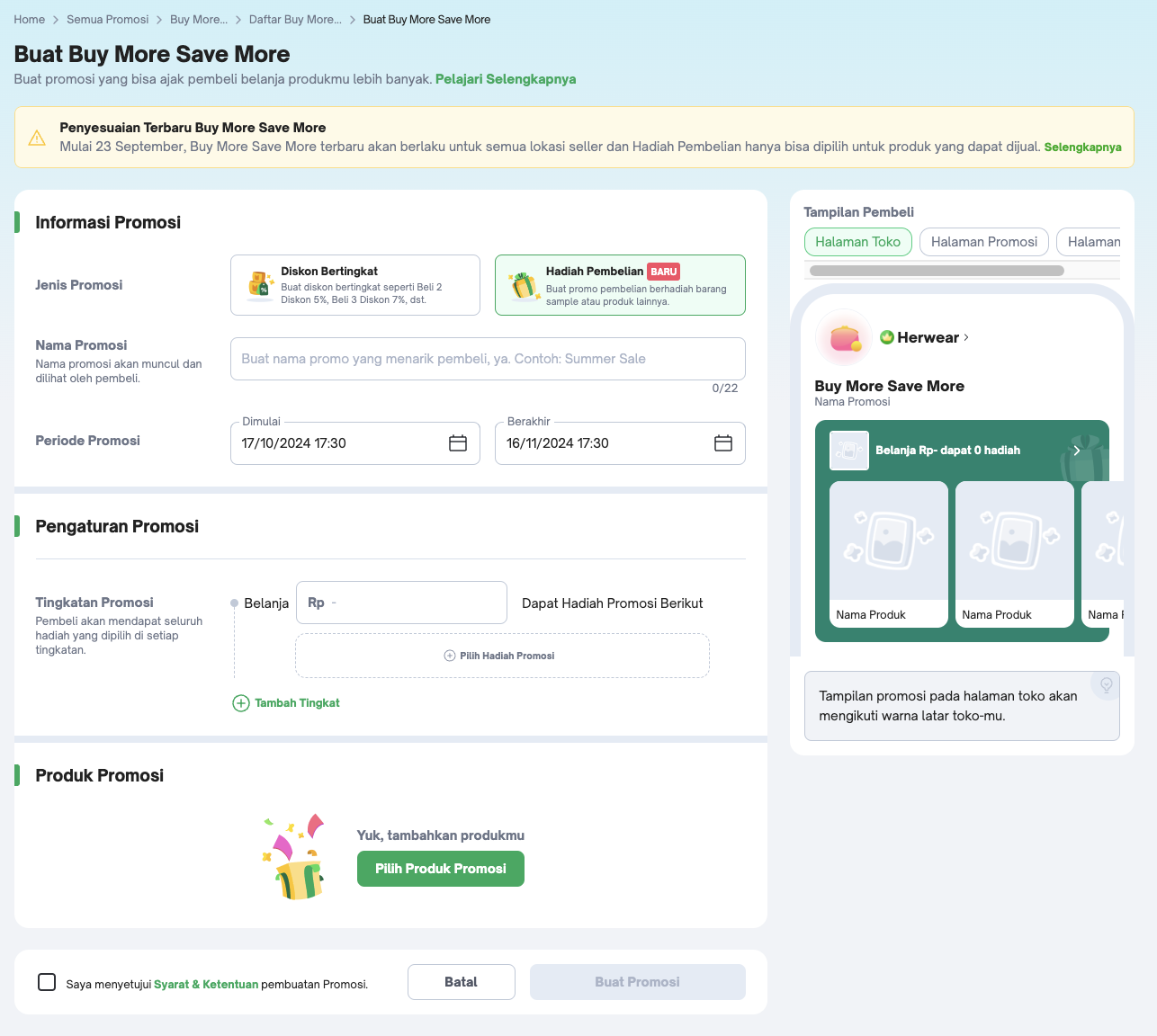 | Gift with Purchase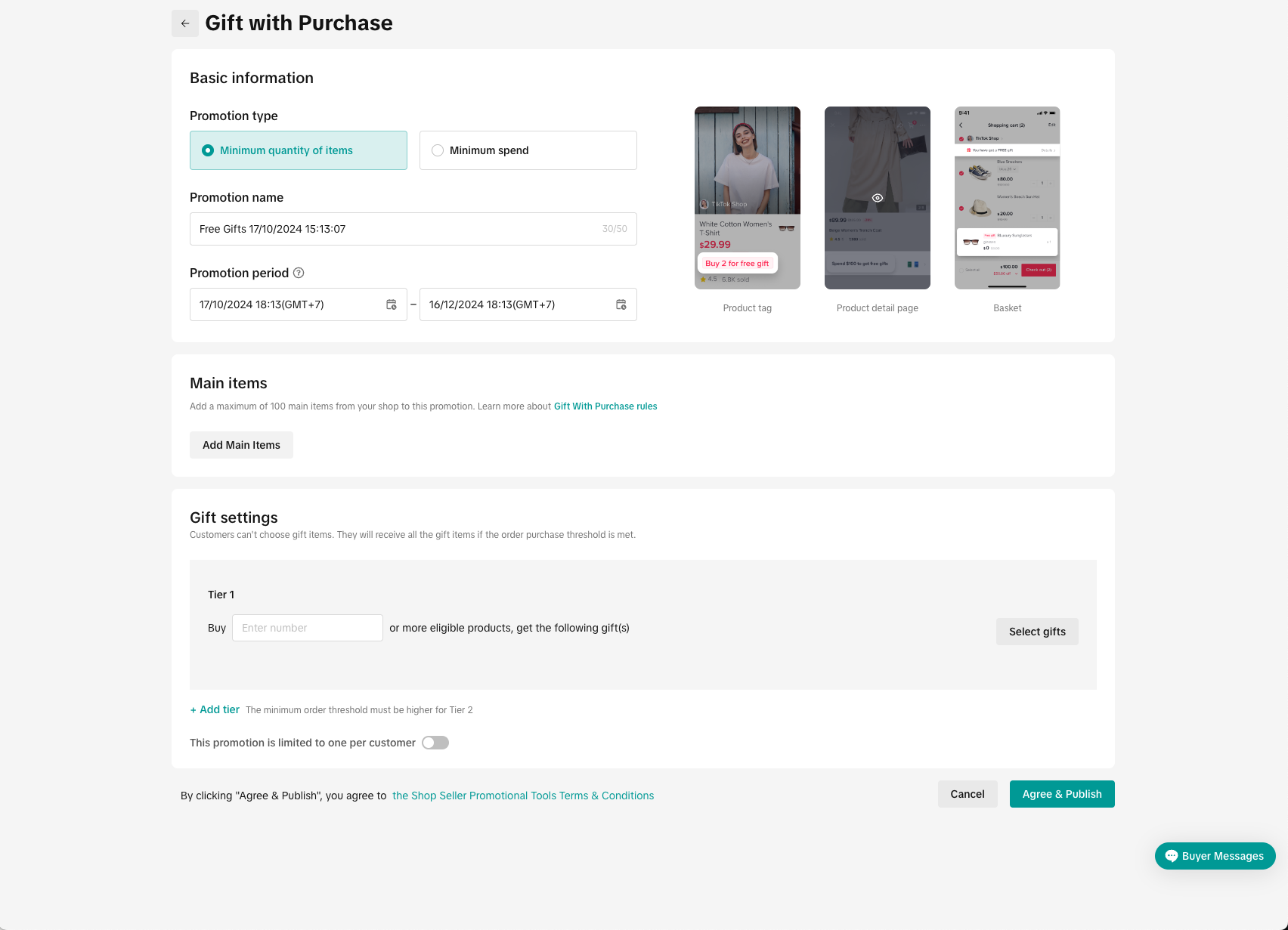 | |
Kupon Toko Saya 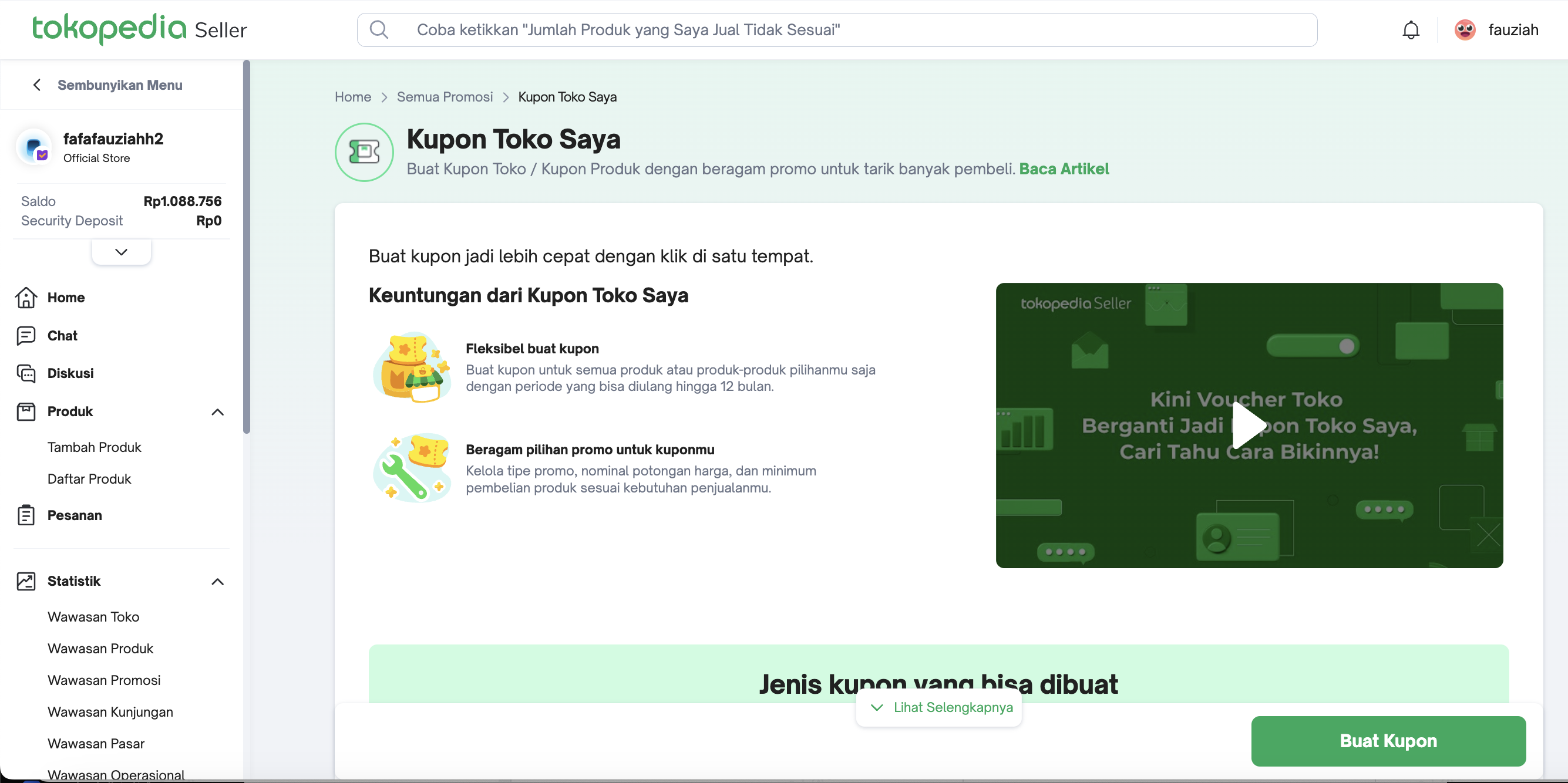 | Regular Voucher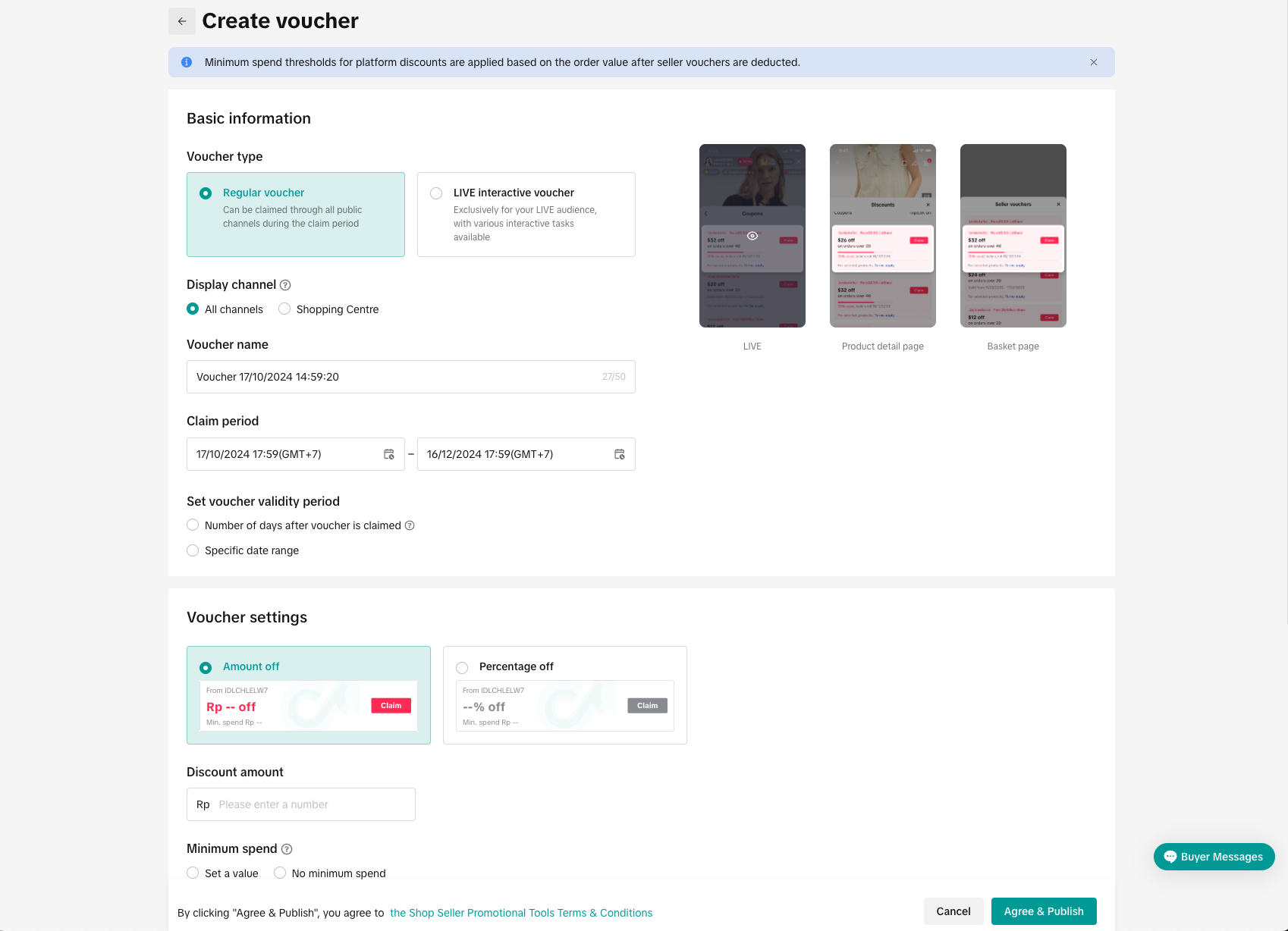 | |
Flash Sale Toko 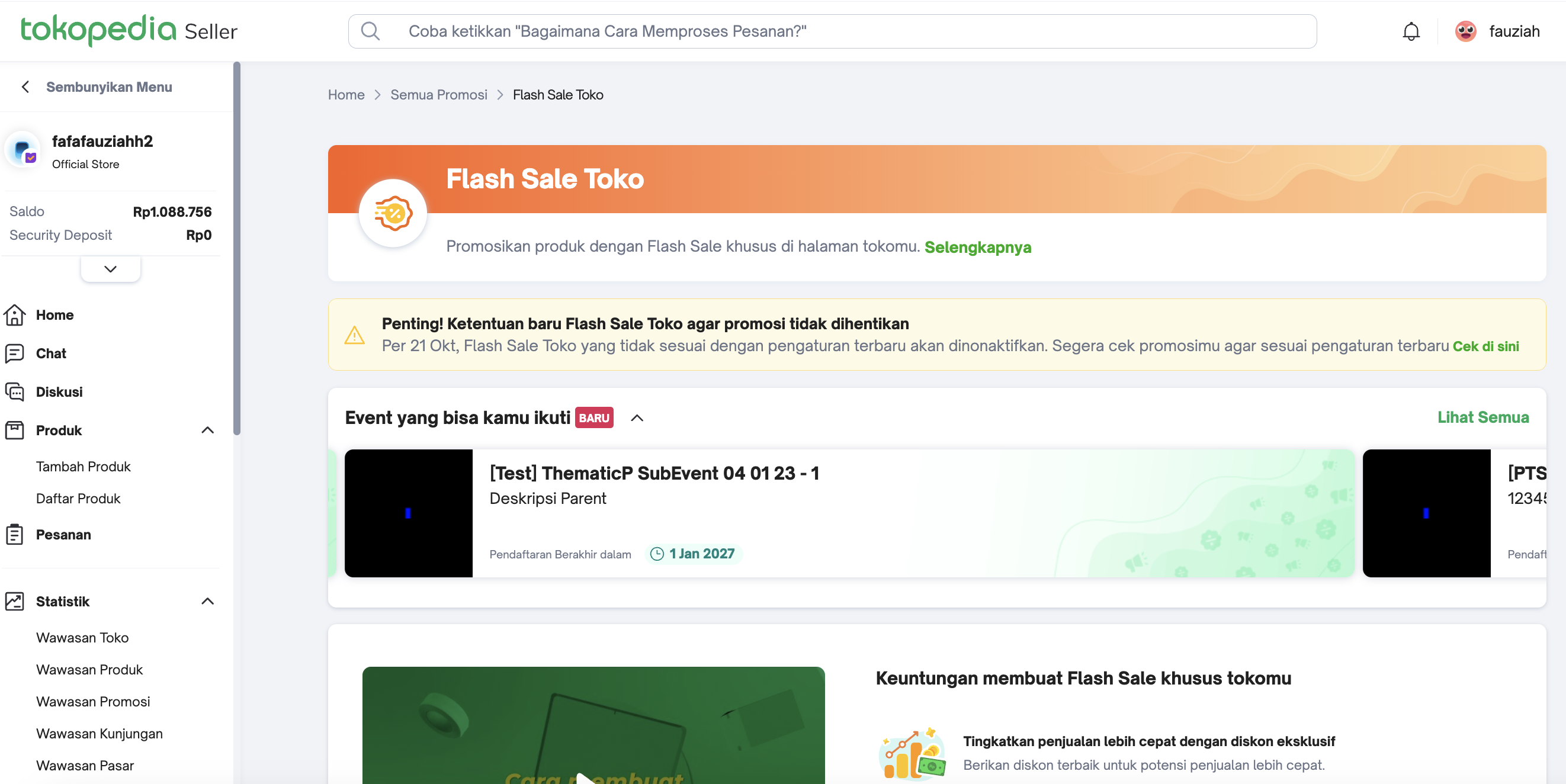 | Flash Deal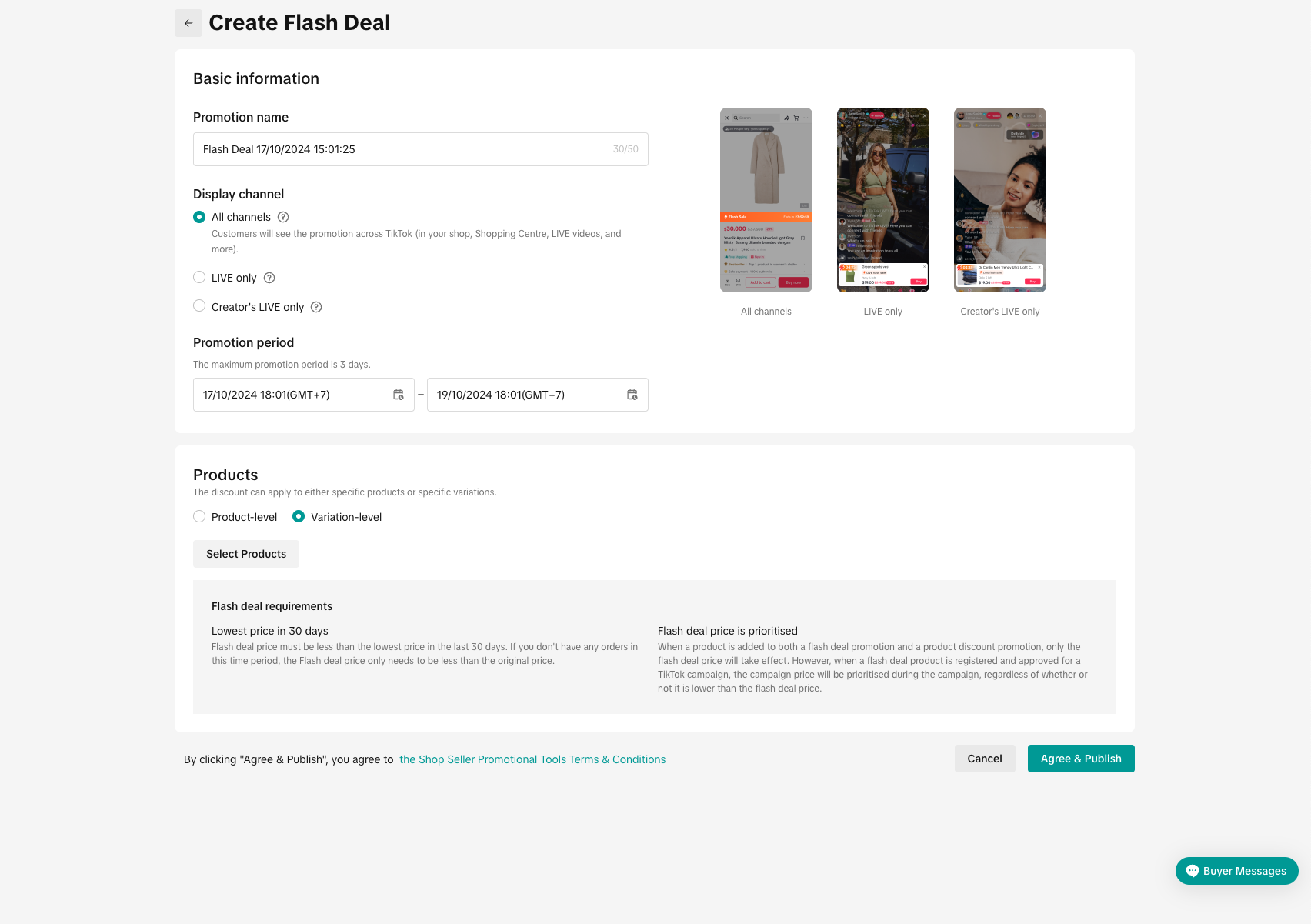 | |
Diskon Toko 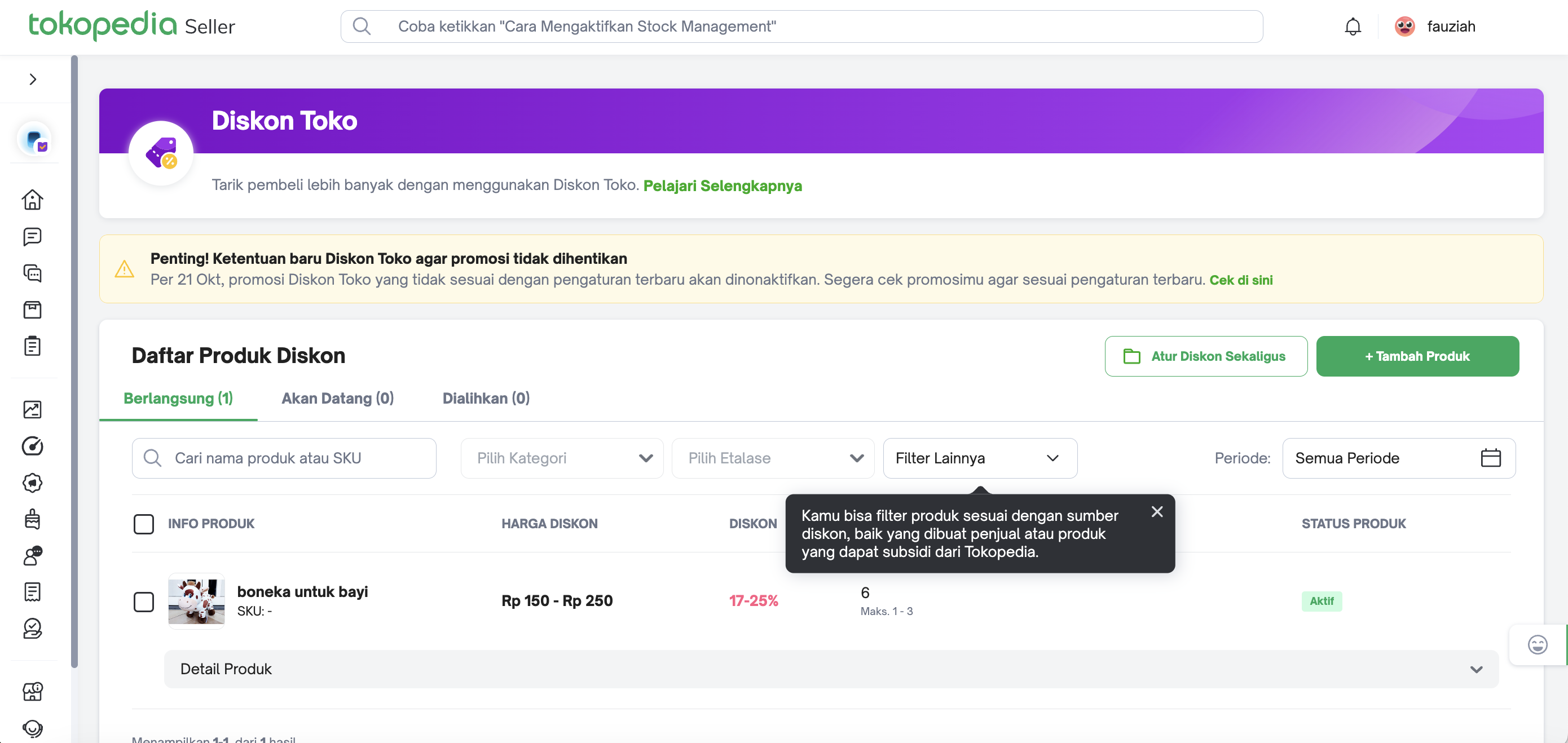 | Product Discount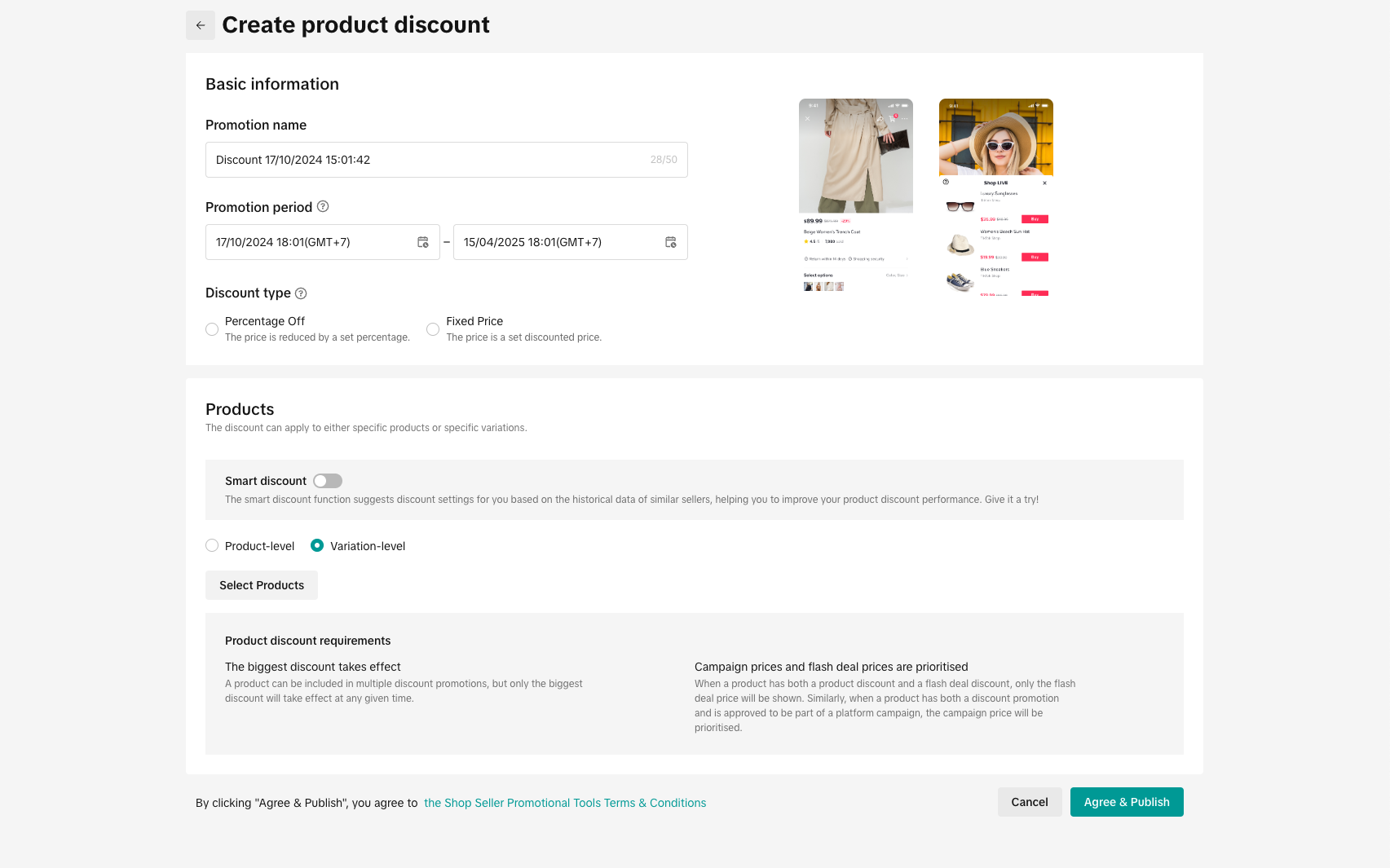 | |
Rilisan Spesial 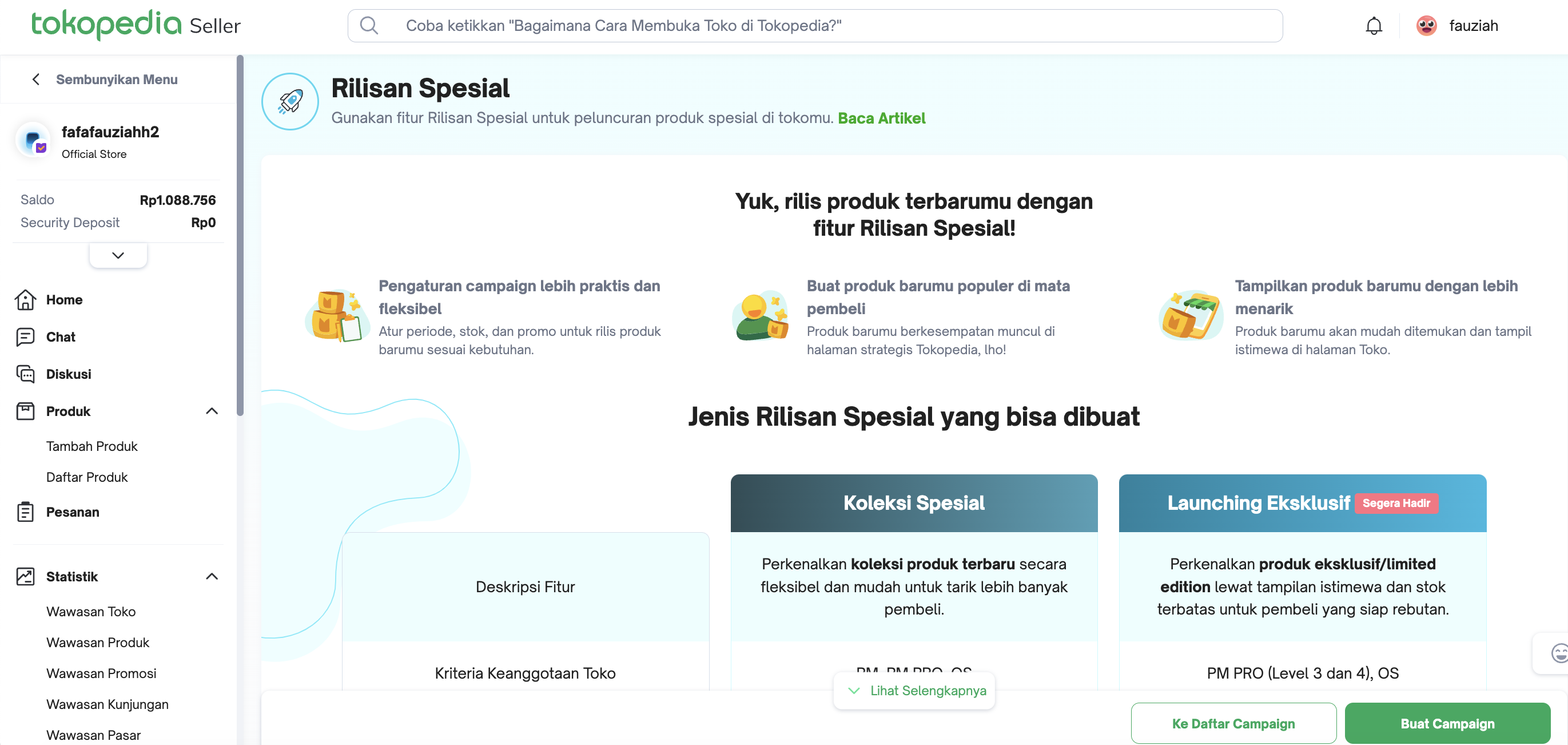 | New Arrival Discount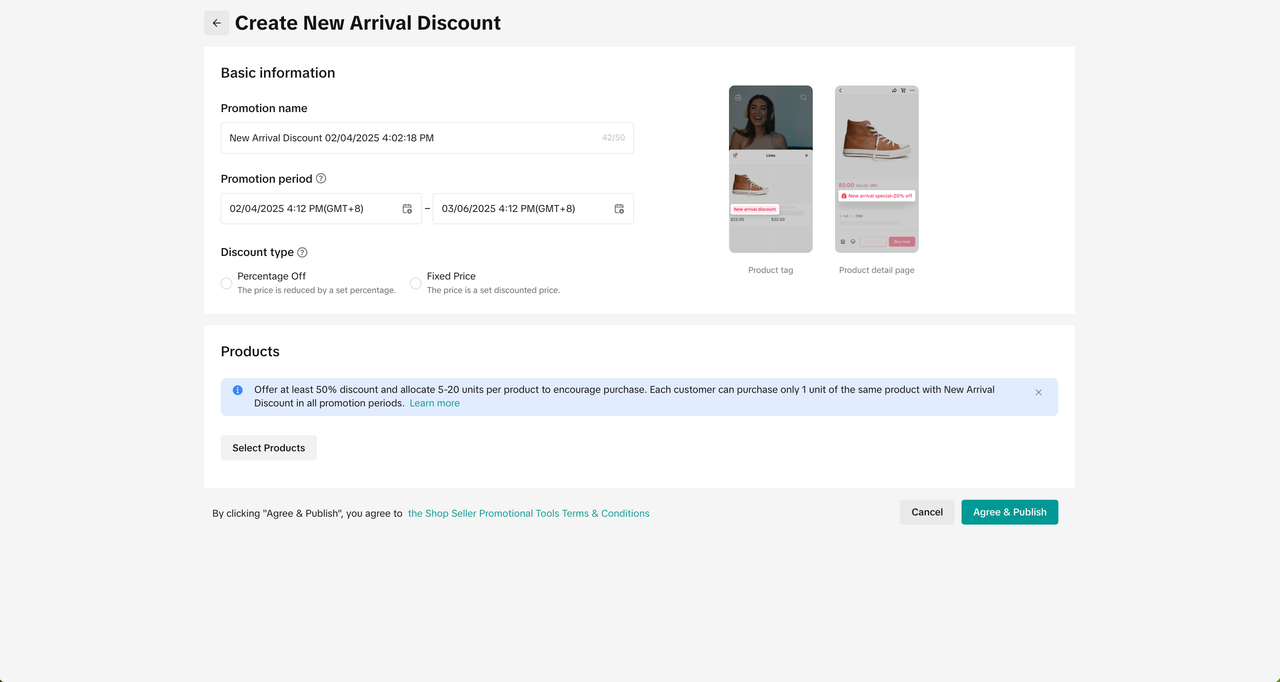 | |
Flash Sale Tokopedia 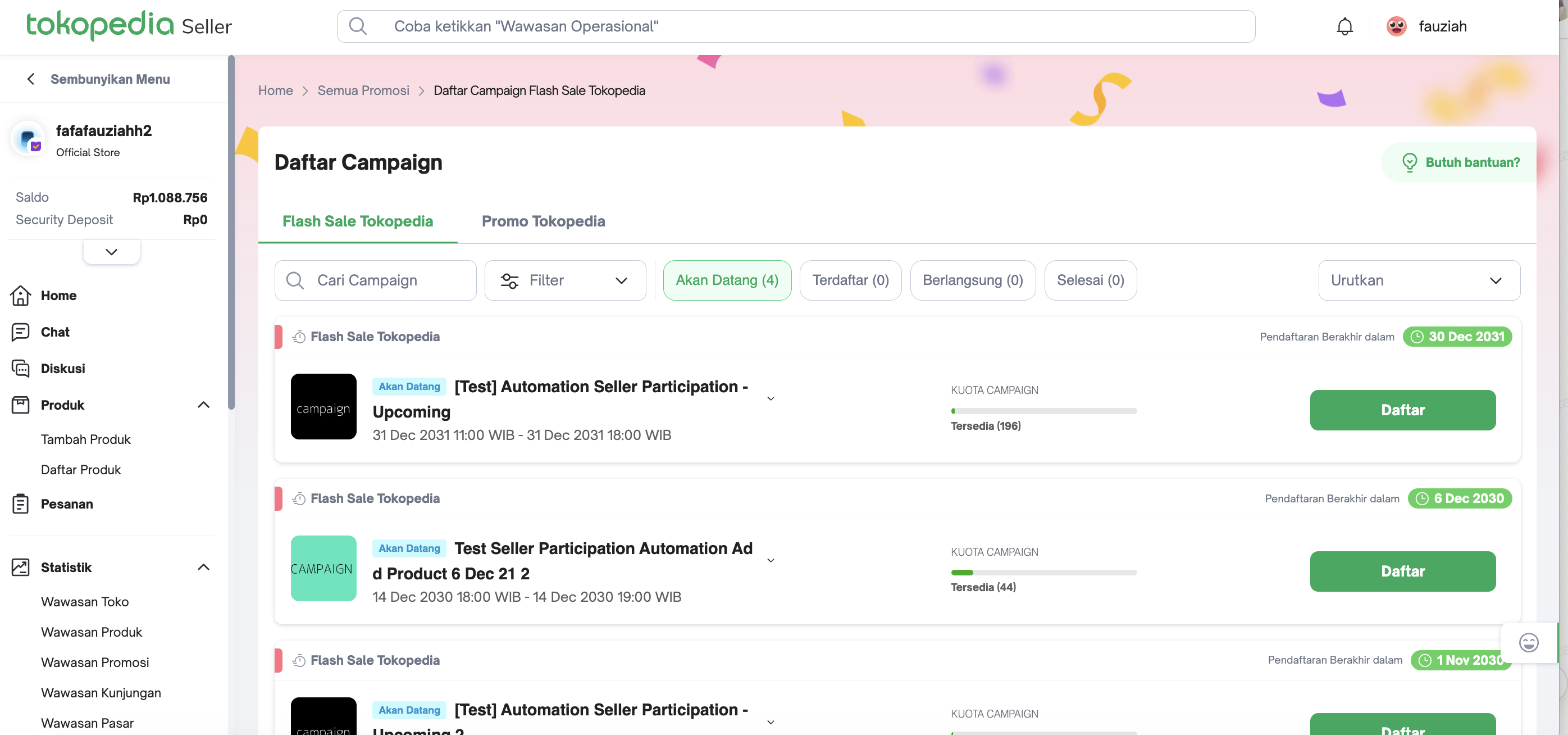 | Sign-up for Campaigns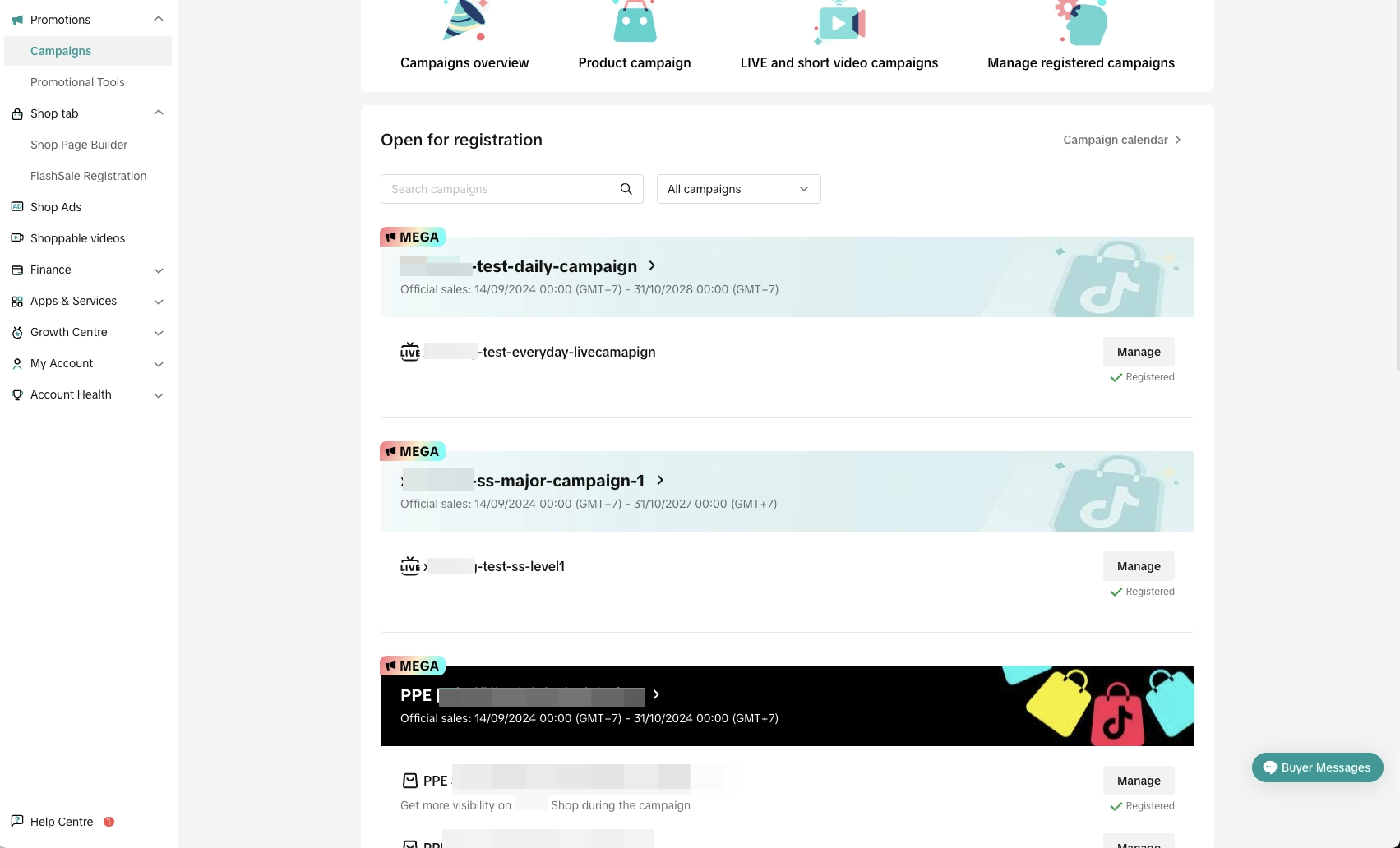 | |
Bundling 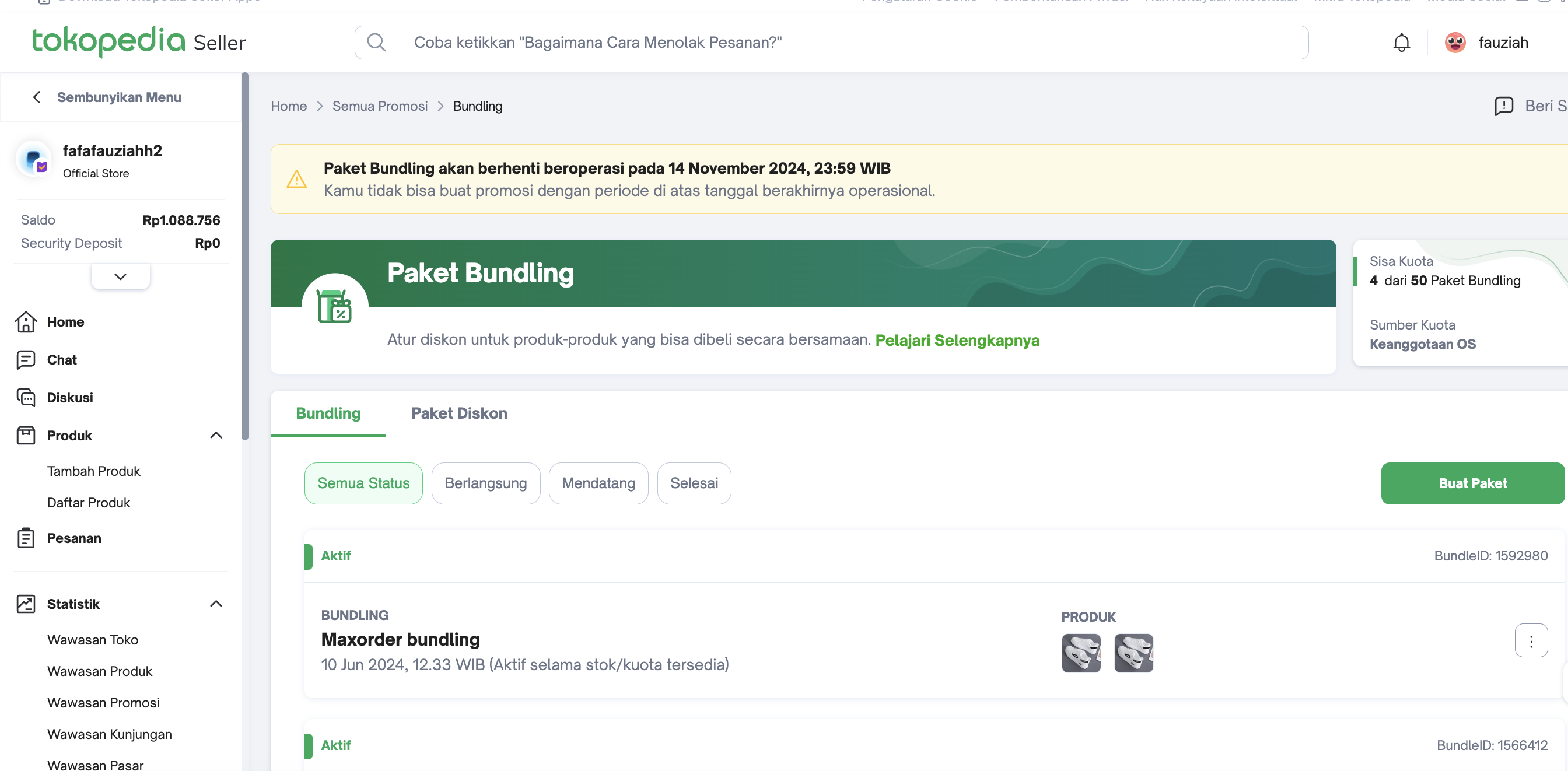 | Not Available - Suggest using Buy More Save More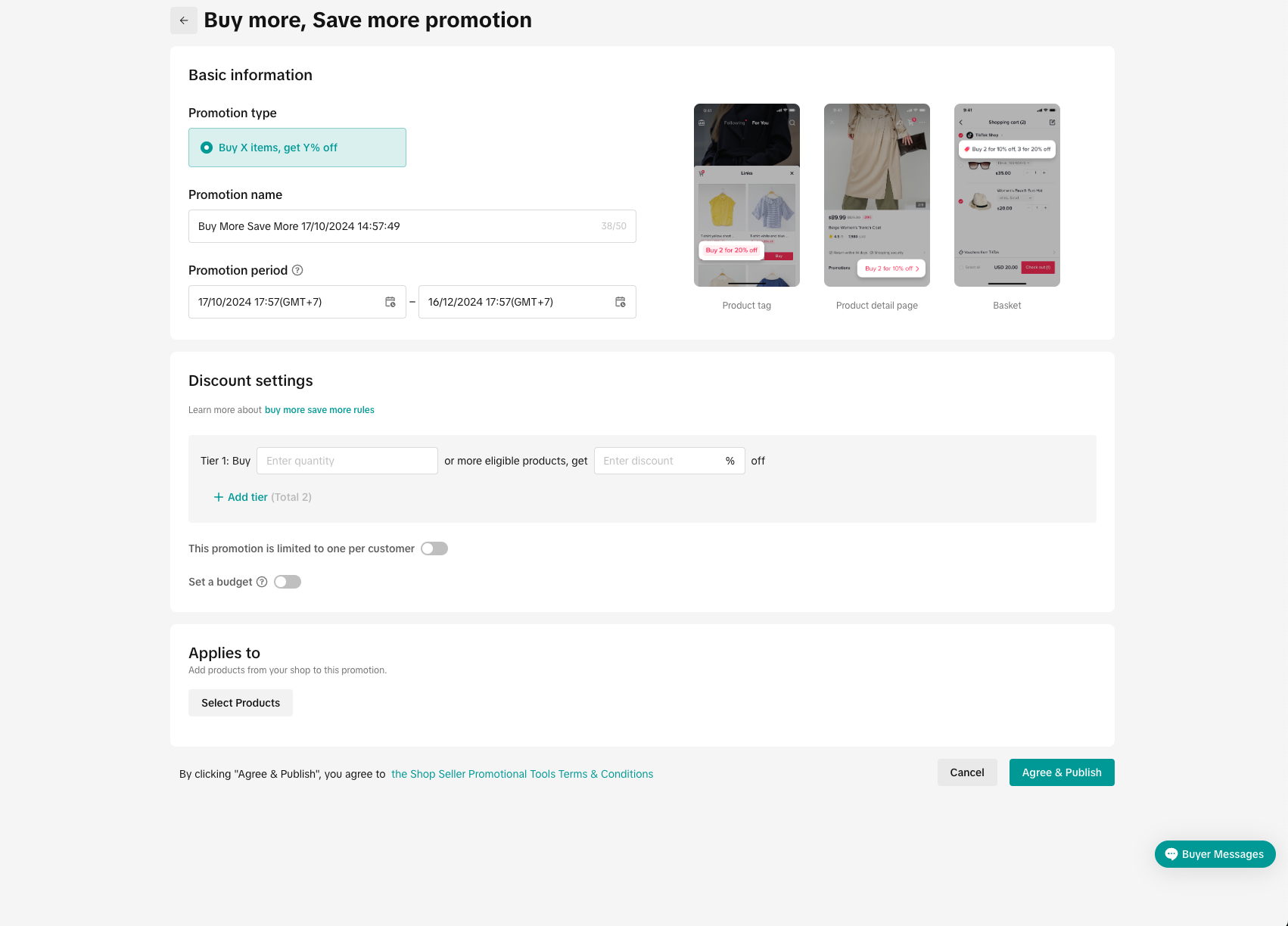 | |
Paket Diskon 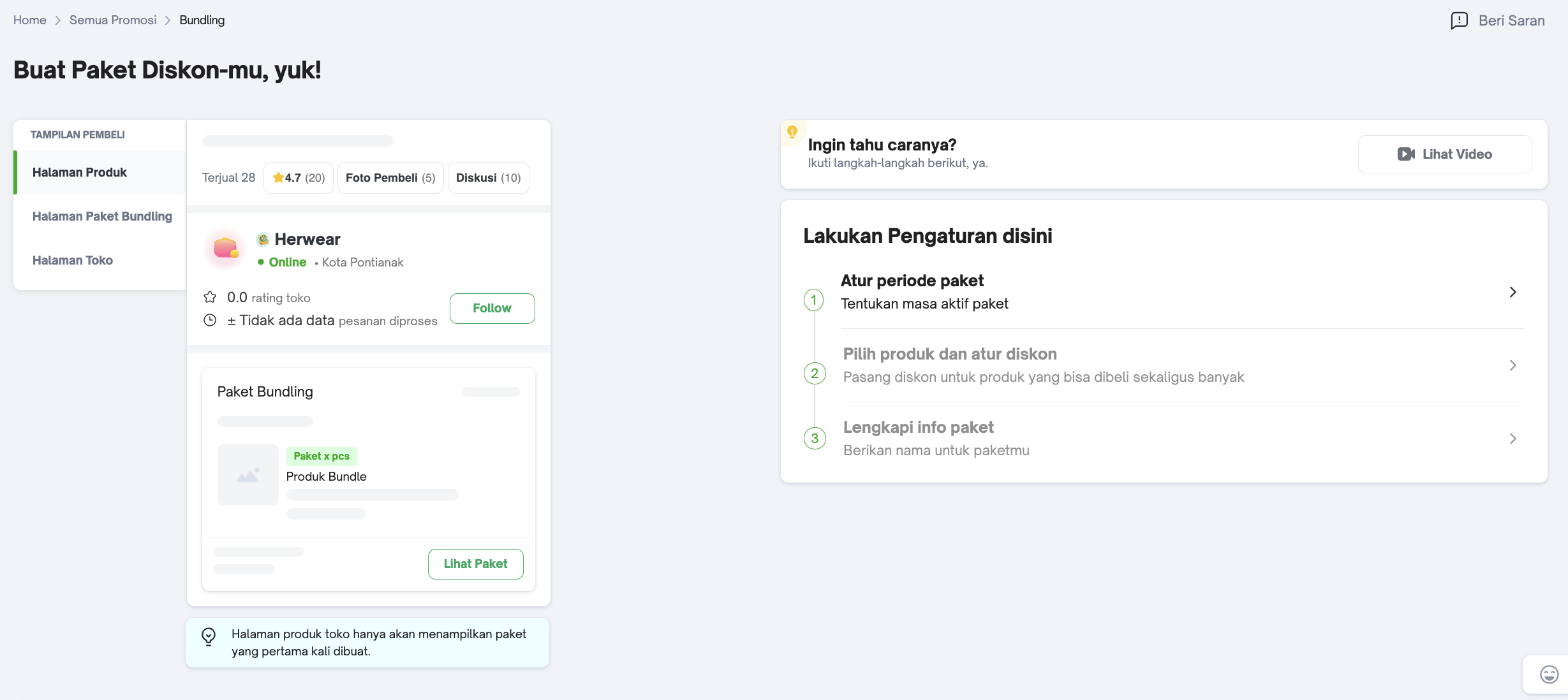 | Buy More Save More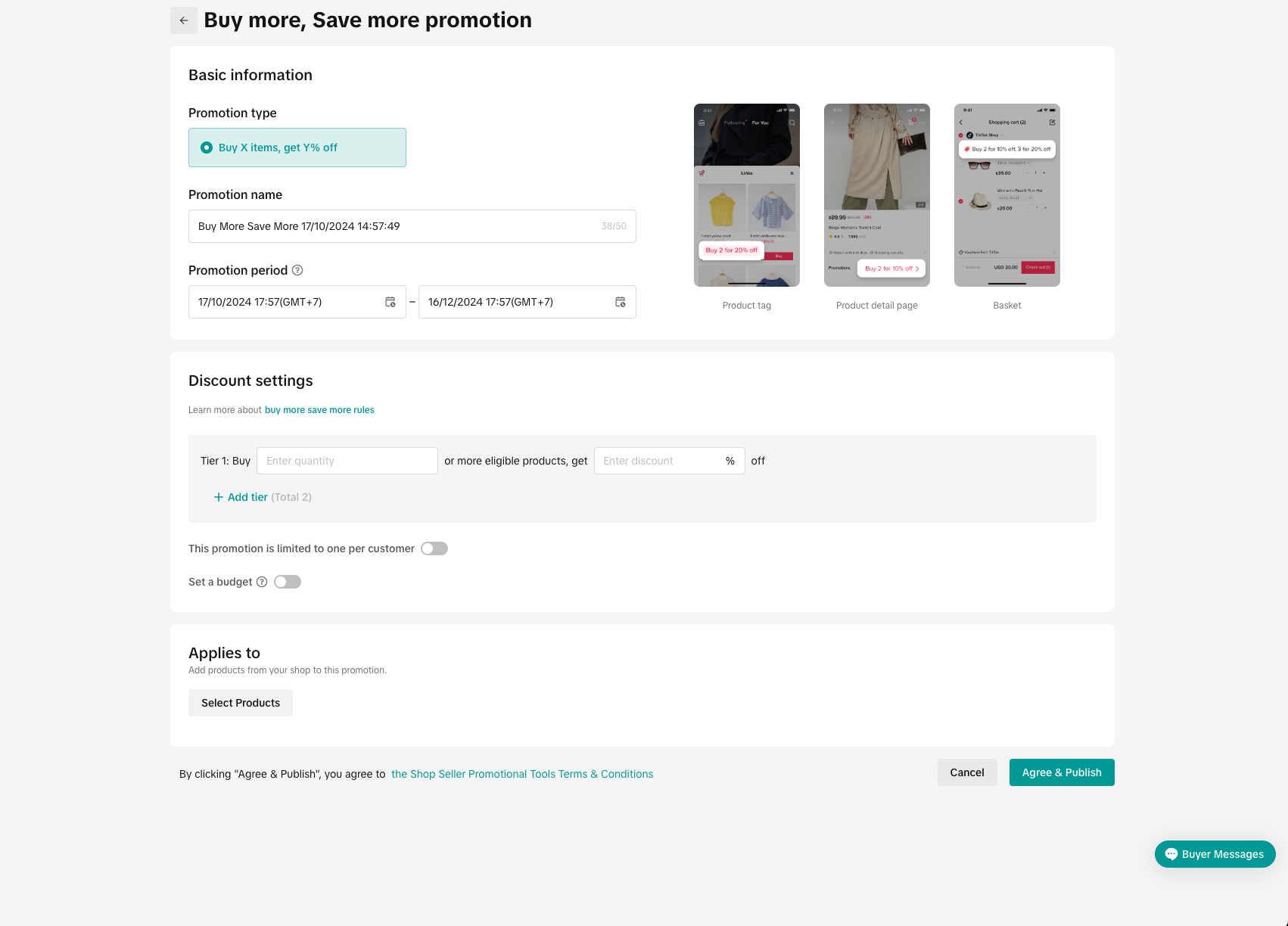 | |
Bebas Ongkir 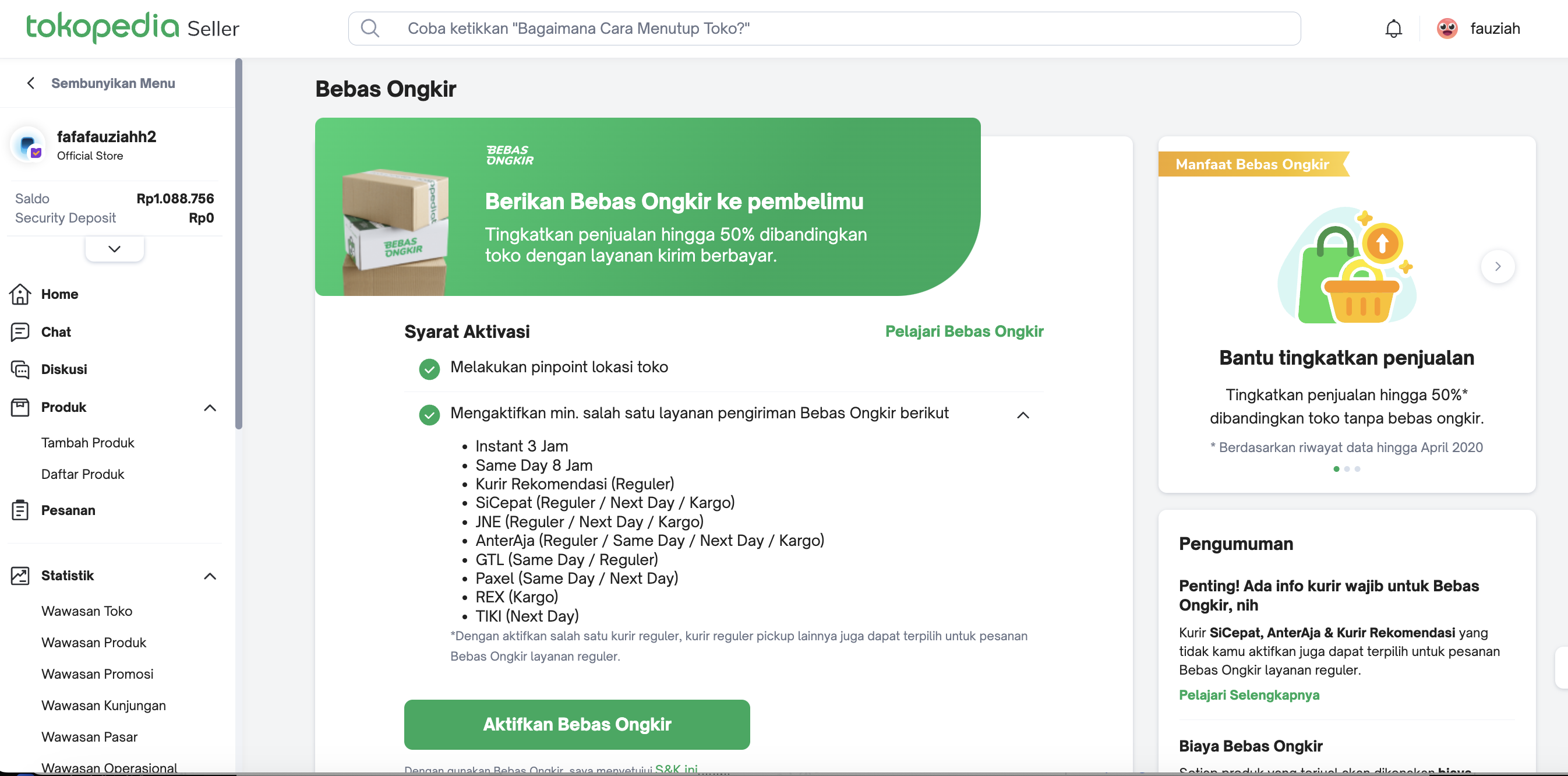
| Sign-up for Shipping Fee Program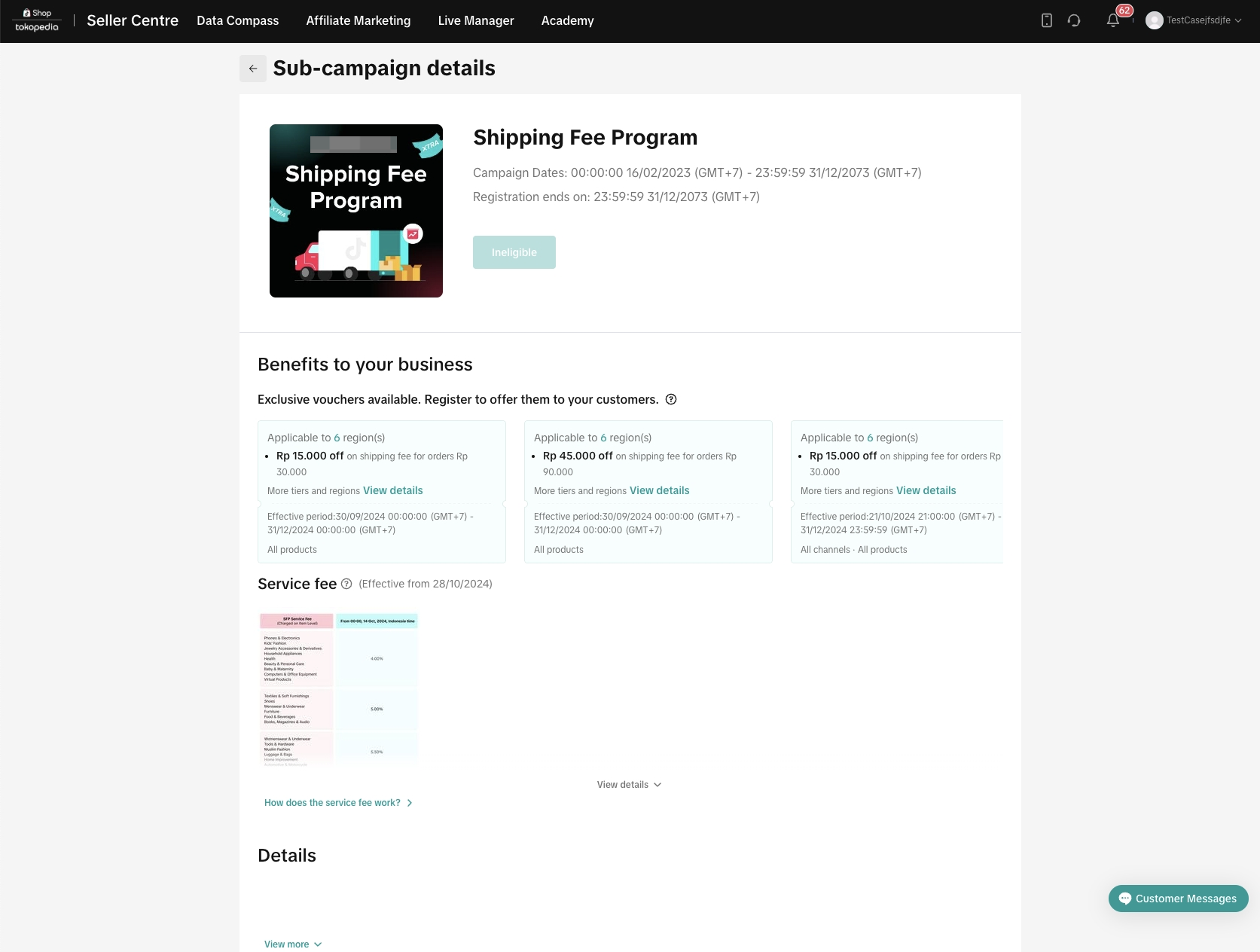 | |
TokoMember 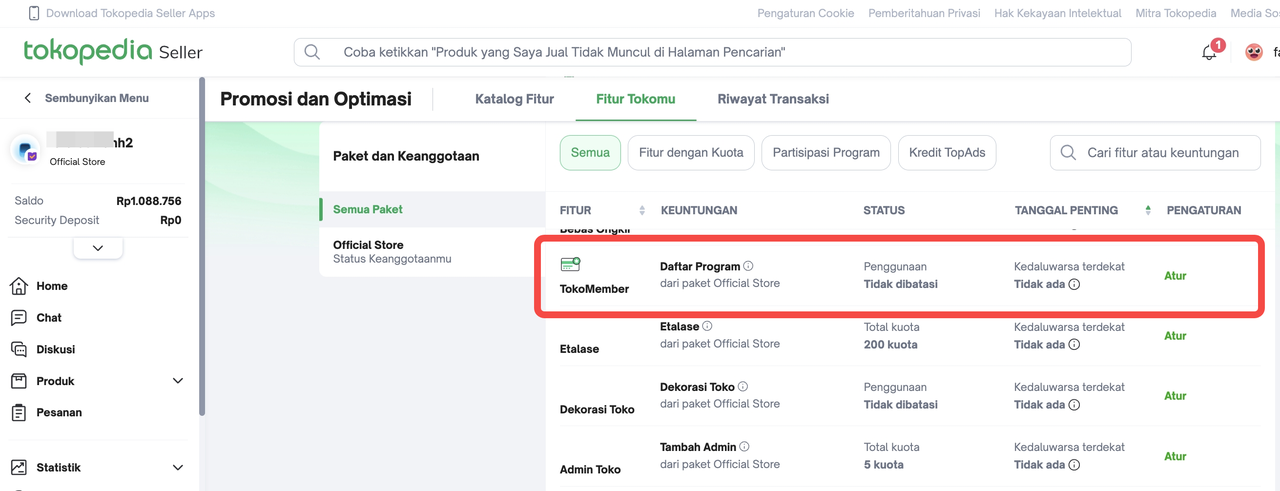 | Not Available | |
Promo Tokopedia 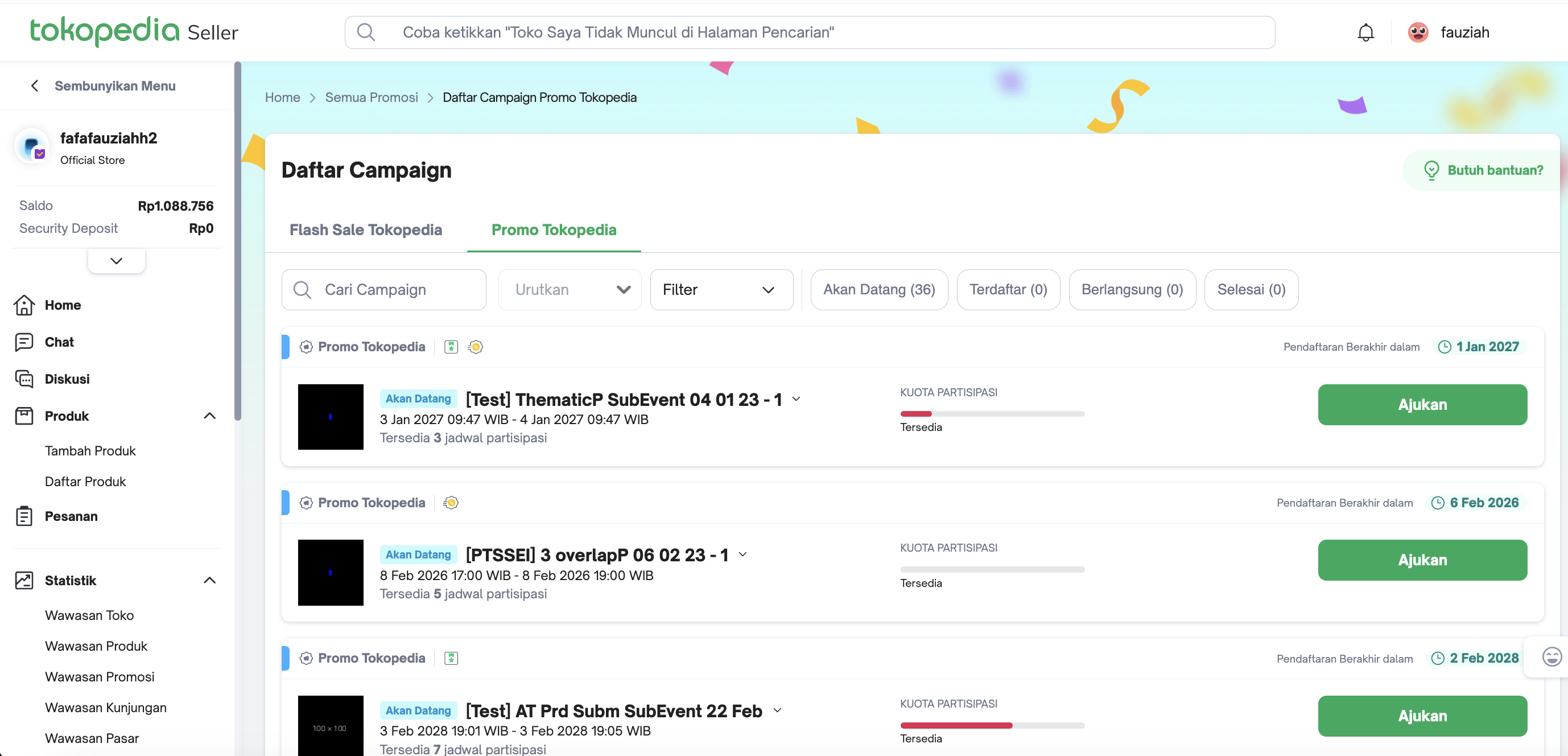 | Campaigns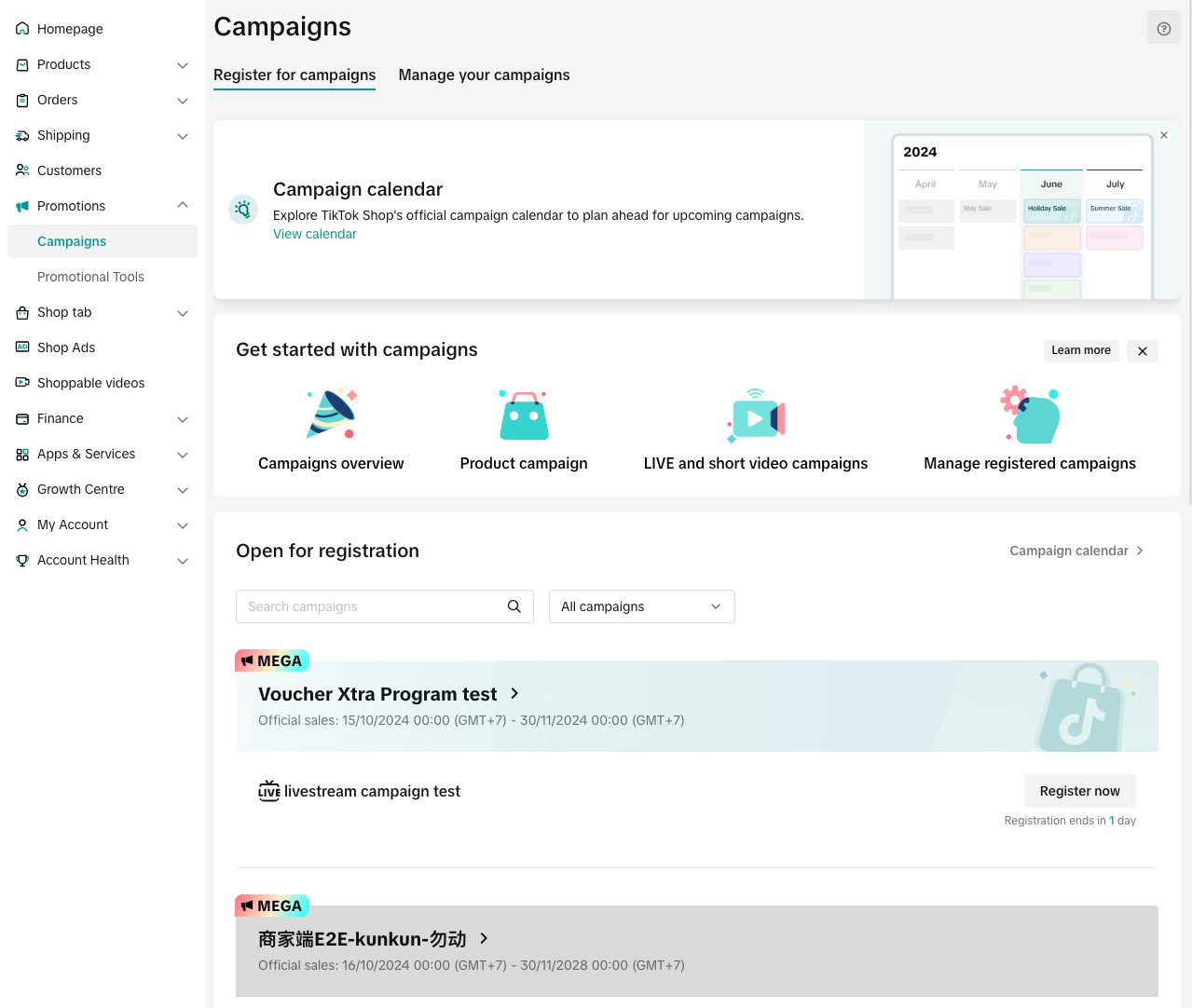 | |
| Affiliate & Creator | Dipromosikan Affiliate 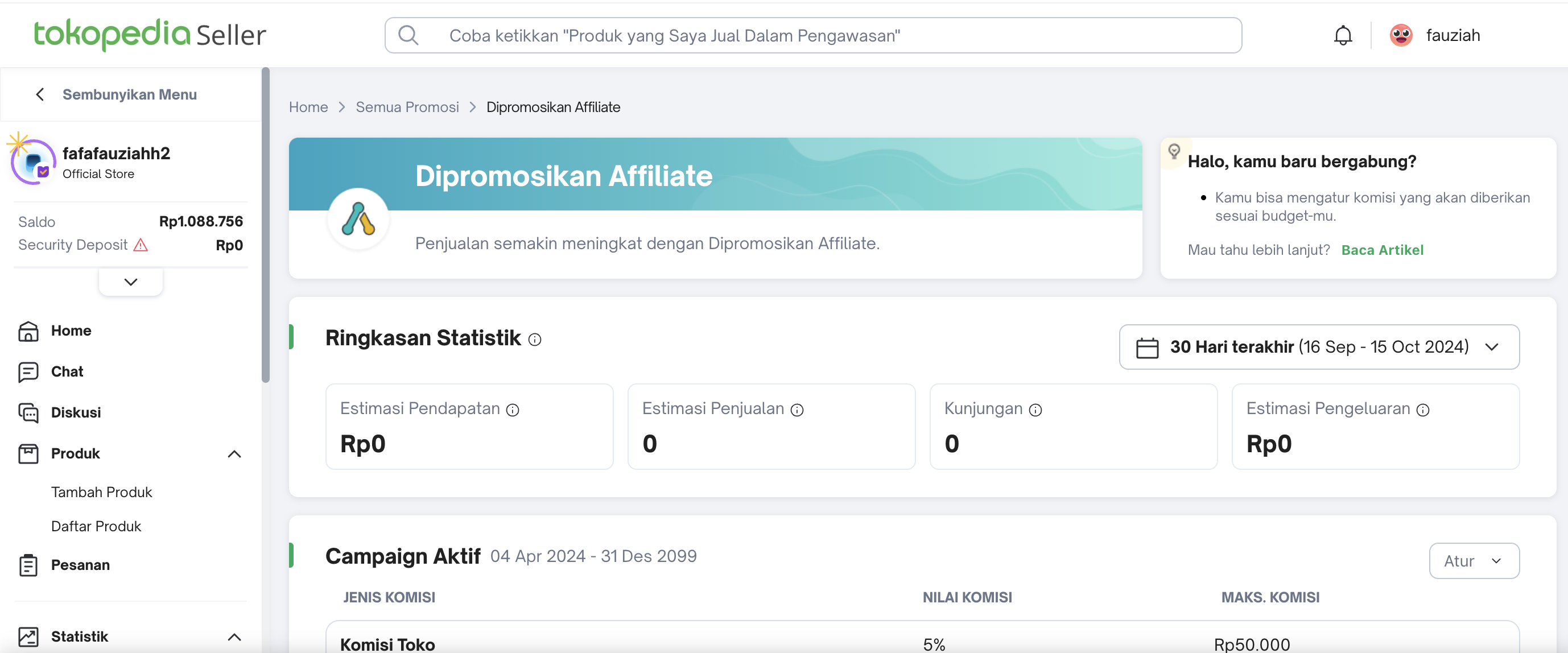 | Affiliate Center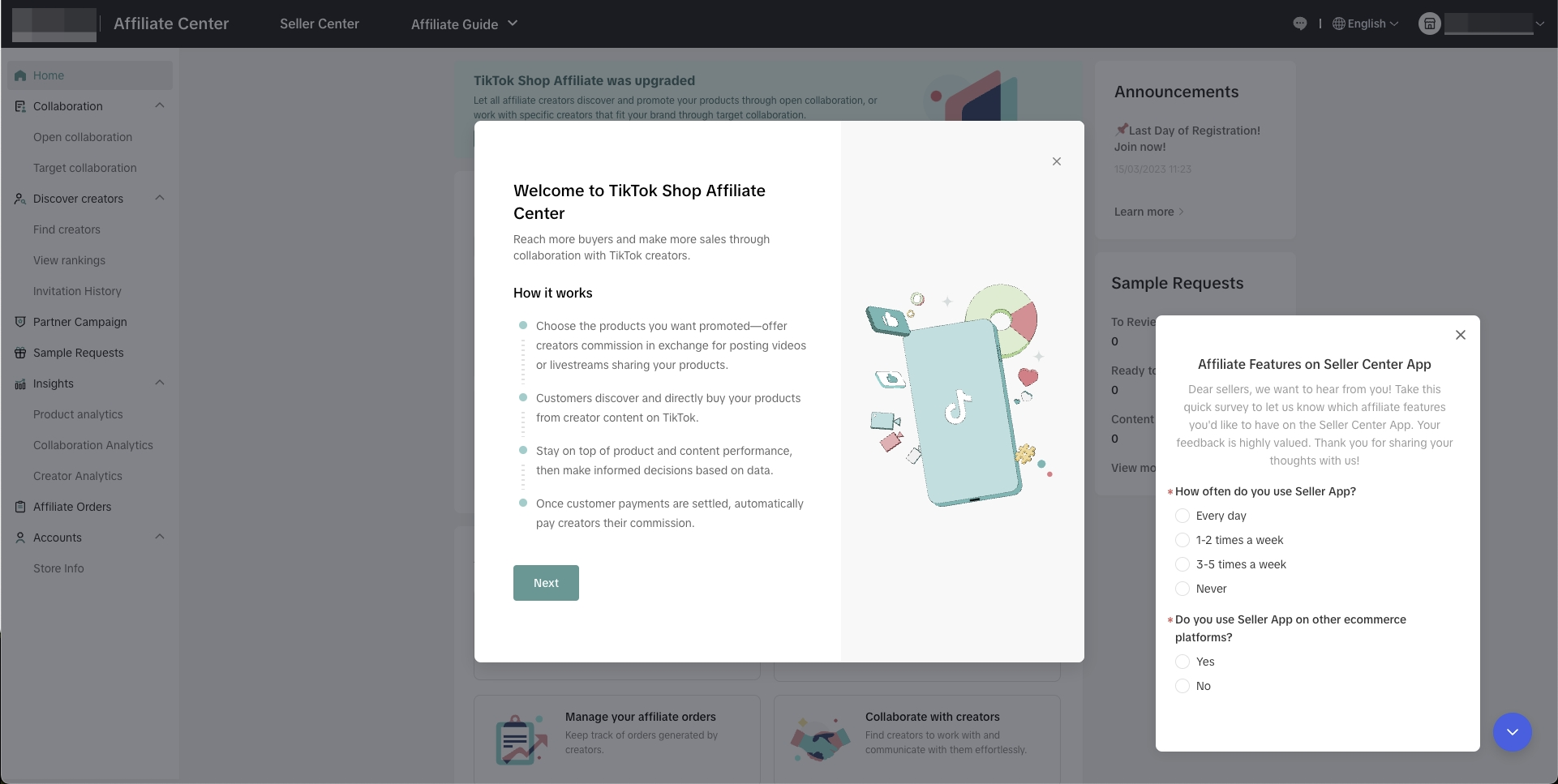 |
| LIVE and Video | Tokopedia Play 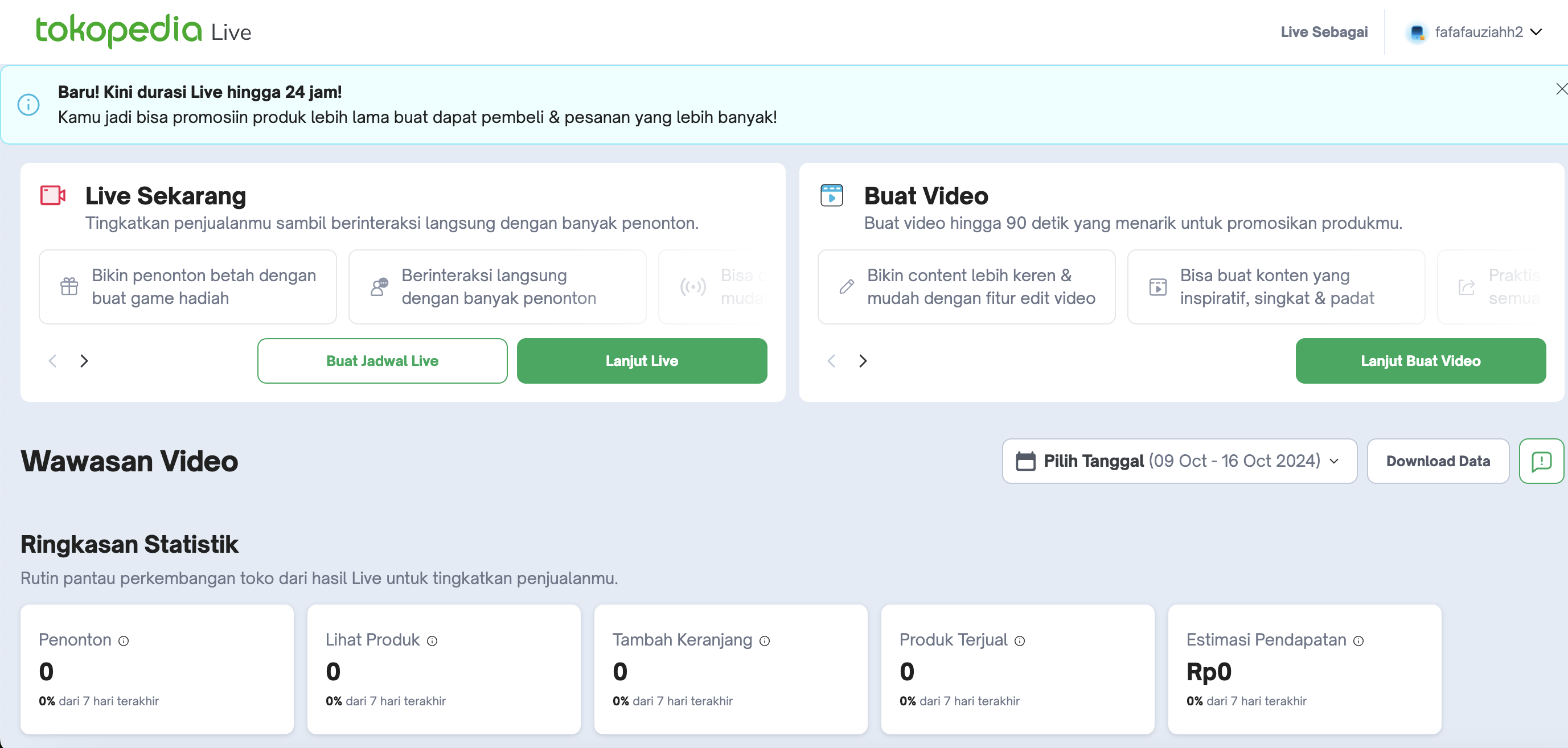
| Shoppable Video 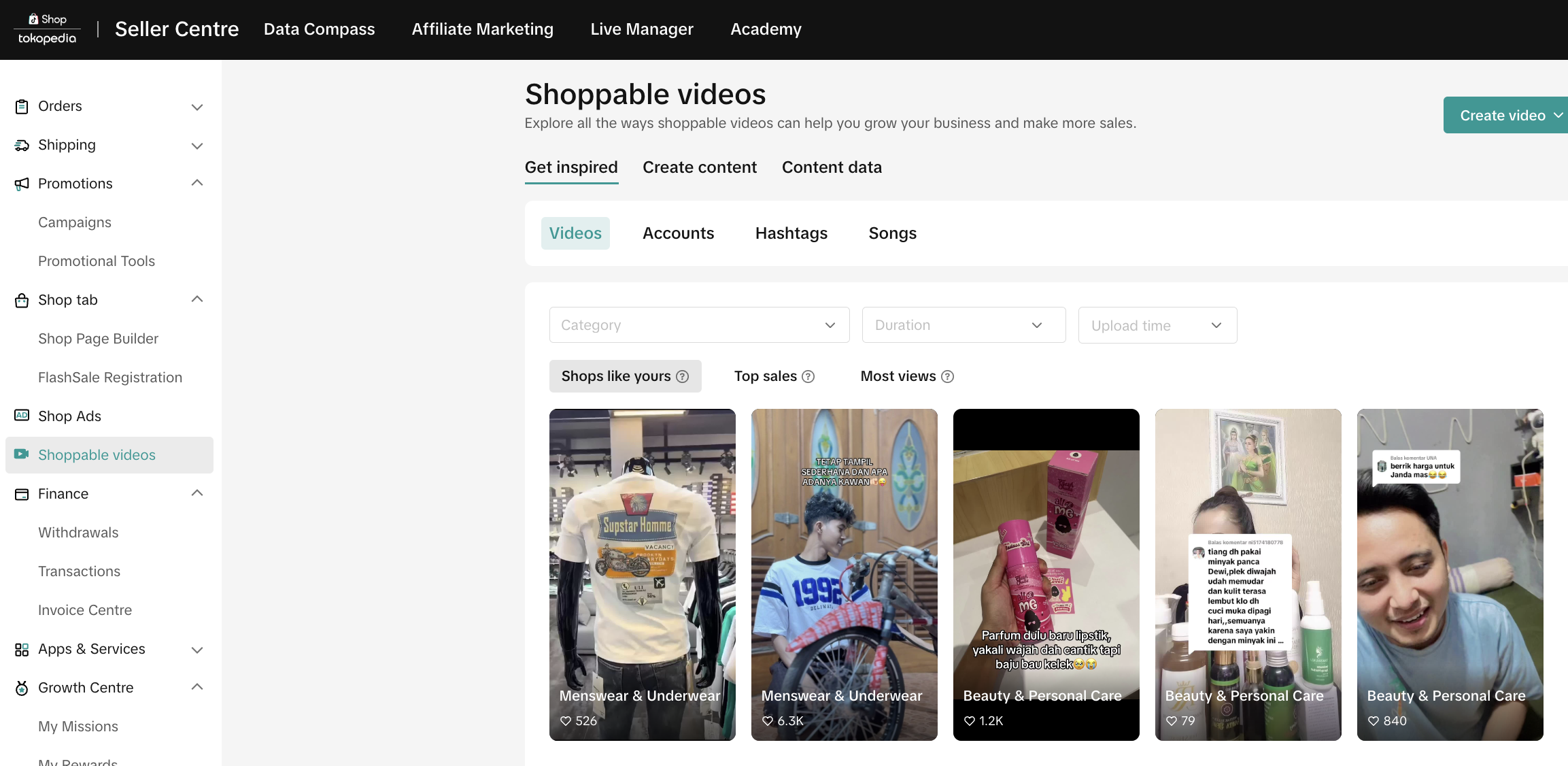 |
| LIVE https://shop.tiktok.com/streamer/welcome | ||
| Shop Page | Dekorasi Toko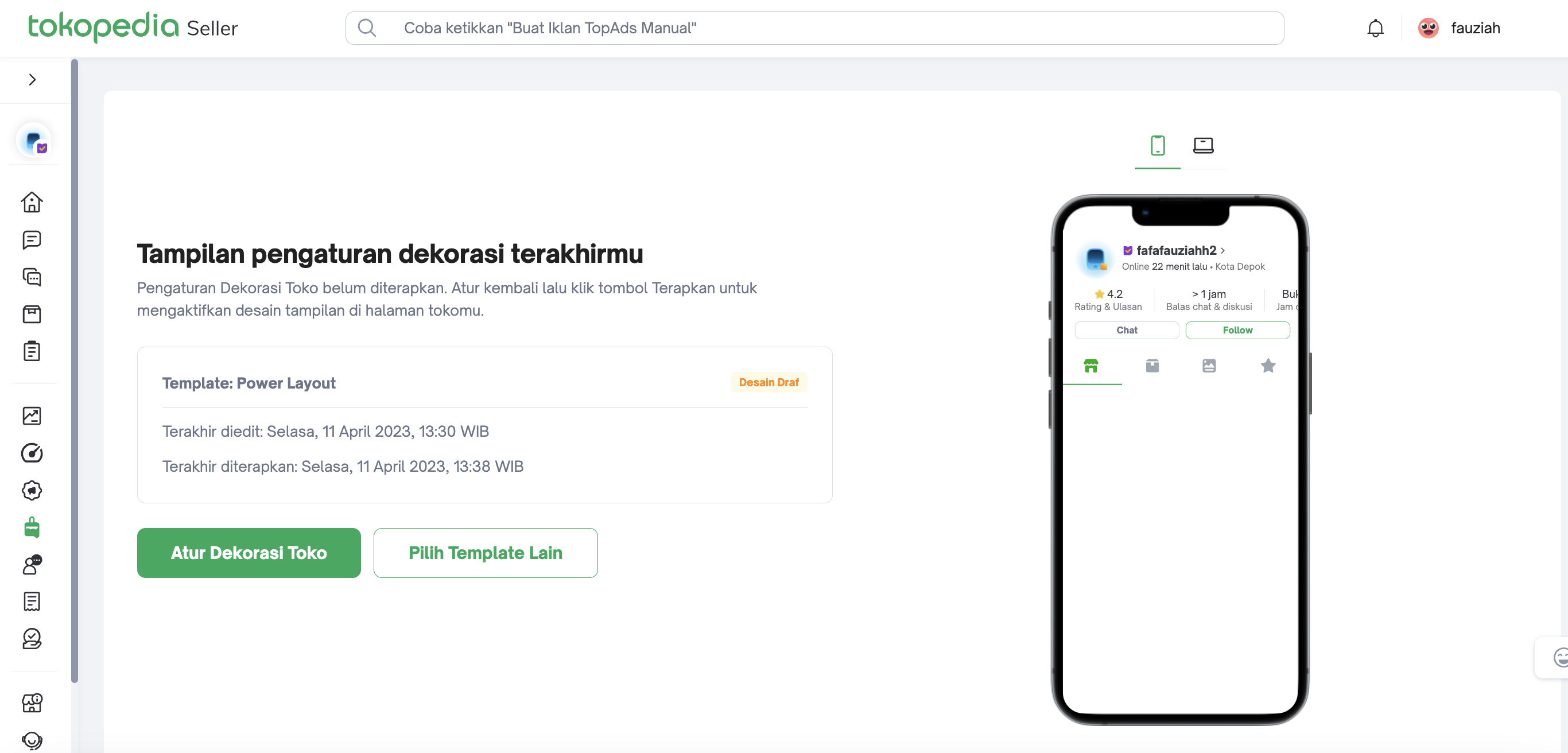
| Shop Page Builder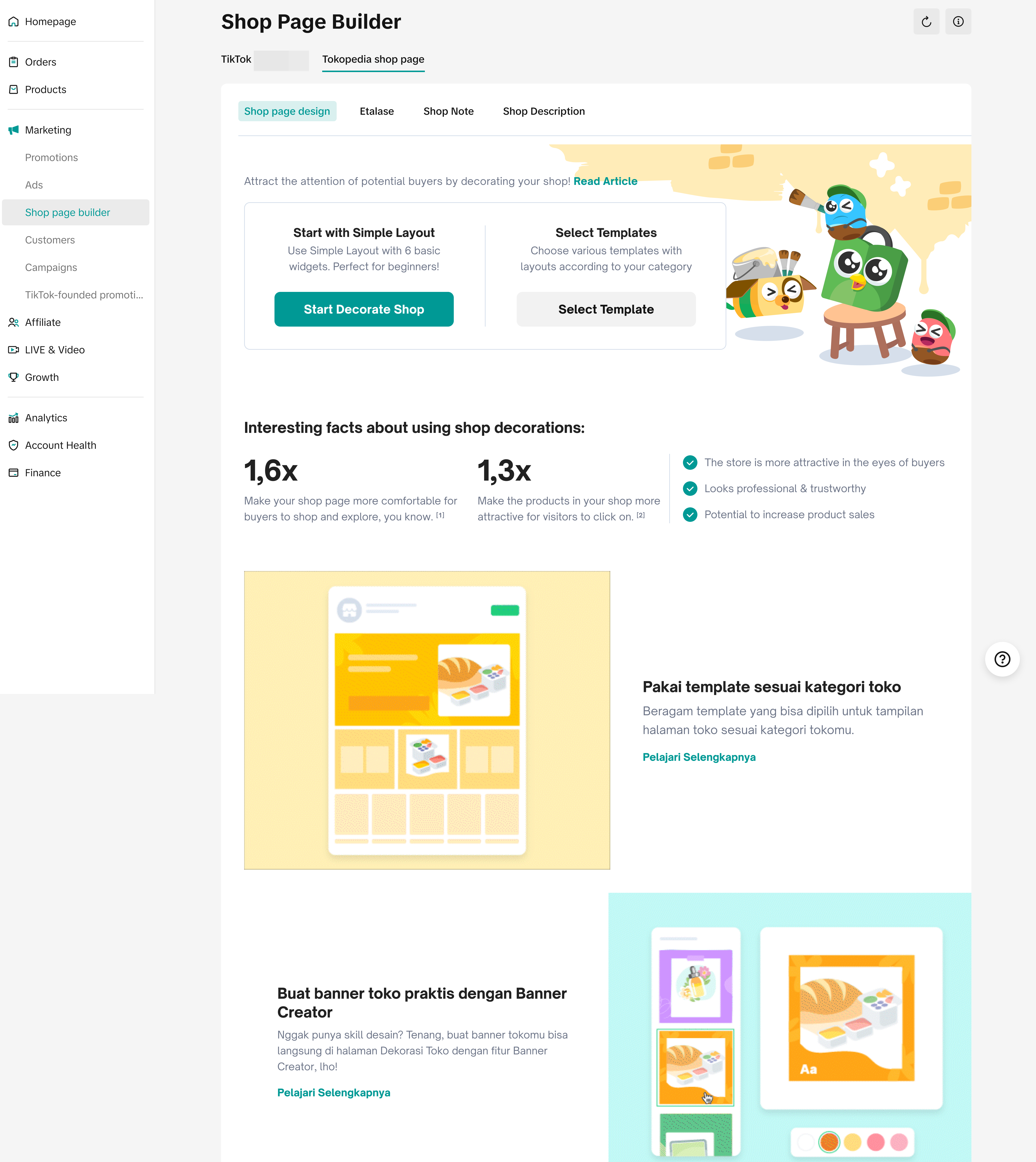 |
| Ads | Iklan TopAds 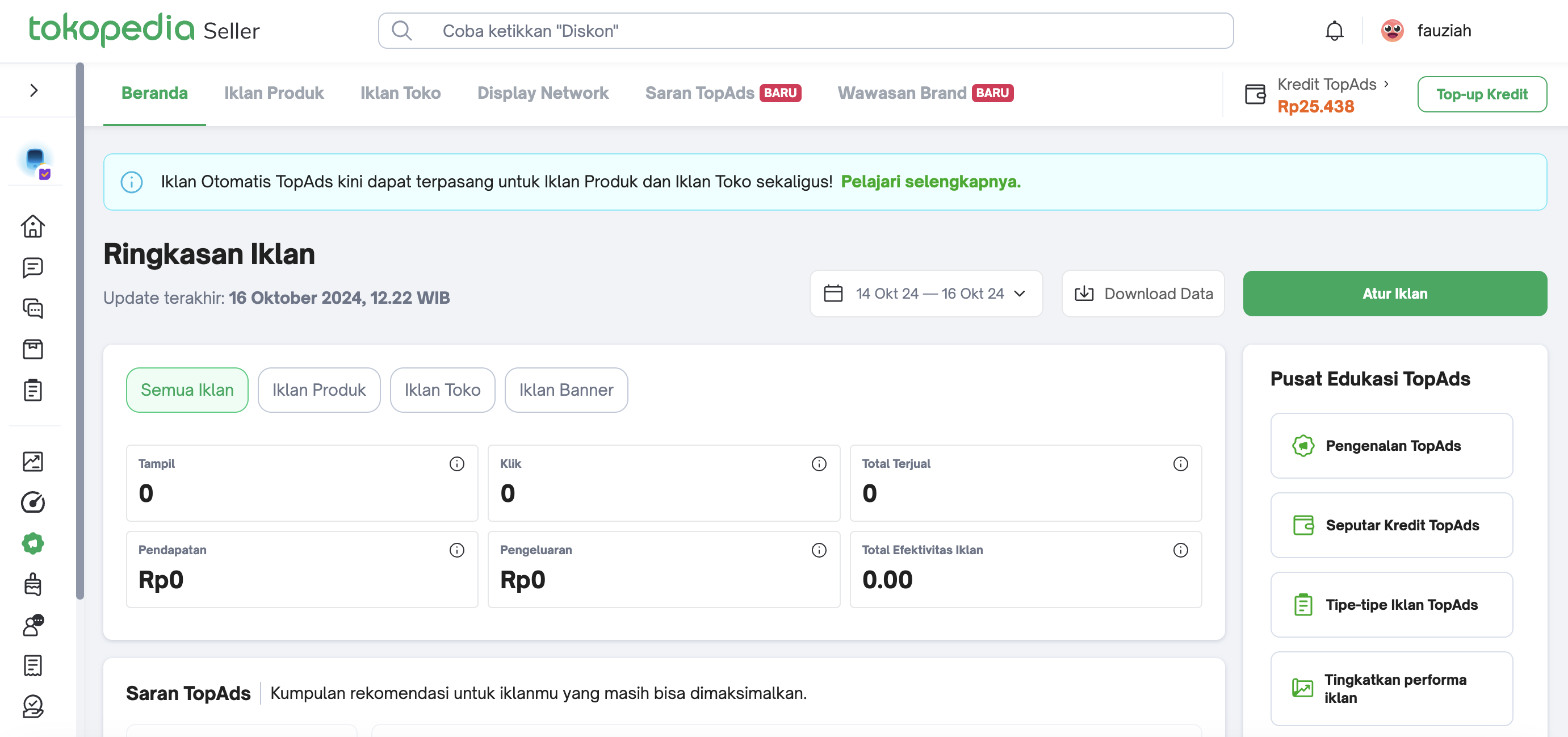
| ShopAds On Seller Center > Shop Ads > Create Custom Shop Ads (entry point to Tiktok Ads Manager)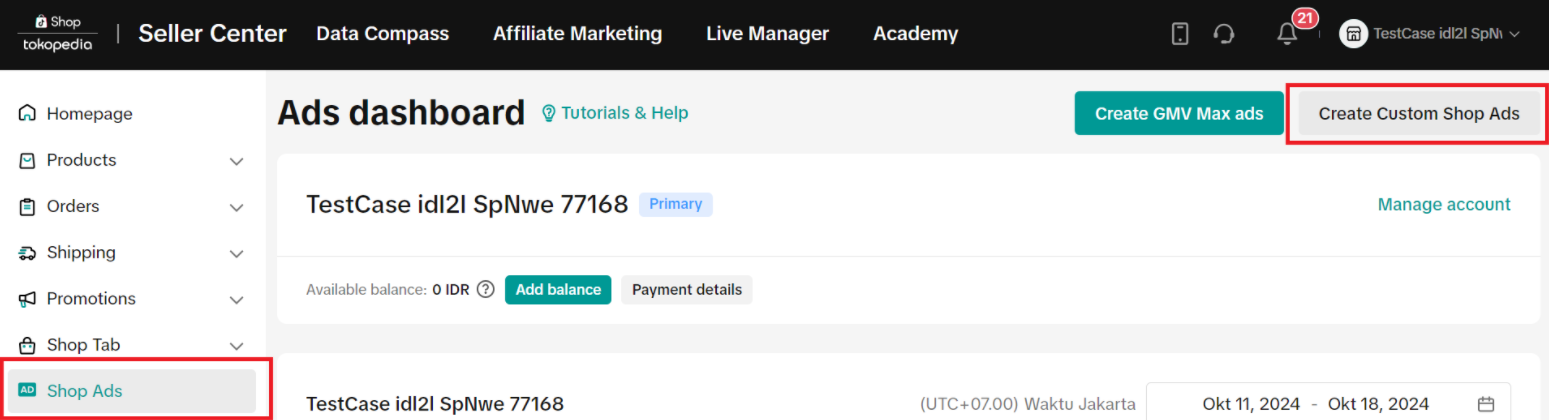 On TikTok Ads Manager: 1) Product Sales > Shop|Tokopedia On TikTok Ads Manager: 1) Product Sales > Shop|Tokopedia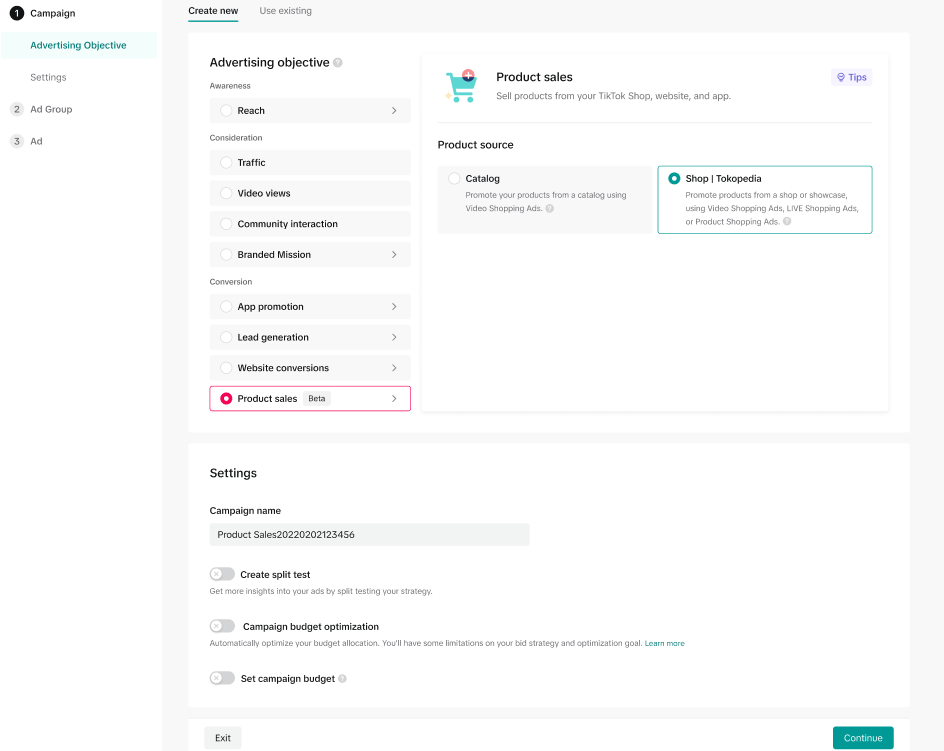 2) New placement option for Product Shopping Ads > Tokopedia 2) New placement option for Product Shopping Ads > Tokopedia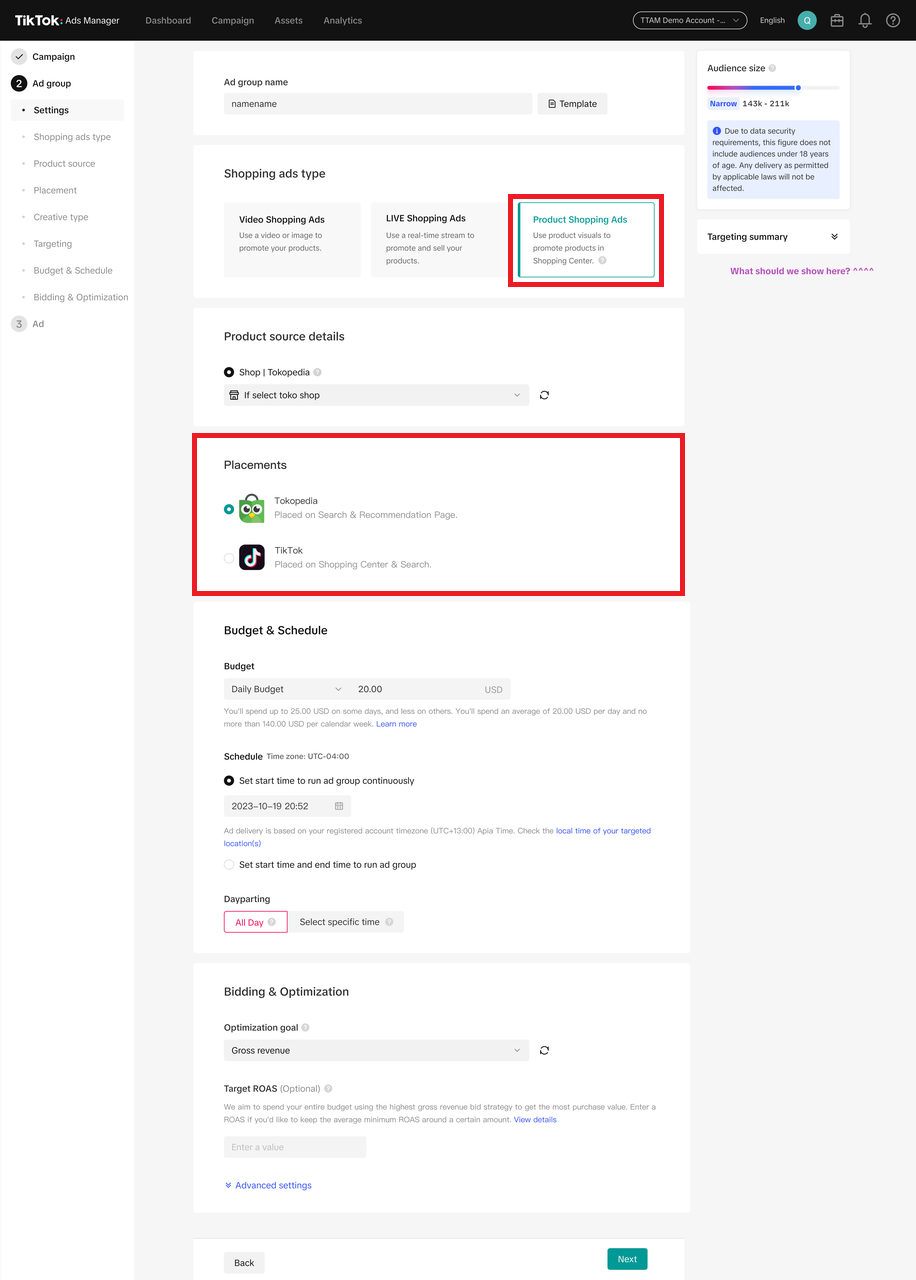 |
| Rating and Review | Kata Pembeli
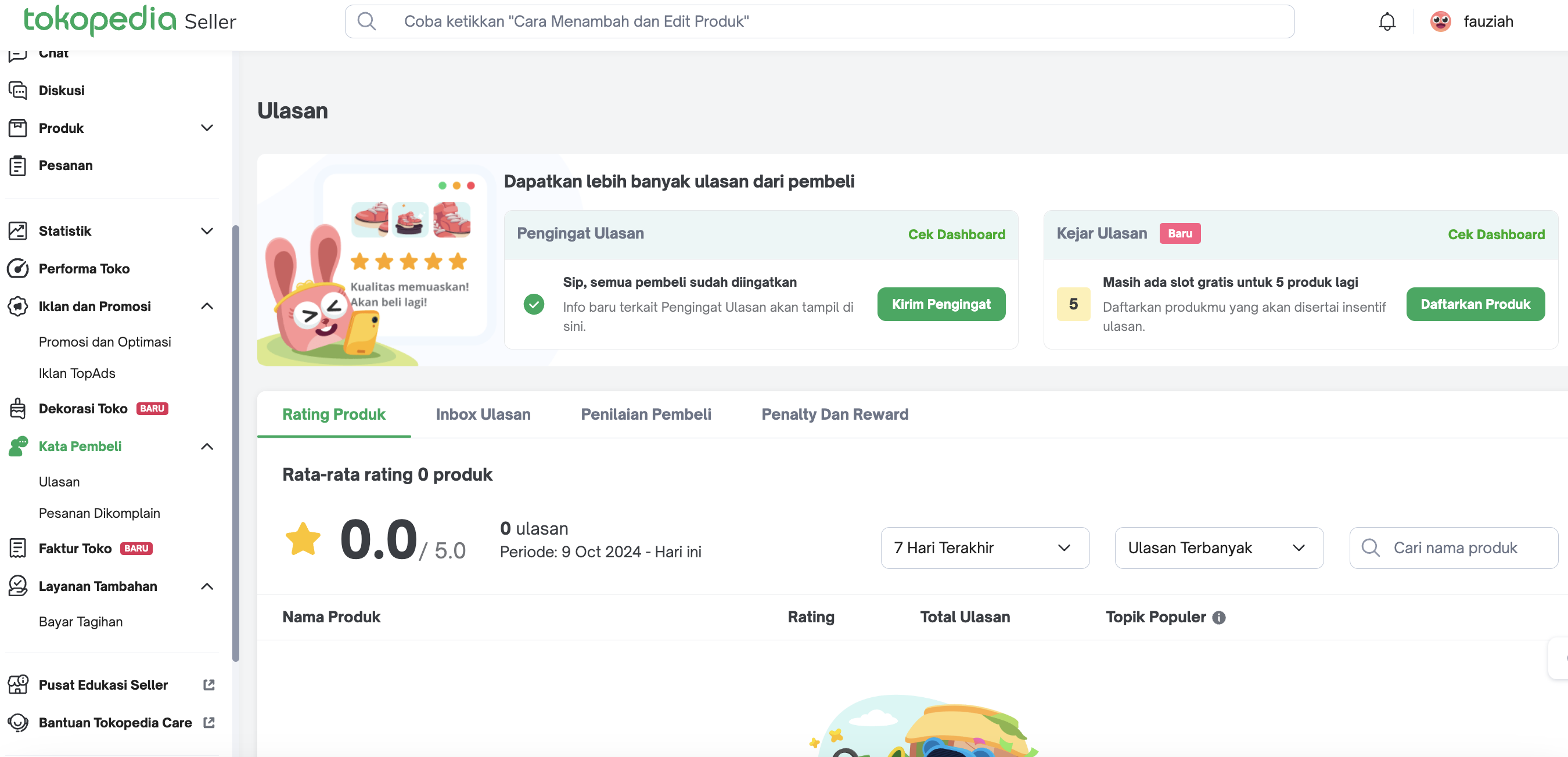
| Product Rating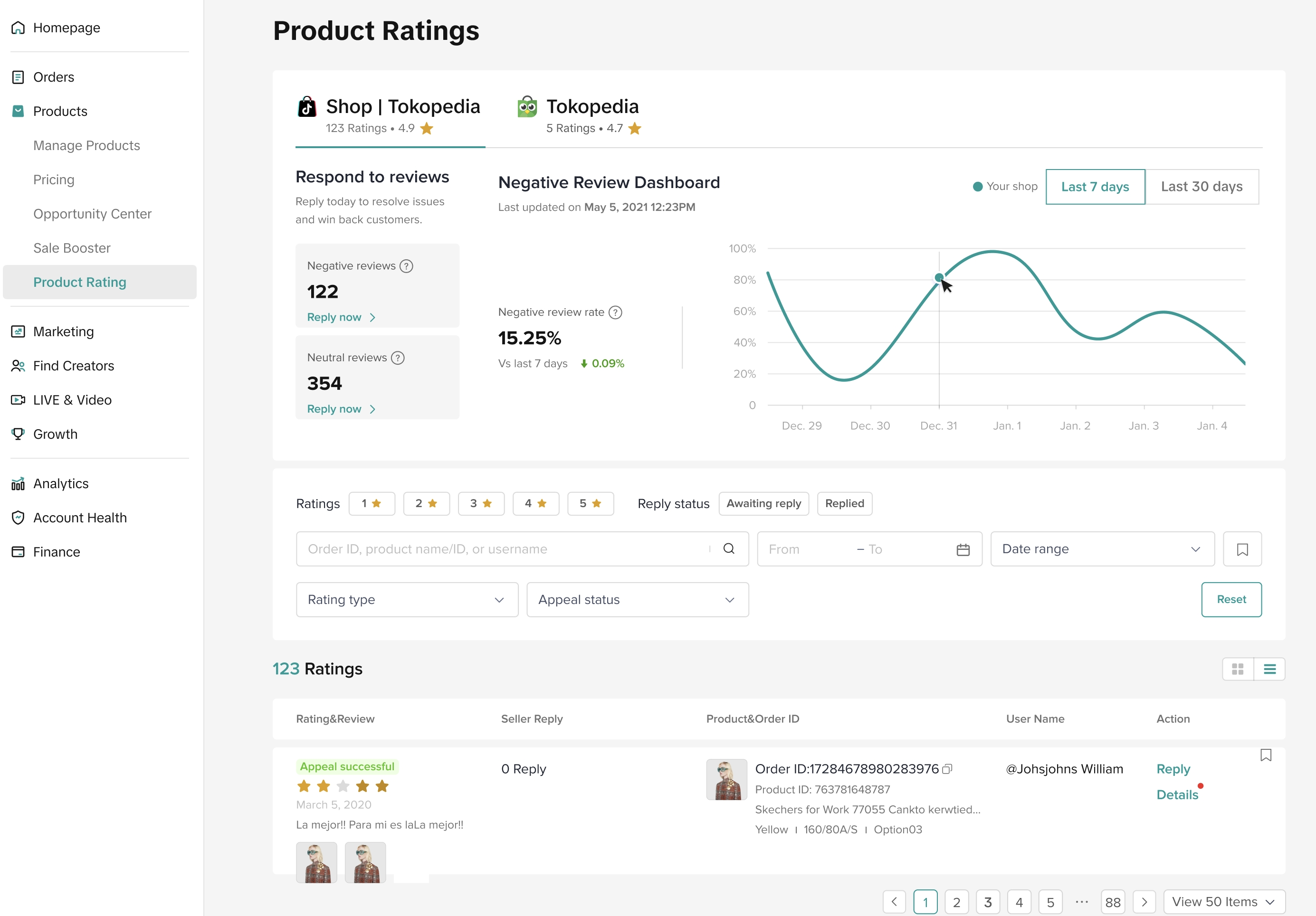 |
| Finance | Faktur Toko 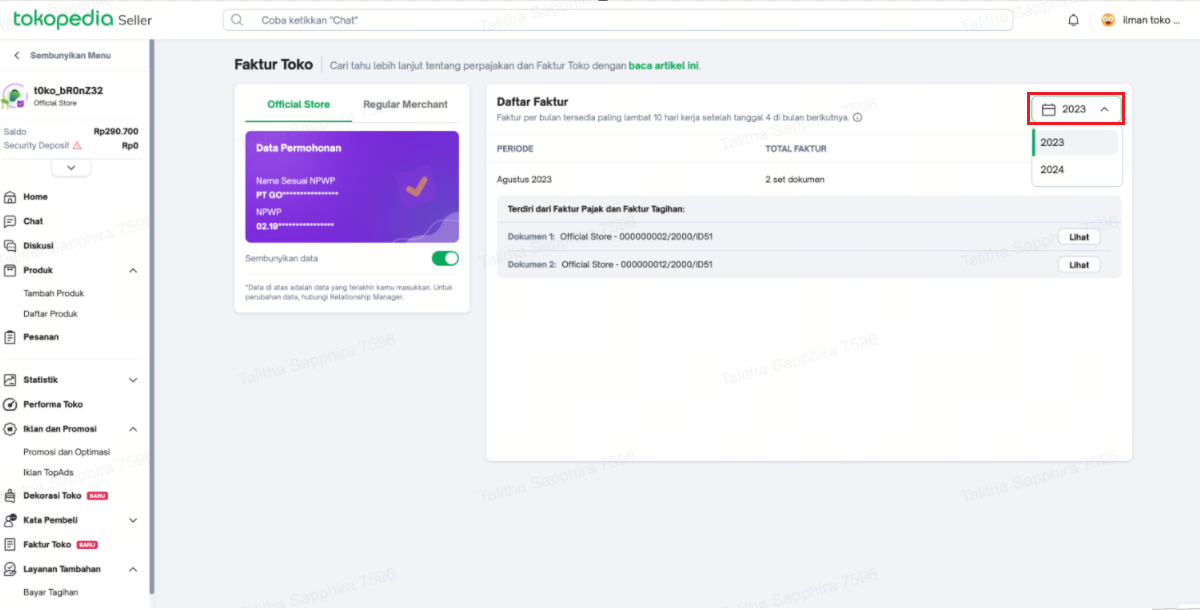
| Withdrawals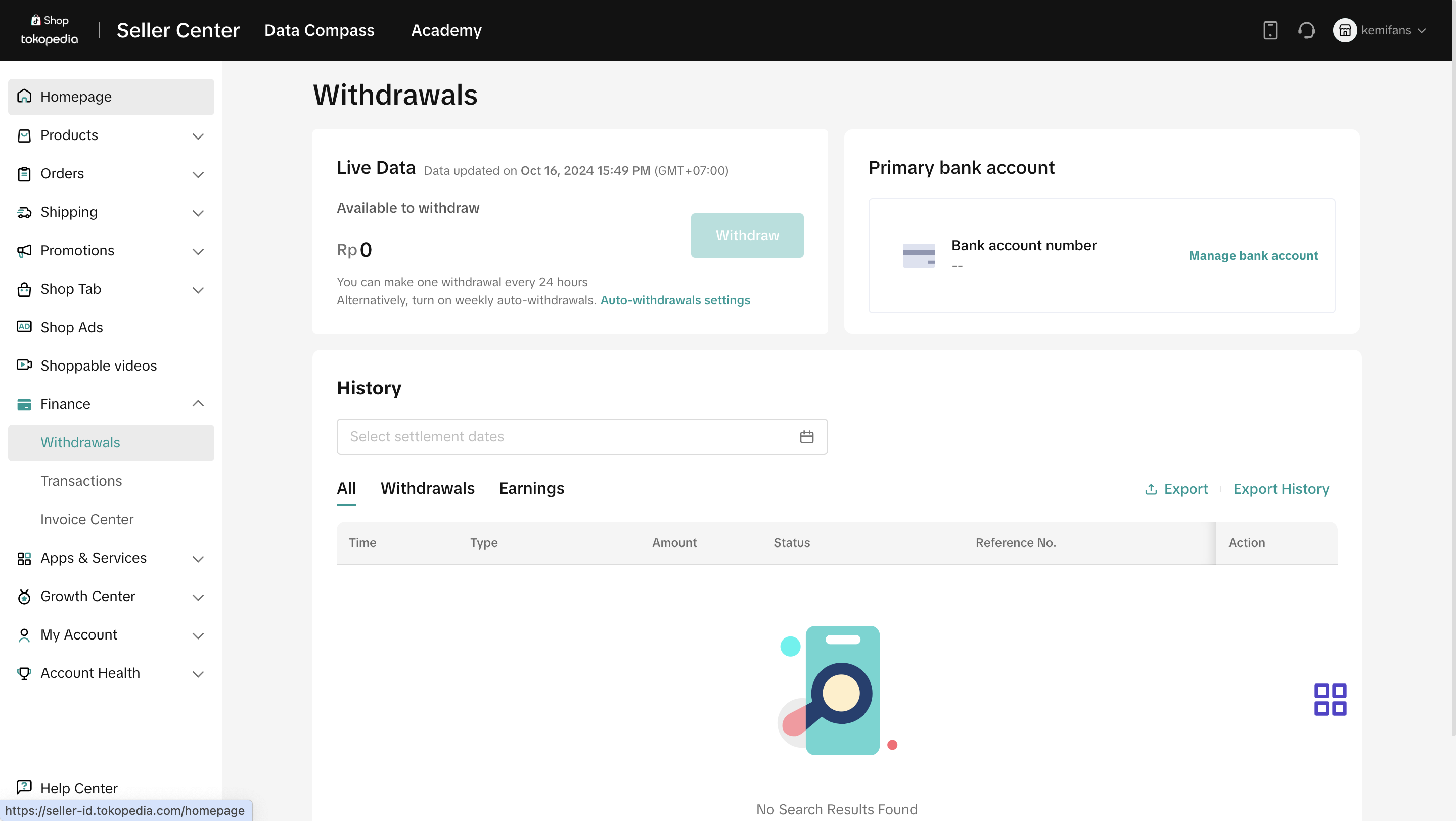 |
Transaction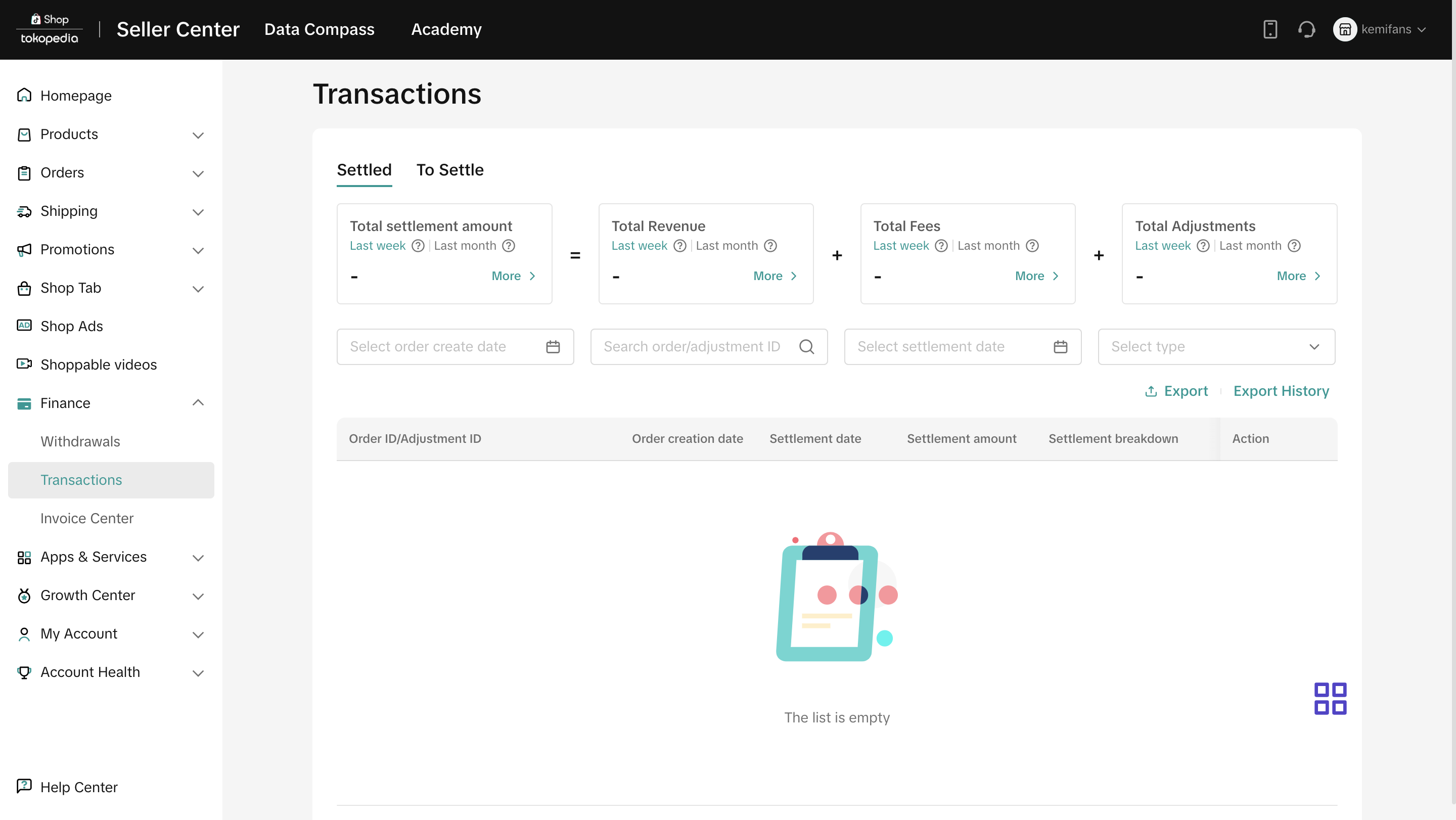 | ||
Invoice Center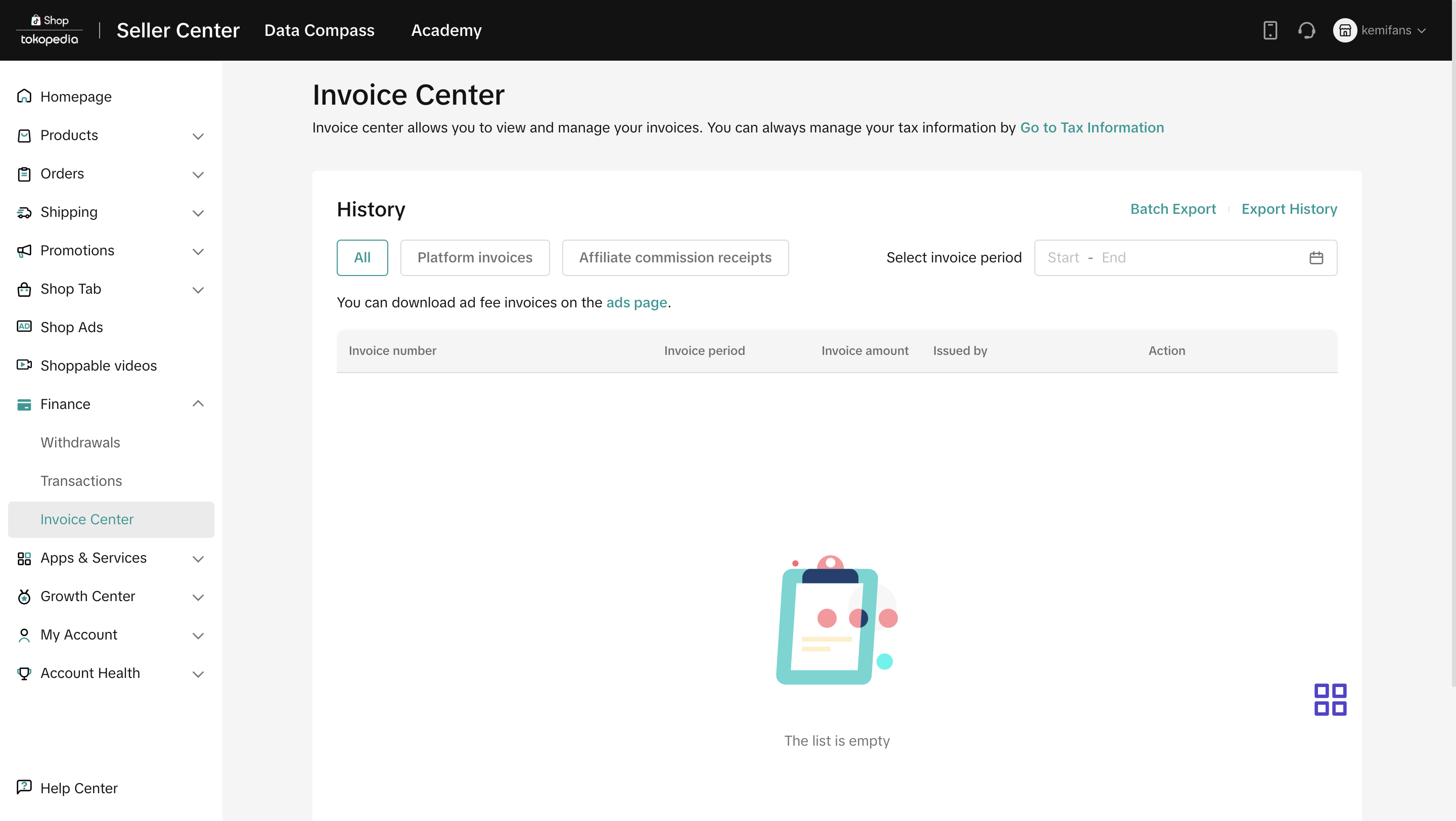 | ||
| Settings | Pengaturan Toko 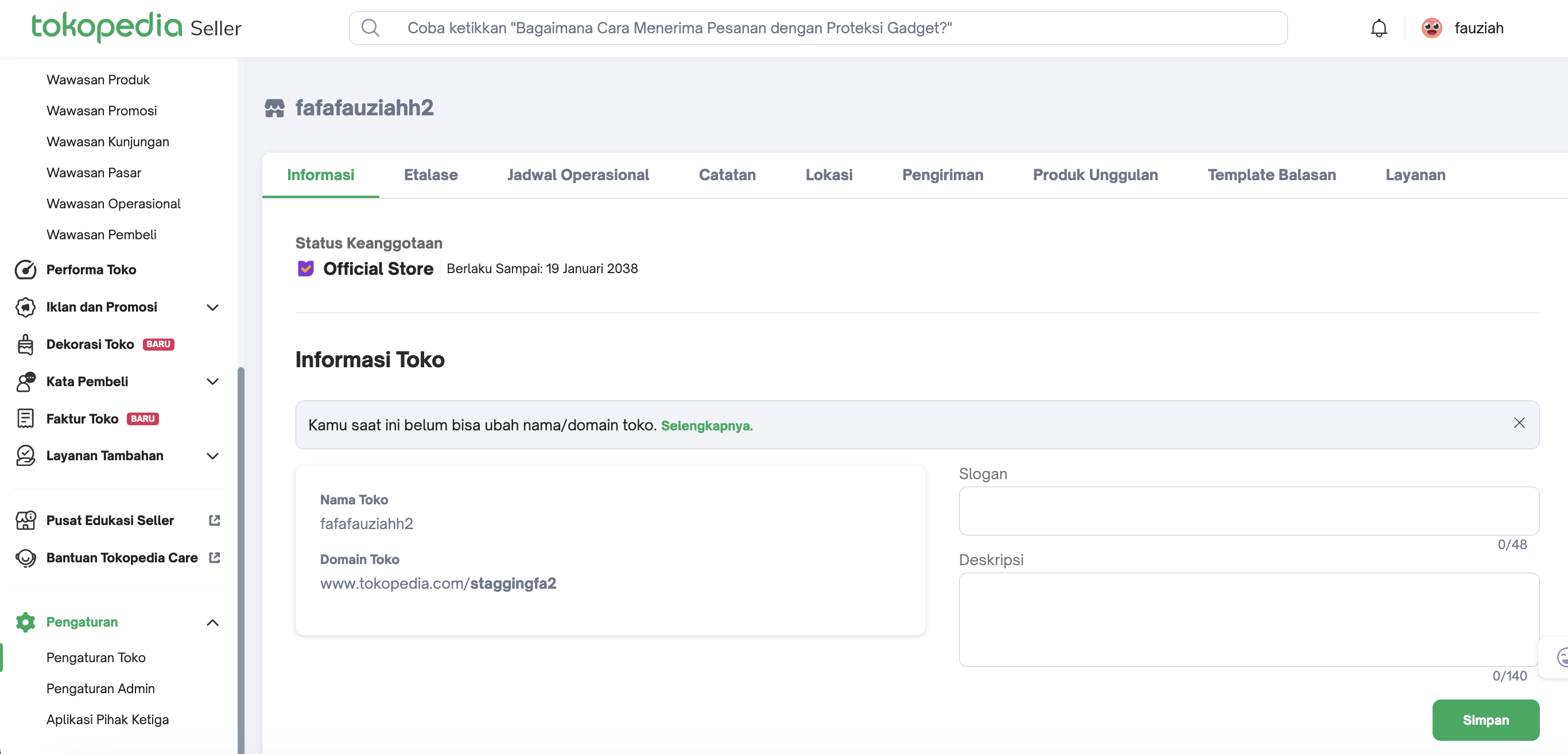 | Account Settings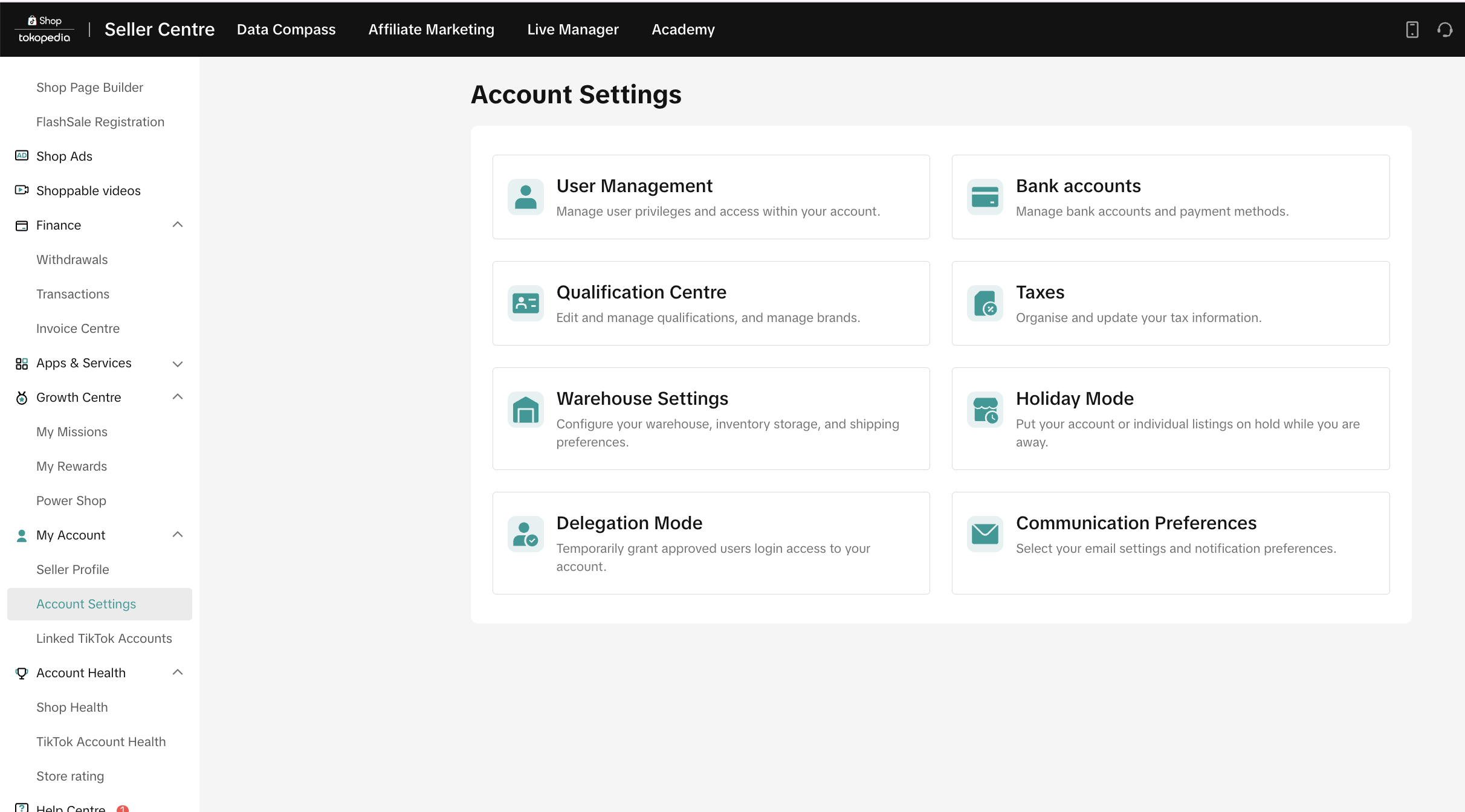 |
Pengaturan Admin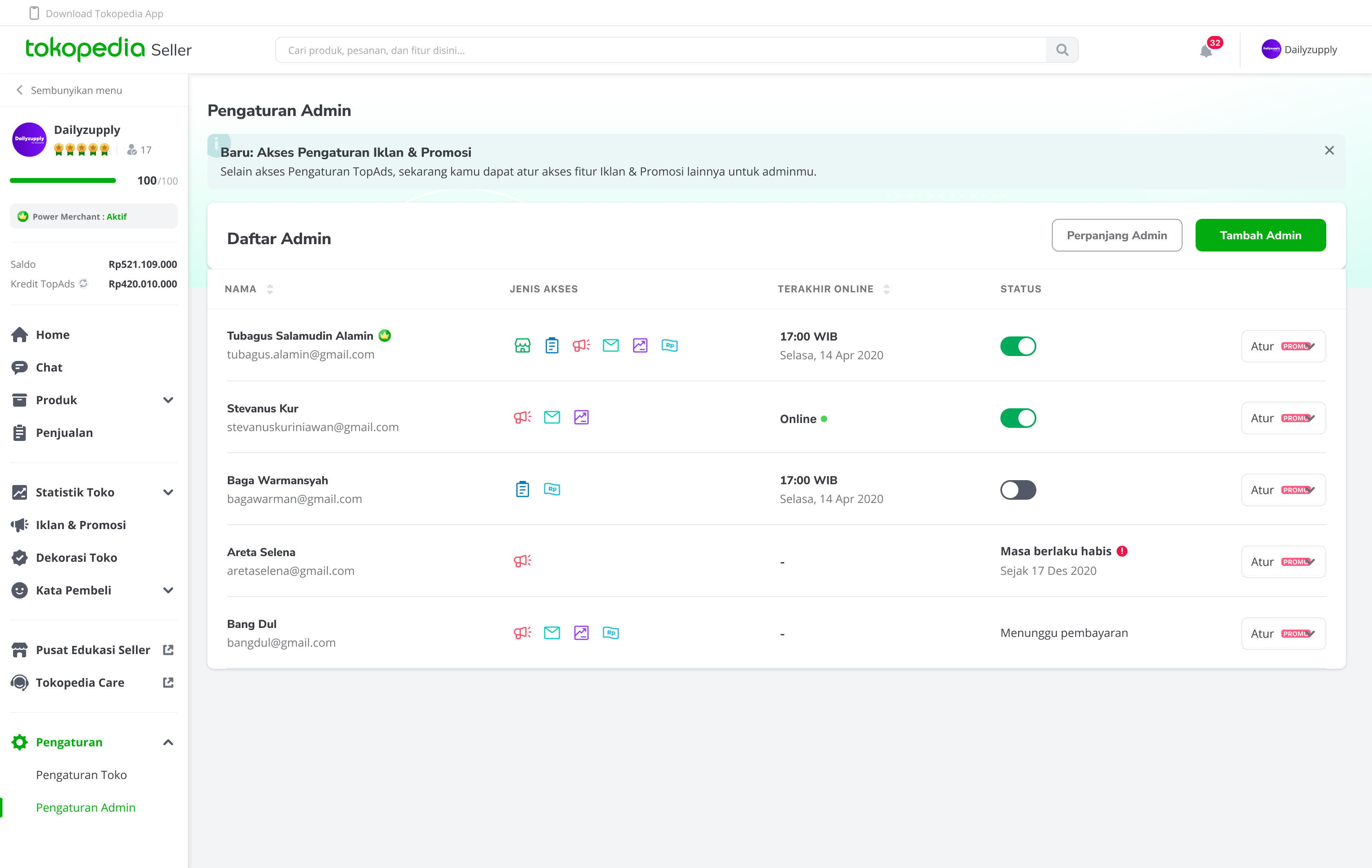
| User Management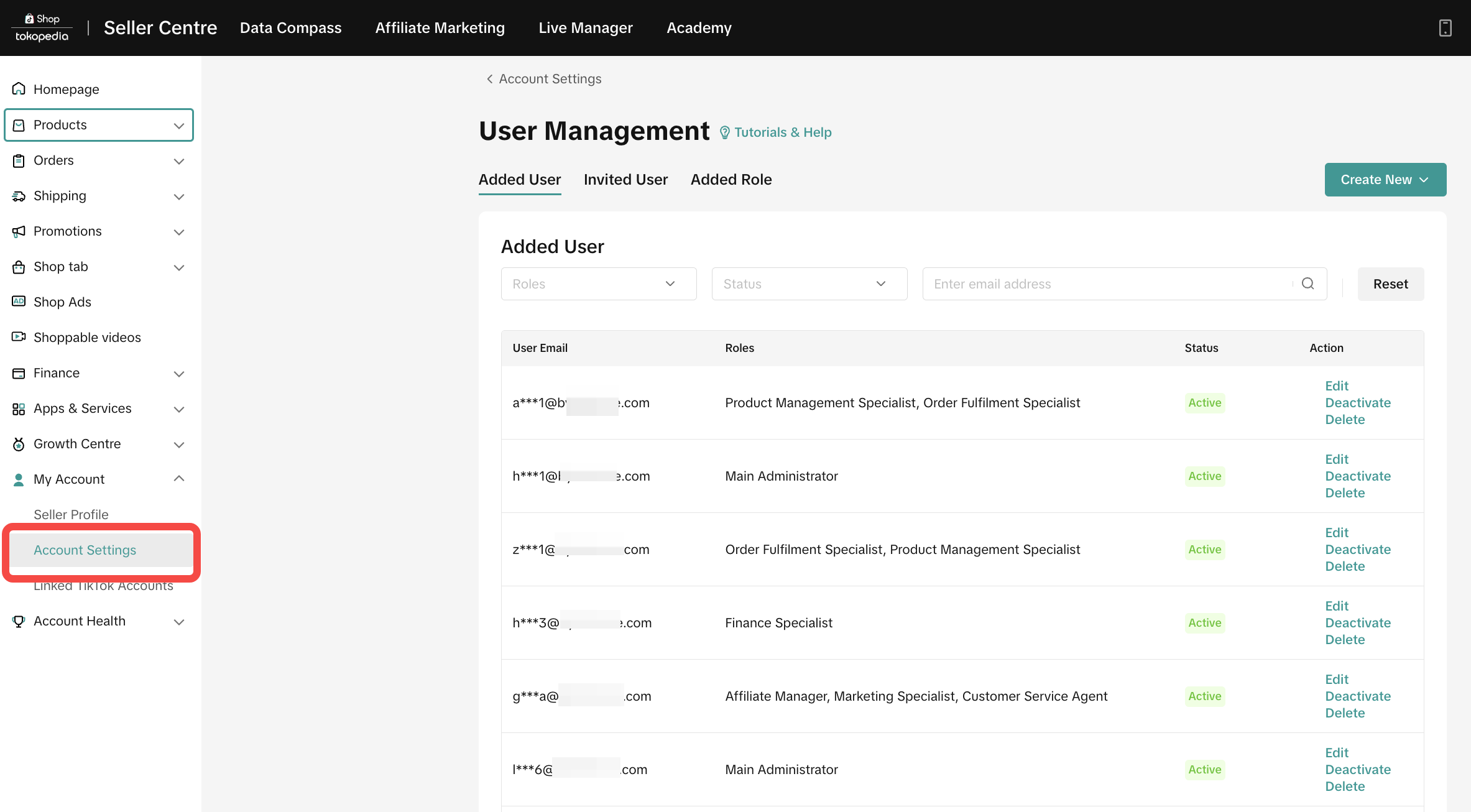 | |
| Seller Badge | Power Merchant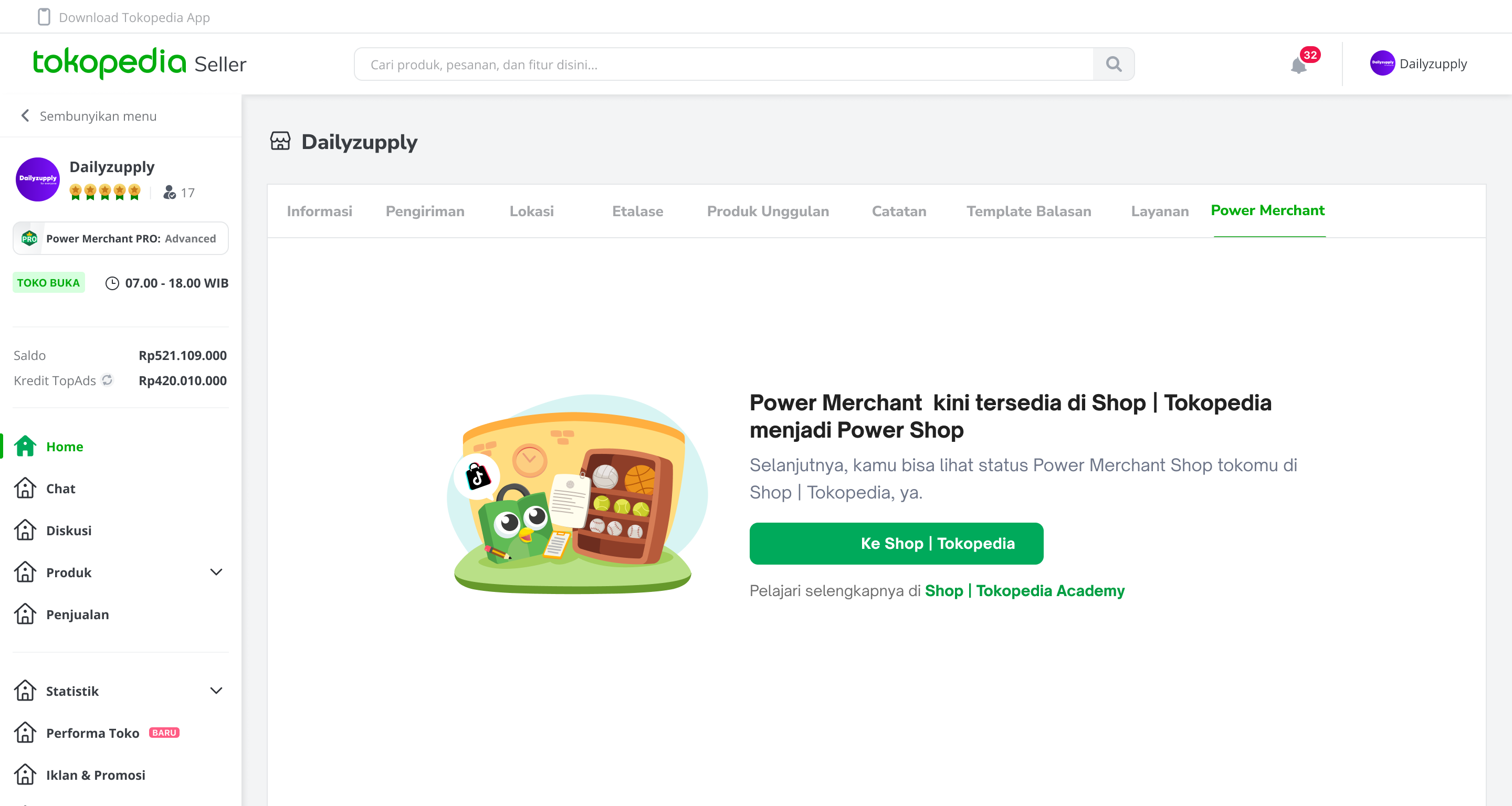 Official Store Official Store | Power Shop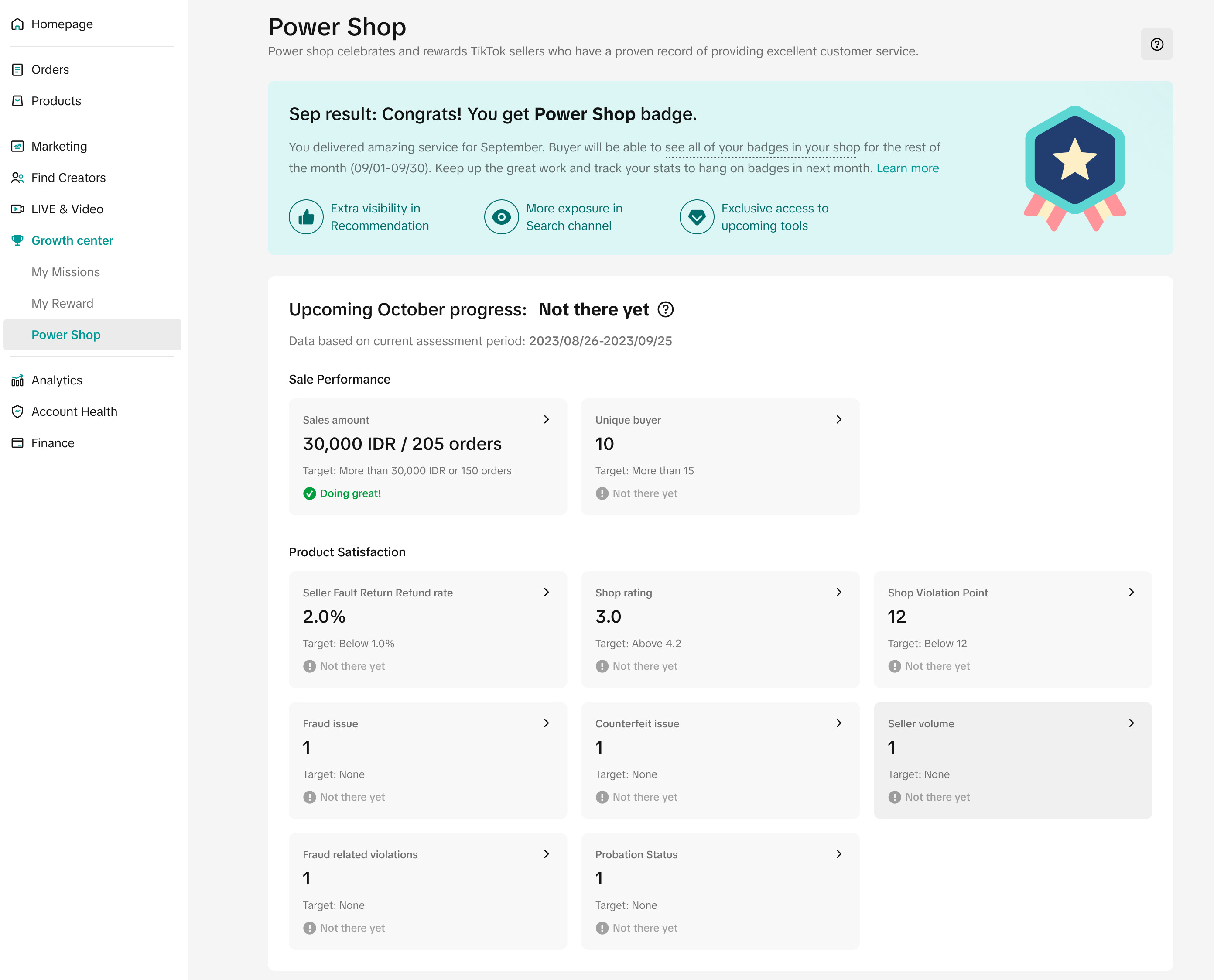 Mall Mall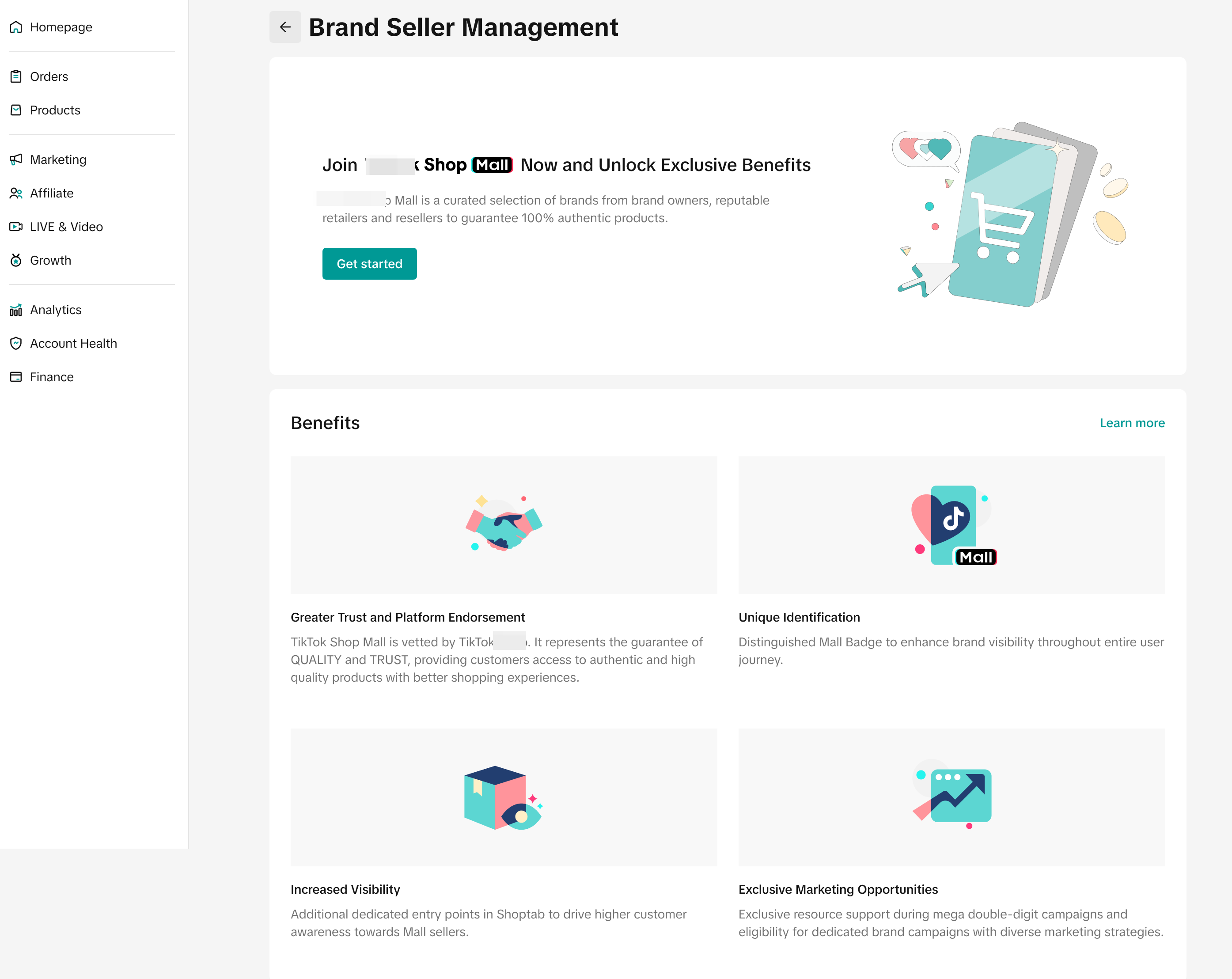 |
| Tokopedia Care | Pusat Bantuan Penjual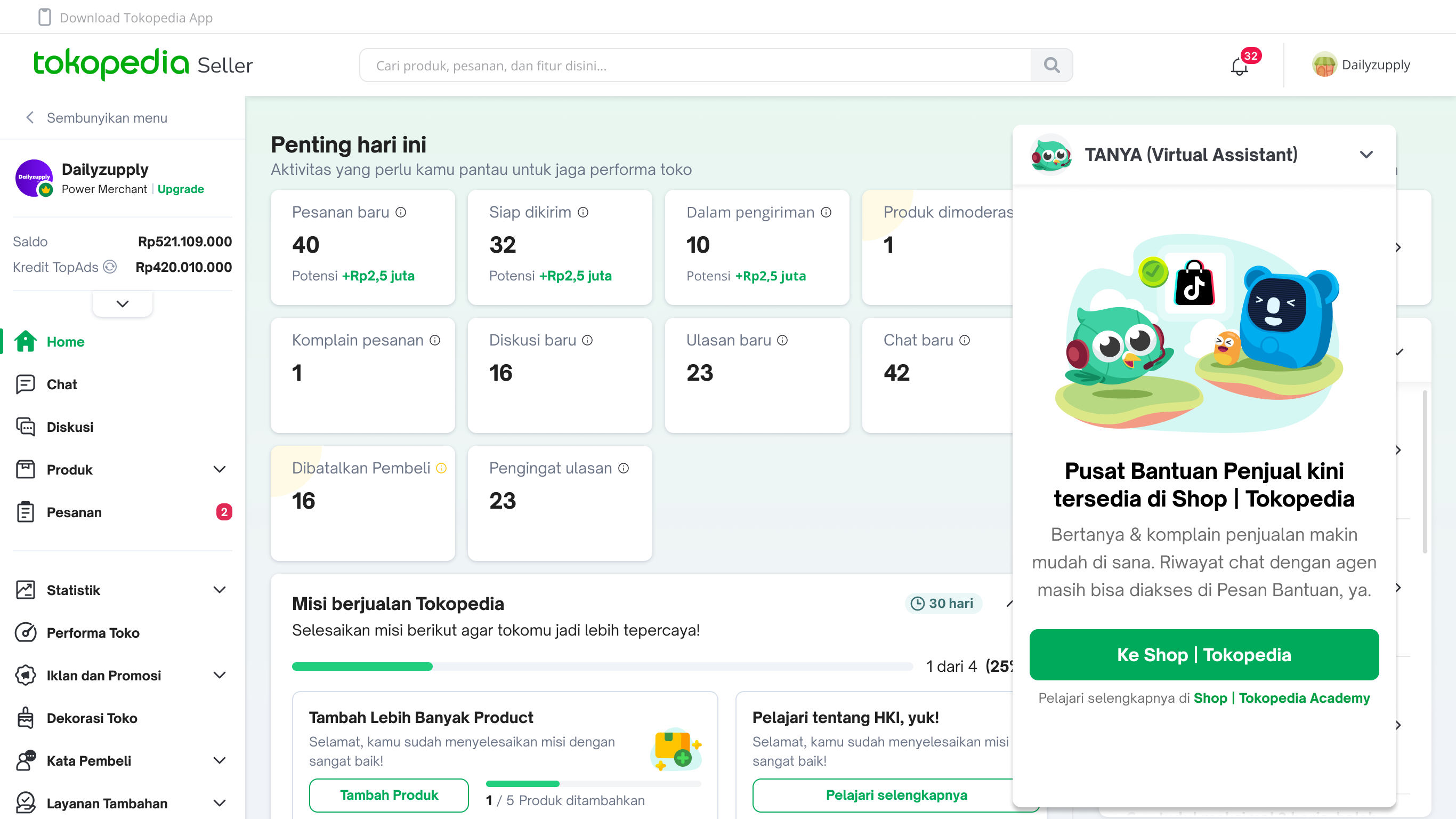
| Help Center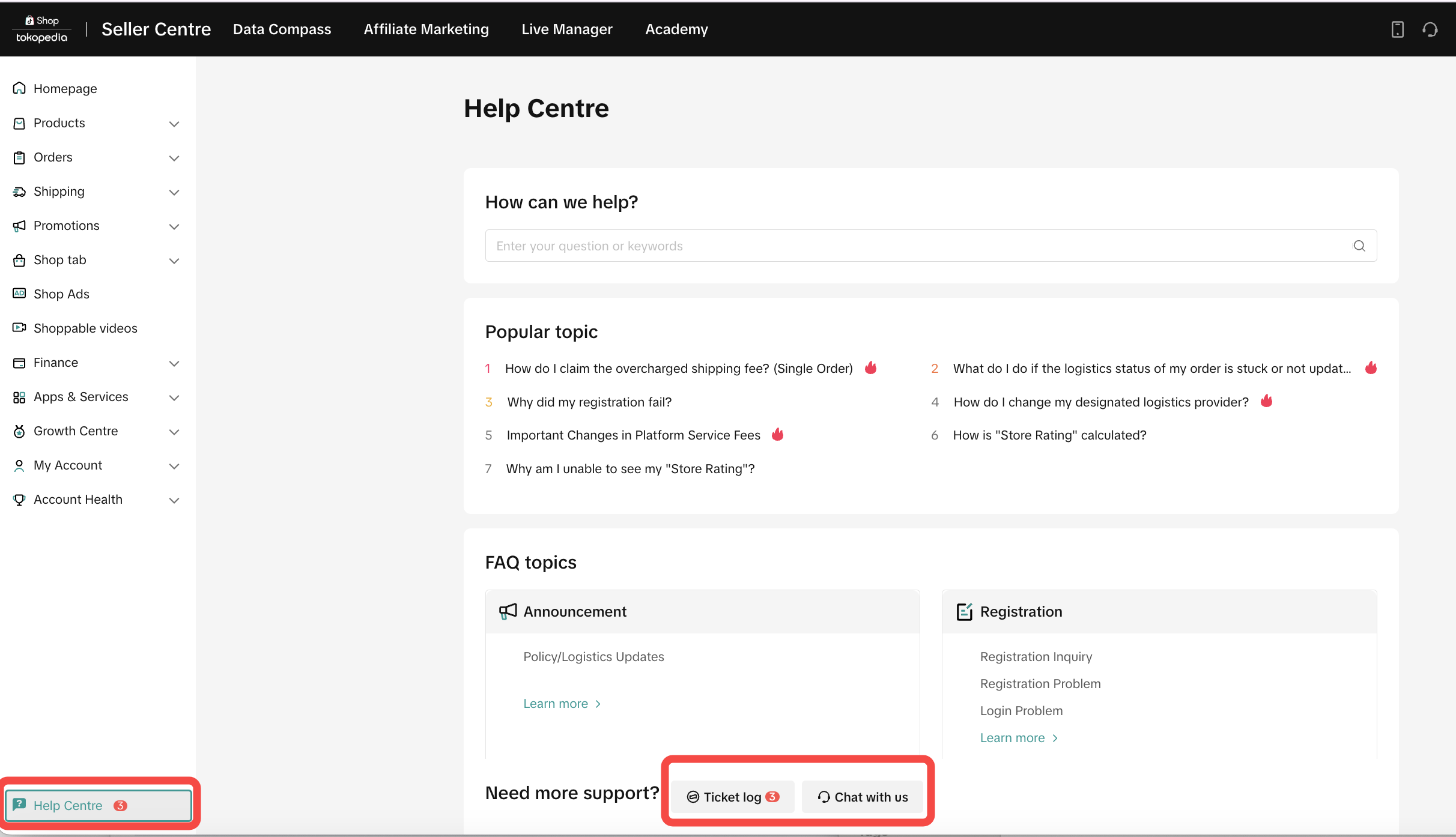 |