

Data Compass Overview
10/22/2025
Summary
This article teaches you about Data Compass Overview and the different modules available to help you better evaluate your shop's overall performance.What is Data Compass?
Data Compass Overview is a page on your Tokopedia & TikTok Shop Seller Center PC that serves as a dashboard for evaluating your shop's performance, offering you a snapshot of key metrics such as sales figures and traffic trends. Additionally, this overview page functions as a gateway to more detailed analytics, providing convenient entry points to in-depth reports on sales performance and marketing effectiveness.This streamlined access ensures that sellers can efficiently navigate to the areas that require attention or deeper analysis.
Entrance: Tokopedia & TikTok Shop Seller Center > Data Compass > Home
!! For sellers who are operating on both Tokopedia & TikTok Shop, please note:| Description | Reference |
|  |
| |
| |
| |
To check the data source available for each analytics page on Data Compass, please read the full user manual here. | |


Evaluate Overall Business Data
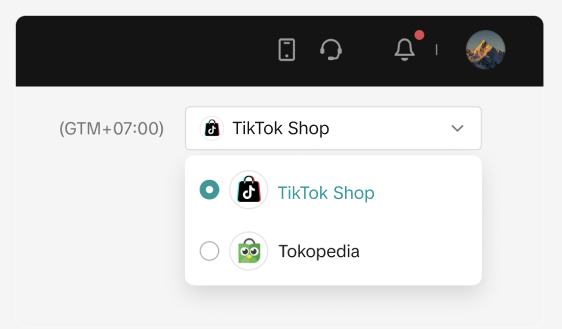
On the Business Data page, you can get a quick glance at your shop's key performance metrics such as GMV, items sold, orders, among others. Follow the guide below to analyse your data:2.1 Select your data source: TikTok Shop or Tokopedia
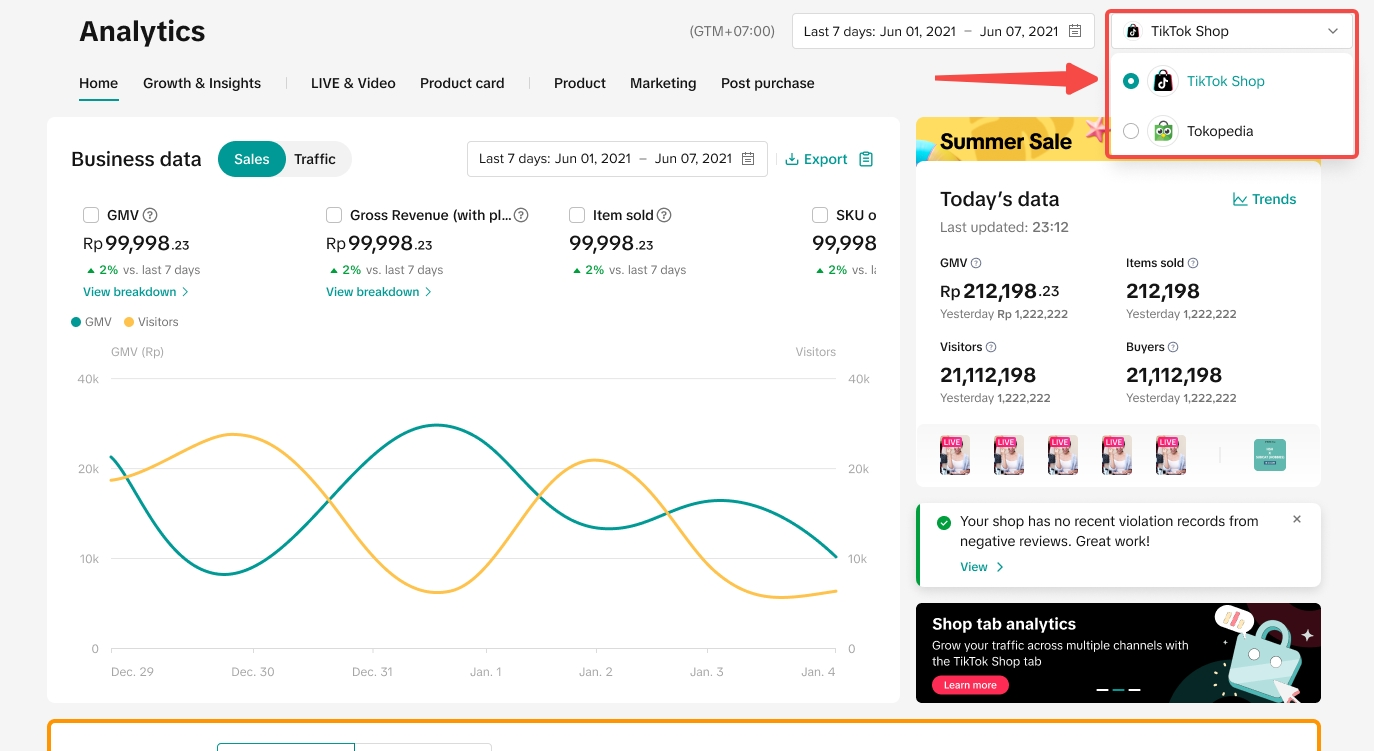 Note: Only sellers who have completed the full integration process will be able to view the data source filter.
2.2 Select the period you wish to view or analyse
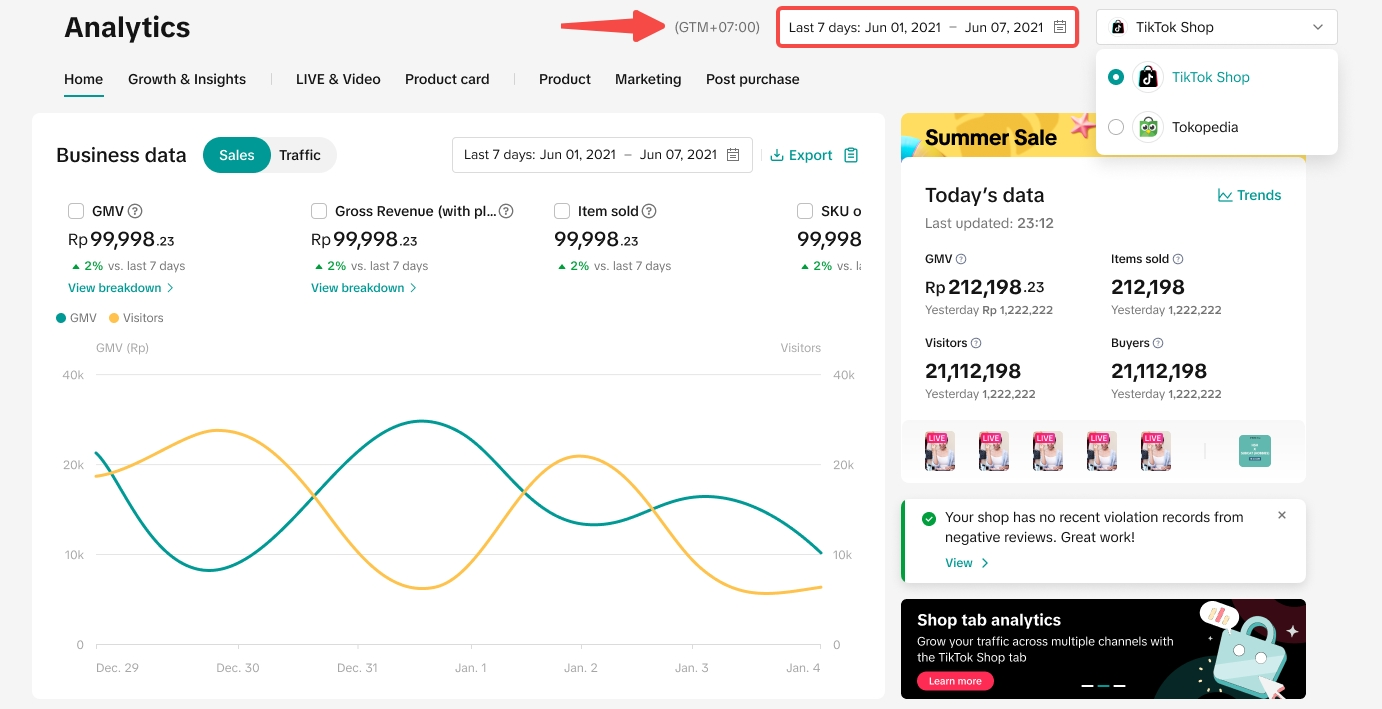
- By default, data shown on Business Data will be from the last 7 days. You can modify the date filter to view your shop's performance within the selected timeframe: today, last 7 days, last 28 days or a custom period. All data shown on the Data Compass homepage will be a reflection of your selected timeframe.
- For TikTok Shop data: Historical data from TikTok Shop will be available for up to 12 months.
- For Tokopedia data: Historical data from Tokopedia will NOT be available and all data will start from 0. Data shown will be based on new transactional data from Tokopedia after seller has completed the full integration process. In the future, Tokopedia data will be available for up to 12 months after the integration.
2.3 Understand Sales or Traffic key performance metrics
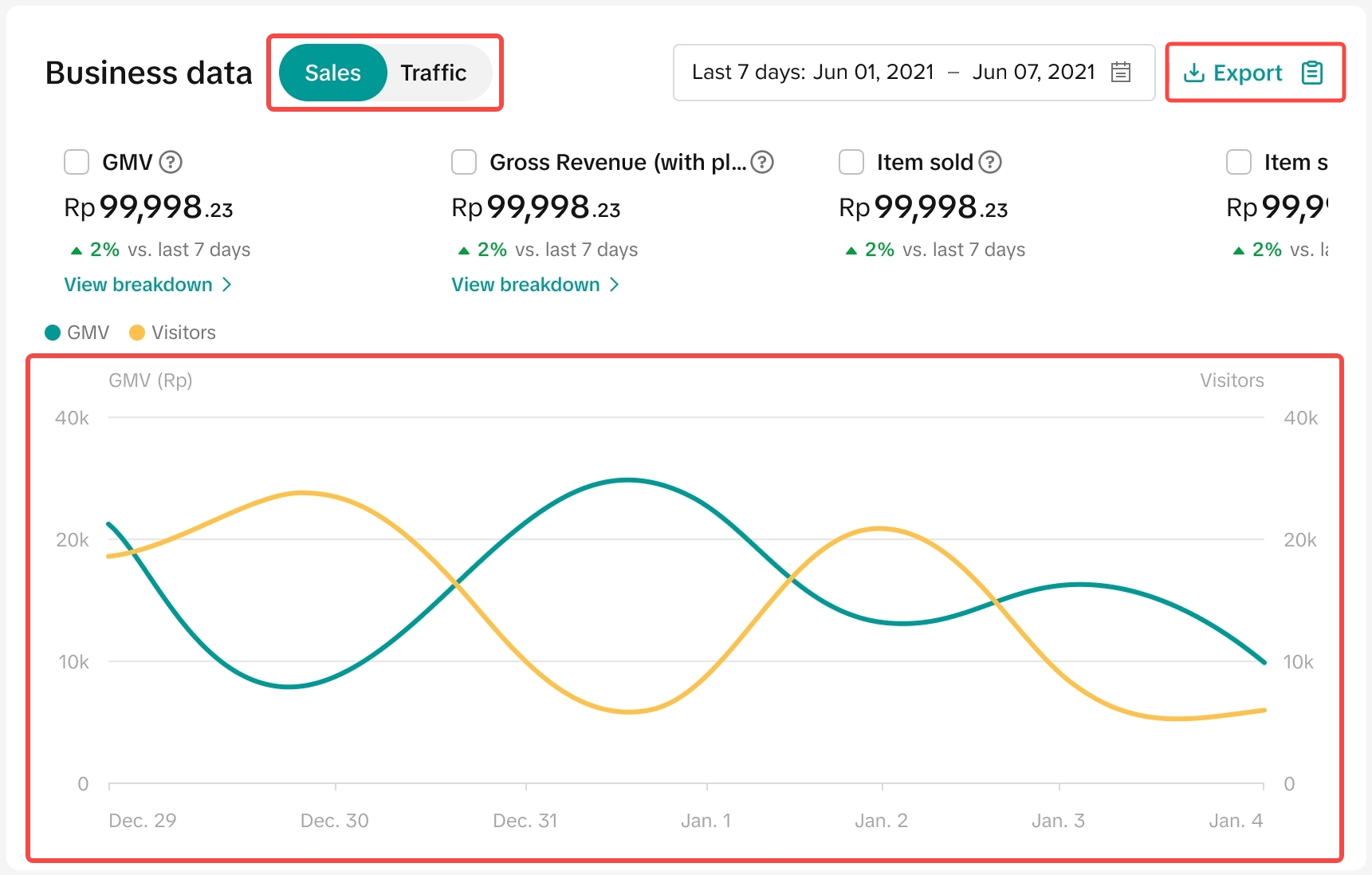
- Sales metrics -> GMV, Gross Revenue, Items Sold, SKU Orders, Orders, Customers
- Traffic metrics -> Refunds, Page Views, Visitors
For GMV or Gross Revenue, click on View breakdown for more insights. | GMV breakdown | Gross Revenue breakdown |
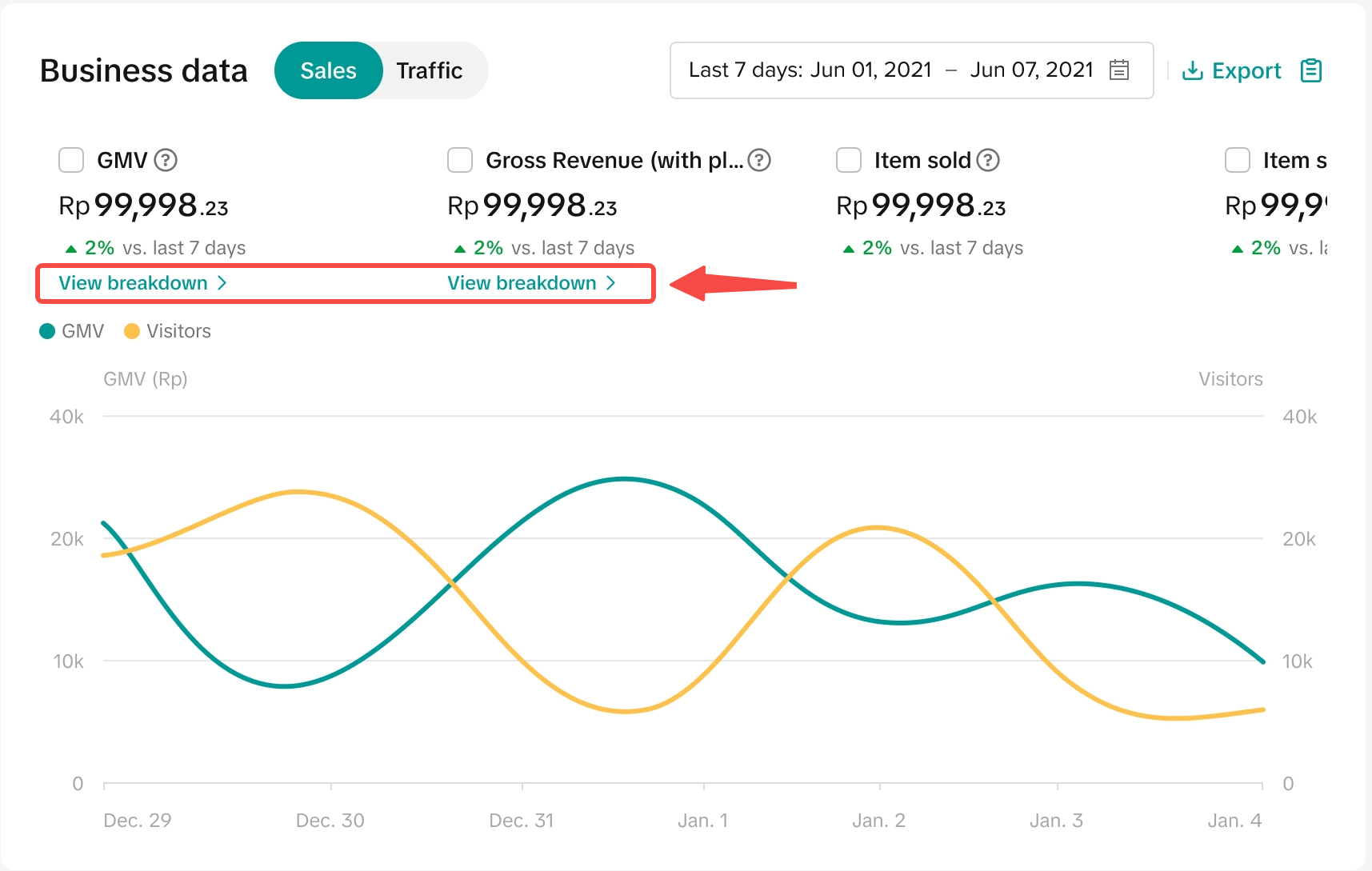 | 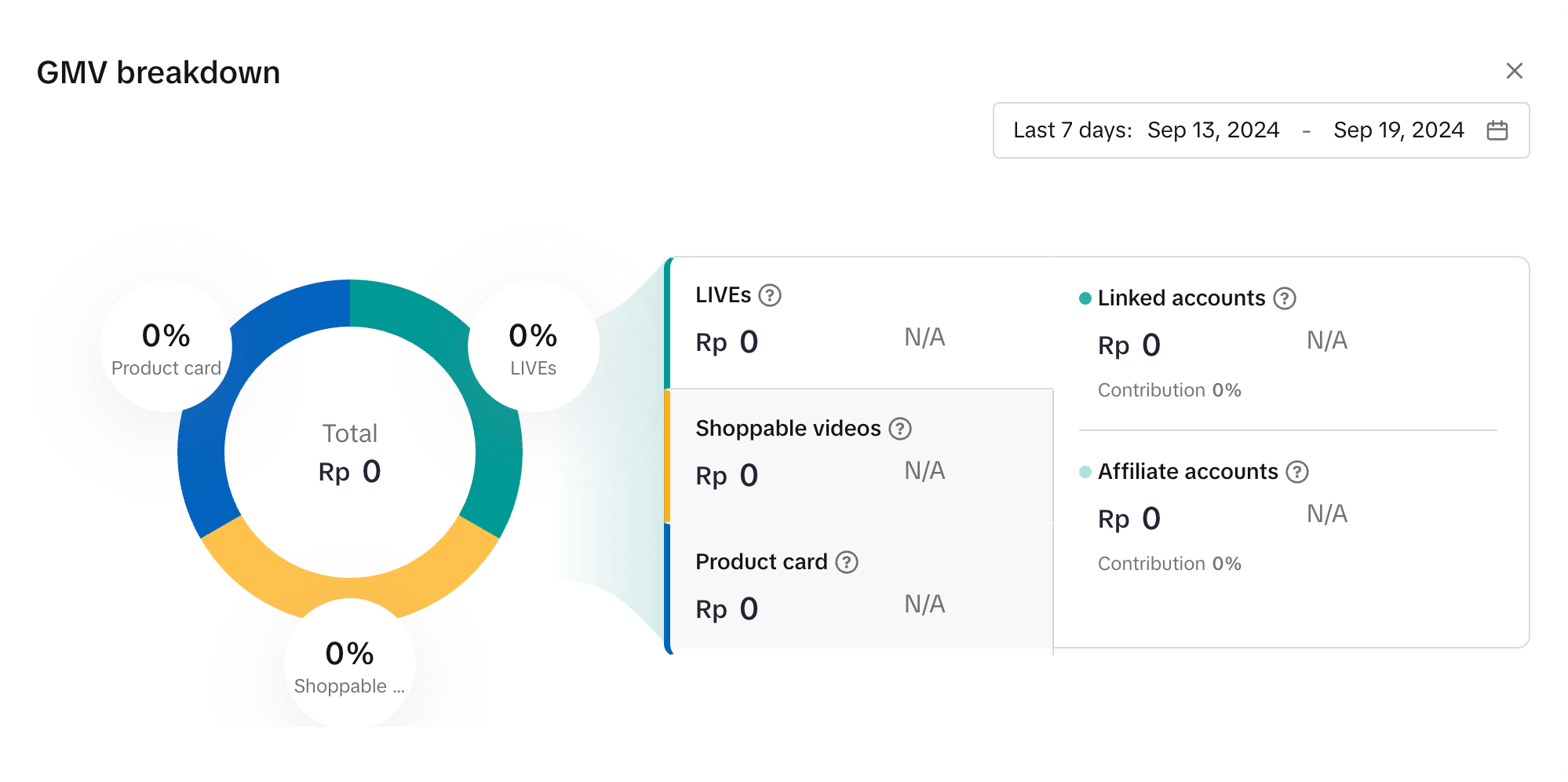 | 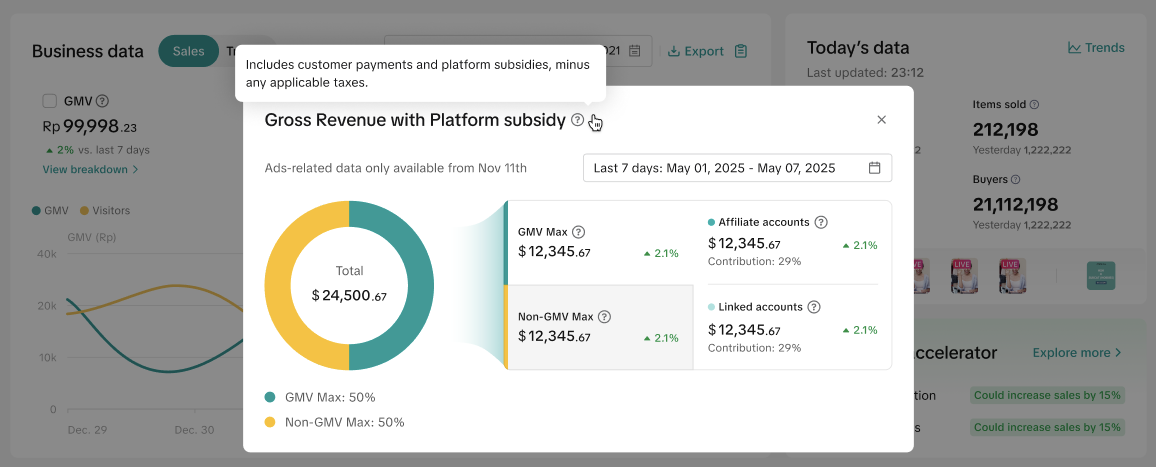 |
"View breakdown" is available for GMV and Gross Revenue when source data is TikTok Shop by Tokopedia data. | GMV breakdown is available for both TikTok Shop and Tokopedia. | Gross Revenue breakdown is available for TikTok Shop by Tokopedia only. |
| Metric | GMV | Gross Revenue (with platform subsidy) | Settlement |
| Definition | Gross Merchandise Value (GMV) = Original Product Price - All Discounts + Customer-paid Fees. | Gross Revenue (with platform subsidy) = Sum(GMV + Product Discounts Provided by Platform) - Tax | Settlement = GMV - Total Fees + Total Adjustments |
| Summary | This is the revenue generated from LIVE, Video and Product Card. It is also equal to the final amount paid by the customer. | This is the total gross revenue from all product sales on platform, plus any product discounts provided by platform (i.e. Platform Subsidy). The seller is able to know how much revenue is driven by GMV Max with account breakdowns. | This is the final withdrawable amount sellers receive after platform fees, logistic fees and adjustments are deducted from GMV. |
2.4 Review Today's Performance in real-time
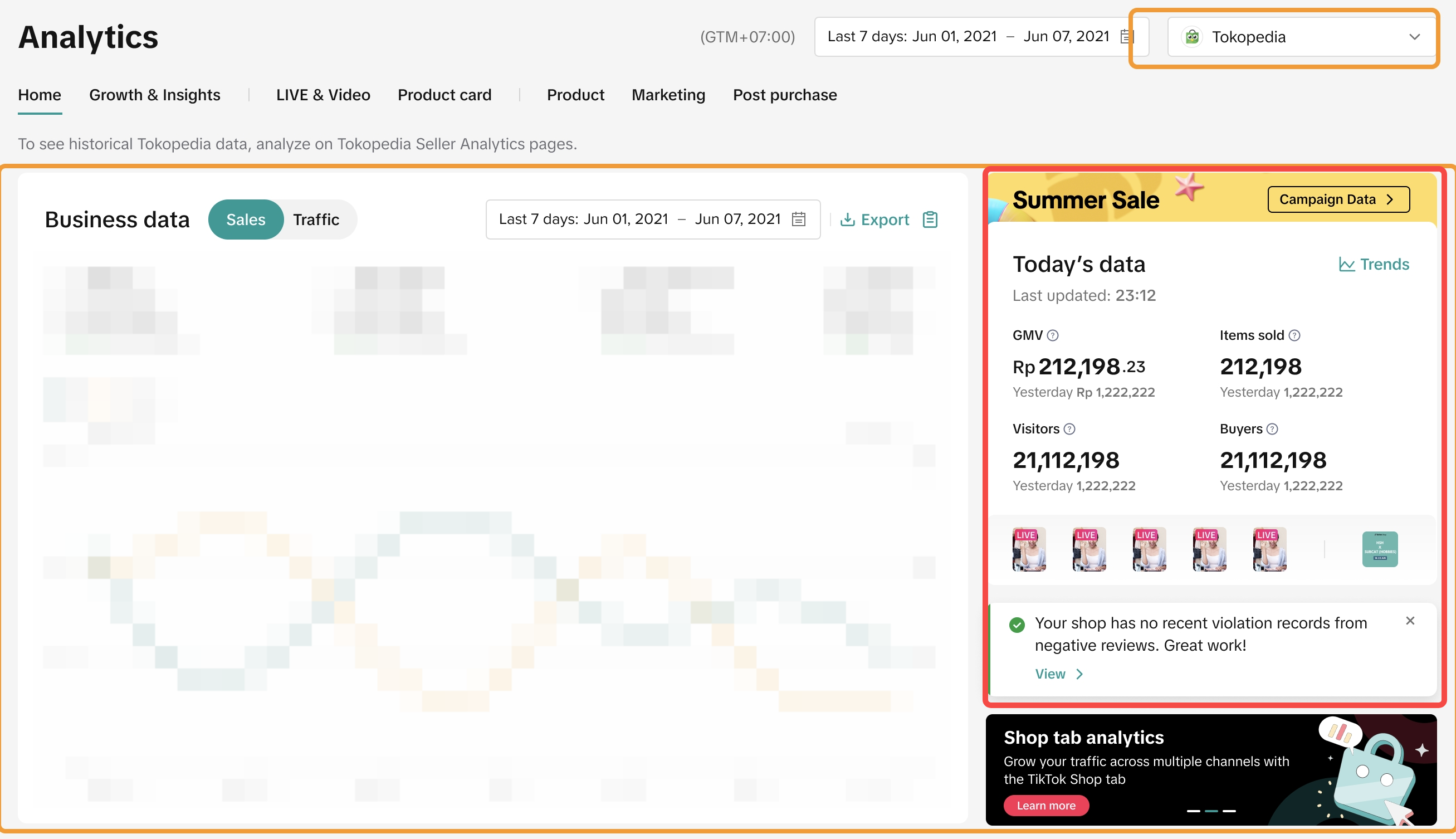
Utilise the panel available on the right hand side to view various widgets that can help you to:- Quickly view how your store is performing today compared to yesterday
- Directly access ongoing LIVEs or Campaigns
- Dive into recommended actions and potentially boost your revenue
- Access any negative reviews and access educational materials
| Widget | Filtered to TikTok Shop by Tokopedia data | Filtered to Tokopedia data |
| Accessing ongoing LIVEs or Campaigns | 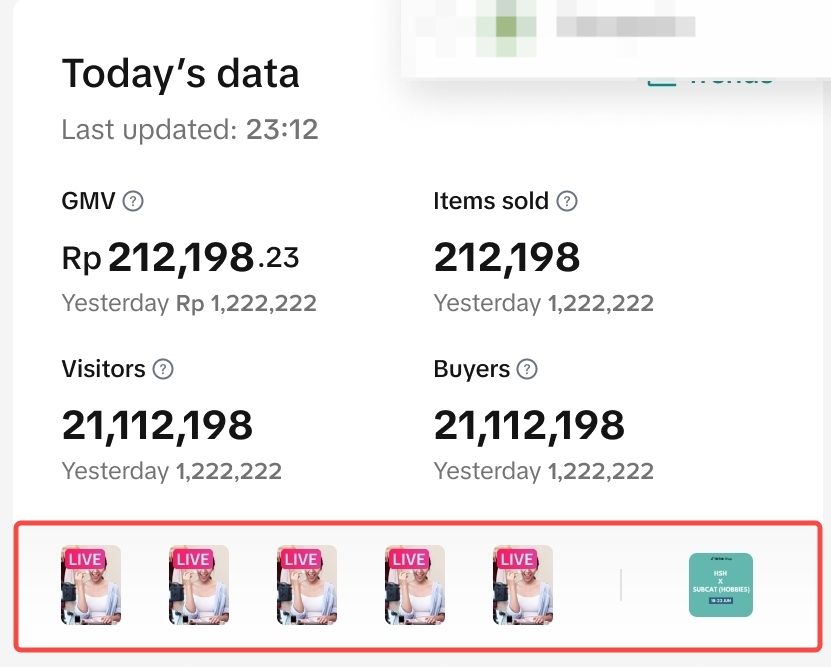 | 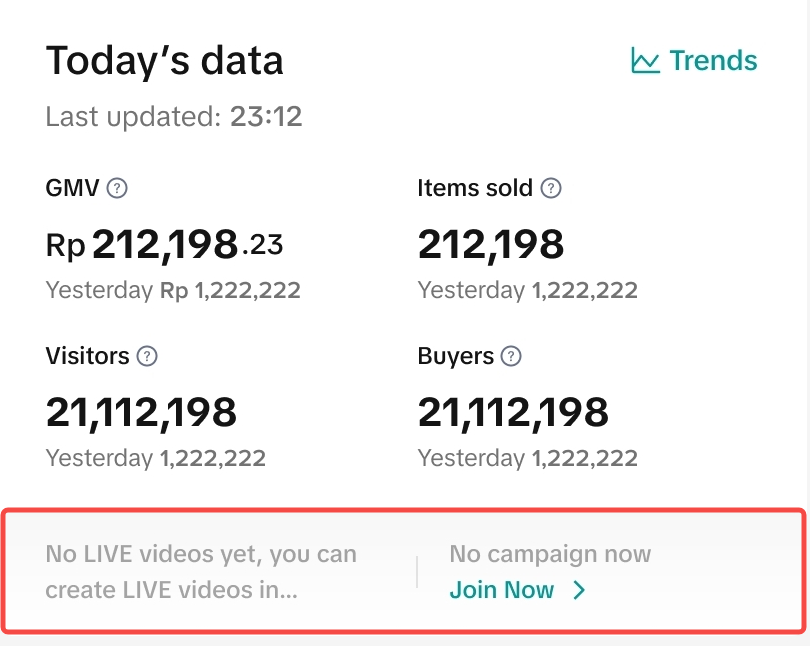 |
| Accessing recommended actions to boost revenue | 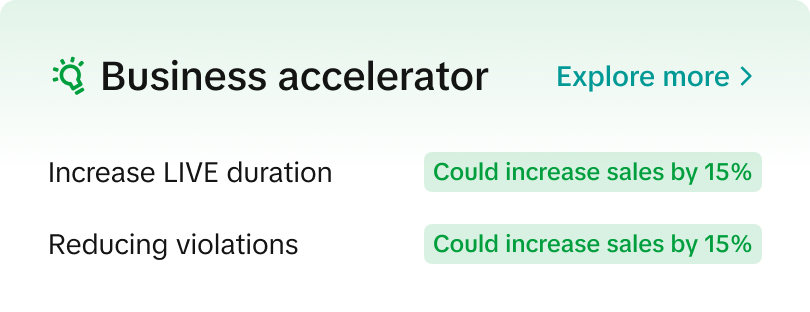 | The business accelerator widget is not applicable. |
| Accessing negative reviews and educational materials | 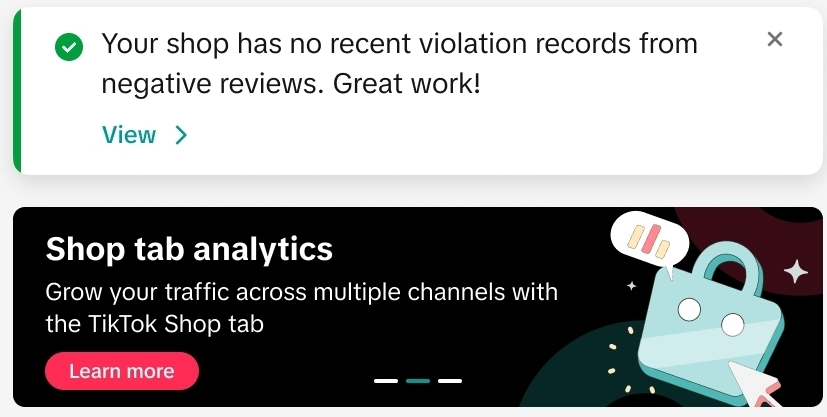 | 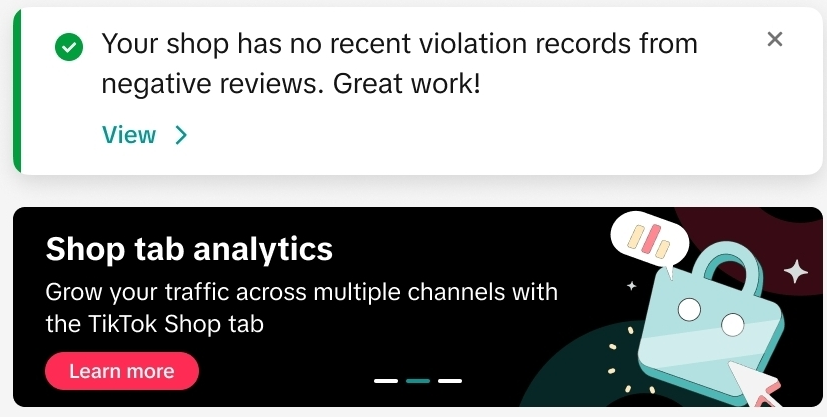 |

Track Sales Across Different Sources
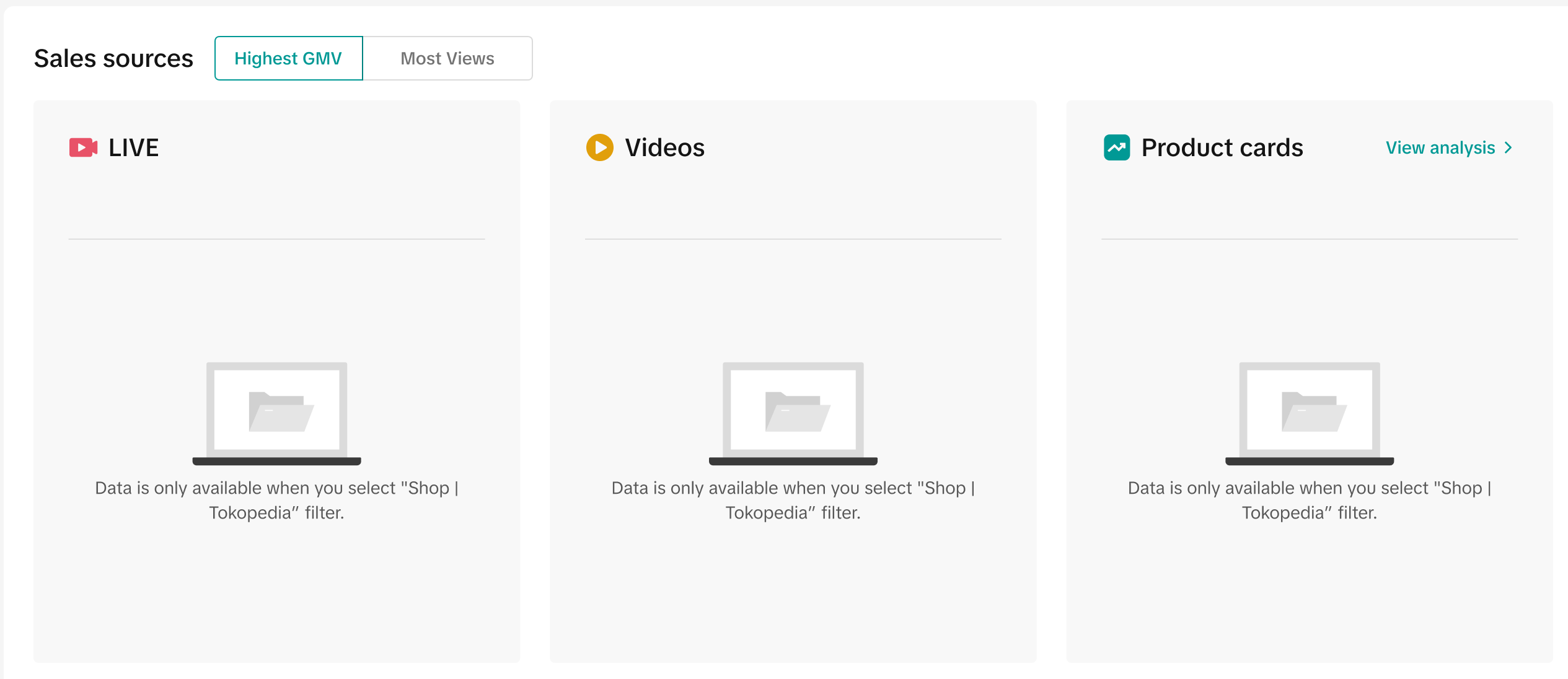
Here, get a quick grasp on your Top 3 performing LIVEs, Videos or Product cards, ranked by Highest GMV or Most Views. The data reflected here is based on the timeframe that was selected earlier in the date picker. Please note there may be differences in the data available depending on the data source selected.| Filtered to TikTok Shop by Tokopedia data | Filtered to Tokopedia data |
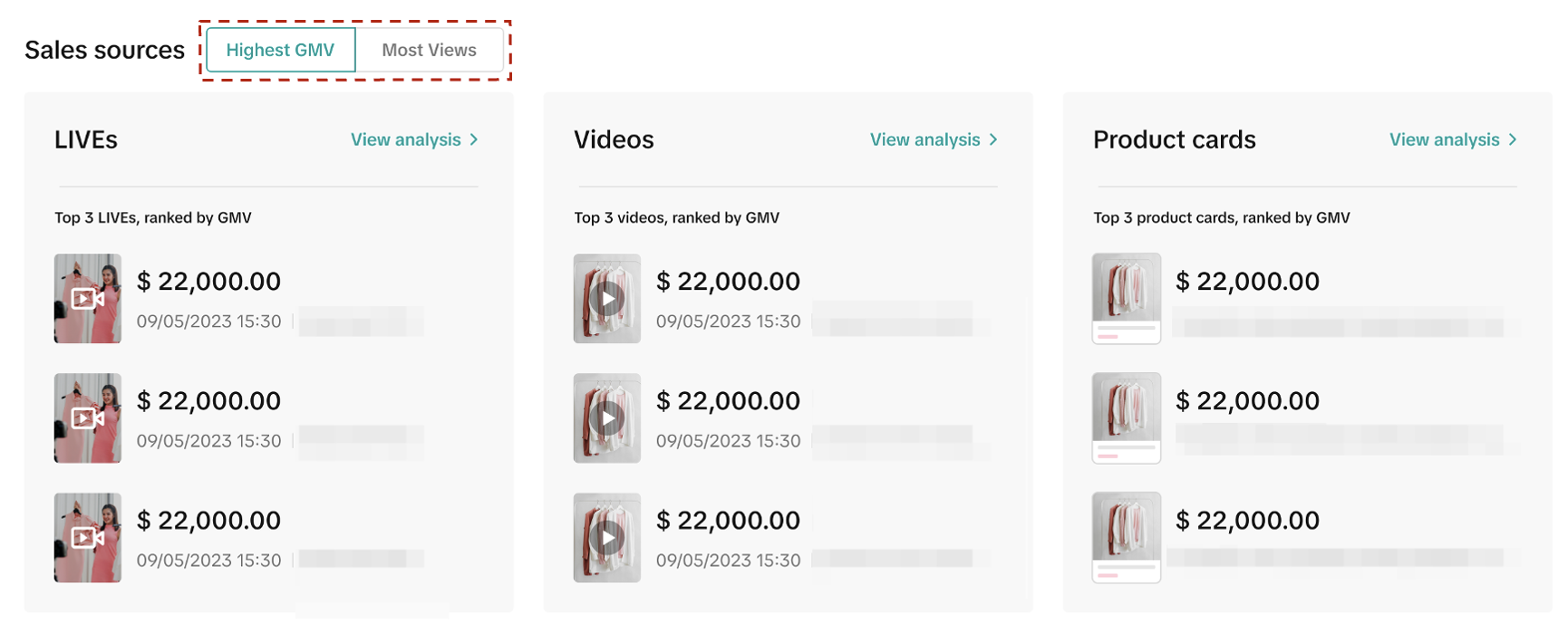 |  |
- First, choose to filter between Highest GMV or Most Views.
- Based on your filtered selection, you will be able to see the Top 3 GMV generators within each sales source:
- Top 3 LIVEs
- Top 3 Videos
- Top 3 Product cards
- To deep dive into each sales source, simply click on View analysis in any of the three tabs and it will take you to the respective performance page:
- LIVEs > View analysis > Live performance
- Video > View analysis > Video performance
- Product cards > View analysis > Product card performance

Track Marketing Performance Across Different Sources
Similar to above, Data Compass also provides a convenient way to check the performance of your marketing efforts from various sources. The data reflected here is based on the timeframe that was selected earlier in the date picker and data source. Sellers can view marketing performance from both Tokopedia &TikTok Shop.Affiliate creators, Promotion tools and Campaign performances are available.
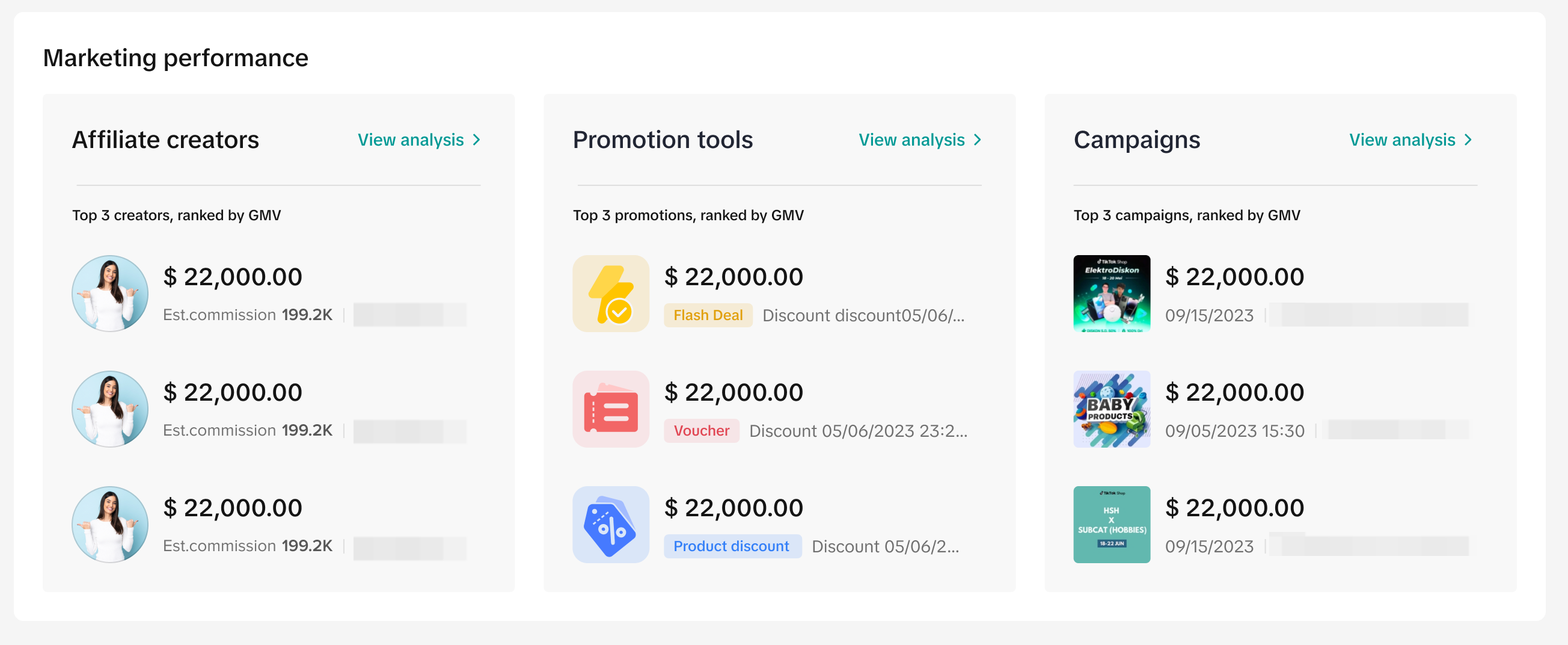
- Under marketing performance, you will be able to see the Top 3 GMV generators within each source:
- Affiliate creators - Top 3 best creators
- Promotion tools - Top 3 best promotions
- Campaigns - Top 3 campaigns
- Click on View analysis to get comprehensive performance details on their respective performance pages:
- Affiliate Marketing > Insights > Creator
- Promotion tools > View analysis > Promotion Tools Analytics
- Campaigns > View analysis > Campaign Analytics

FAQs
[FAQs: Viewing data via Tokopedia platform]
- I have integrated my account with TikTok Shop by Tokopedia. Can I still view my performance on Tokopedia after integration?
| Seller Criteria | Tokopedia Seller Analytics |
Seller with the below criteria:
|
|
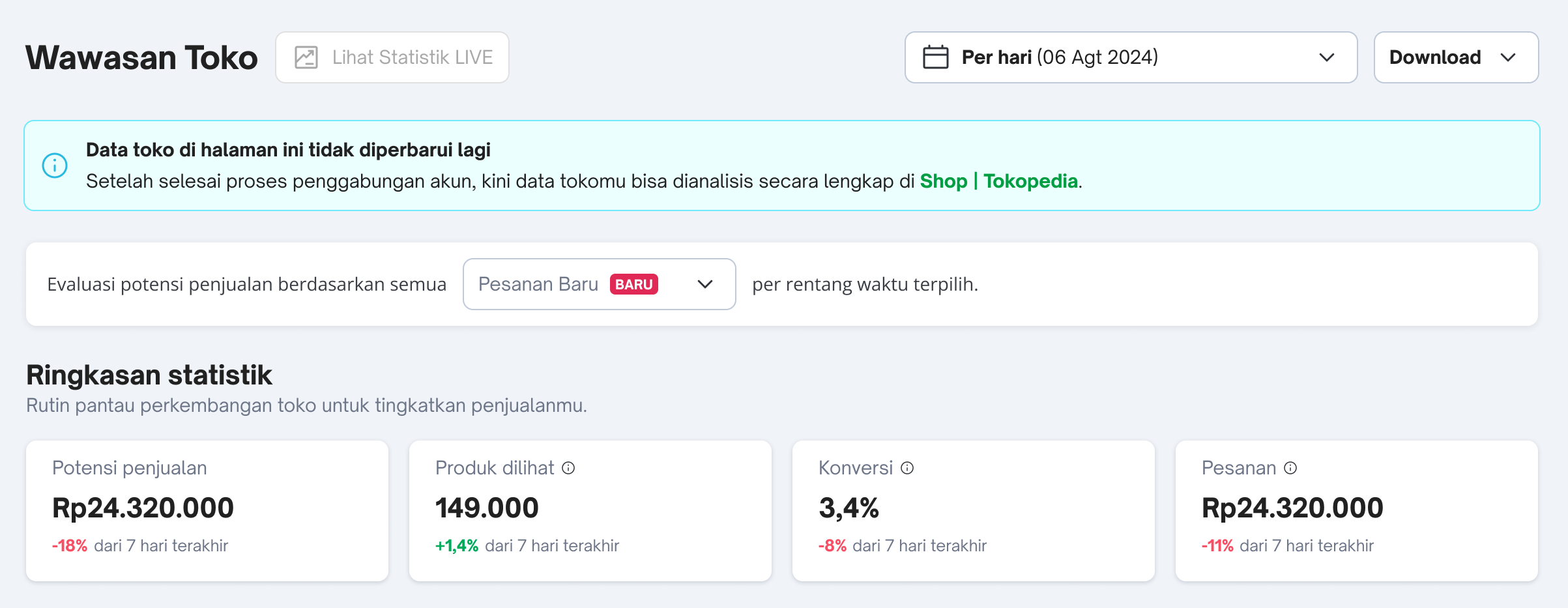
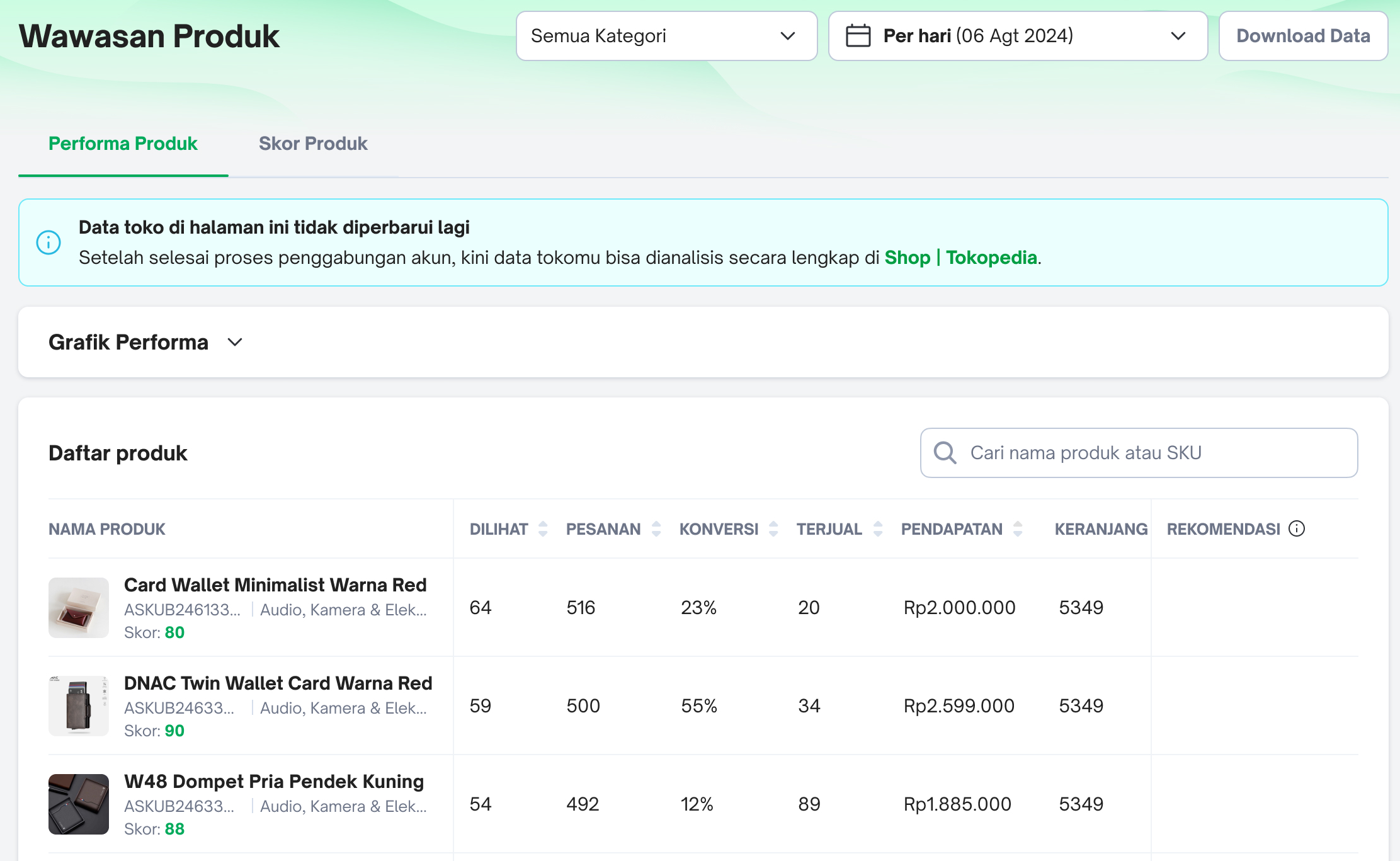
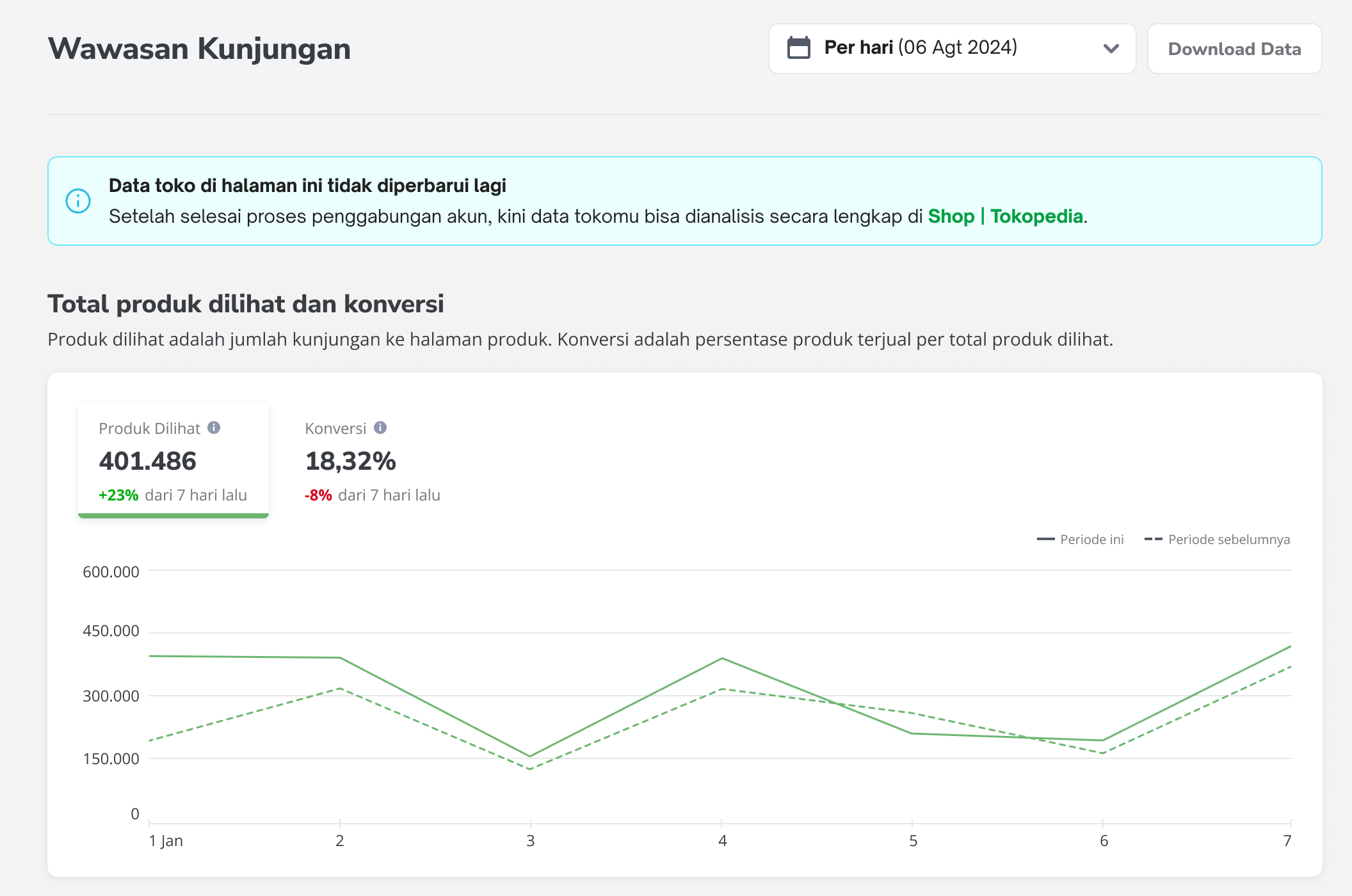
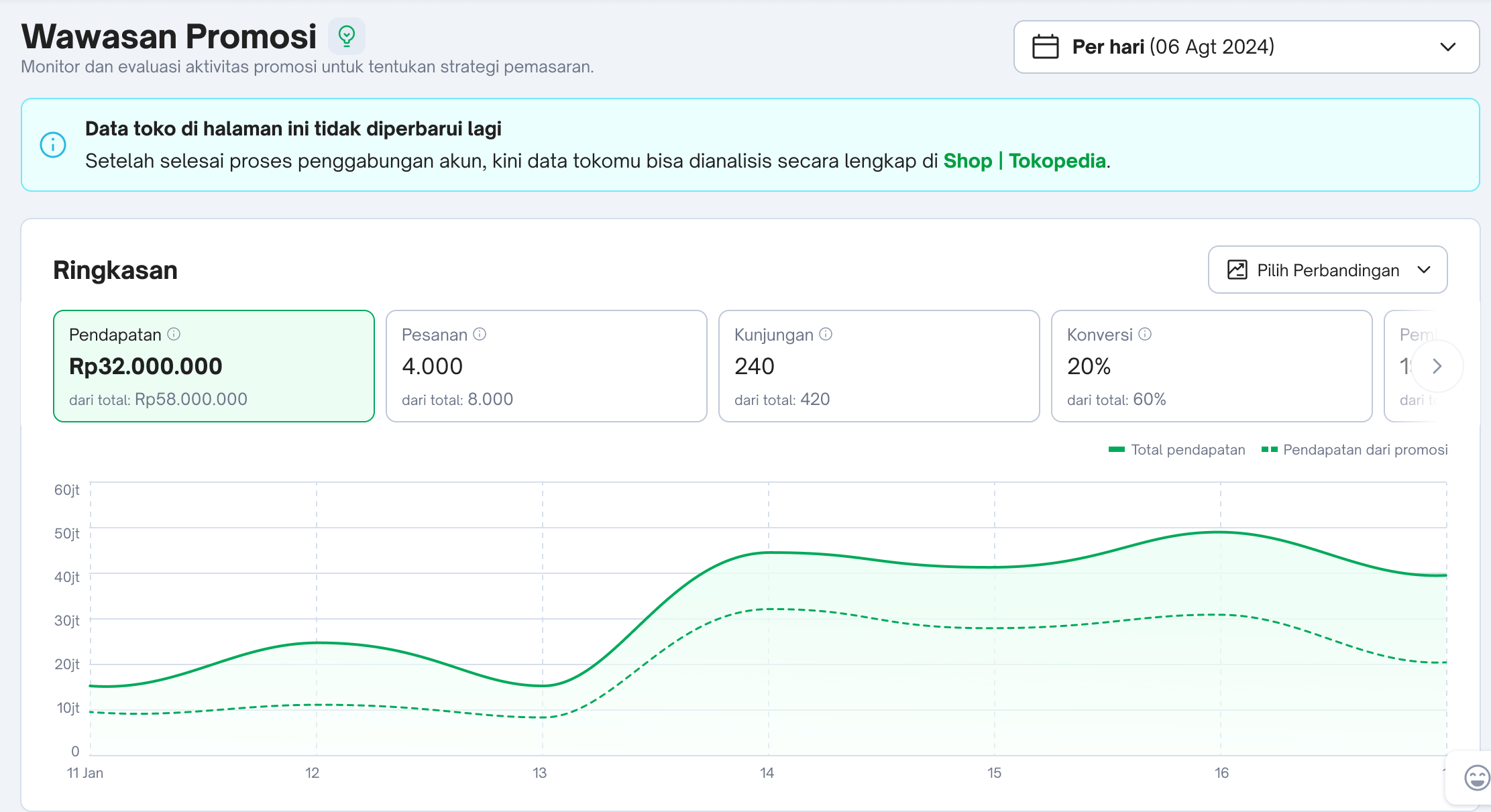
- What are the Wawasan pages on Tokopedia that will no longer be updated once sellers have completed the full integration process?
| Wawasan Page | Reference |
|  |
|  |
|  |
|  |
|  |
| 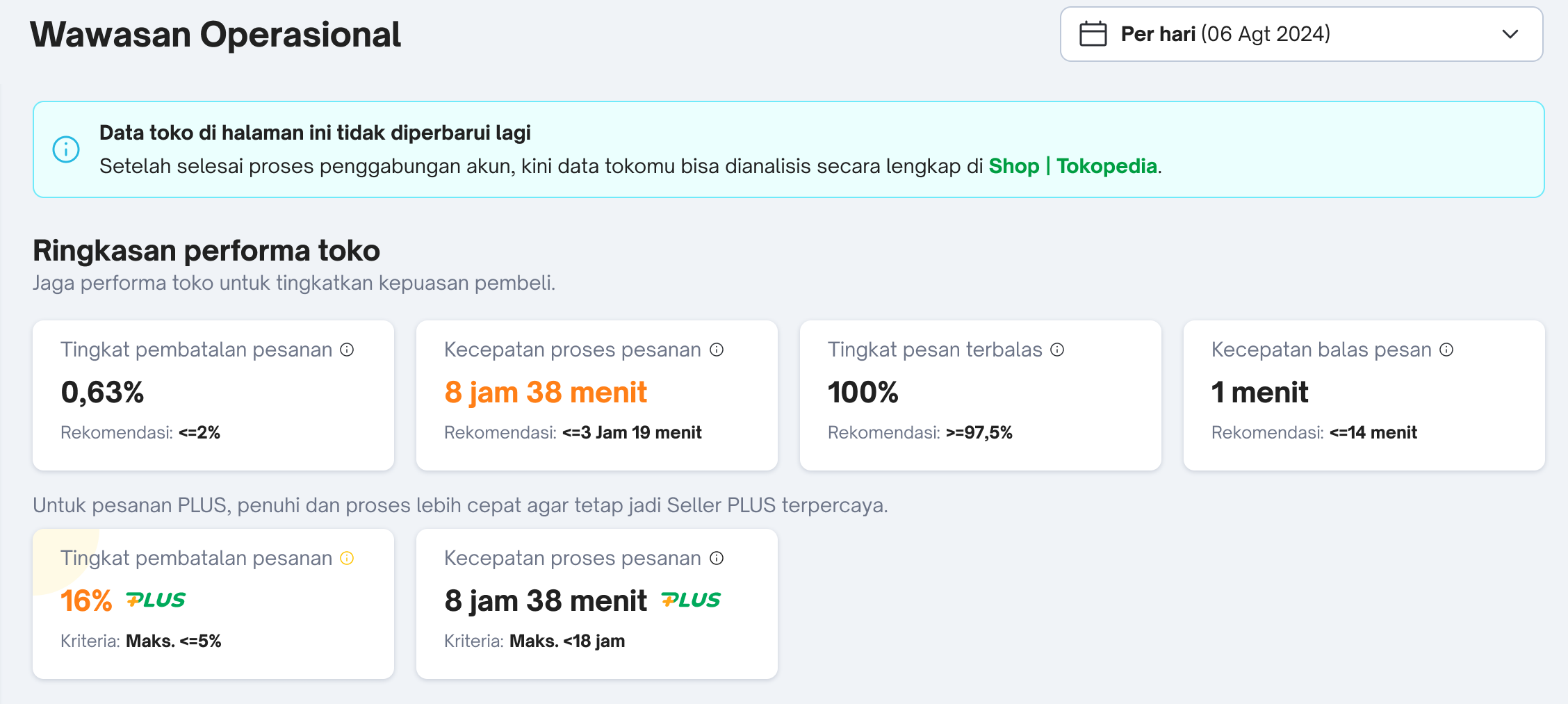 |
| 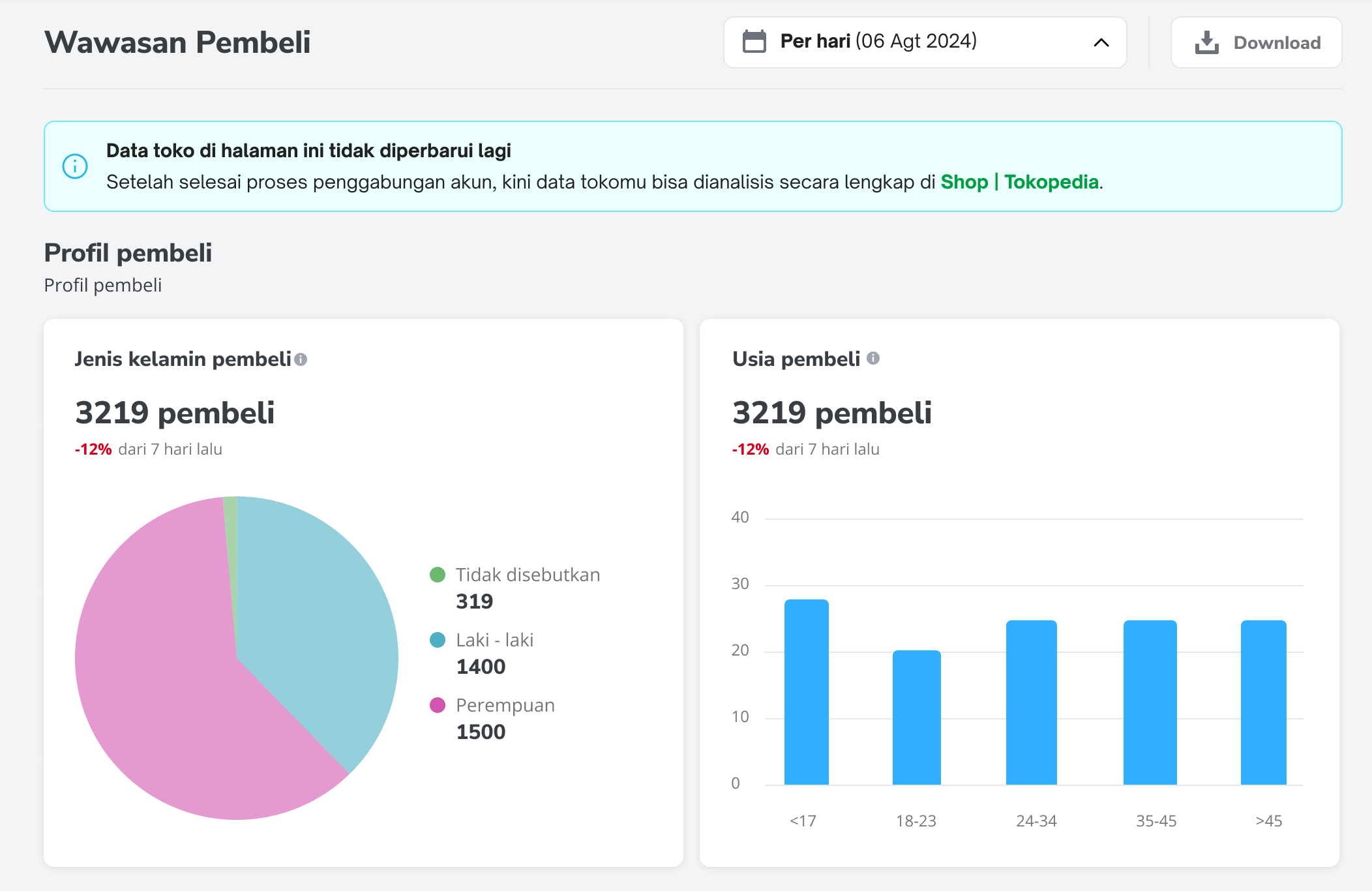 |
[FAQs: Viewing data via Data Compass]
- I have completed the account binding and account integration process. However, I'm unable to view any data from Tokopedia order transactions on Data Compass. Why is that?
- What are the selected analytics pages where the data source filter is currently applicable for selection of Tokopedia or TikTok Shop data?
- Will the data source filter be made available for other Data Compass pages?
- I do not want to integrate the data from both platforms and wish to continue viewing Tokopedia data on Tokopedia. Can I choose not to bind my account and continue viewing both shop performance data separately?
Should sellers choose not to integrate their account, they will be able to continue accessing Tokopedia Seller Analytics until these pages are discontinued at further notice.
- What are the data pages on Tokopedia & Shop Seller Center Data Compass that are similar to Tokopedia's Wawasan pages?
| No. | Tokopedia Wawasan Pages | Data Compass Pages |
| 1 | Wawasan Toko 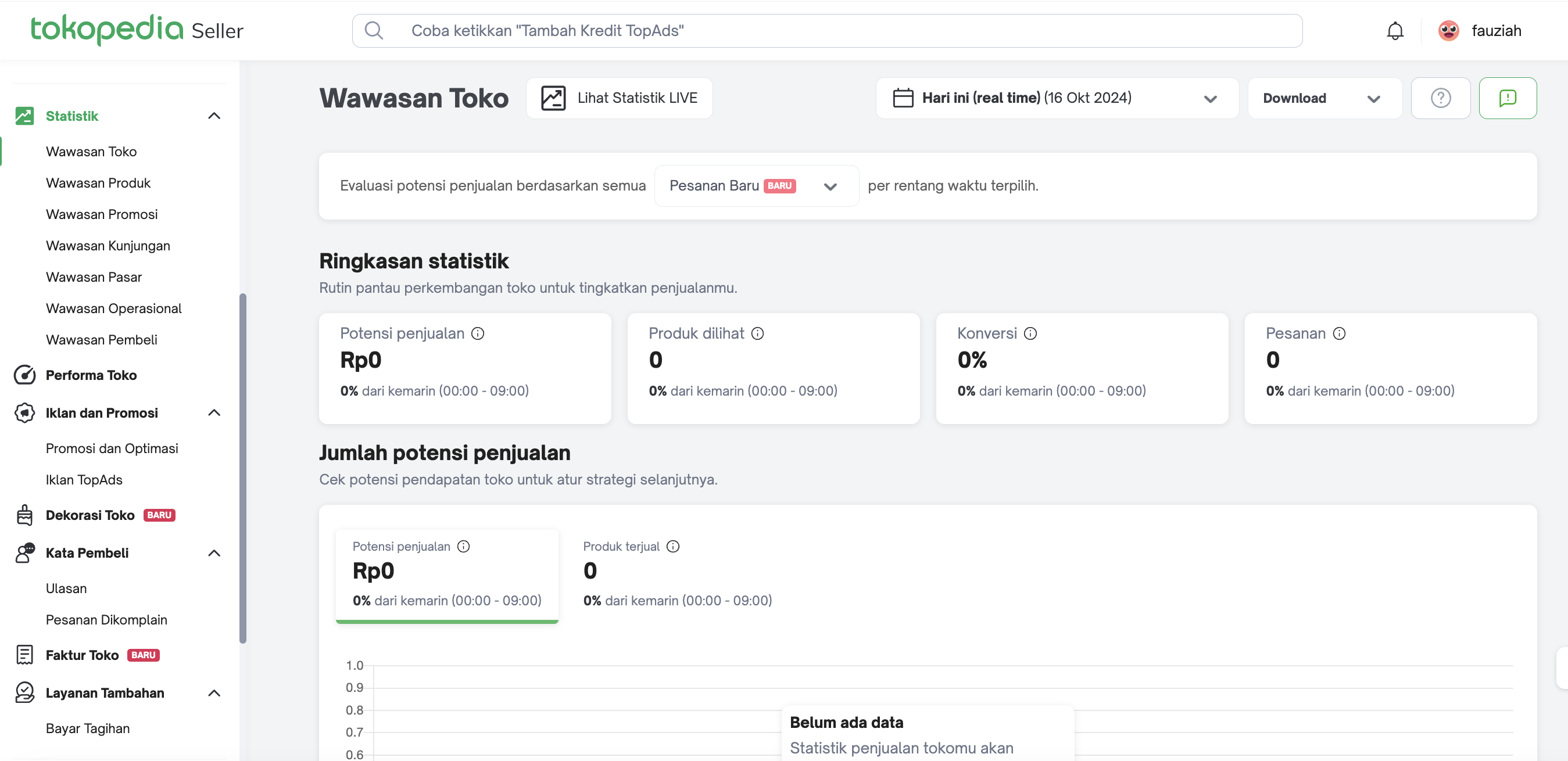
| Data Compass Homepage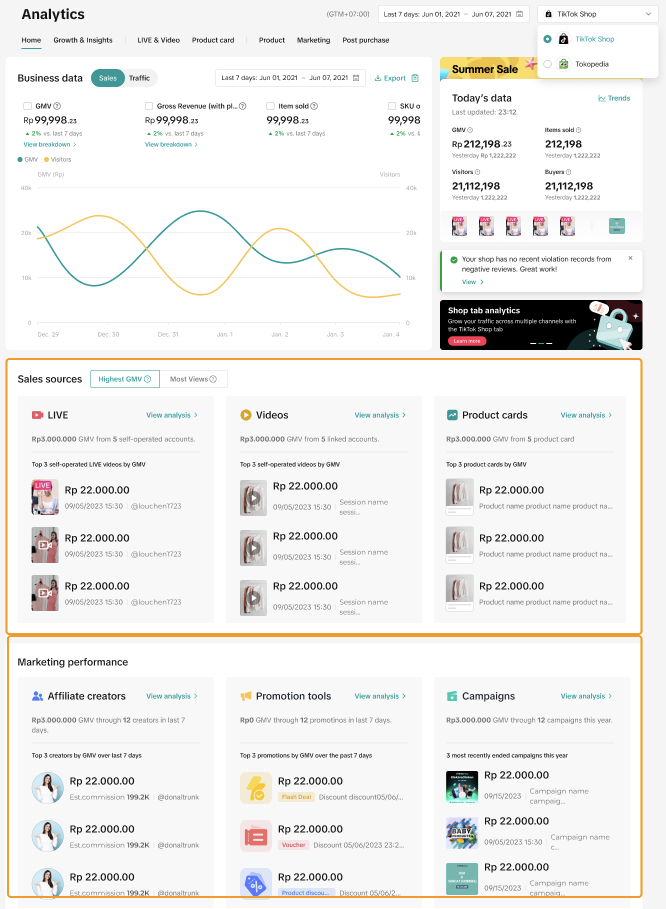 |
| 2 | Wawasan Produk 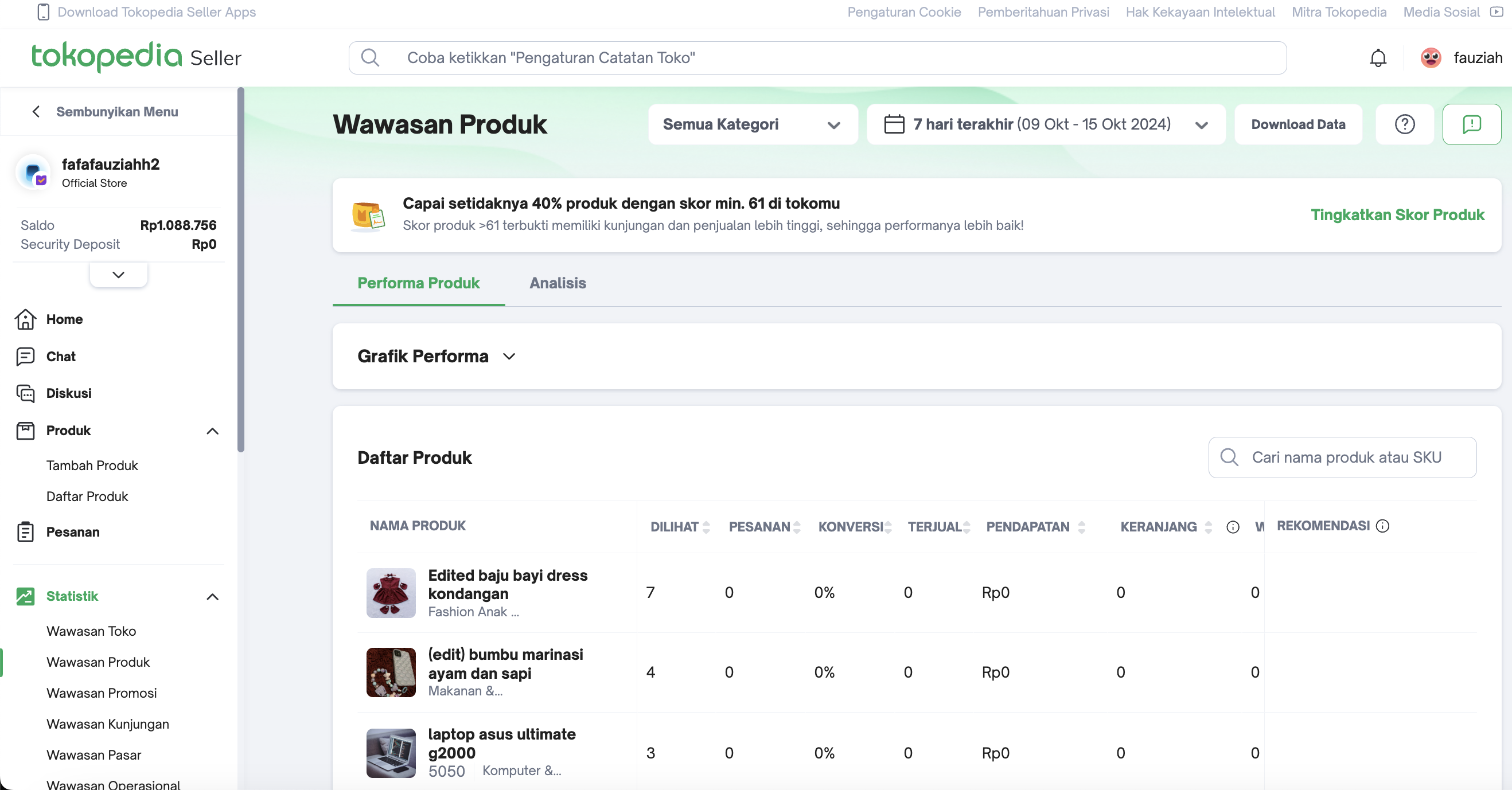 | Product Details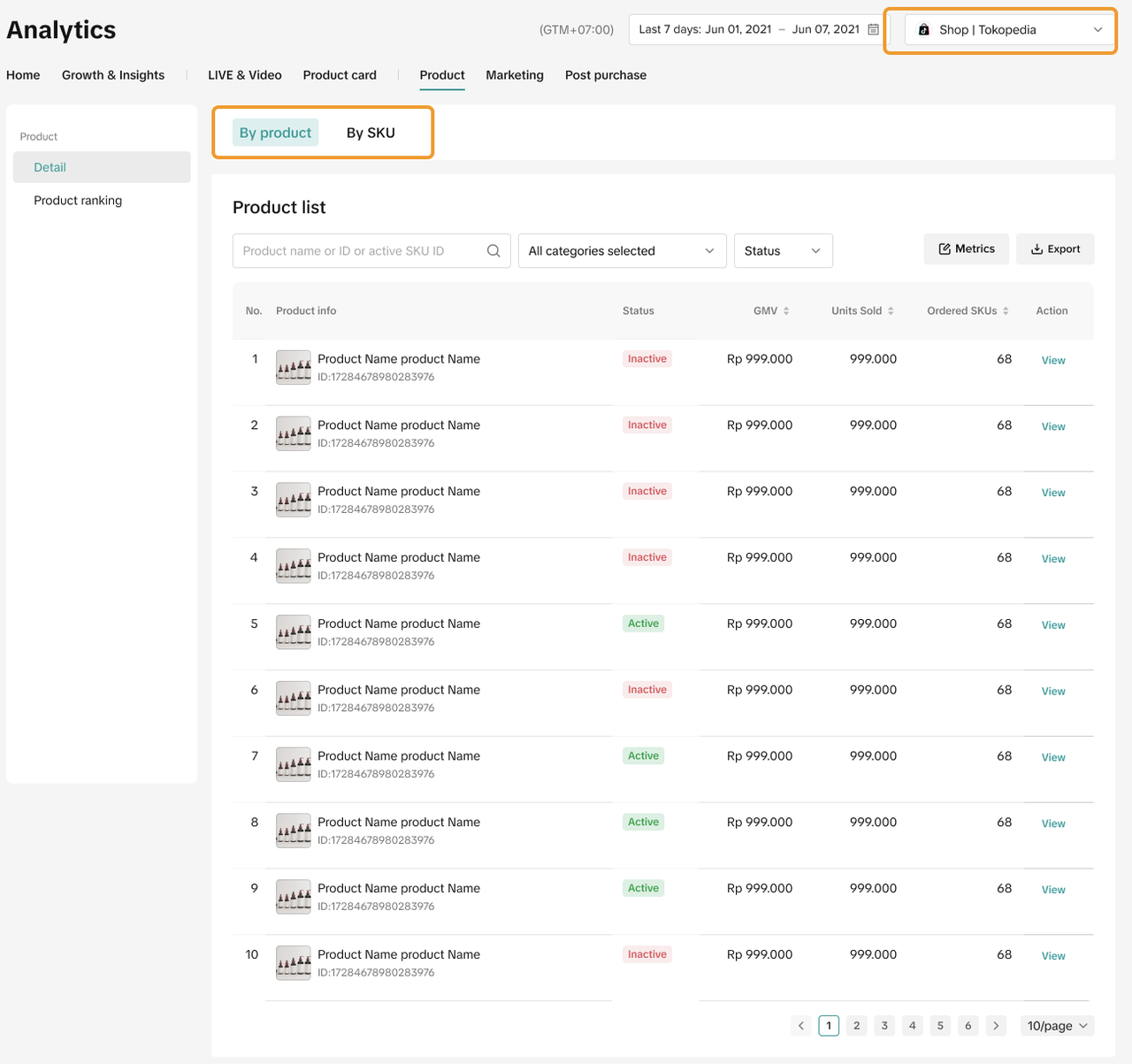 |
| 3 | Wawasan Promosi 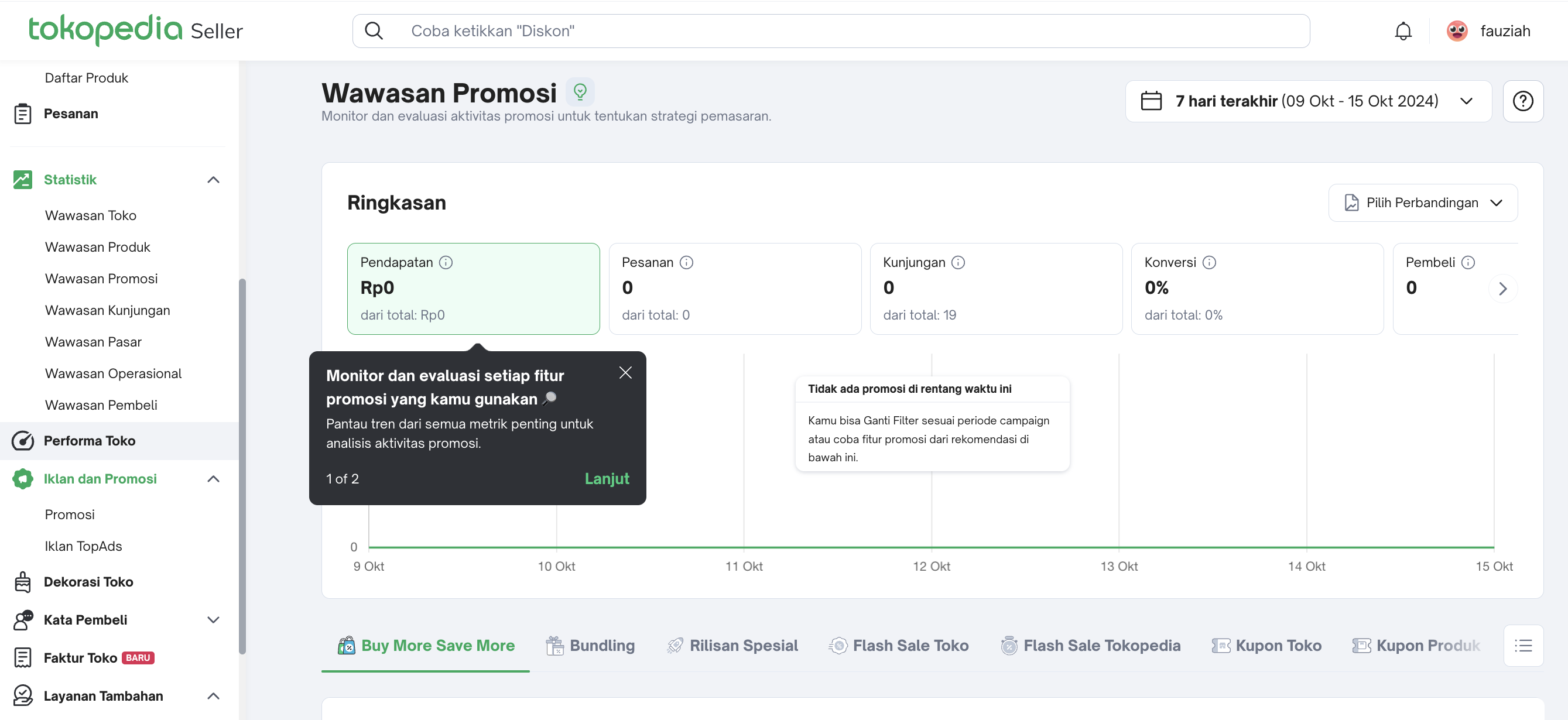 | Promotion Tool Analytics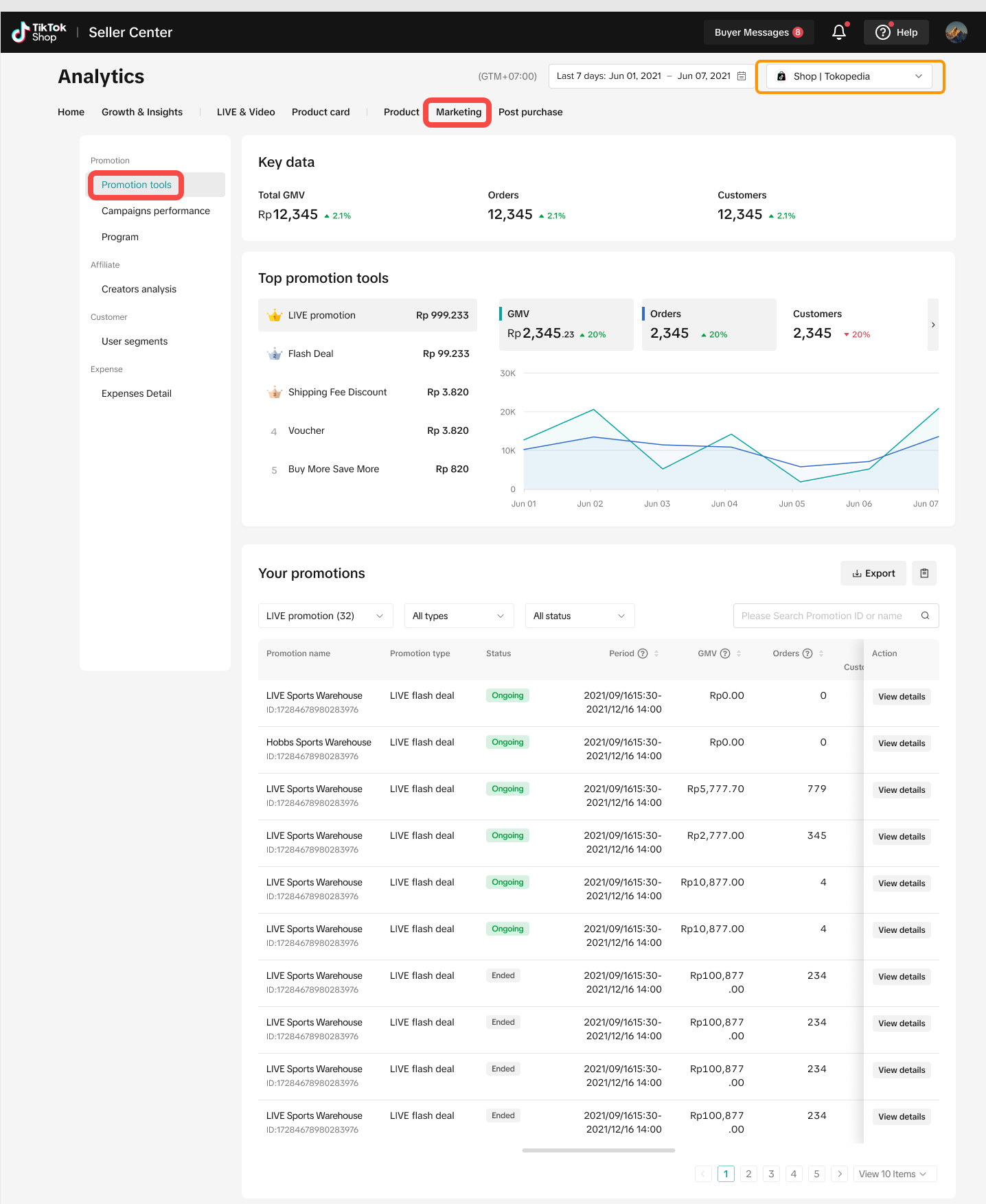 |
| 4 | Wawasan Kunjungan 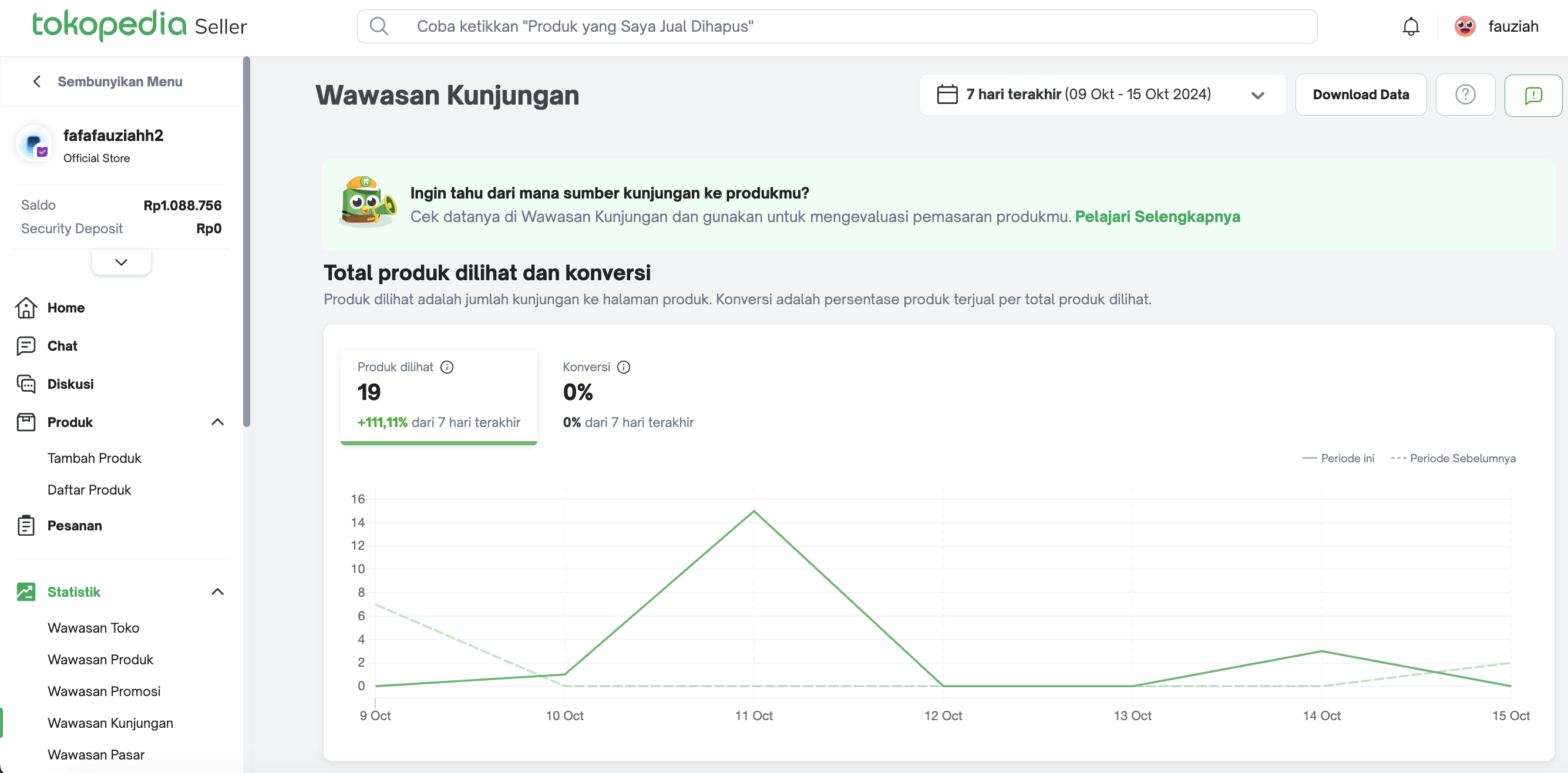 | Product Card Performance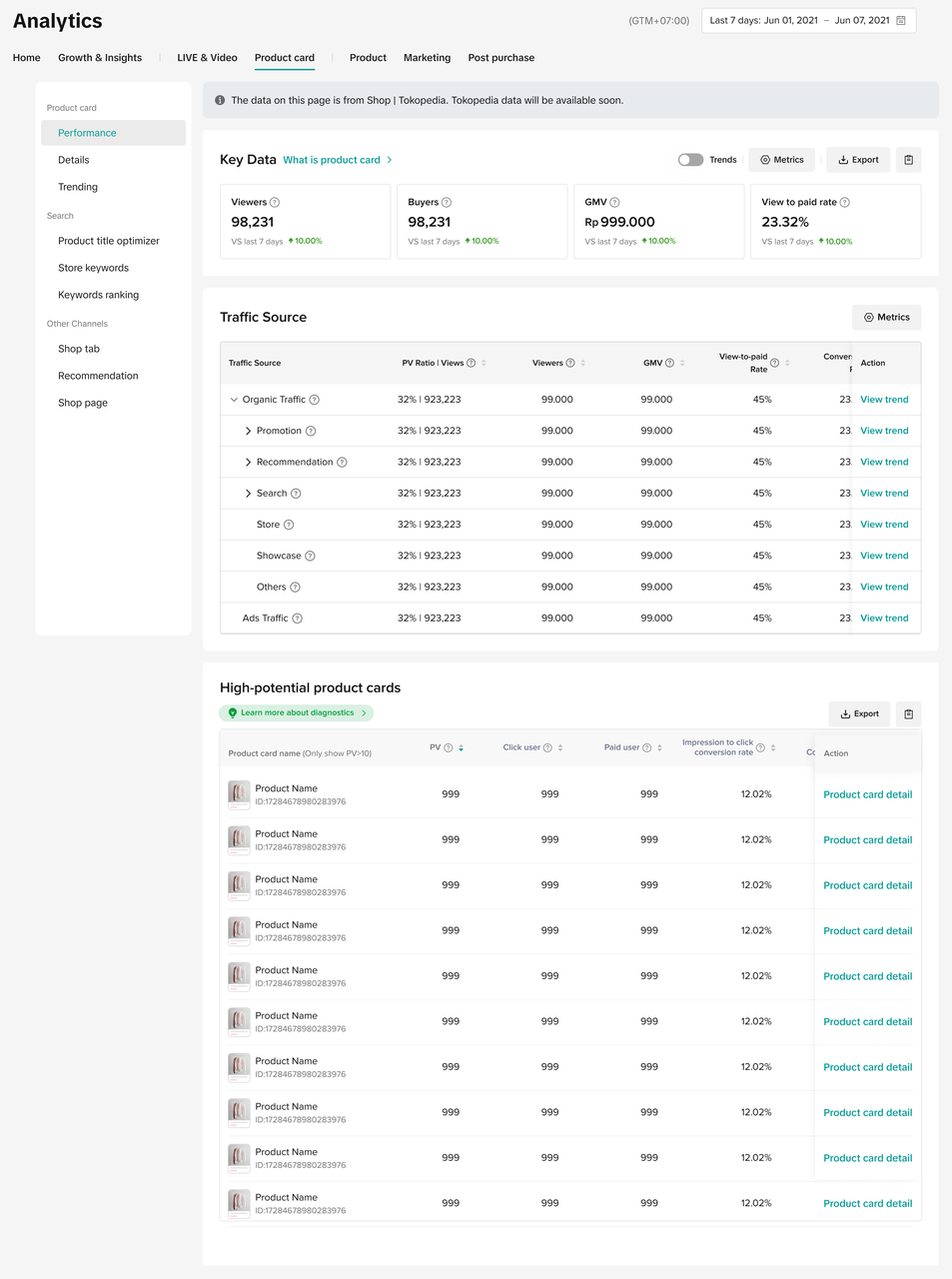 |
| 5 | Wawasan Pasar 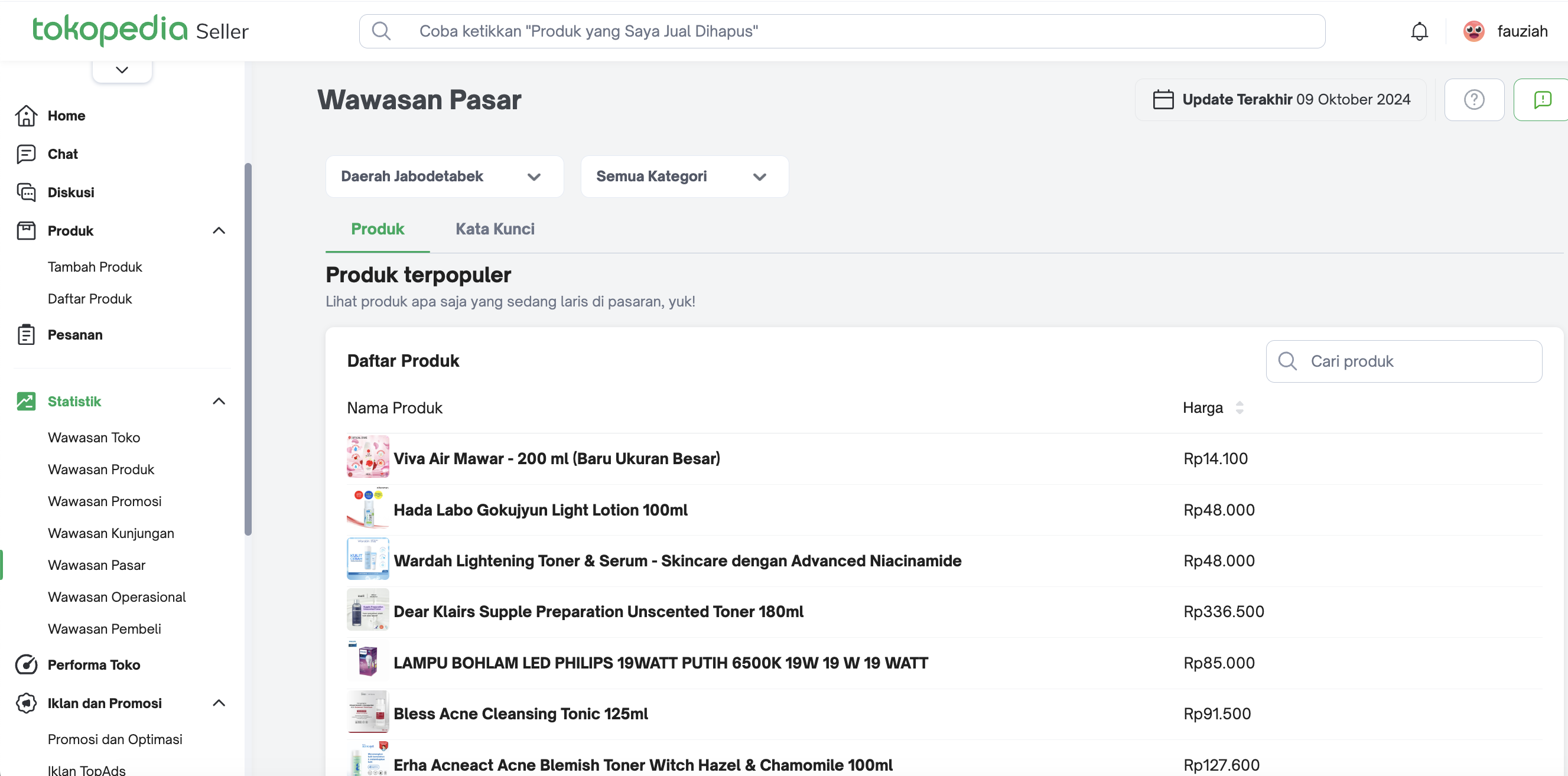 | Keyword Ranking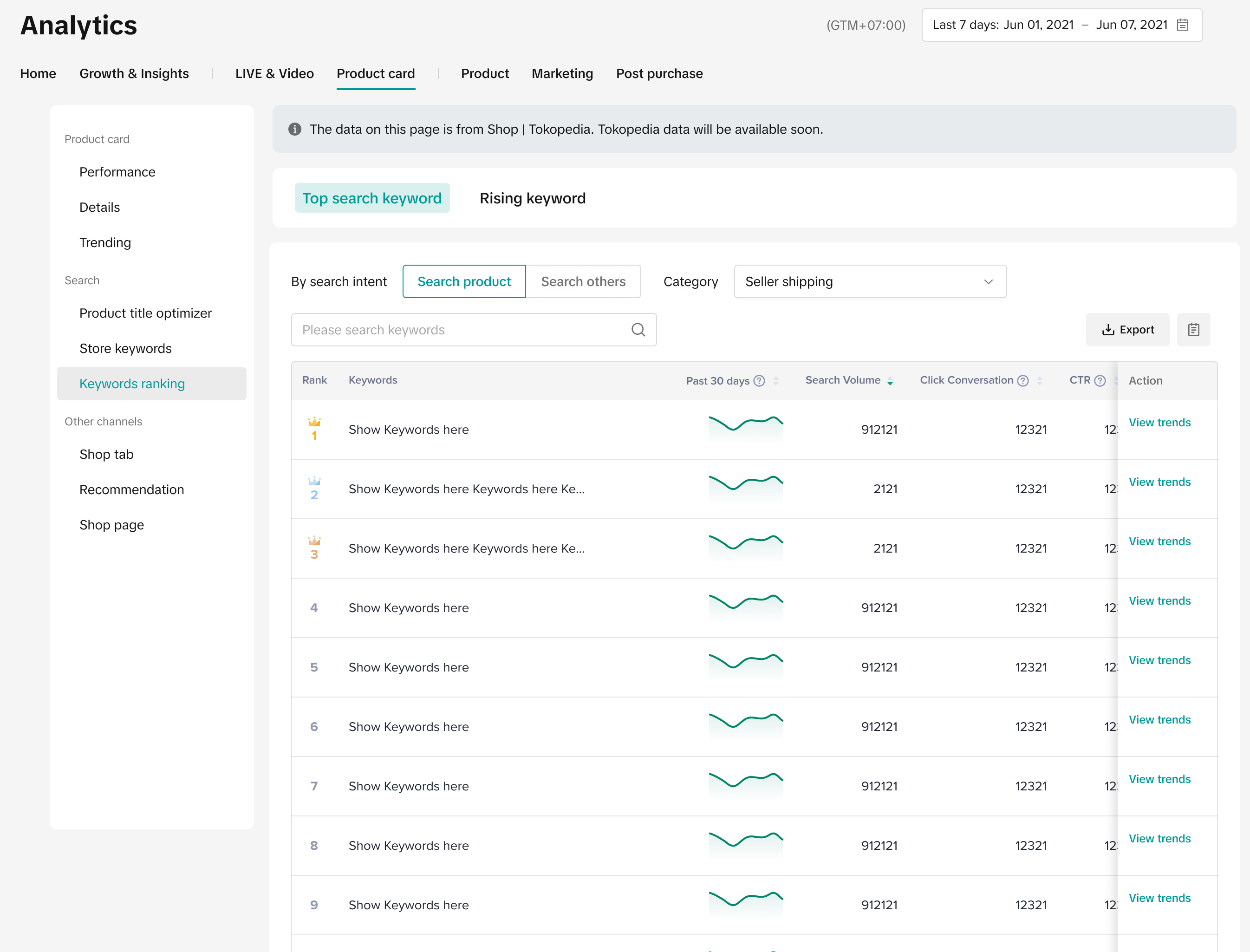 |
| 6 | Wawasan Operasional 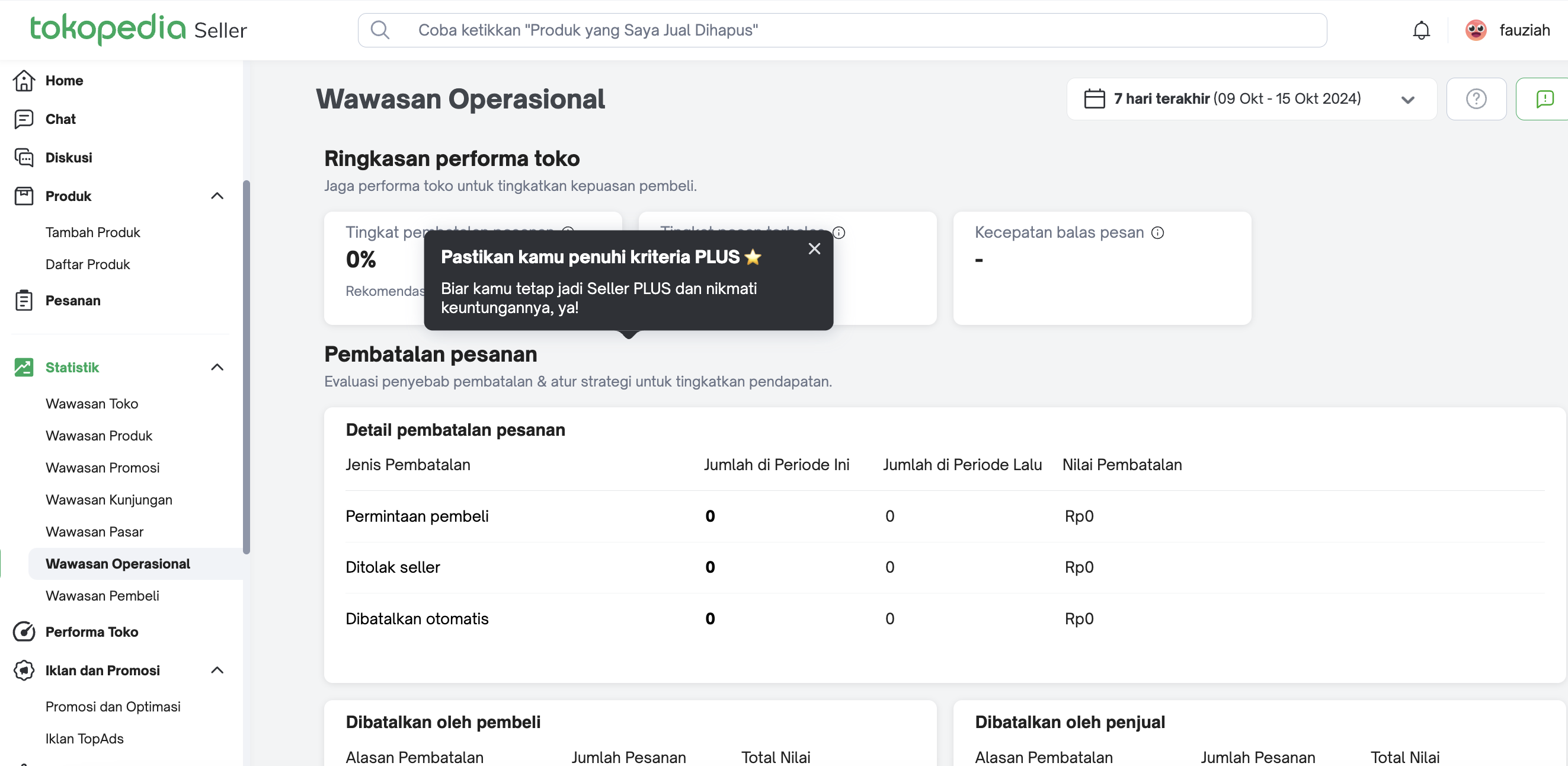 | Post Purchase Analytics
|
| 7 | Wawasan Pembeli 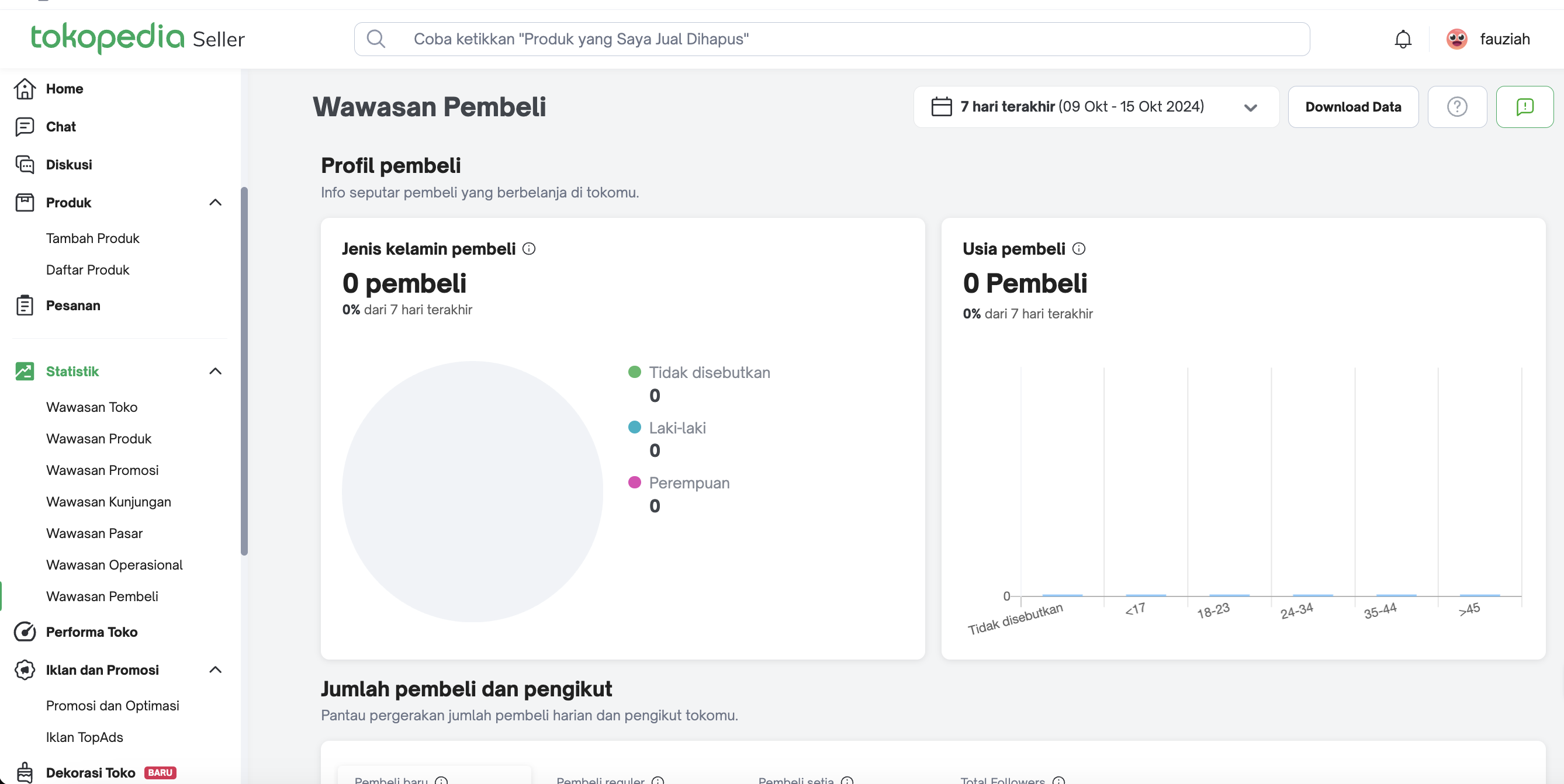 | Customer Analysis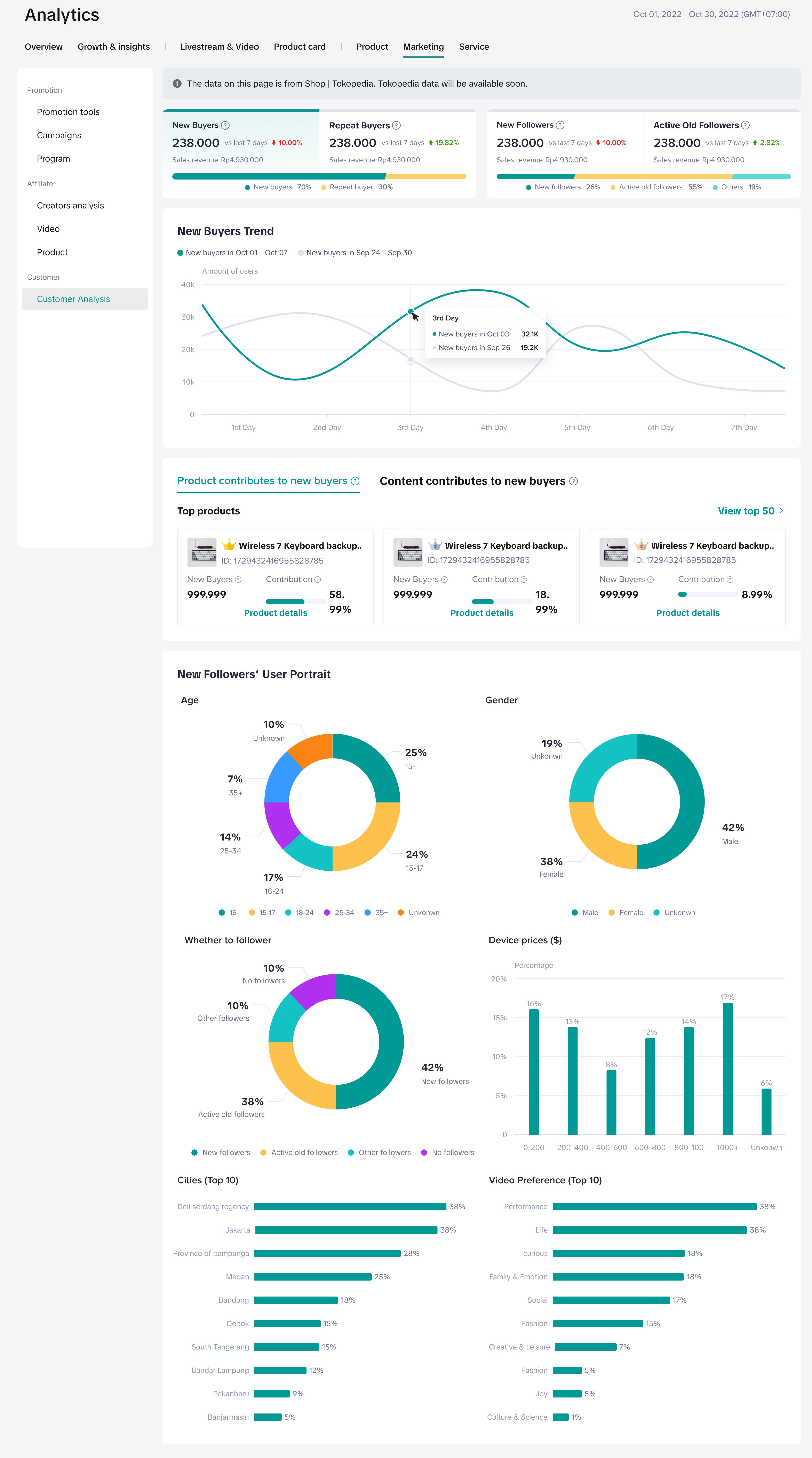 |
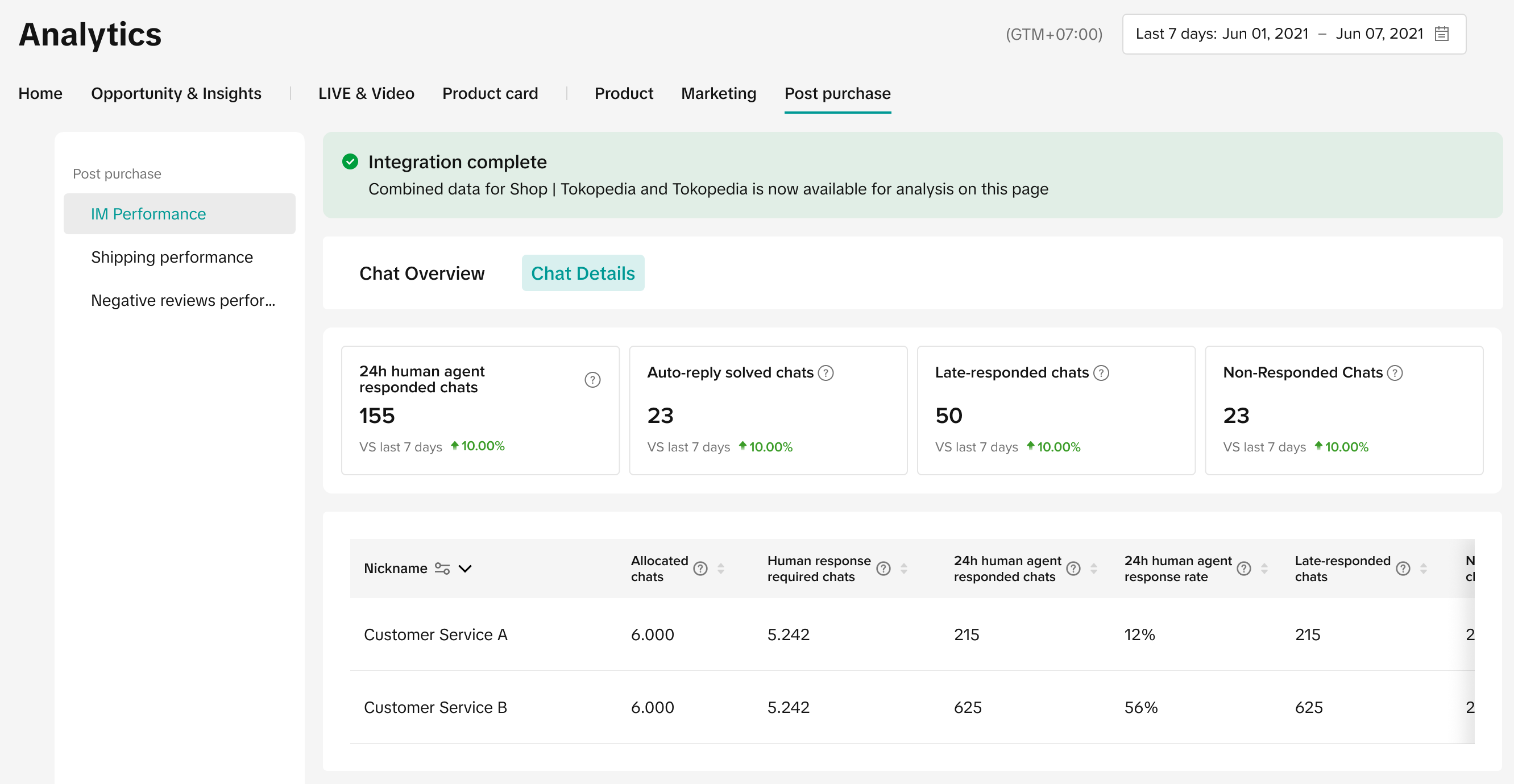
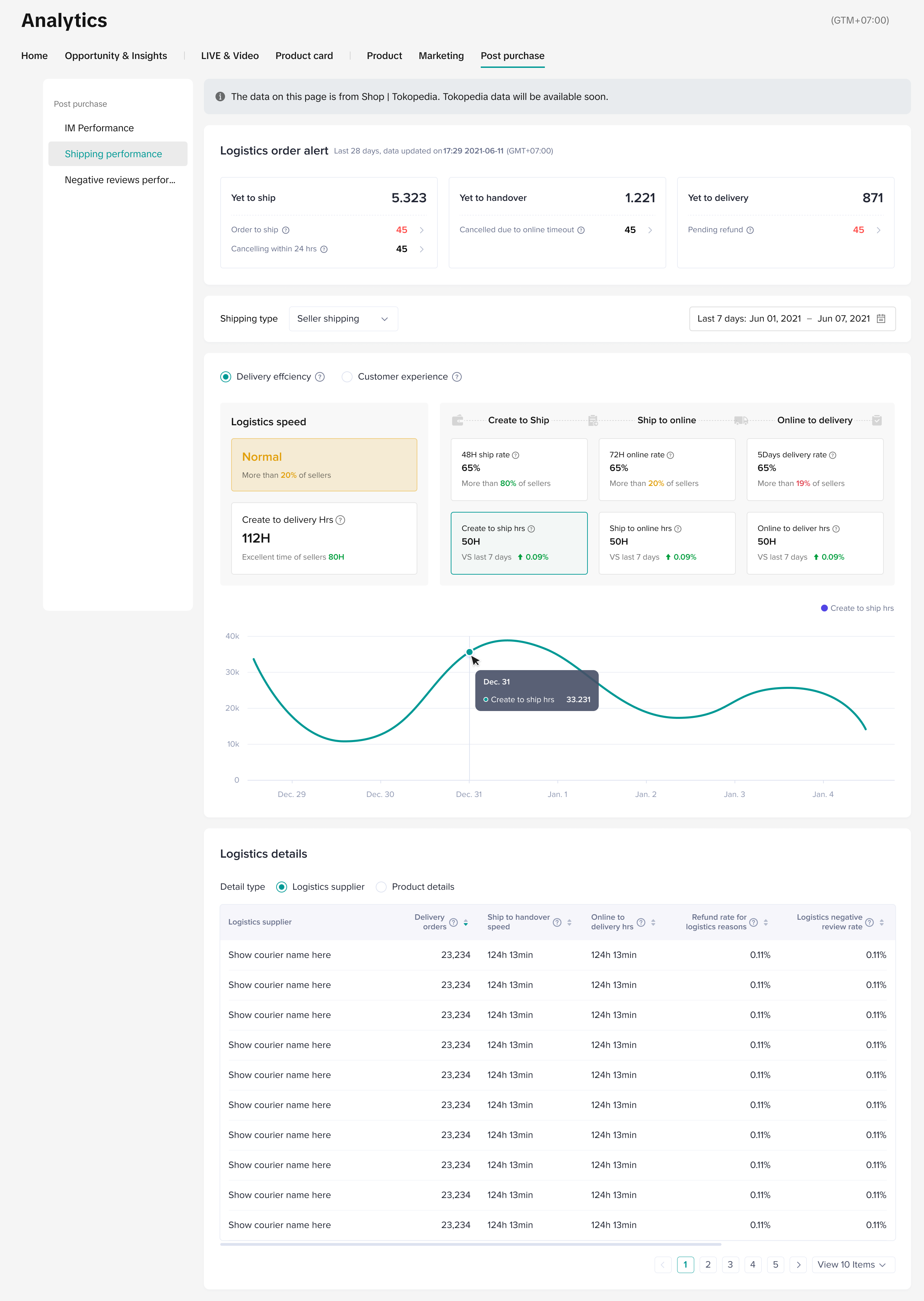

- Which are the equivalent Wawasan Analytics pages on Data Compass where I can utilise the new data source filter and check the data from Tokopedia and TikTok Shop?
| Data source filter available on Data Compass | Data source filter NOT available on Data Compass |
|
|
- Do these changes apply to the Tokopedia & TikTok Shop Seller Center (App) Data Analysis page as well?
You may also be interested in
- 1 lesson
Data Analytics
Utilize data analytics to track performance and make strategic decisions!
- 14 lessons
Product Tools & Partner
Discover essential tools and official TikTok Shop by Tokoepdia partners that help you streamline ope…
- 5 lessons
Data Compass
Introduction to data-driven decision-making tools for sellers to optimize their operations.

Data Analysis via Seller Center App
Summary This article teaches you what Data Analysis (via Seller Center App) is and what are the diff…

Financial Terms: Differences Between GMV & Settlement
Data Compass User Manual (PC)
Summary This article outlines all the different types of analytic pages accessible via Data Compass…

GMV Refinement for Clearer Customer Transactions

Shop Tab Analytics: Understand Your Data for Better Performa…
Shop Tab Analytics is an essential tool for gaining insight into your store’s performance and improv…