

Guide to Campaign Confirmation via Official WhatsApp
11/28/2025
What is Campaign Confirmation via Official WhatsApp?
Campaign Confirmation via Official WhatsApp is a feature that allows sellers to register their products into a campaign simply by replying “YES” to a message sent from the official TikTok Shop by Tokopedia WhatsApp account (6285574670357).By replying “YES,” the seller agrees to the campaign terms and authorizes the system to automatically process the product registration.
How does it work?
- All eligible products will be automatically registered by the system without requiring sellers to manually input anything in Seller Center.
- The system will check product eligibility (category, price, and campaign requirements).
- Product prices will be automatically adjusted according to campaign rules (e.g., Rp1 lower than the lowest price in the last 30 days).
- Ineligible products will not be registered, ensuring the seller maintains full control.
What are the benefits for sellers?
- Products enrolled in the campaign will receive additional platform support, such as discount vouchers that boost visibility and order potential.
- Sellers can join campaigns without a long or complicated registration process.
- All campaign support is provided at no additional cost.

How to Join a Campaign via Official WhatsApp
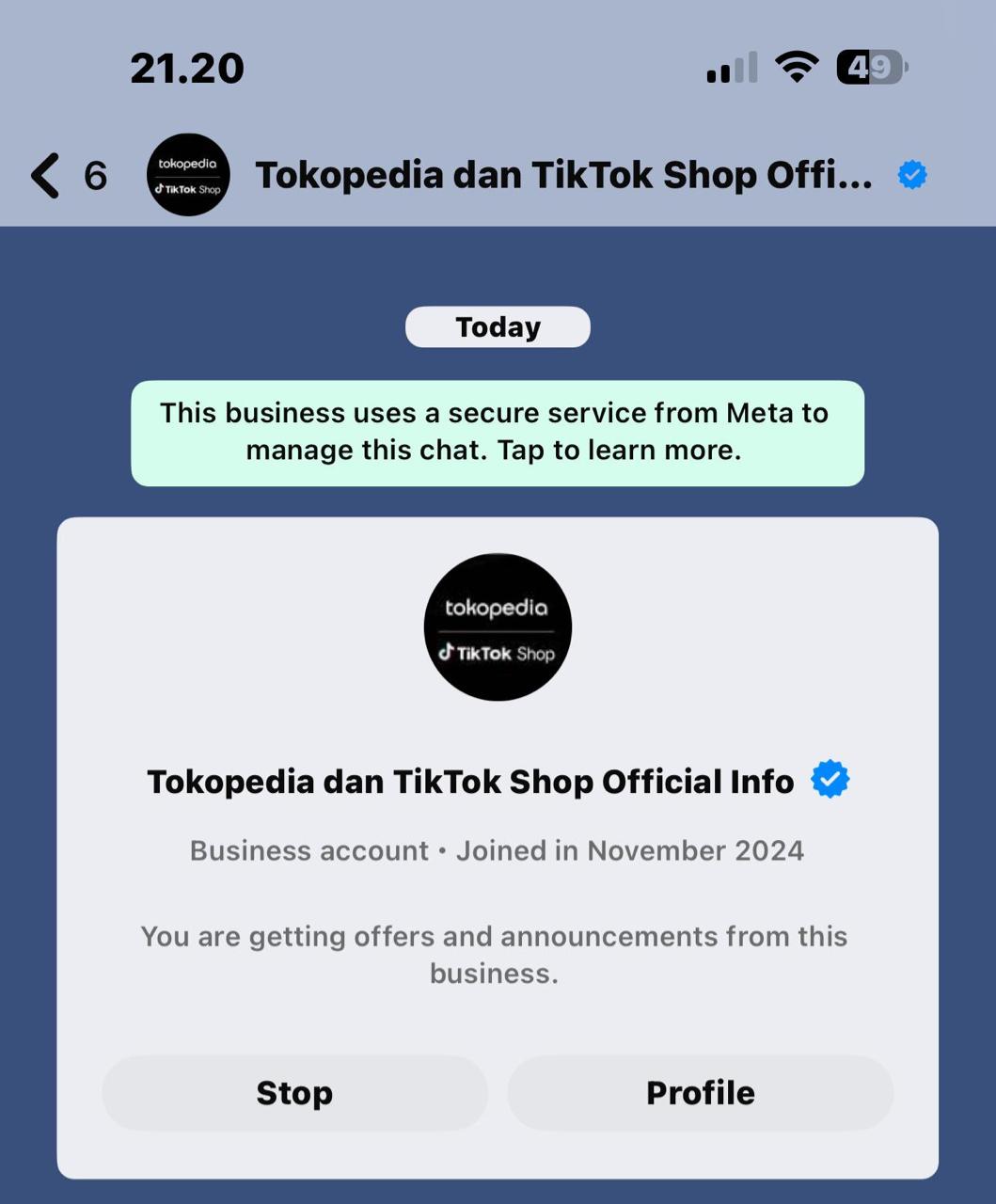
Step 1 — Open the Message from TikTok Shop by Tokopedia Official WhatsApp
- Make sure the message is sent from 6285574670357 (verified), or click the link to view the message directly.
- You will see campaign information, recommended products, and the campaign terms.
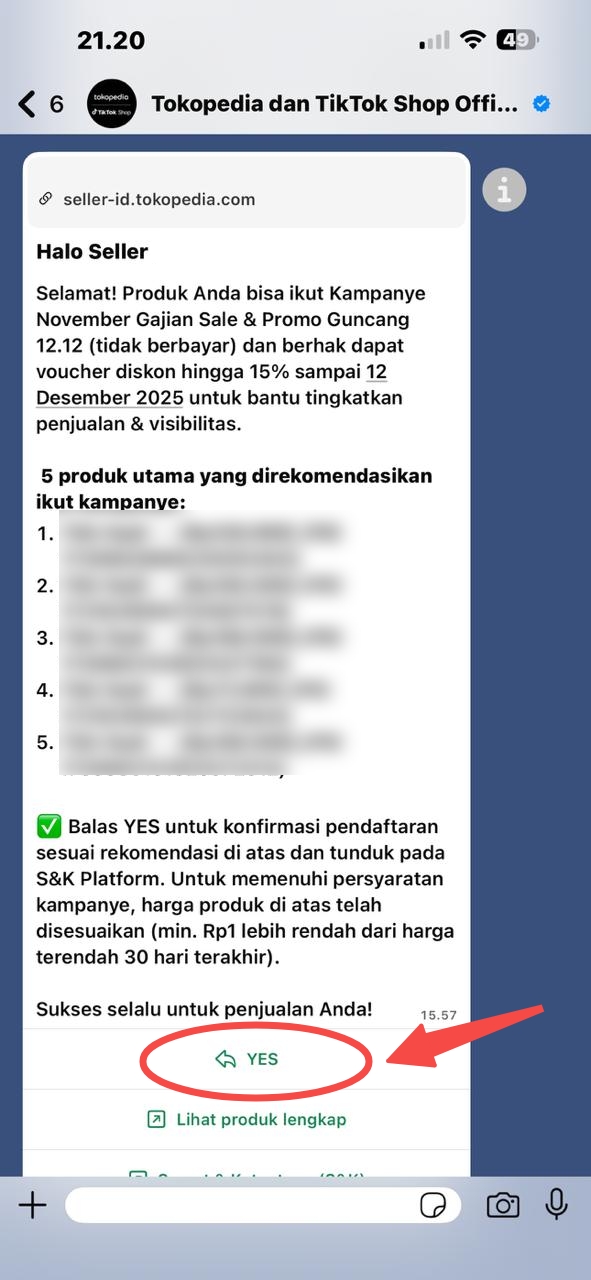
Step 2 — Reply “YES” to Confirm
- Reply to the message with YES.
- The system will automatically:
- adjust product prices according to campaign rules (Rp1 lower than L30D price),
- validate product eligibility,
- register the products into the campaign at no cost.
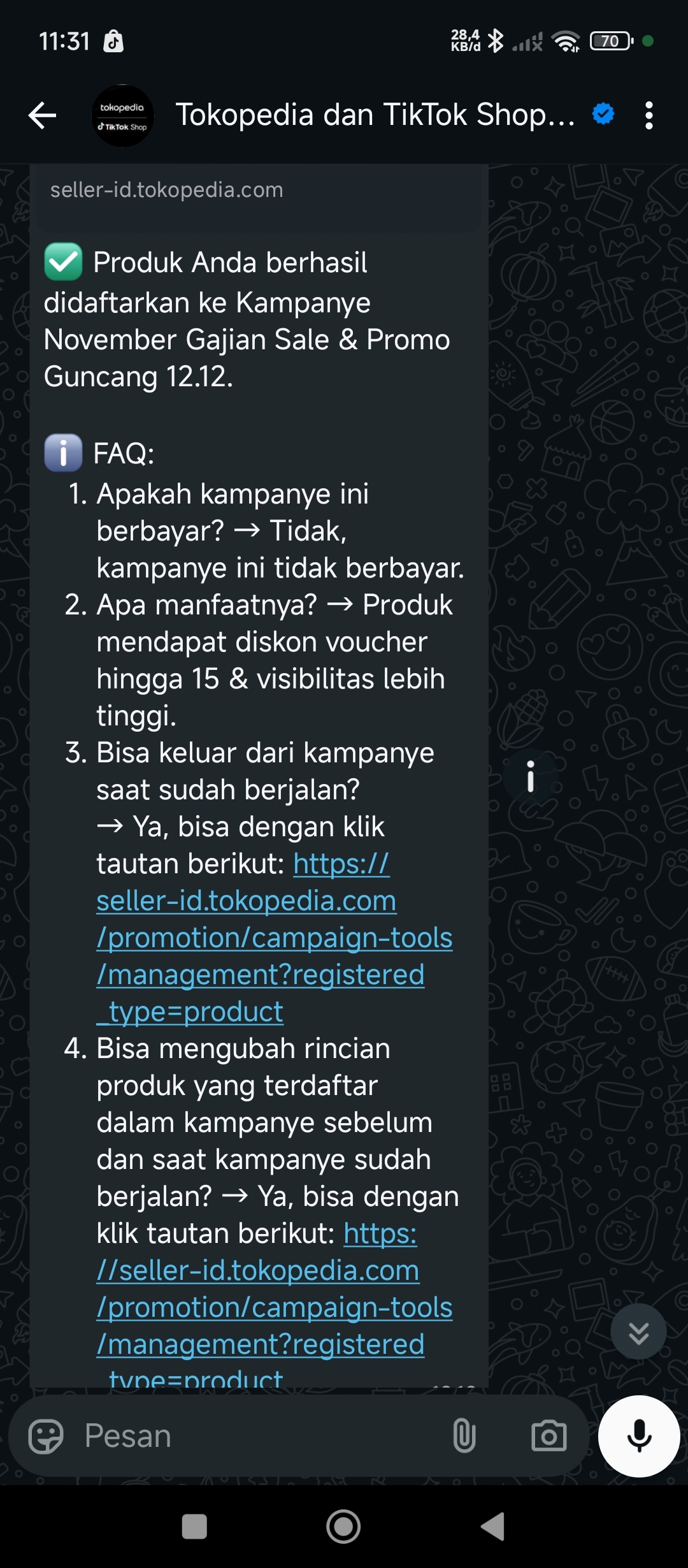
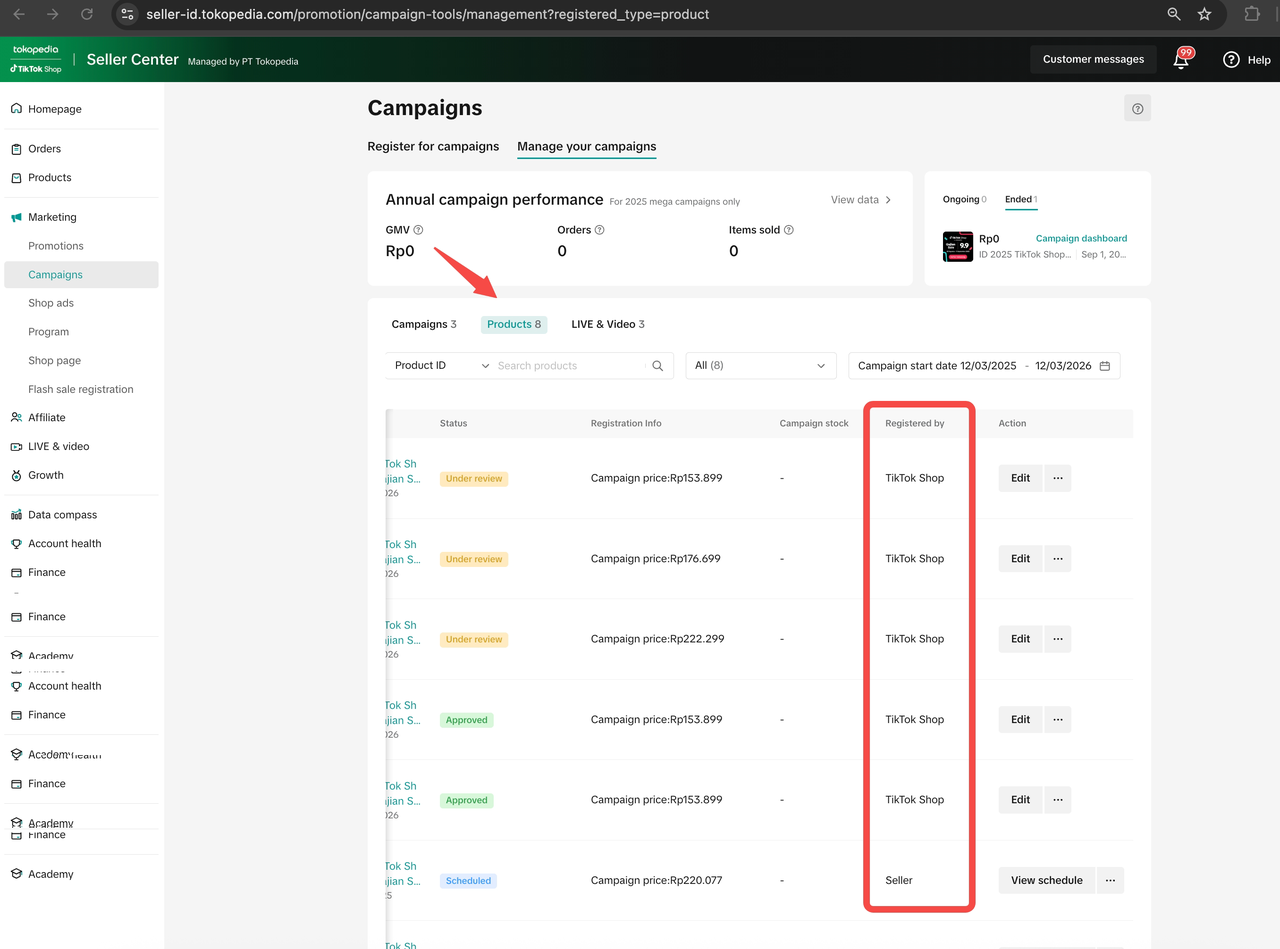
Step 3 — Review or Edit Registered Products
You can review or modify registered products through:- The “View full product list” button in WhatsApp, or
- The link below:
- remove products,
- adjust prices,
- exit the campaign at any time.

Frequently Asked Questions (FAQ)
Is this campaign paid?
No. This campaign is free for all sellers.What benefits will I receive?
- Platform discount vouchers of up to 15%–20%,
- Higher visibility on campaign pages,
- Increased traffic and sales opportunities.
Can I exit the campaign?
Yes, anytime through:👉 https://seller-id.tokopedia.com/promotion/campaign-tools/management?registered_type=product
Can I edit registered products?
Yes, both before and during the campaign through the same link.Where can I view the full Terms & Conditions?
You can read the campaign’s Terms & Conditions (T&C) through the link below:👉 [View Campaign Terms & Conditions]: link
You may also be interested in
- 1 lesson
Campaign and Cofunded Program
Join campaigns and cofunded programs for greater product exposure!
- 8 lessons
Campaign
Learn how to participate in and maximize the impact of official TikTok Shop by Tokopedia campaigns.

How do campaign co-funded vouchers work?
Sellers will first need to register and add products to the respective campaign page. Once the prod…

What if the campaign period overlaps with other promotional…
After approval, the price will take effect in accordance with the campaign dates. Campaign prices ar…

Marketing Benefits Packages
This article teaches you what Marketing Benefits Packages are, how it works, as well as how you, as…
Periodic Payments
This guide explains how to use bank transfer payments for Marketing Benefit Resource Packages, speci…

Product Campaigns
This article teaches you how to participate in platform product campaigns to increase sales in your…
Understanding Payments
This article introduces the different payment methods available for our Marketing Benefits Packages.…

Livestream Campaigns
This article teaches you how to use Livestream Campaigns to increase traffic and conversions in your…