

What is Affiliate?
04/02/2024
In this article, we will guide you to a quick look into Affiliate. As a Seller, this allows you to connect with our extensive network of creators. These Creators can help sell and promote your product through their content, either in Short Videos or LIVE Sessions.
Affiliate provides you with a suite of features to ensure that promoting your products to creators is as seamless as possible.


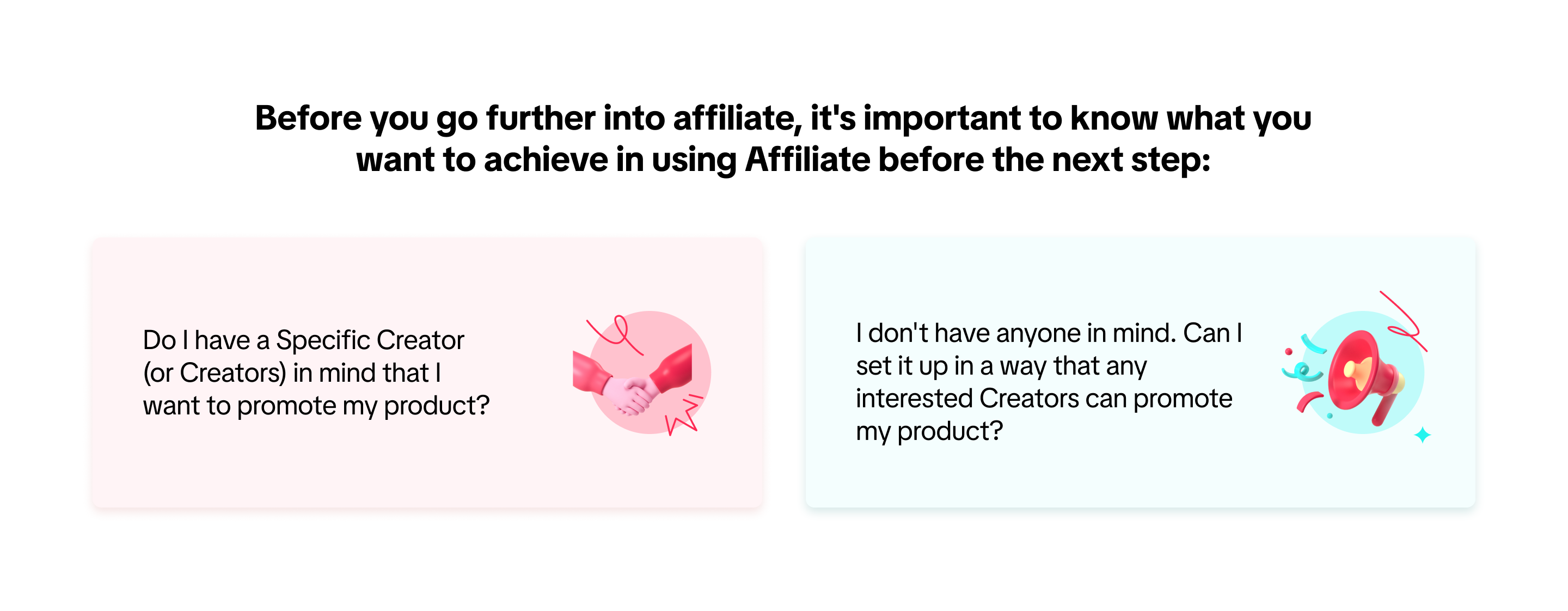 If you answered "Yes" to the first question, we recommend that you try out Target Collaboration. If your goal leans more to the second question, we recommend Open Collaboration.
Step 1: Log in to Seller Center and find "Affiliate Marketing" at the top of the screen. From there, click on the tab and it will redirect you to this page:
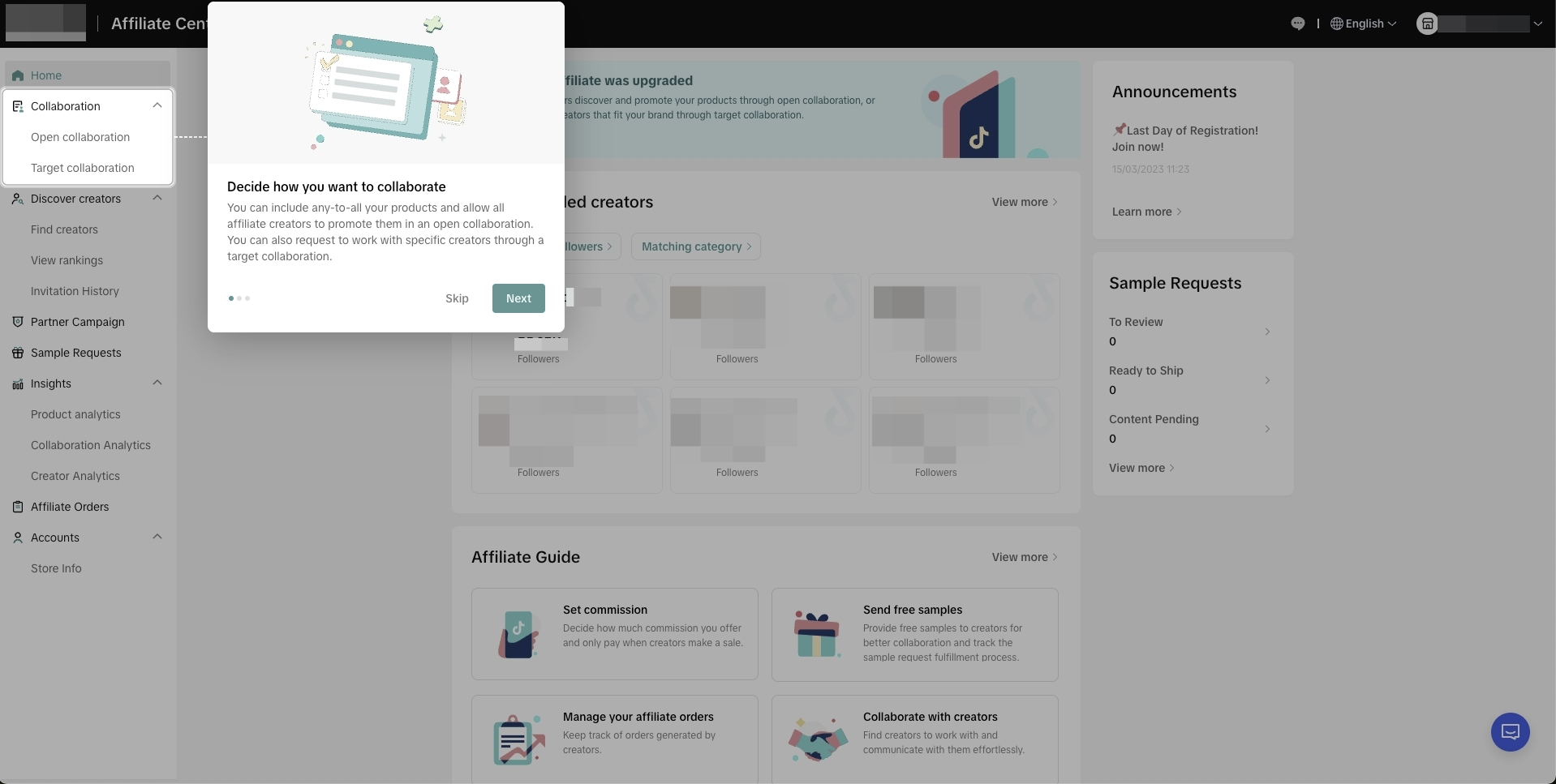
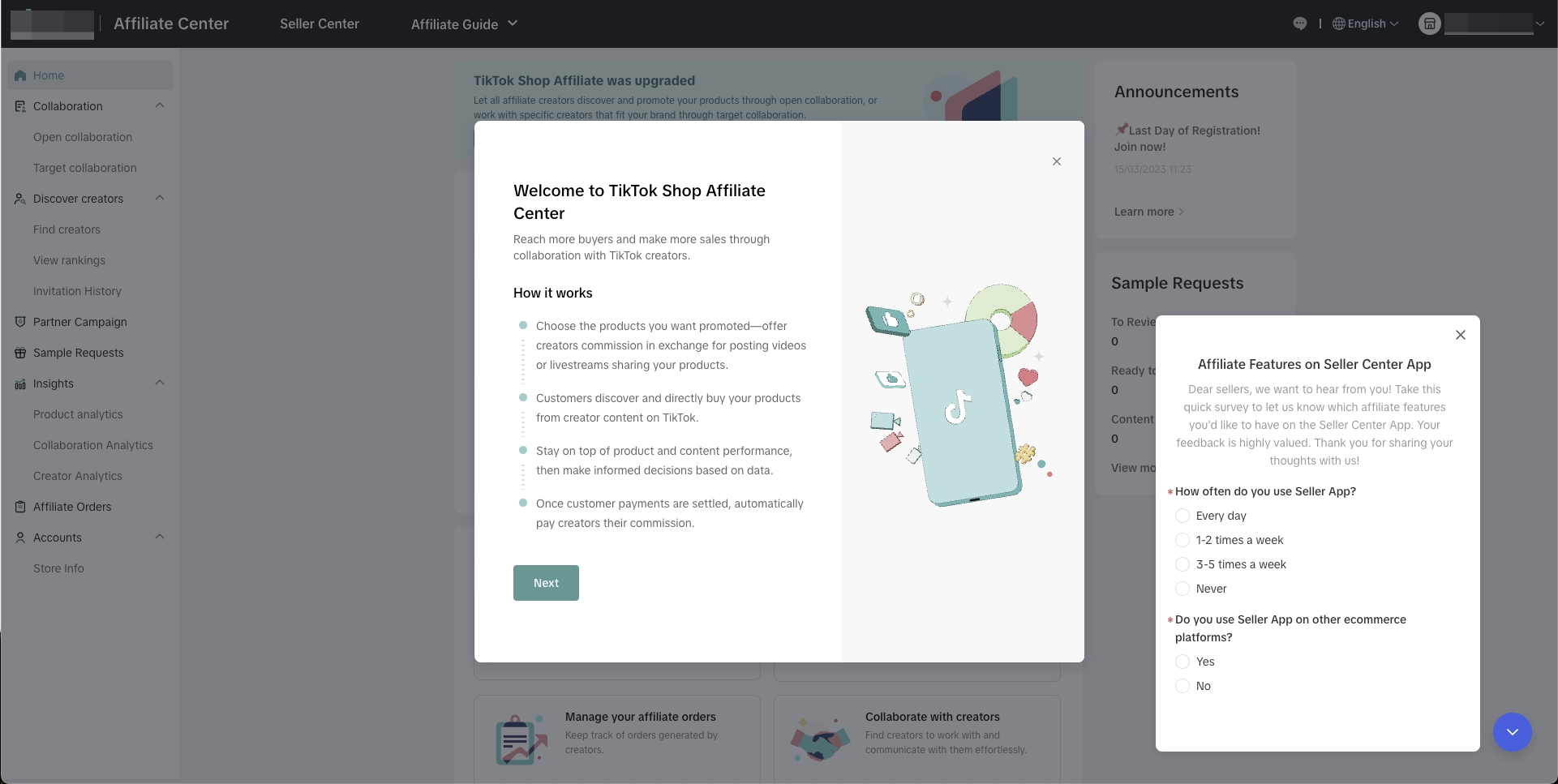 Step 2: Once you click on "Next" from the page shown above, you will be redirected to "Collaboration" with two choices. Don't forget questions we asked earlier in this article to find out what you think will fit the best for your business!

 You are now ready to try out Affiliate! To expand your understanding of Affiliate and its Tips & Tricks, we recommend that you browse through our extensive list of articles.

Affiliate provides you with a suite of features to ensure that promoting your products to creators is as seamless as possible.
Benefits of Using Affiliate
Using Affiliate as a Seller can help you grow your business in the App and provide opportunities to grow your faithful customers. Partnering with Creators can also bring in new customers that may not be familiar with your shop but have trust in the Creators that are showcasing your products.How to Use Affiliate
Once you have uploaded your assortment, you can then access Affiliate through the Affiliate Marketing link on the homepage.📝 If you are new to Affiliate, we recommend that you do a trial with Open Collaboration first to grow your affiliate business and over time, as you establish relationships with creators, you can utilise Target Collaboration.
Starting Up Affiliate
When you want to start using Affiliate with your business, We will provide you with a helpful and easy to understand step-by-step guide to ease you in the process:Step 1: Log in to Seller Center and find "Affiliate Marketing" at the top of the screen. From there, click on the tab and it will redirect you to this page:
Target Collaboration vs. Open Collaboration
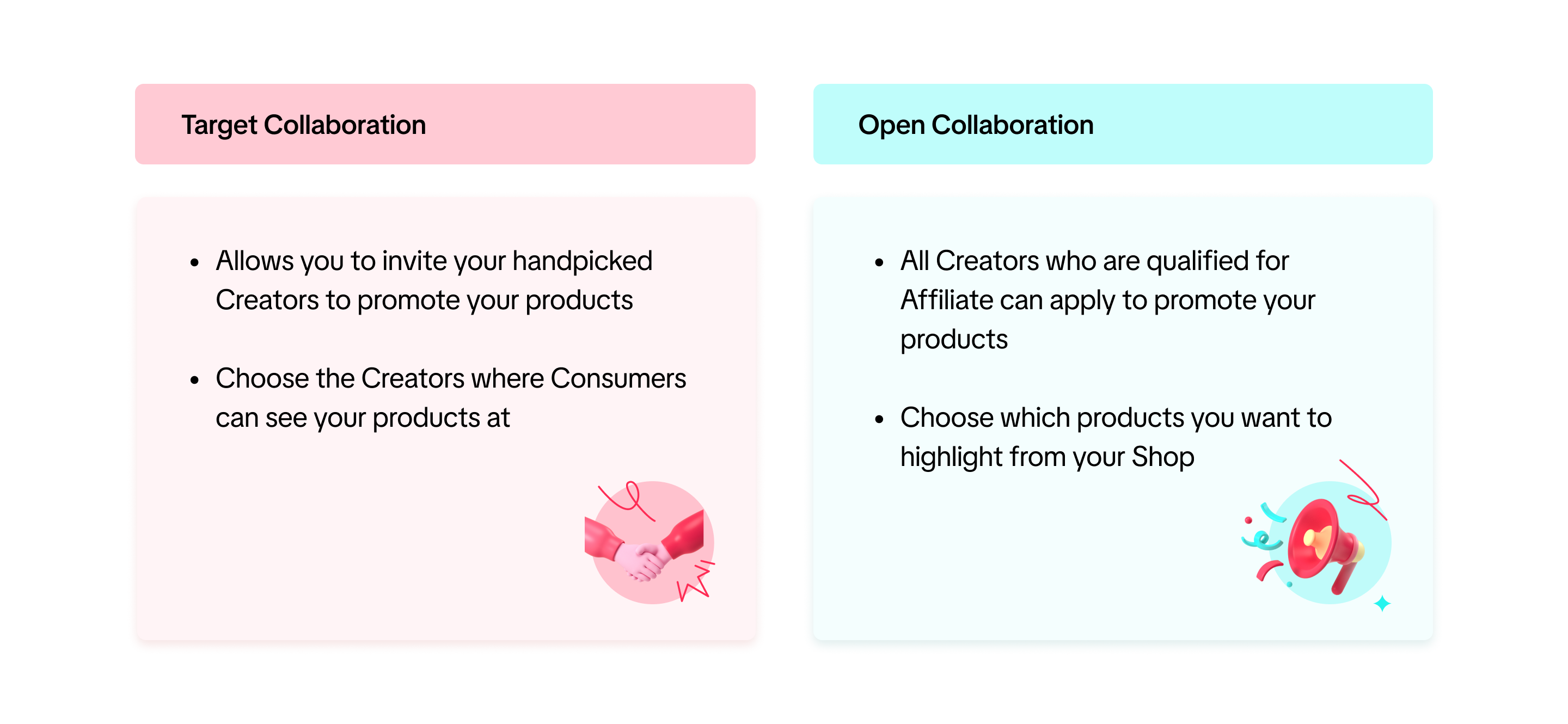
These Collaborations are provided as options to help your business' affiliate strategy grow. To better understand the difference between these two Collaborations, we will explain both below:Target Collaboration
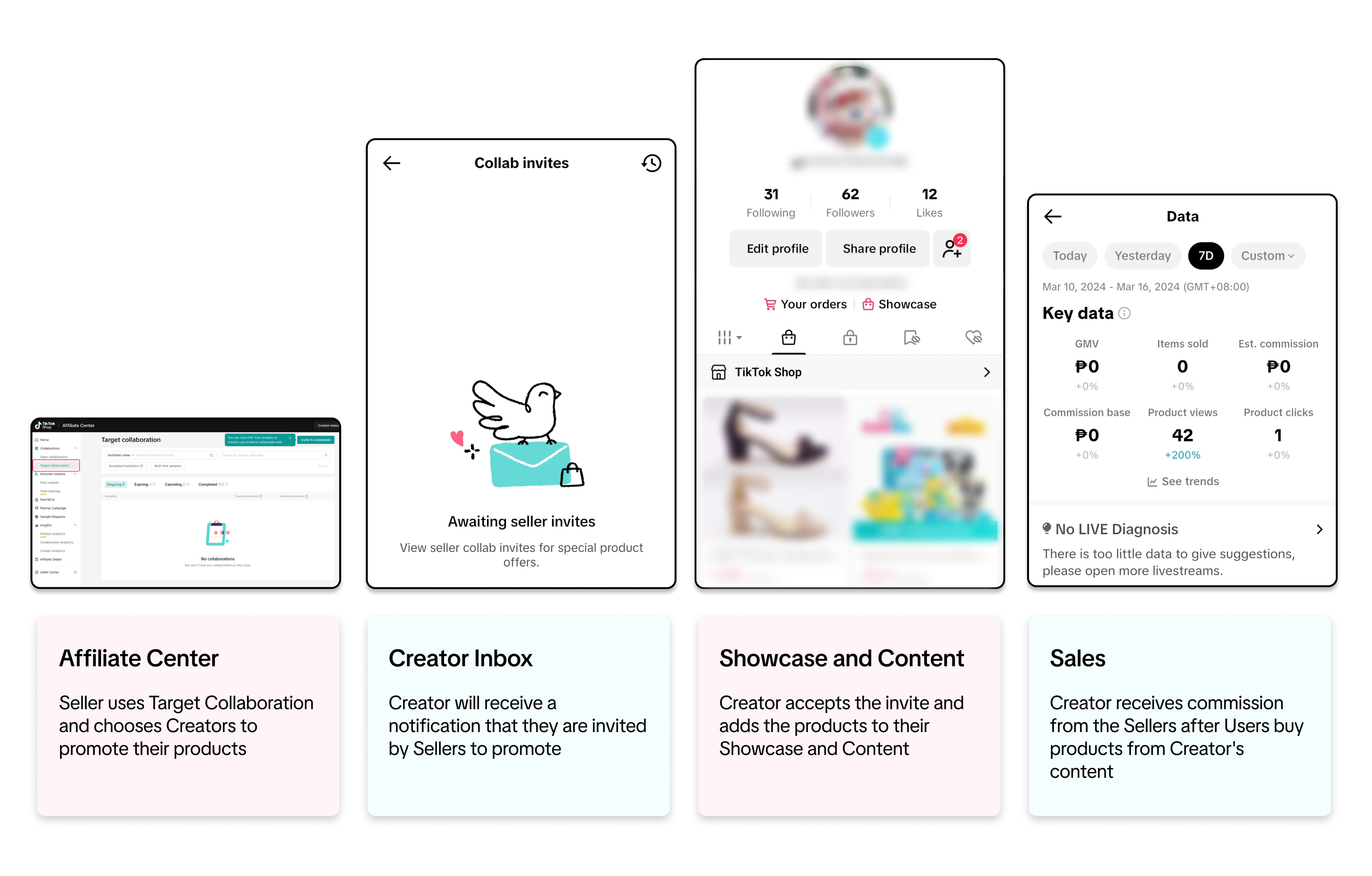
Choosing Target Collaboration will allow you to send your product listing directly to the creator for the commissions you define. They will receive this in their inbox and can choose to add your product to their showcase so they can create content and start selling your products.Target Collaboration Journey
Open Collaboration
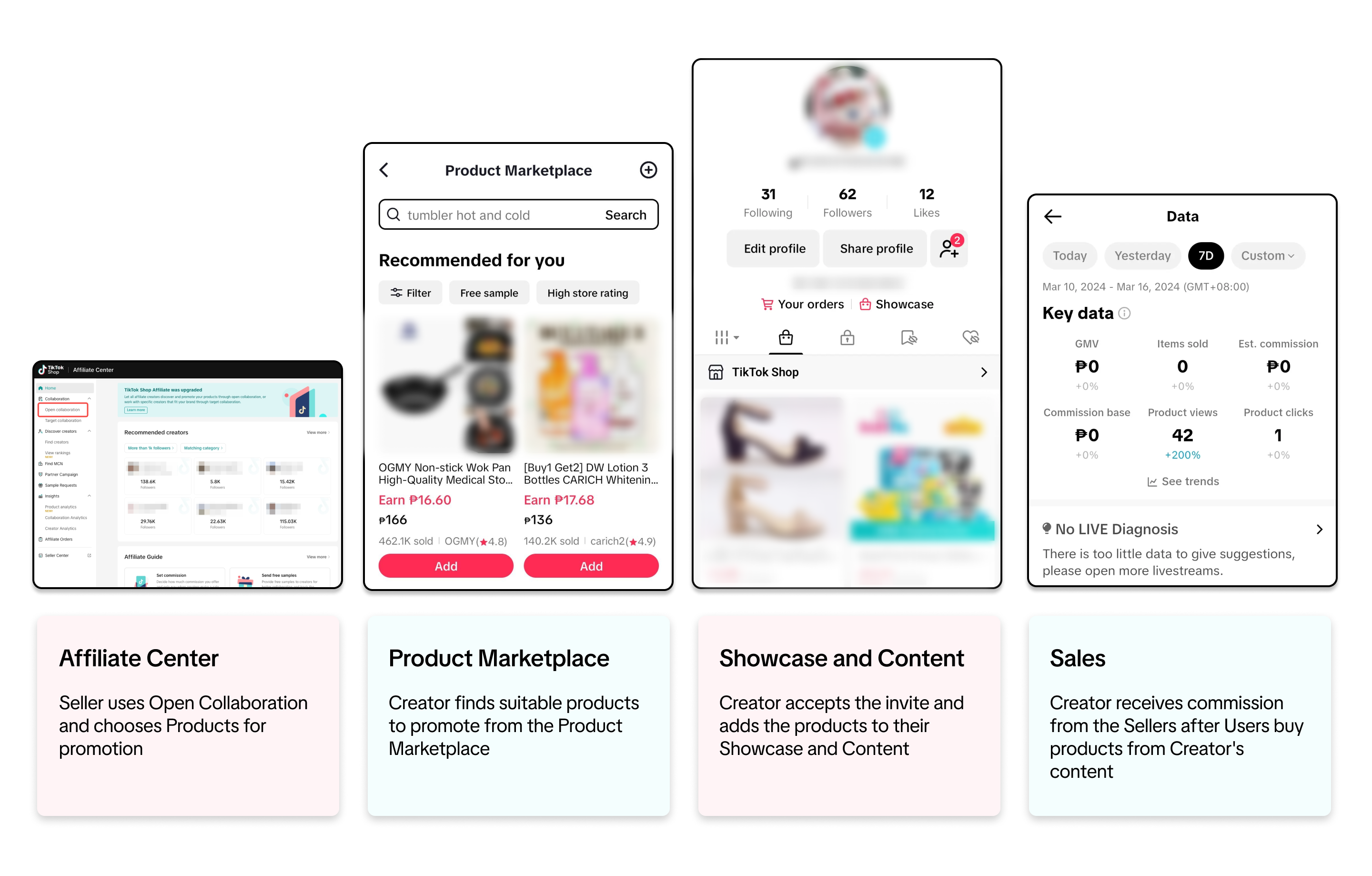
Choosing Open Collaboration will allow you to add some or all of your products to the affiliate network. Your product will then be available for all creators to see and select on our Product Marketplace, which creators can access through the app. Once they select your product and add it to their showcase, they can then start creating content and making sales. Your defined commission will be deducted off each sale and paid to the creator automatically.Open Collaboration Journey
FAQ
- Can I switch from Open Collaboration to Target Collaboration and vice-versa?
- A product can be registered in all Collaborations at the same time. If a product is registered in all Collaborations (Open and Target), the commission that will be shown to creator will follow this logic: Targeted Collaboration > Open Collaboration
- Example #1: Product A has Targeted Collaboration commission of 15%, Open Collaboration commission of 10%. Creator A is invited to promote the product using Targeted Collaboration and commission displayed to Creator A will be 15%. After successfully generating sales for the product, creator A will receive 15% commission.
- Example #2: Product A has Open Collaboration commission of 10% and Shop Collaborationcommission of 5%. Commission displayed to Creator will be 10%. Creators who successfully generate sales for the product will receive 10% commission.
- A product can be registered in all Collaborations at the same time. If a product is registered in all Collaborations (Open and Target), the commission that will be shown to creator will follow this logic: Targeted Collaboration > Open Collaboration
- How can I contact the Creators that I want to work with or may want to work with me?
- Using the Creator Connect tab in Affiliate Marketplace desktop, you can find Creators to collaborate with. We have prepared this guide for you on how Find Creators: Read More Here