

IM Performance Analytics
02/21/2025
This article gives sellers an overview of what IM chat feature, or Customer Service Chat Feature, is and how they can measure the efficiency of this strategic shop channel. The data displayed on this page is aggregated across ShopTokopedia and Tokopedia. Sellers are not able to identify which platform.
To understand the performance of these tools, read on to find out how you can navigate around IM Performance Analytics!

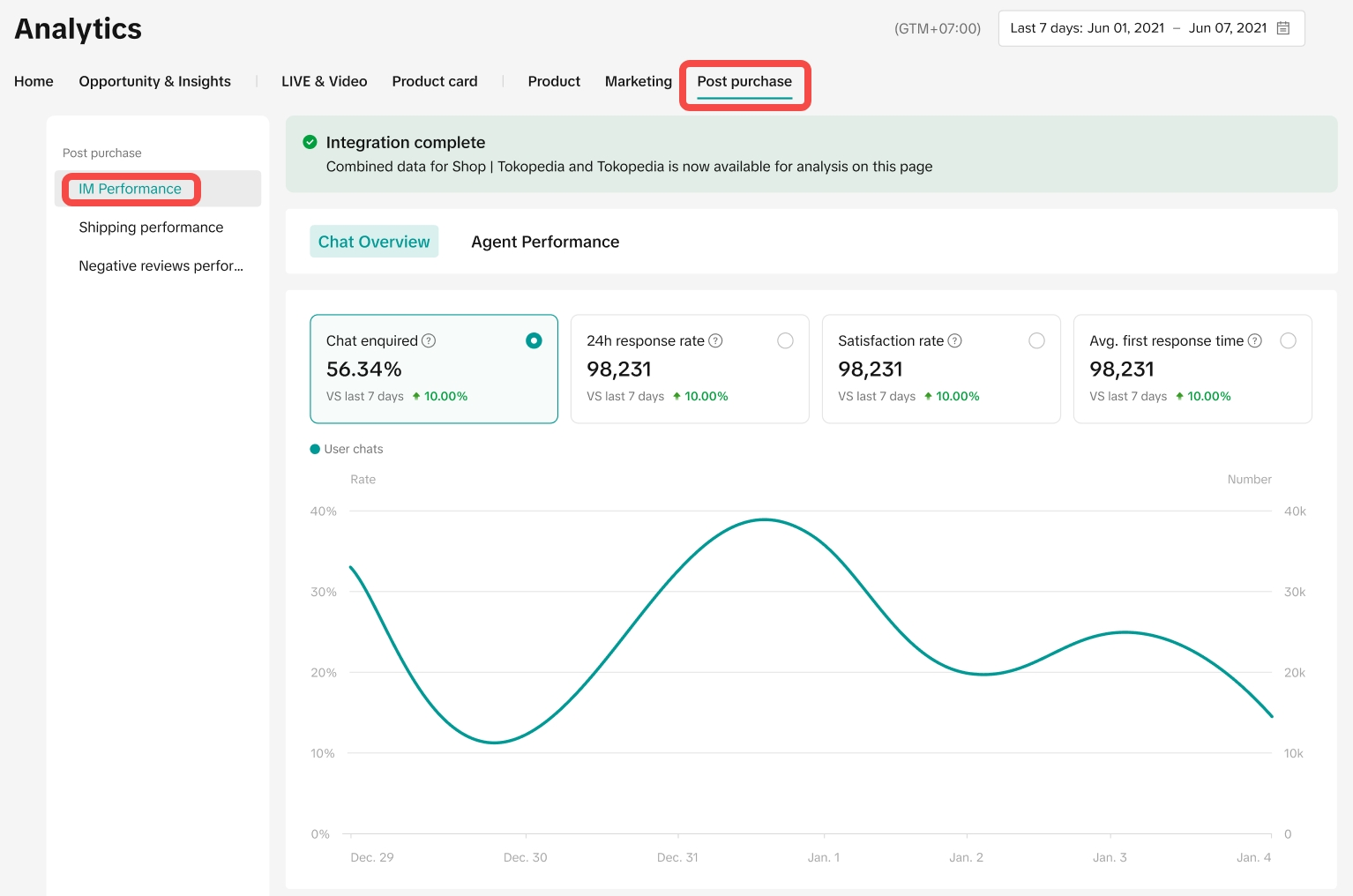 Please note, all screenshots provided in this guide are for illustrative purposes only, and the data displayed is not real.
Key metrics include;
 💡 Note: Customer initiated messages during holiday mode are not counted.
What is IM chat?
IM chat or Customer Service Chat feature is a communication tool between seller's Customer Service agents and customers to communicate during pre-sale, in-sale and after-sale periods. IM chat is a strategic touch point to enhance customer satisfaction, which may also increase order completion rate.What is Data Compass IM Performance Analytics?
IM Performance Analytics allow sellers to assess customer service performance efficiency through key metrics like reception efficiency, user satisfaction, and problem-solving speed. These indicators directly impact shop scores, influencing consumer trust and order completion rates. By managing and training Customer Service agents, sellers can enhance satisfaction as well as the overall shop performance.To understand the performance of these tools, read on to find out how you can navigate around IM Performance Analytics!
How to Access IM Performance Analytics
Entrance: Data Compass -> Postpurchase -> IM PerformanceUnderstanding IM performance aspects
This dashboard supports performance data from the last 7 days, the last 28 days, week, month and custom period within the recent 90 days. Please export the records on Chat Details tab if necessary.Chat Overview
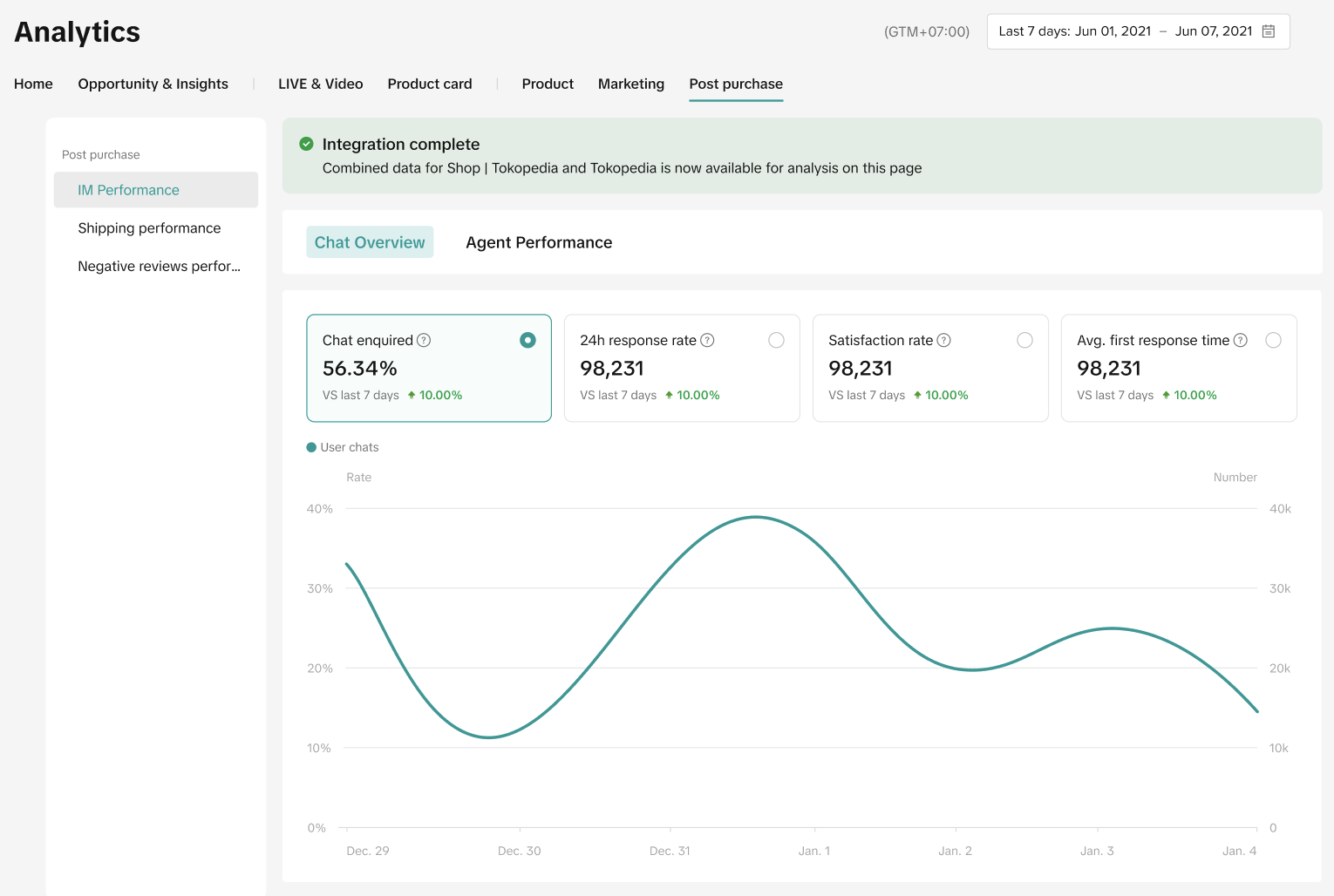
Review shop's overall IM operation efficiency with trend graph during the selected time period. The data displayed on this page is aggregated across ShopTokopedia and Tokopedia.Key metrics include;
- The numbers of chats inquired by customers
- 24h response rate of shop's Customer Service agents
- Satisfaction rate (4-5 stars rating out of total rating)
- Average first response time of Customer Service agents
Agent Performance/Chat Details
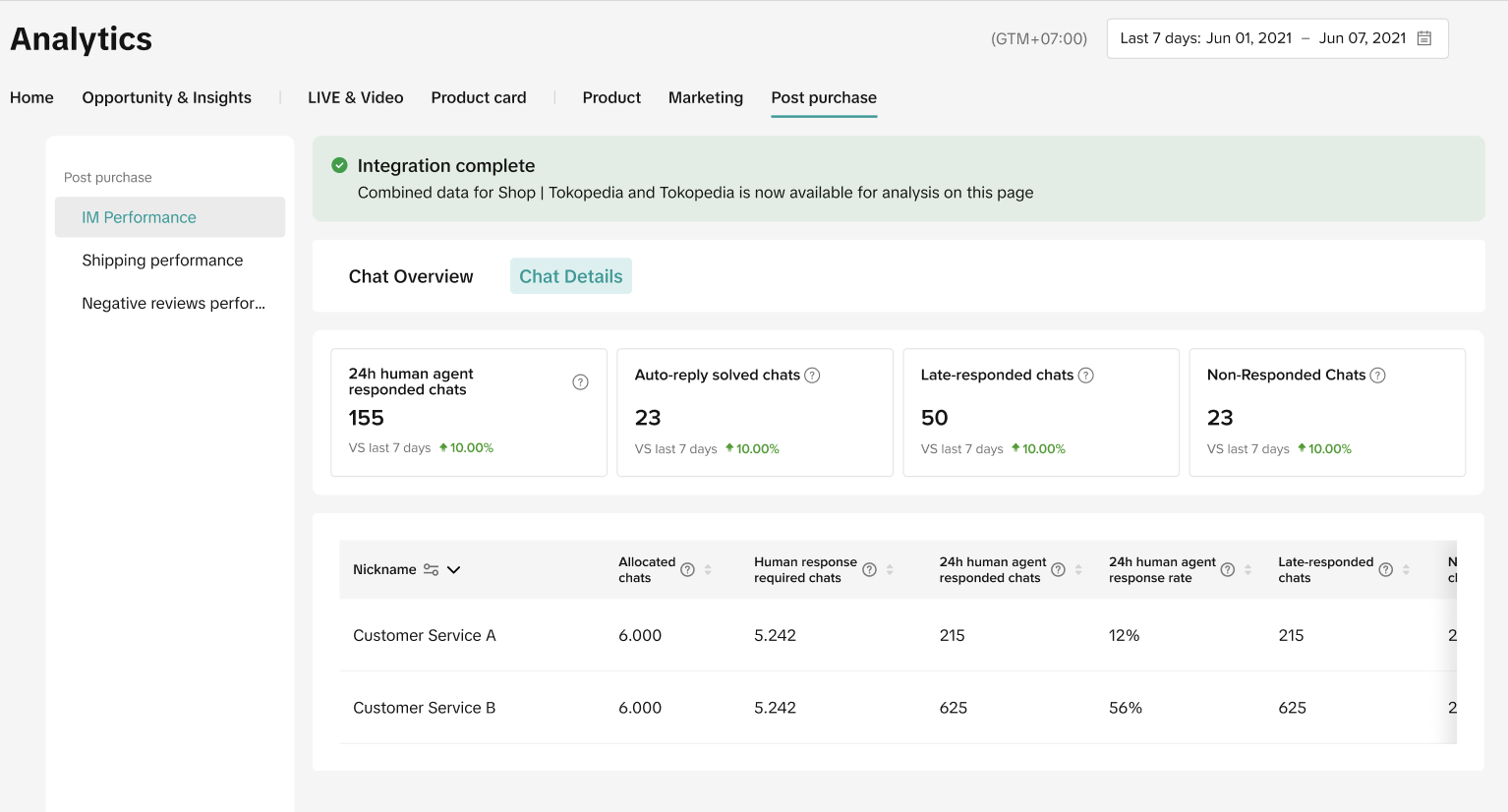
Review aggregated chat operation efficiency along with individual Customer Service agent performance in addition to overall team efficiency.Aggregated chat metrics
- 24h Response Rate: The number of customer-initiated chats responded to by Customer Service agents within 24 hours divided by all customer-initiated chats during the selected period.
- Average First Response Time:The average time it takes (in minutes) for a Customer Service agent to respond to a customer-initiated chat within the selected time period.
- Satisfaction Rate: The number of chats where customers rated "Satisfied" (4 and 5 stars) divided by the total chats within the selected time period.
- Resolution Rate: The number of customer-initiated chats with rating of 3 stars and above divided by the total number of chats within the selected time period. Once a chat is over, the system will recognize as the issue has been resolved with or without satisfaction ratings.
Individual agent chat metrics
- Allocated Chats: Total chats that are allocated to this individual Customer Service agent during the selected period.
- Manual Chats: Total chats answered by this individual Customer Service agent during the selected period.

FAQ
- Who can access the Service Analytics page?
- Only users with Full Access and Main Administrator have permission to visit IM Performance Analytics.
- If a customer initiates a conversation and the greeting and FAQ card are automatically triggered, they click a question on the card, receive an automatic reply, and ask no further questions—does customer service agent still need to respond manually?
- Currently, if sellers or agents do not manually respond to these conversations, it will not impact the response rate. However, the conversation will still be marked as unanswered on the chat page to prompt customer service to review whether the automated response adequately addresses the customer's inquiry. This allows manual follow-ups if needed and potentially helps in continuously refining and optimizing automated replies. Otherwise, customer satisfaction may be affected.
- If the user only receives the greetings and FAQ card after initiating a conversation, but does not send other content, the conversation will not be counted in the 24h response statistics.