

Other Methods to Add Products to Your Showcase
03/18/2024
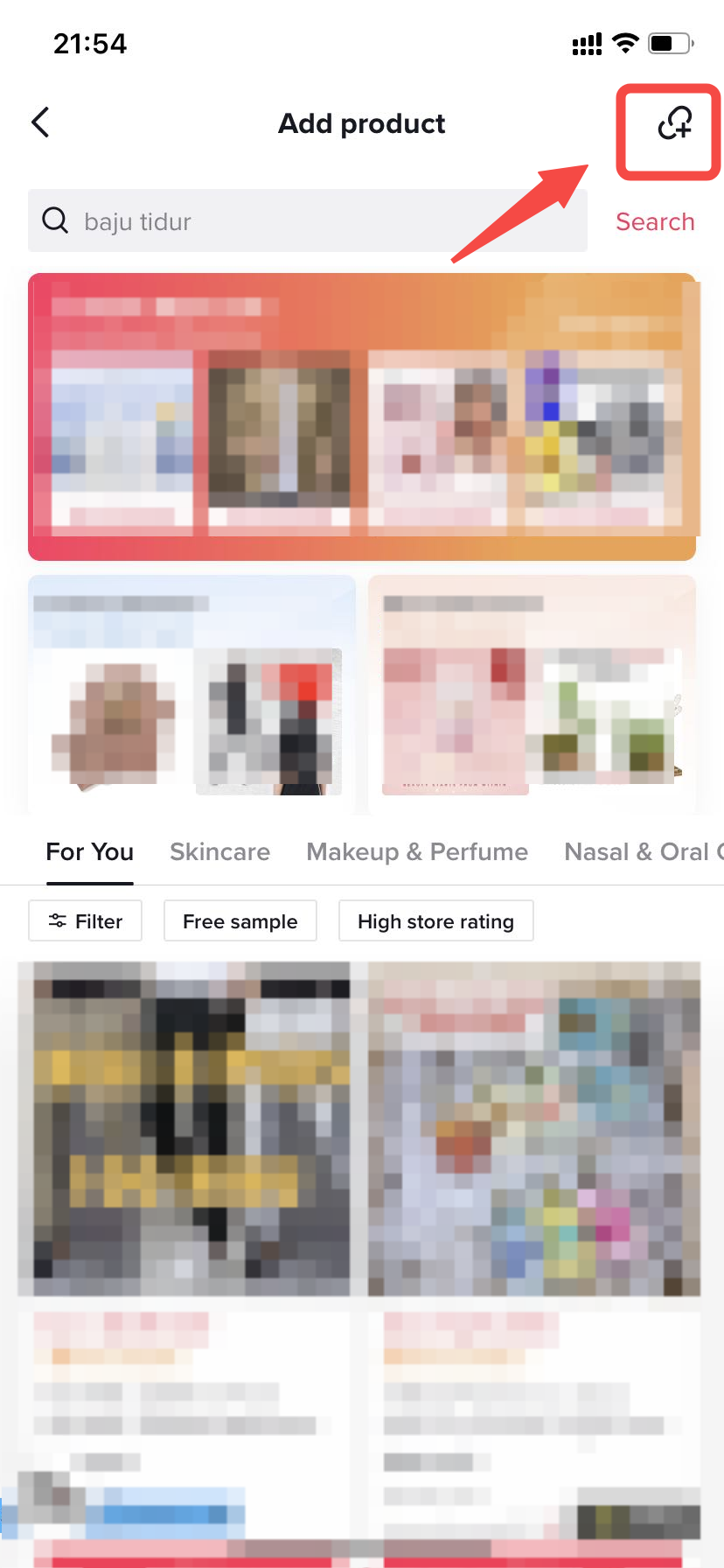
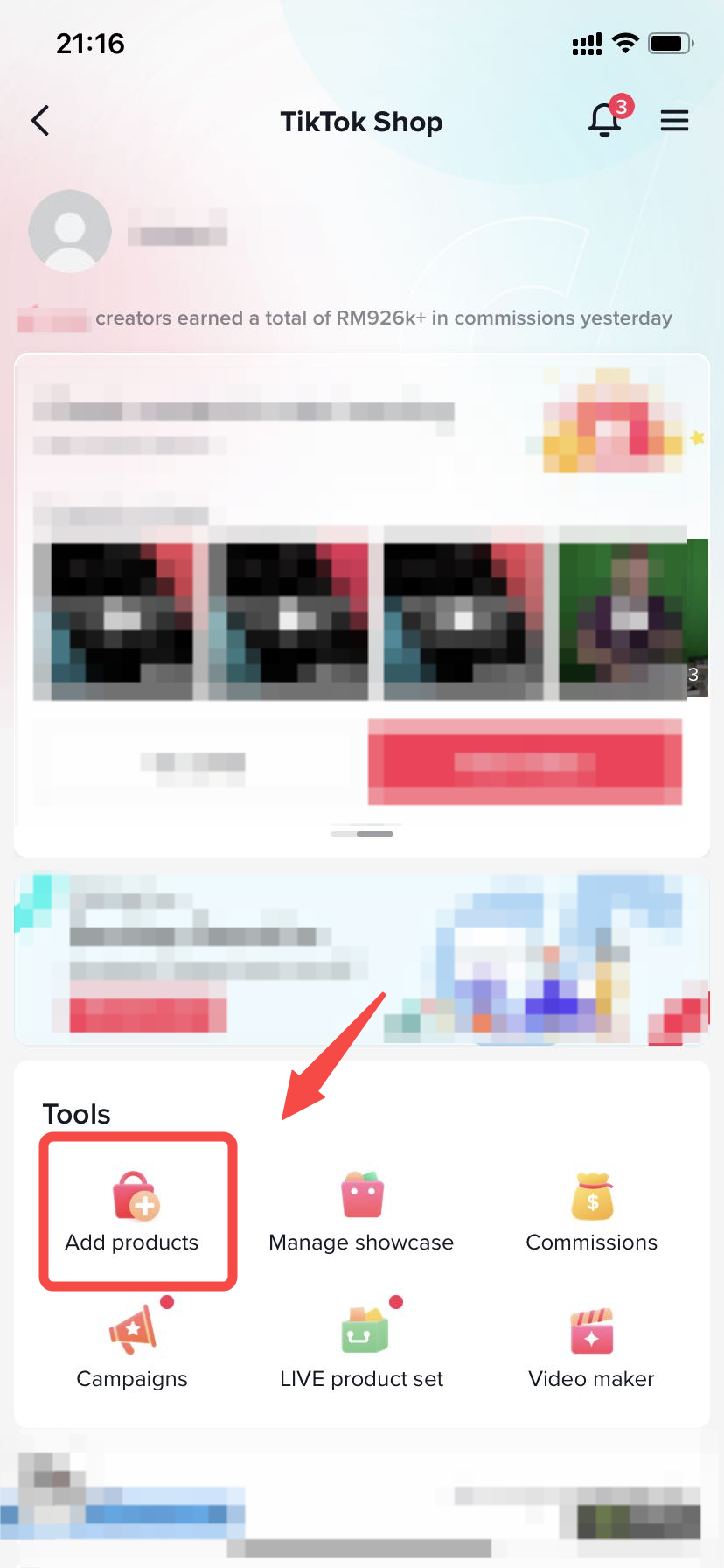 Step2,Click the icon in the top right corner
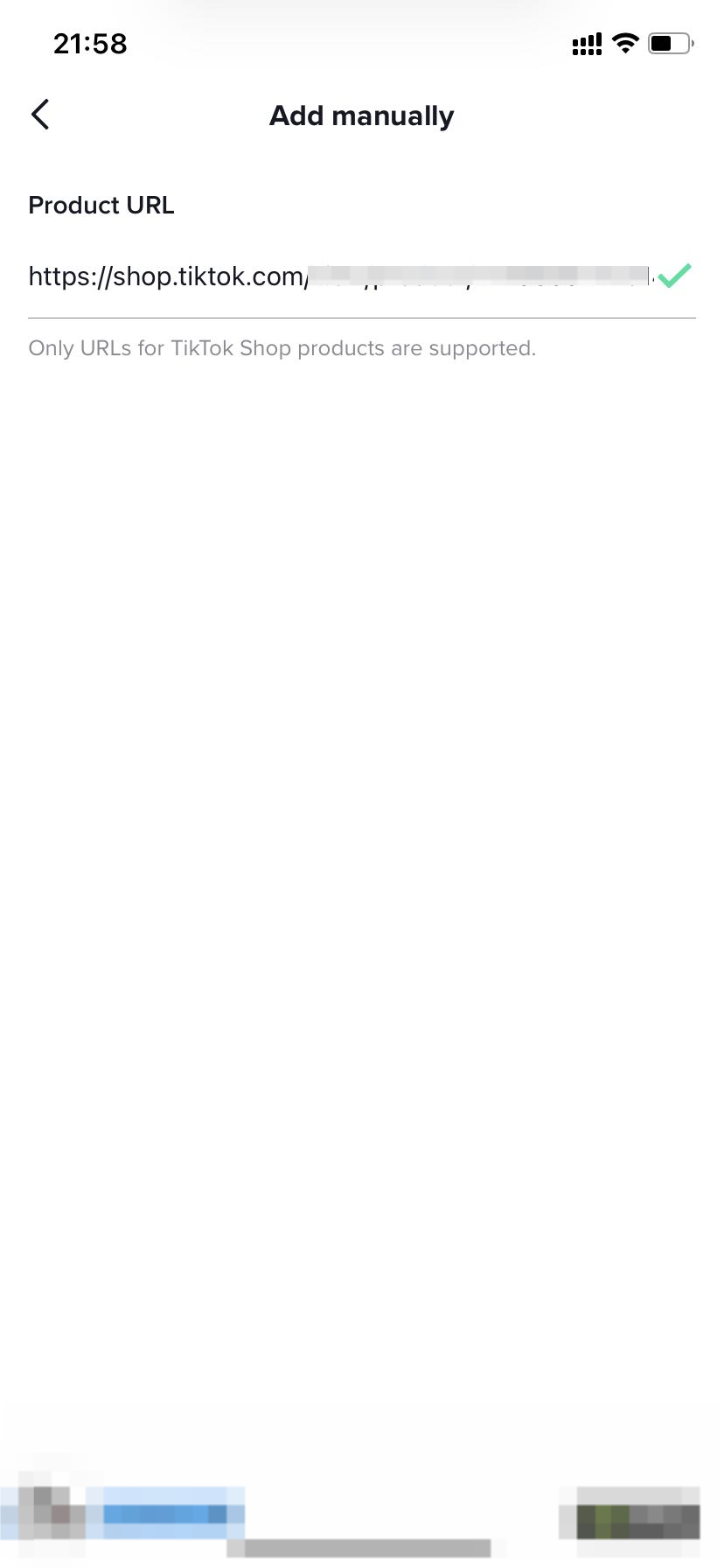
 Step3,Add the product URL
 Step4,Add this product into your showcase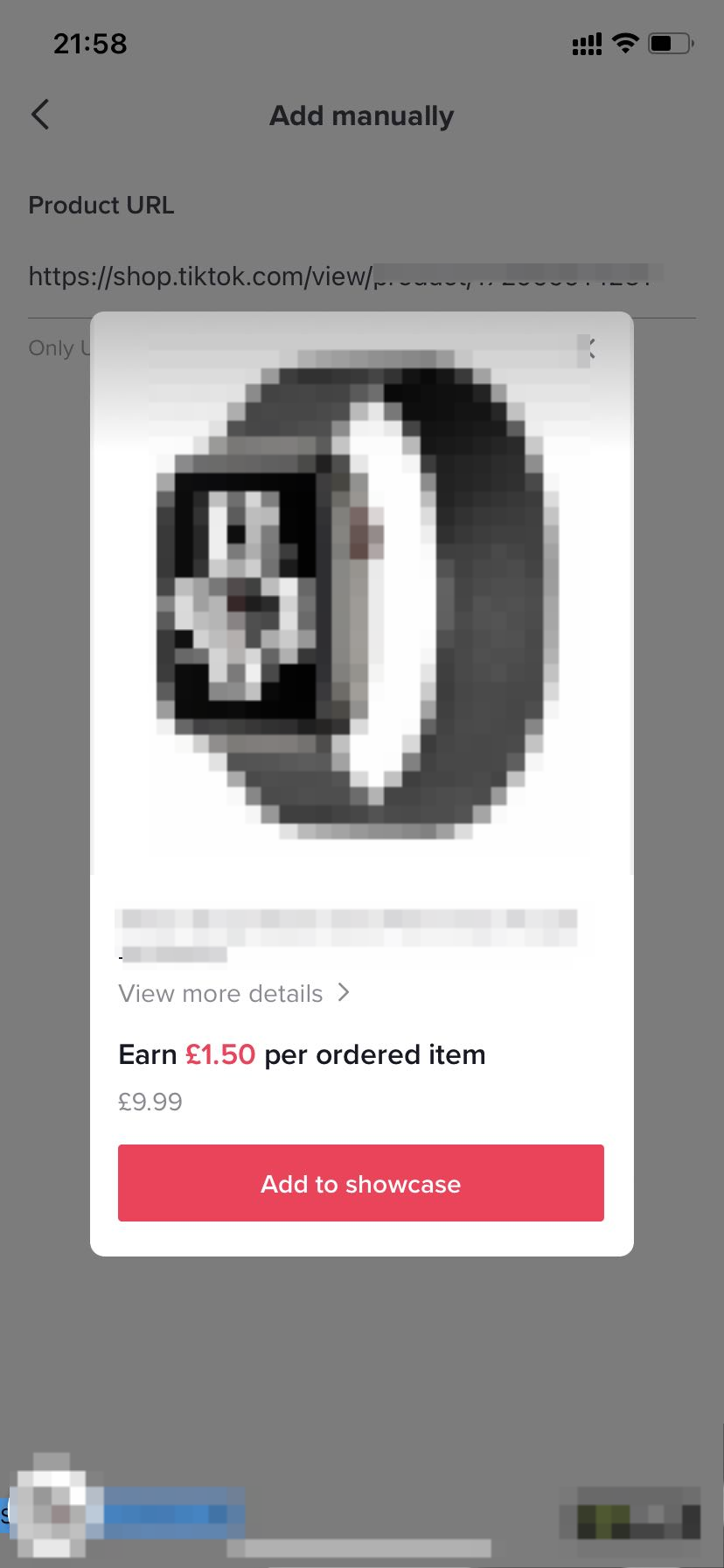
You may also be interested in
Using Store Rating to Pick Better Sellers and Improve Buyers…
*The account used in this video is a test account. What is Store Rating and Why Should You Use I…

Where to check my free sample application status?
Please kindly note that creators have two methods to check the application details/modify the addres…

How to add basket in your videos?
How to add basket in your videos? - 8 mins Hi everyone ! In this video we’re going to talk about ho…

Refundable Sample Guide for Creators
This article will guide you on how to use the Refundable Sample feature as an Affiliate Creator. Ref…

Sample Voucher
This article teaches you how to claim your Sample Vouchers and use them as a Creator. What is a S…

Free Sample Guide for Creators
This article will teach you everything you need to know about Free Samples. We will cover how to req…

How to Get Samples

Collab Invites
This article will show you how to add products to your TikTok Shop by Tokopedia Showcase after getti…

Product Marketplace
Test: https://activity.tiktok.com/t/ZS23soMmm/ This article will teach you the basics of how to n…

3-ways to add products to showcase