

Exclusive Picks for Creators
02/18/2026
This article will guide you on how to use the Exclusive Picks feature as an Affiliate Creator. This dedicated portal provides premium partnership opportunities, offering curated products and exclusive deals to help you create stronger content, boost your revenue, and deliver unique value to your followers.
*Screenshots in the article may not be updated but act as a guidance to the overall journey
This dedicated channel provides trending products with the unique and exclusive commission rate, making it easier for you to:
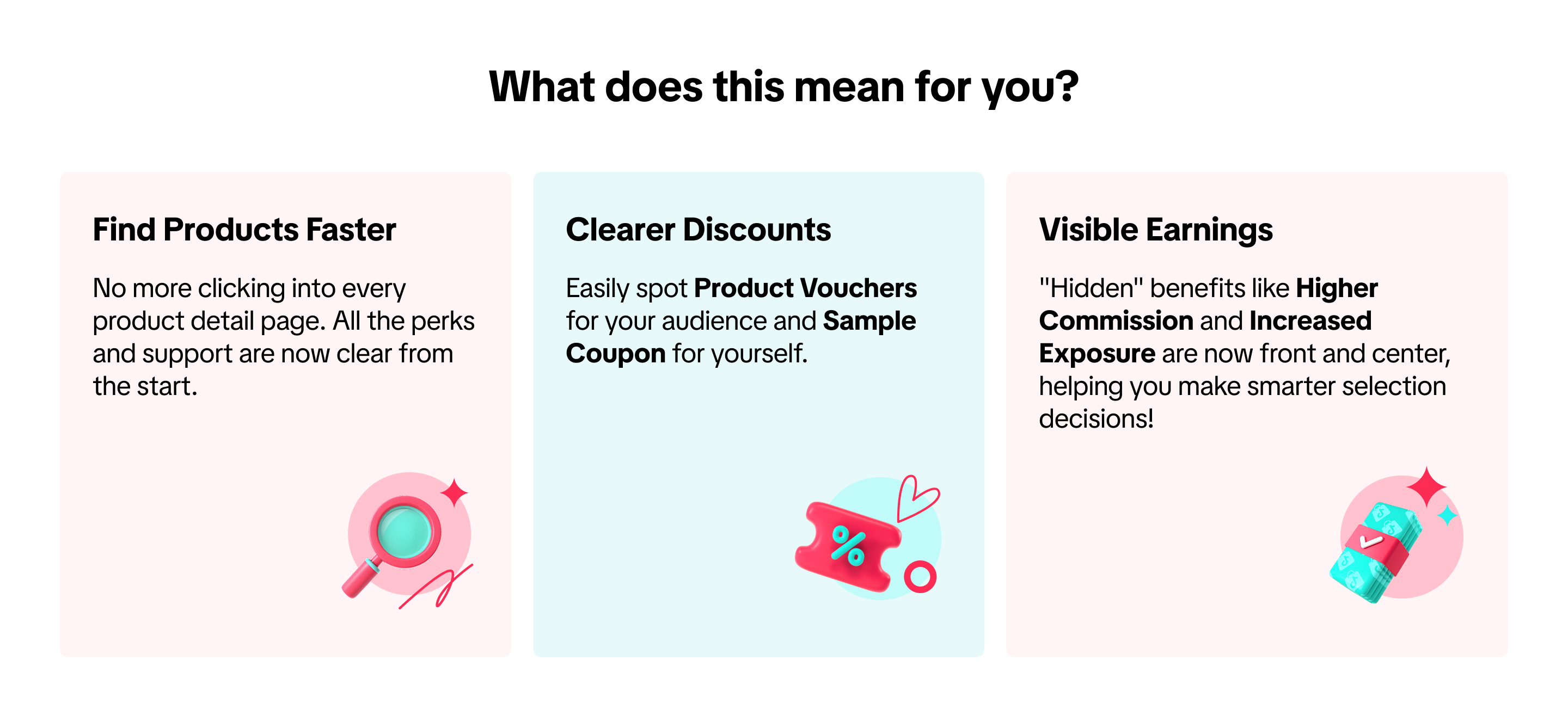 To make your product discovery journey even more rewarding, we've rolled out two major upgrades:
*Screenshots in the article may not be updated but act as a guidance to the overall journey
What are Exclusive Picks?
Exclusive Picks are your curated selection of premium products and special deals, chosen specifically for you,This dedicated channel provides trending products with the unique and exclusive commission rate, making it easier for you to:
- Create authentic content with products that fit you perfectly.
- Maximize your revenue with the most profitable promotions available.
- Provide unique and exclusive product offers to your followers.
What's New: The Benefits Zone & Optimized Cards
- New "Benefits Zone": At the top of the Exclusive Picks list, we've added an expandable "benefits hub." This is where you'll find all the special perks prepared for you , like Product Vouchers, Sample Vouchers, Higher Commission,Increased Exposure
- Optimized Pallet Cards: Each product collection card now features clear labels highlighting its core benefits, so you can lock in on high-value, high-potential products at a single glance.
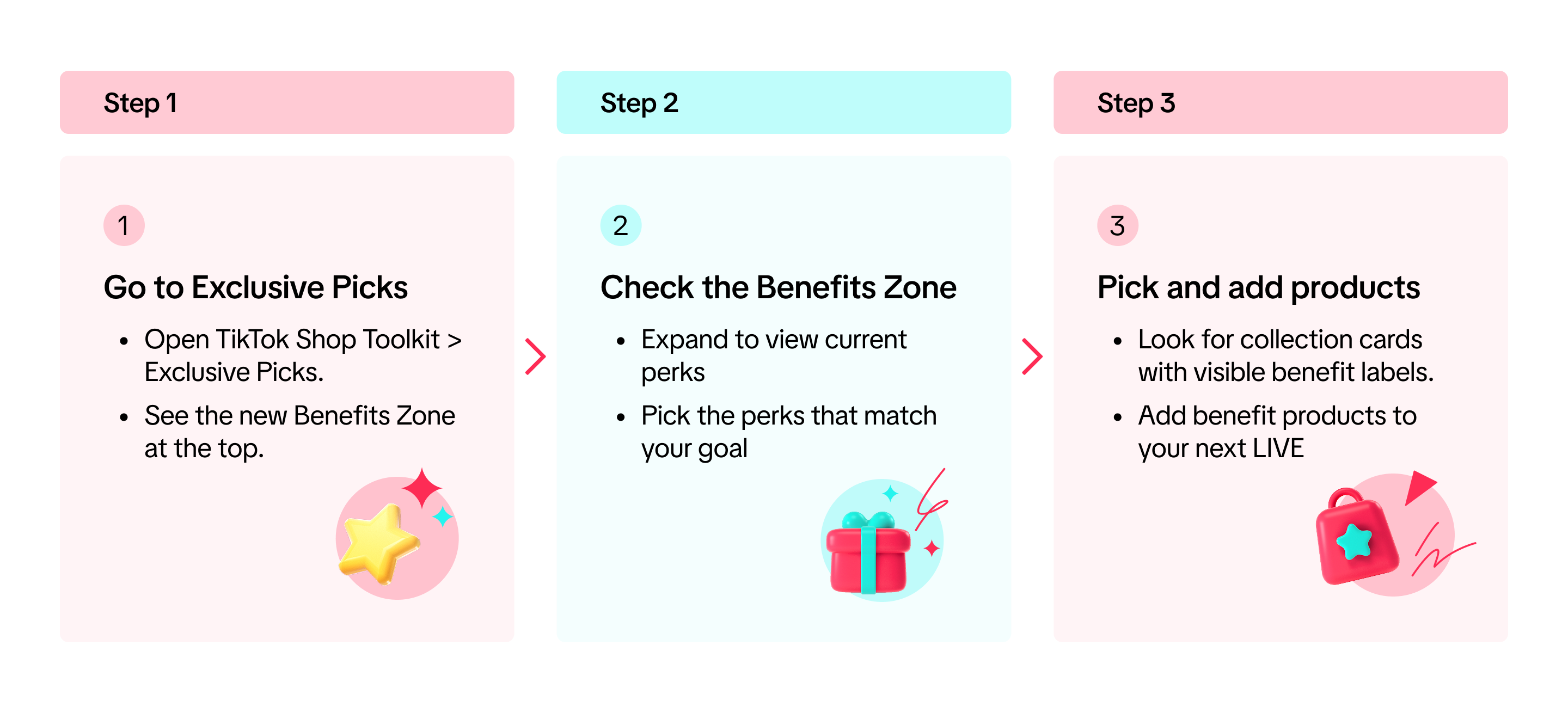
Step 1: Finding the Exclusive Picks Page
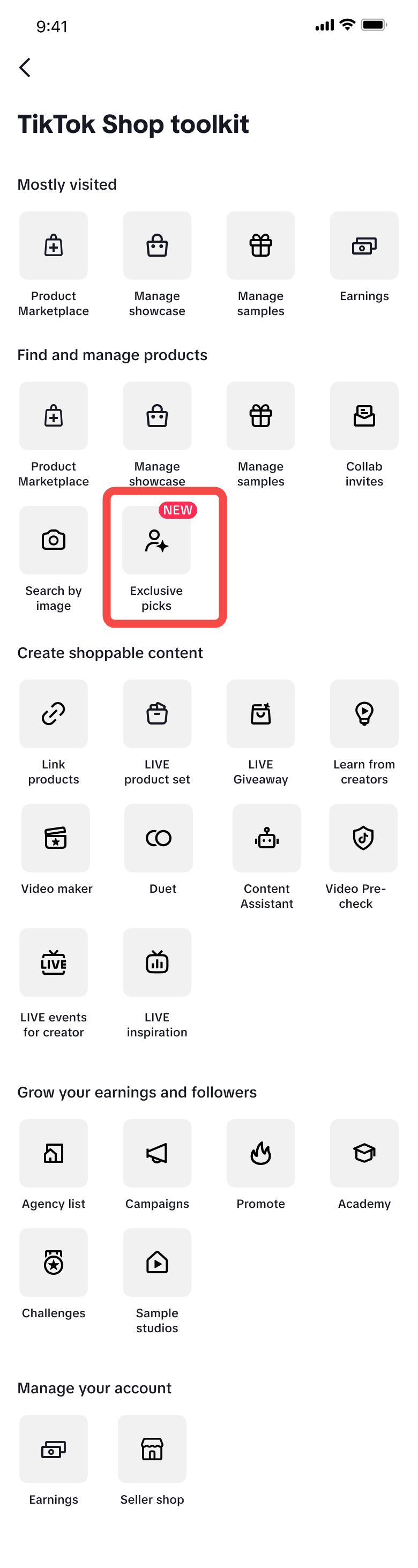
The Exclusive Picks is also available on the Creator PC Side. The feature can be accessed via:Live Manager PC>>Live Tools>>Exclusive Picks. All functionality remains consistent with the app side.
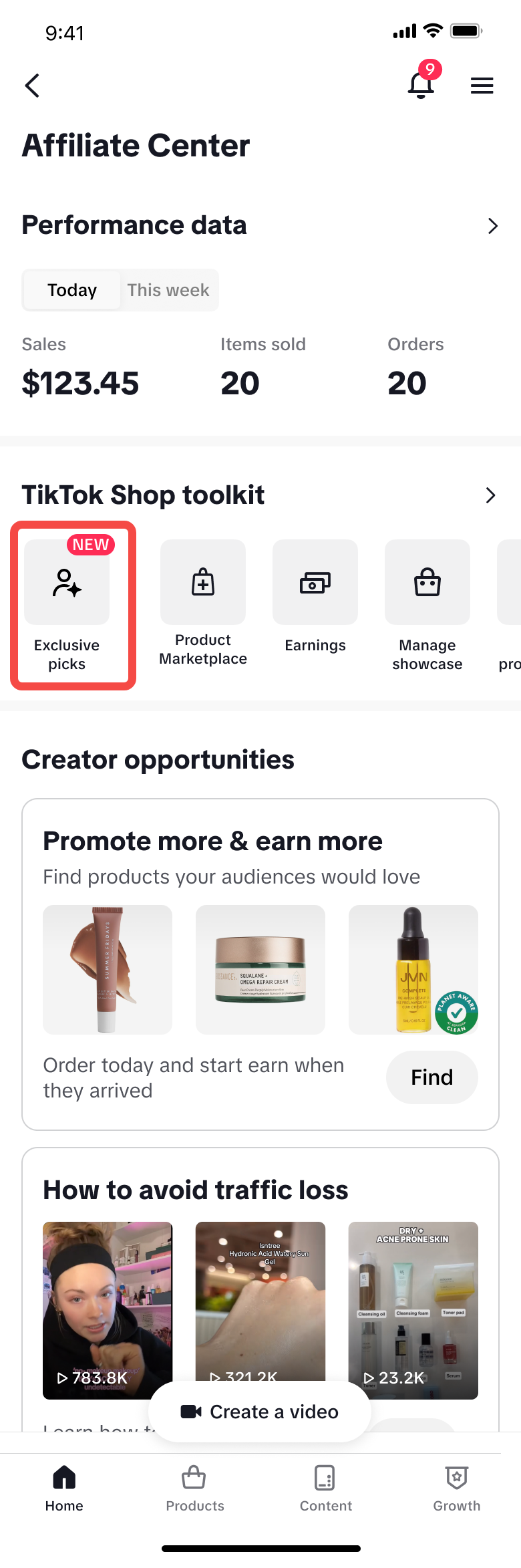 |  | Ramadan Version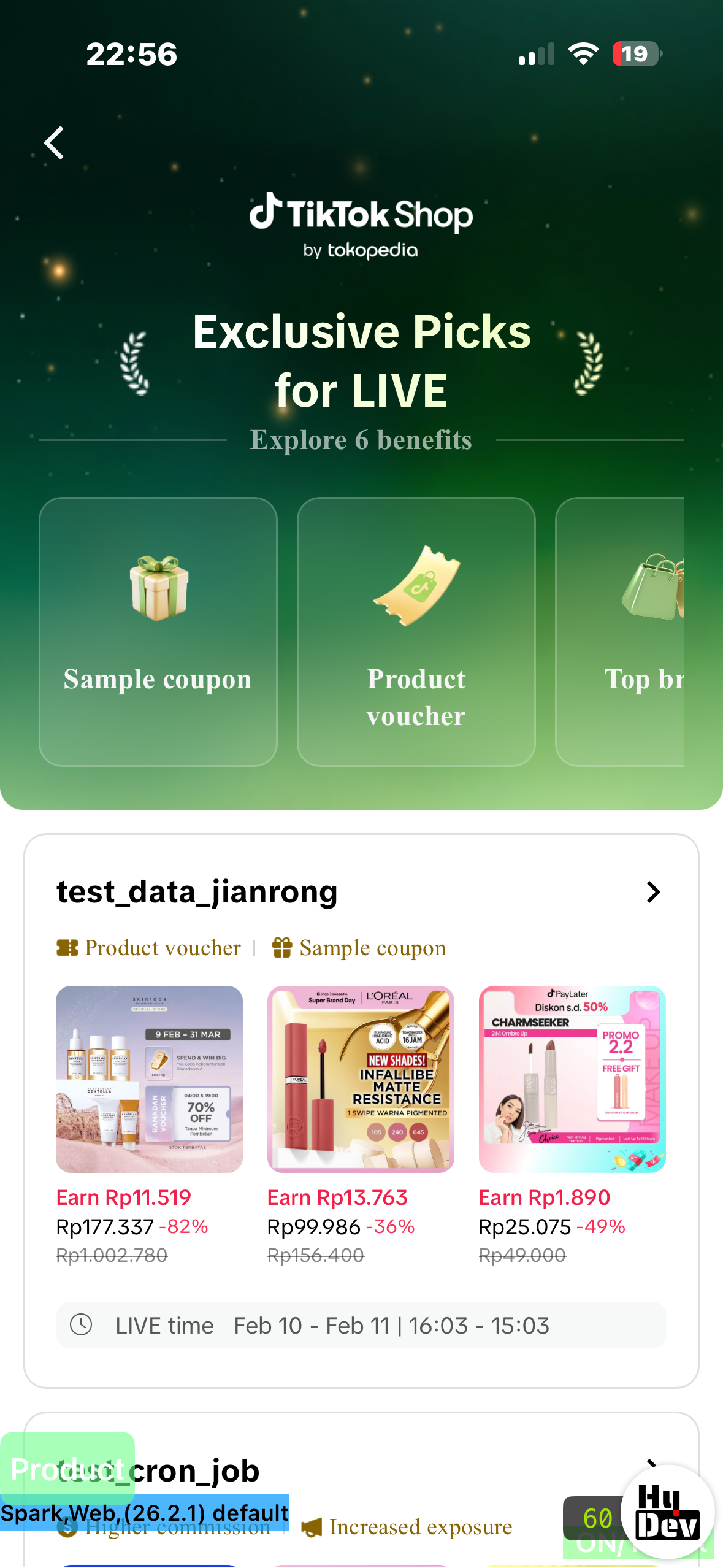 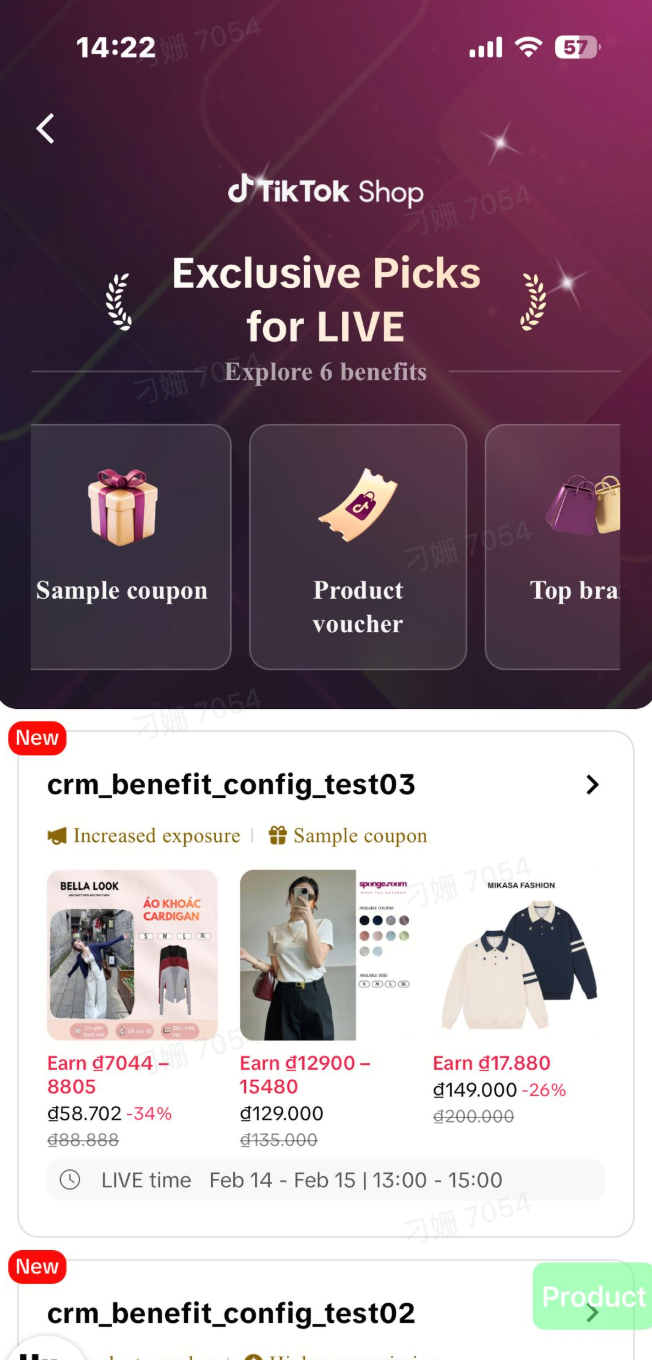 Normal Version Normal Version |
| From the Creator center, navigate to Exclusive Picks to see products available through the matchmaking process. | You can also find the Exclusive Picks entrance under the Toolkit section and tap on it. | Once you enter the page, you will see the available product collections and the new Benefits Zone at the top. |
Step 2: Exploring the Benefits Zone
Think of each benefit as a "trump card" that gives your LIVE streams or short videos a unique advantage. Here’s how to master them:Expand and Understand the "Benefits"
At the top of the Exclusive Picks page, tap the dropdown arrow to reveal a series of colorful benefit icons. Tap any of them to see a detailed explanation of what that benefit offers.Identify and Use Your Key "Cards"
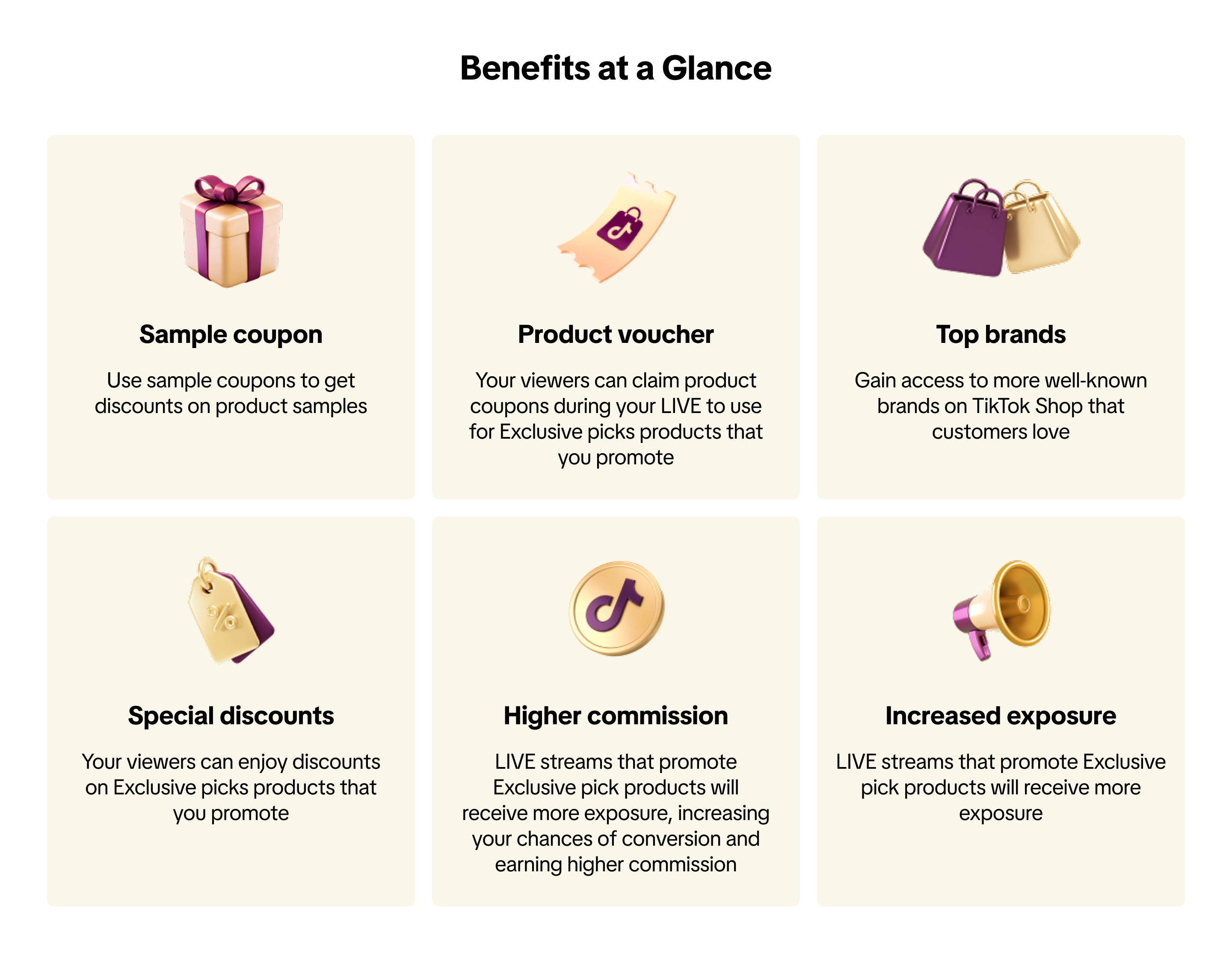
After identifying the benefits, simply browse the collections, add your chosen products to your LIVE,start promoting!Benefits at a Glance
- 【Product voucher】 & 【Sample Coupon】
- What it is: A Product Voucher gives your audience a discount at checkout, directly boosting your conversion rate. A Sample Coupon lets you get product samples at a discounted price or even for free, so you can understand and showcase the item better.
- How to use: Look for products with these tags in the collections. During your LIVE, don't forget to tell your audience that there are exclusive product vouchers available!
- 【Higher Commission】 & 【Increased Exposure】
- What it is: Simply put, this means "higher commission" and "Increased Exposure"! Choosing products with these tags means you not only earn a bonus on top of your base commission, but your LIVE might also get an extra traffic boost from the platform.
- How to use: Prioritize products with these benefits. All you need to do is create great content. The incentive system will do the rest!
- 【Top brands】 & 【Special Discounts】
- What it is: "Top brand" means the products come from high-quality, platform-verified brands. "Special Discounts" means these products offer a highly competitive, exclusive price or gift-with-purchase.
- Selection Advice:
- Prioritize "Top brand" products to elevate the quality and trustworthiness of your stream.
- Choose "Special Discounts" products when you're aiming for a "best price online" or "super high value" sales event.
Step 3: Submitting Proposals and Negotiations
Tips: Right now, the negotiation section is only open to a selected group of creators, so you might not see it in your account yet. 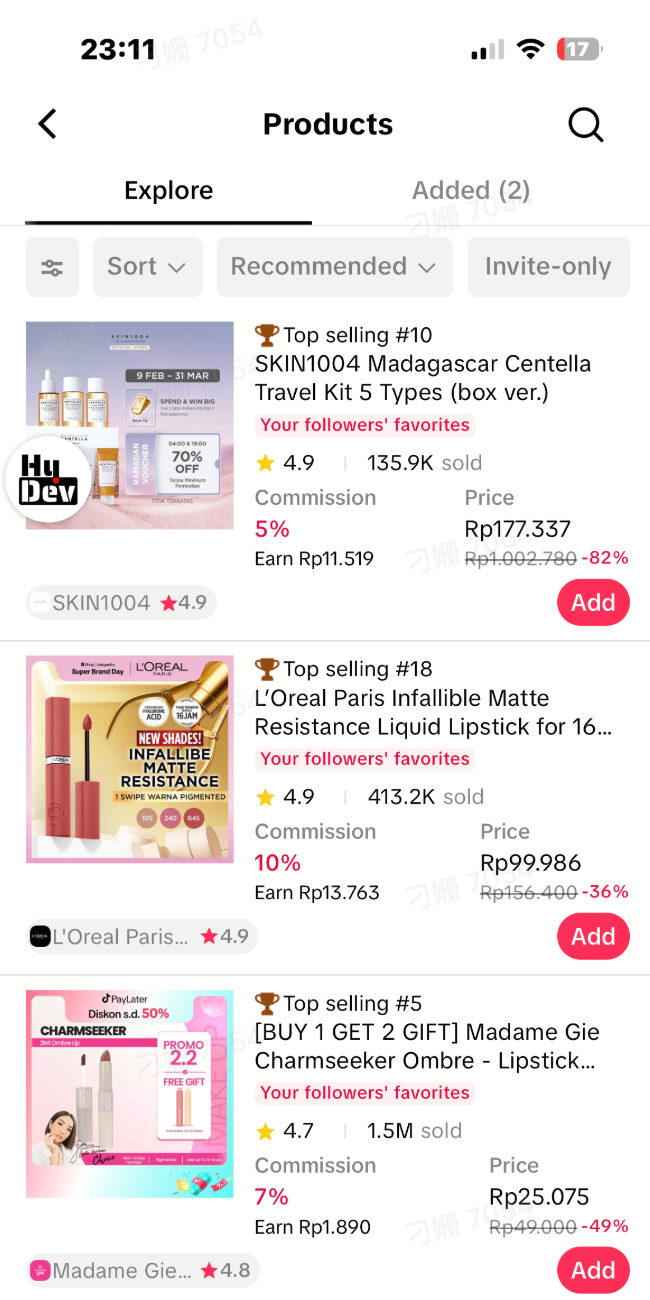 | 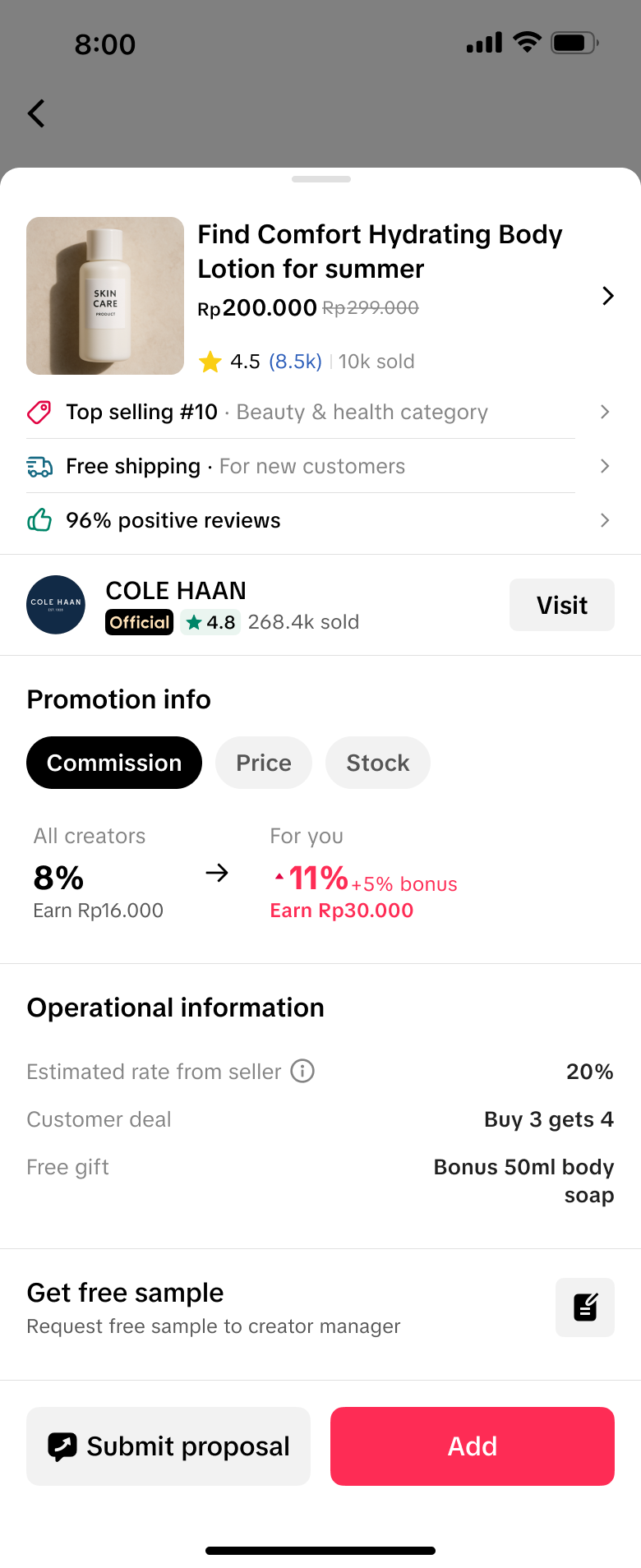 | 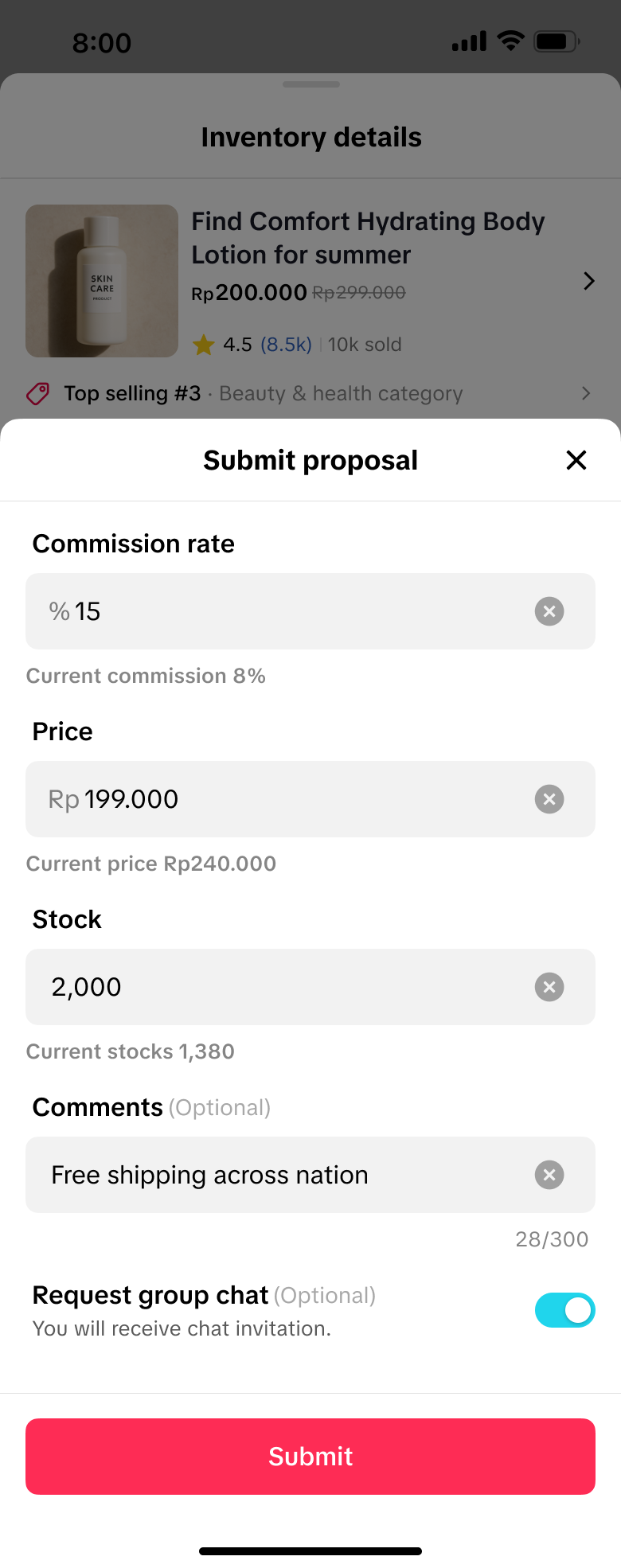 | 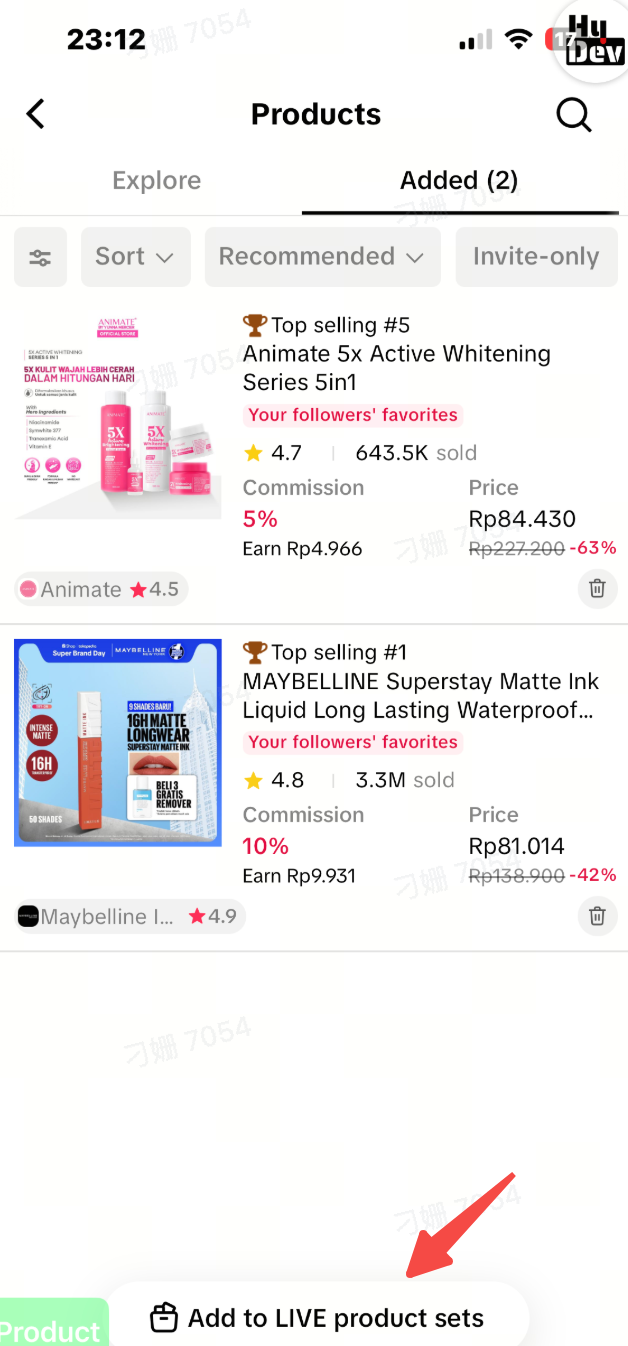 |
FAQ
- Why can't I see the Exclusive Picks entry?
- To ensure a better experience for creators, this feature is currently in a limited trial phase and is only available to selected Creators. Please stay tuned for its full release in the future.
- I already saw the new feature pop-up. How can I see the detailed explanation for each benefit again?
- Easy! On the "Exclusive Picks" page, just tap the dropdown arrow at the top to expand the Benefits Zone. Then, tap any benefit icon to see its detailed description again.
- Why can't I see benefits like "Higher Commission" or "Top brand"?
- This could be because: 1) There are no such campaigns currently running in your region; 2) The campaign period has ended; or 3) Platform hasn't configured these benefits for their products yet. Benefits change over time, so check back often to discover new opportunities!
- How can I claim sample coupon?
- When you see products with sample coupon benefits in Exclusive Picks, tap into the product or pallet and follow the on‑screen instructions to claim the sample coupon. Once claimed, you can use it according to the campaign rules before the coupon expires.If there are no products in the current assortment that offer sample coupon, the entry for claiming them will disappear.
- How can my audience claim the "Product Vouchers" I'm promoting?
- When you add a product with a voucher to your showcase, your audience will typically see a prompt to claim it on the product card, in their cart, or on the LIVE stream interface. You can also verbally guide them to claim it during your stream.