How Does Product Card Diagnosis Work? #4
03/25/2024
Overview
The Product Card Diagnosis feature is an effective way to analyse if a product card is performing well or requires optimization. And these optimizations are triggered by different factors, four in total. In this document, we will go through how they are diagnosed and why they play a part in the overall performance of your store.Access: Data Compass > Product Card > Performance
Factor #4: Enhance Competitiveness
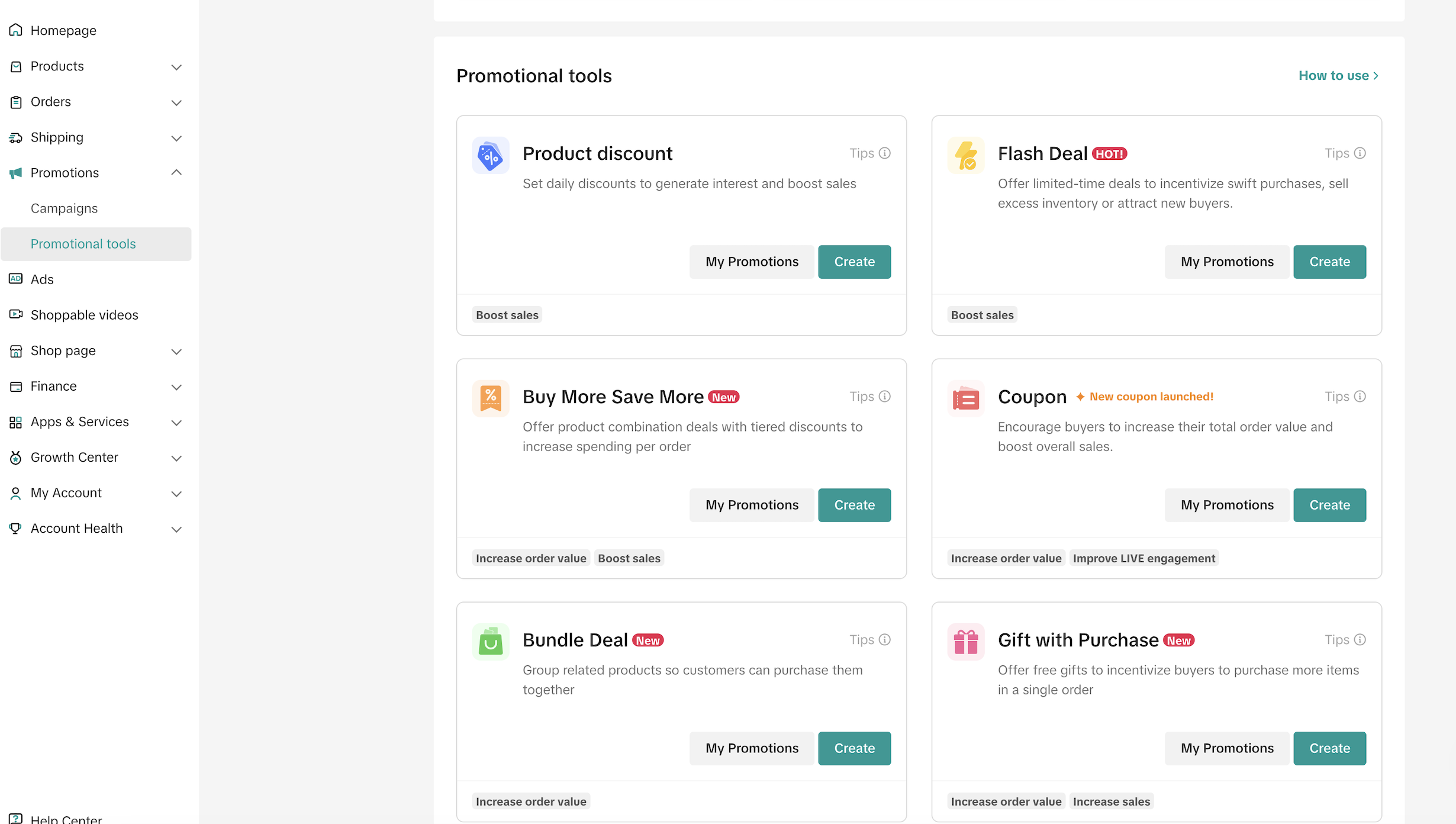
- What it means: This involves appearance, basic information, advantages, and overall image pertaining to a product and store. This could be the product's image, description, promotions, the store's reviews, and other similar attributes. All in all, the goal is to make your product as appealing as possible to potential buyers.
- Why it is important: Before making a purchase, buyers will be drawn by a few attributes: the attractiveness of the product, adequate information, store reviews, and more.
- How to optimize:
| Description | Optimize | Core Factors | |
| Display | Buyers judge a product at first glance, mainly from the main image and details page of the product, and the basic information of the product. |
|
|
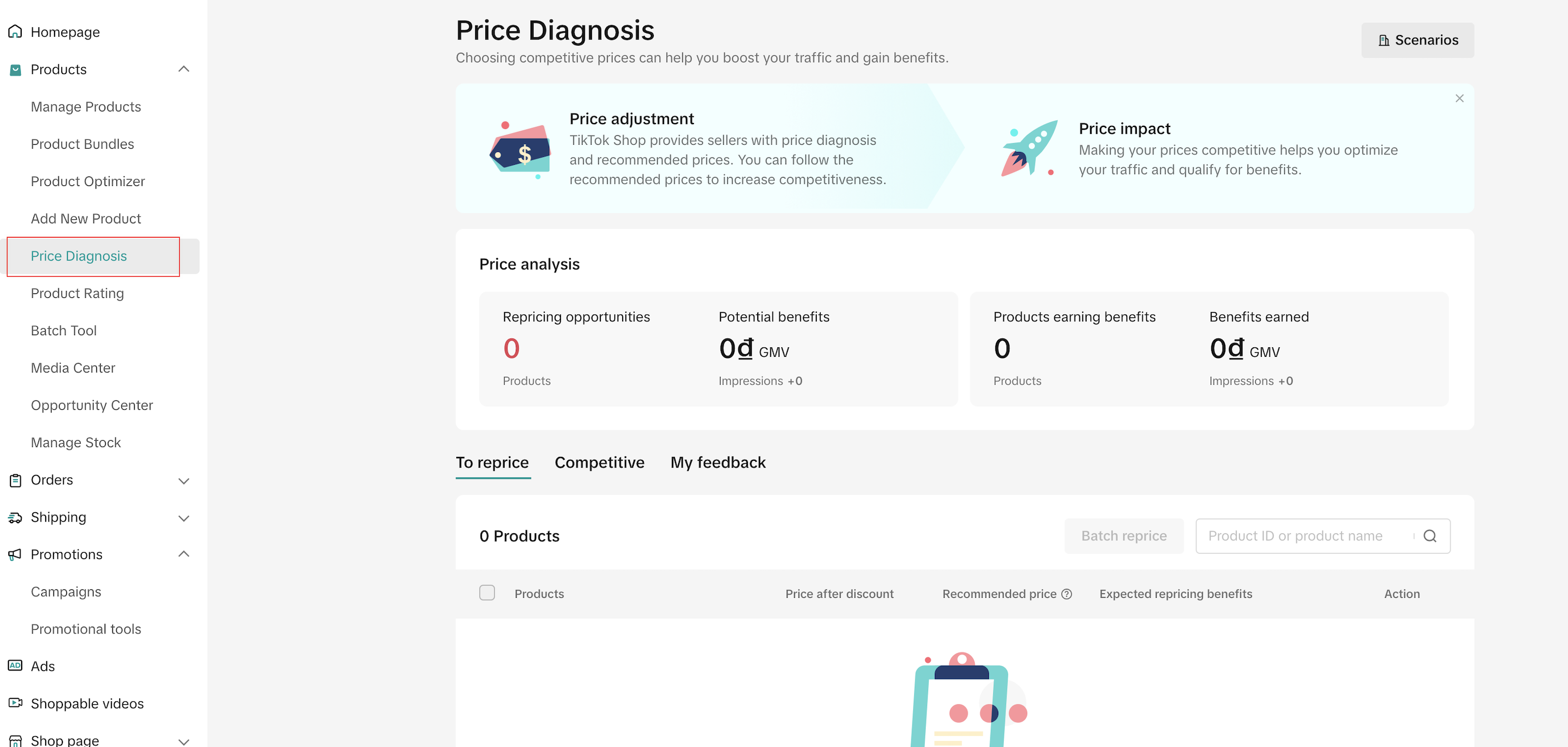
| Benefits | After buyers enter the details page, the core factors that affect the order are whether the cost-effectiveness of the product is high, whether there is an advantage in price compared to peers, whether there are eye-catching activities, and whether Cash on Delivery is supported. |
|
|
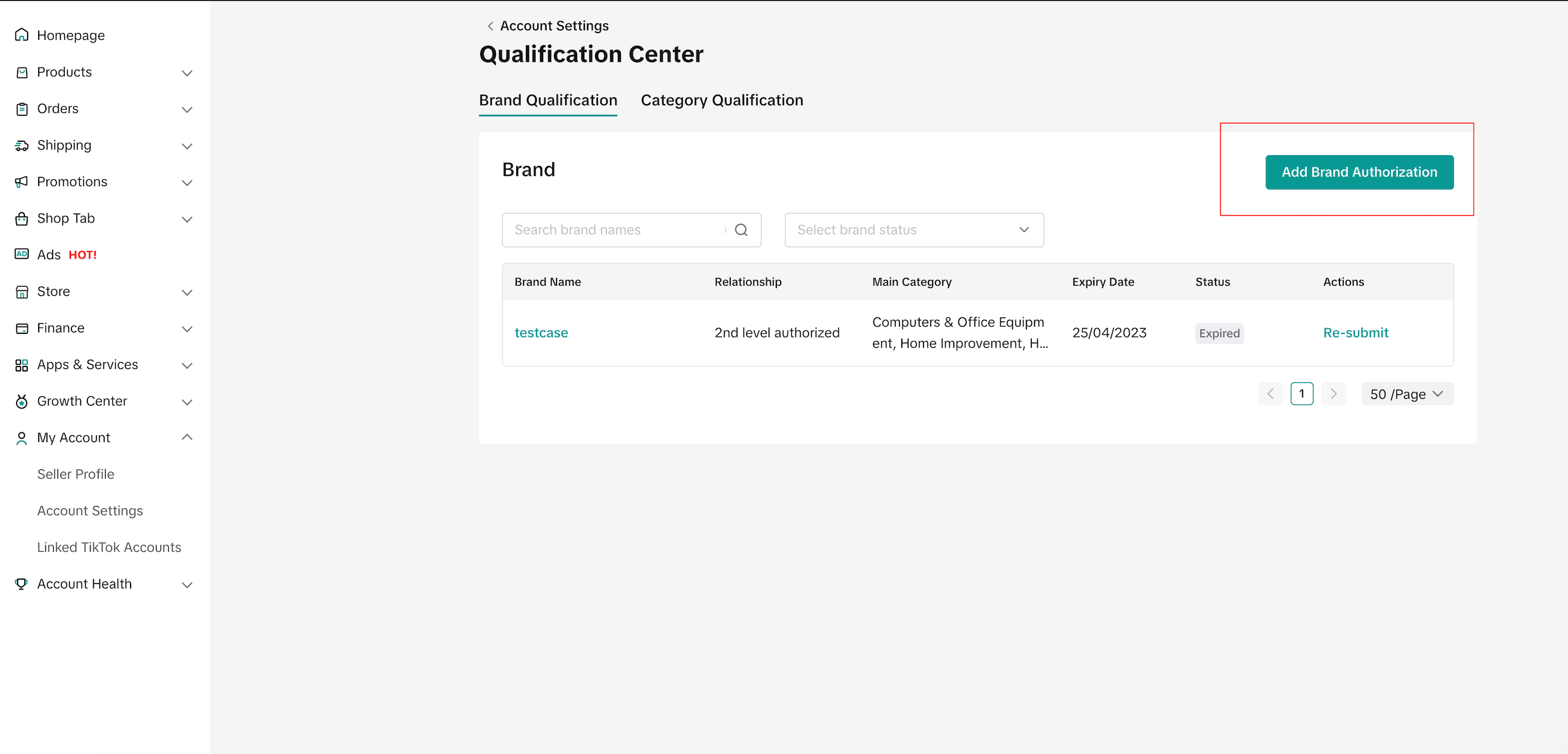
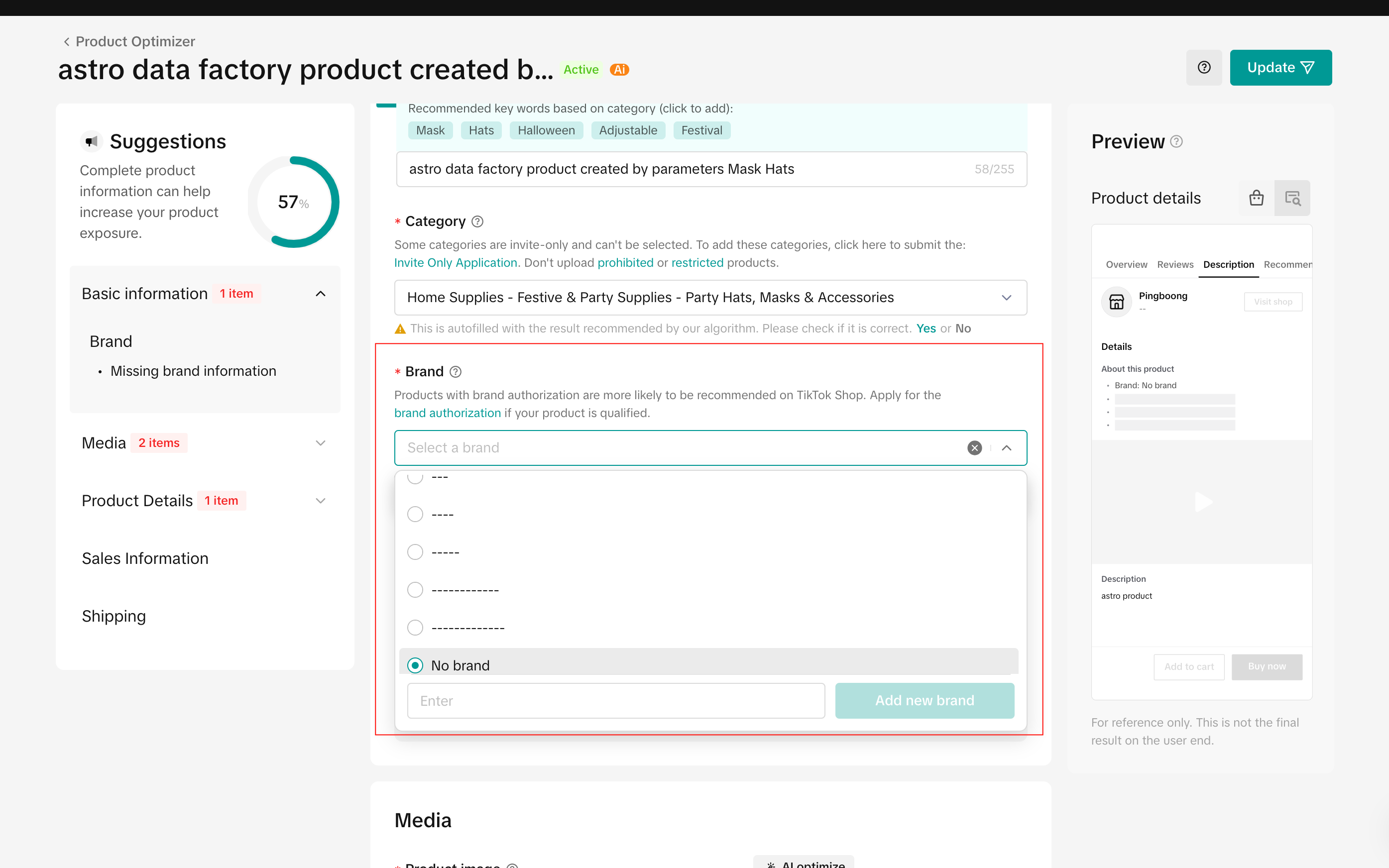
| Trust | Buyers will understand the brand of the product when comparing, and products with brand certification are usually more likely to gain trust, and other users' evaluations of the current product are also more likely to gain user recognition. |
|
|