

Collaboration Plus
02/05/2026
*Screenshots in the article may not be updated but act as a guidance to the overall journey
For Creators: Discover a curated marketplace of paid opportunities. Collaborate with renowned brands, create engaging content, and unlock new revenue streams—all while growing your online presence.
What is Collaboration Plus?
Collaboration Plus is a powerful feature that establishes some structured, incentive-driven collaboration to achieve specific marketing objectives.For Creators: Discover a curated marketplace of paid opportunities. Collaborate with renowned brands, create engaging content, and unlock new revenue streams—all while growing your online presence.
Entrance
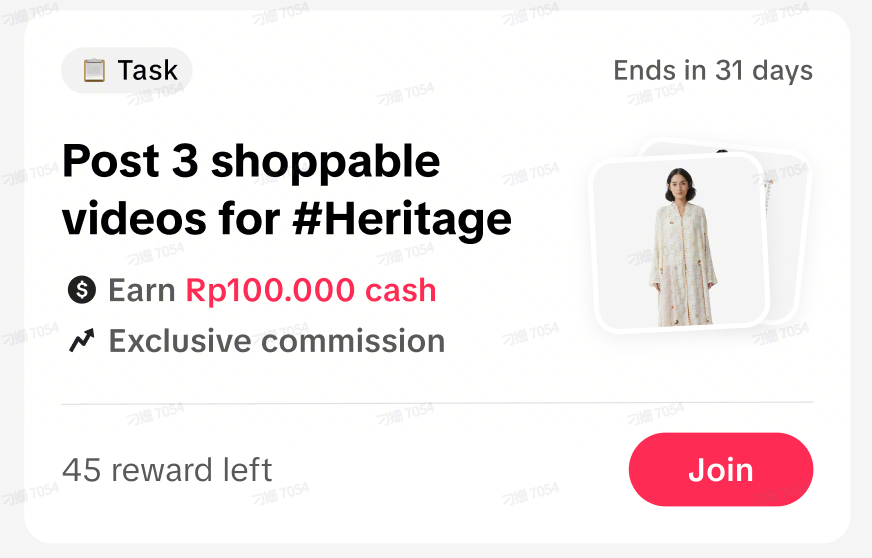
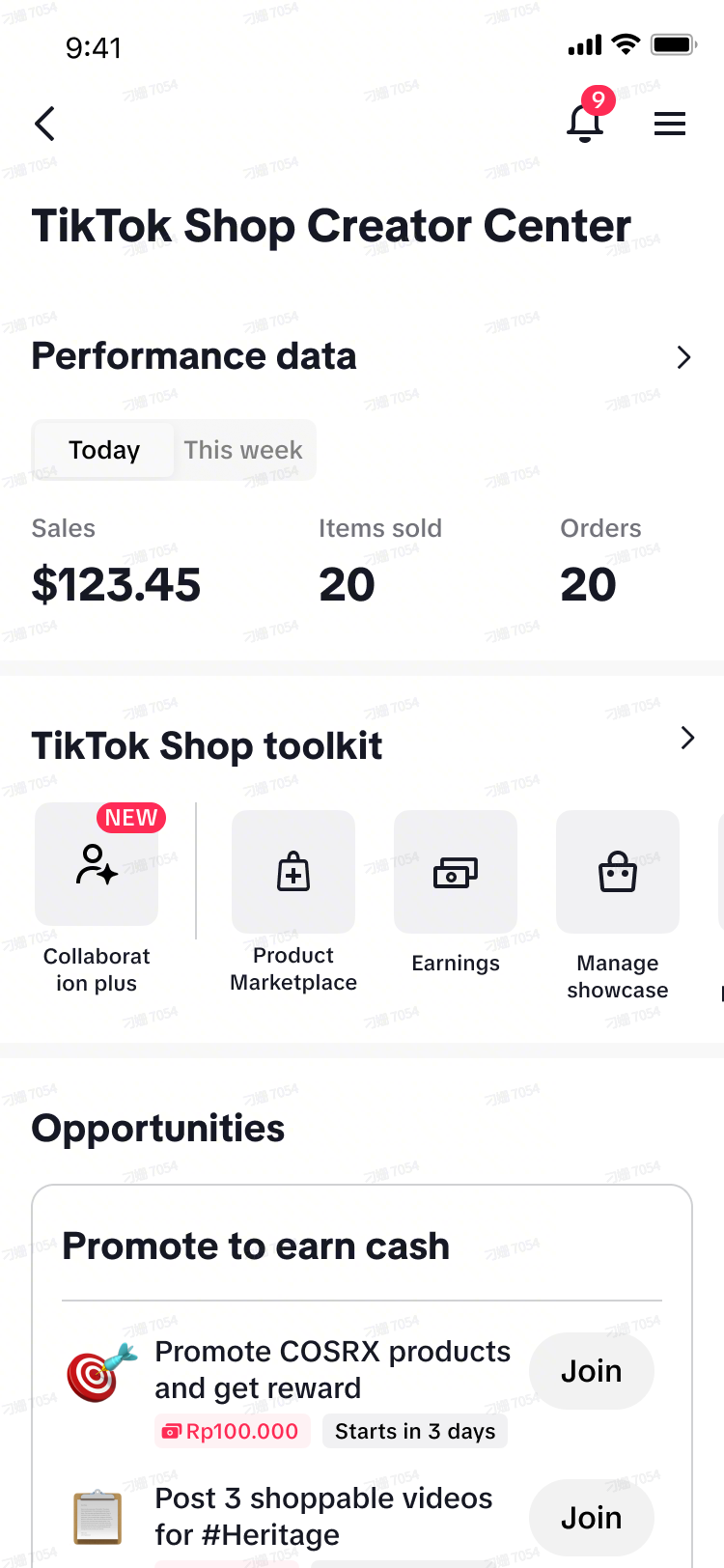
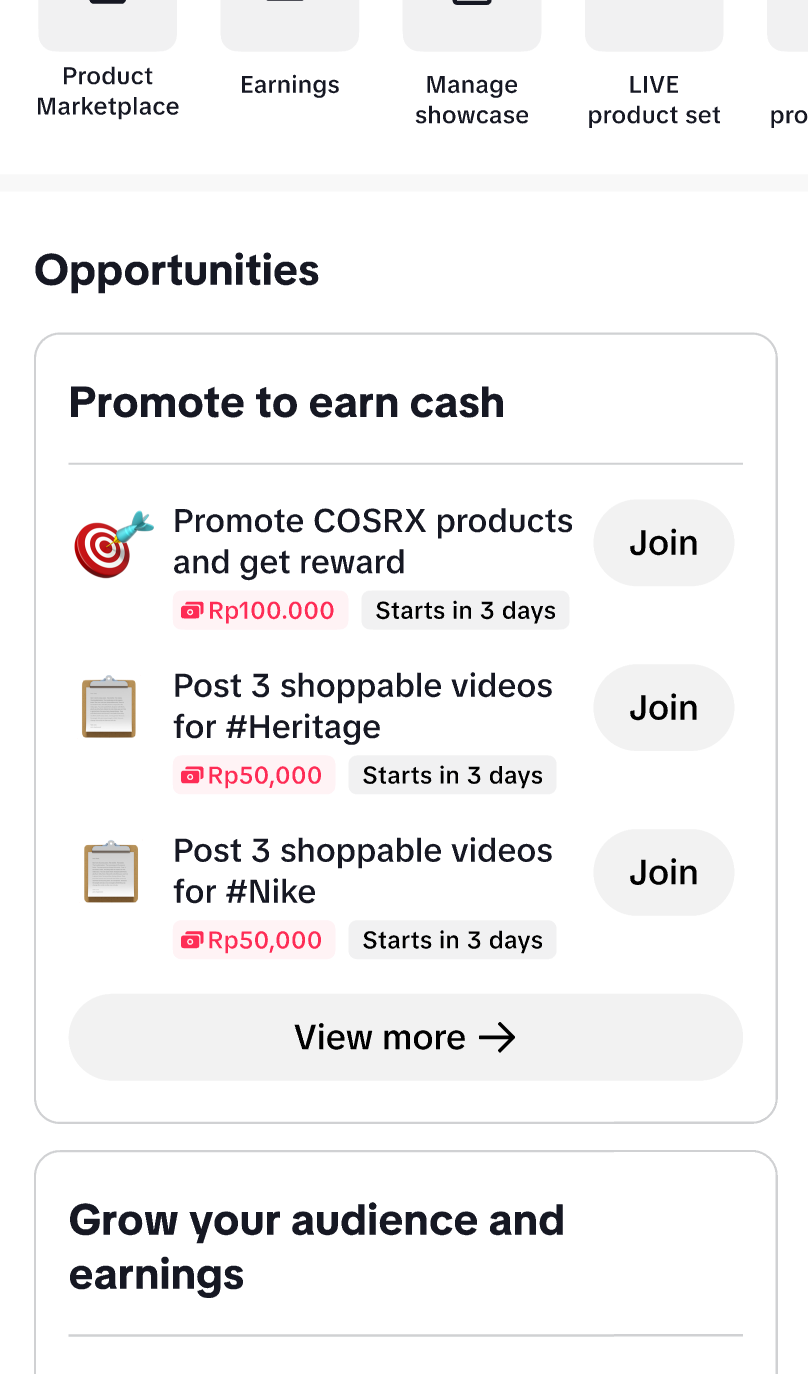
TikTok Shop Toolkit | Opportunity Card In Creator Center |
 |  |
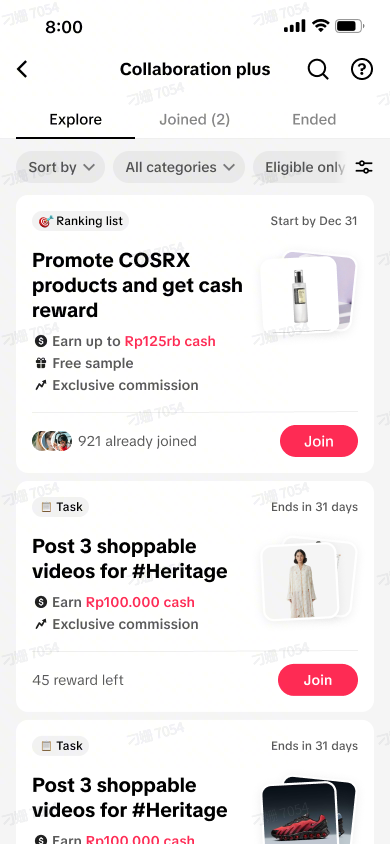
Collaboration Plus Details Page
  |
|

How to Participate in the Collaboration Plus?
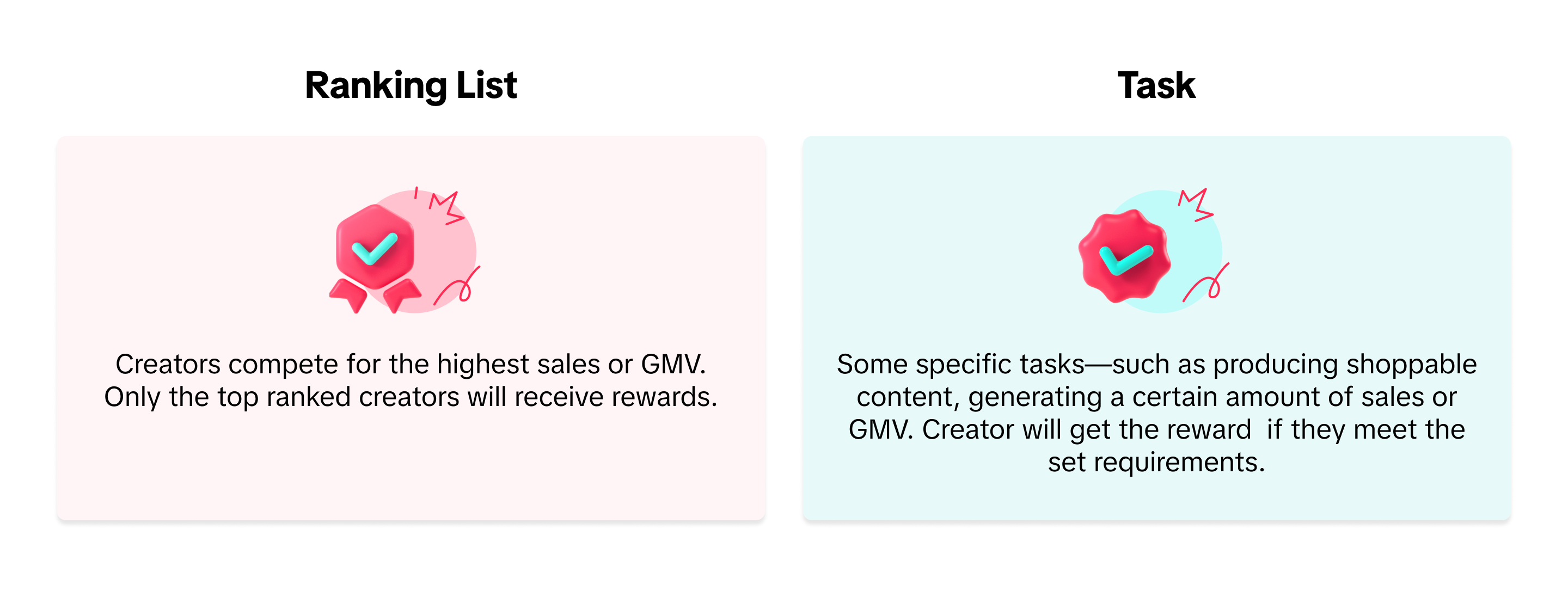
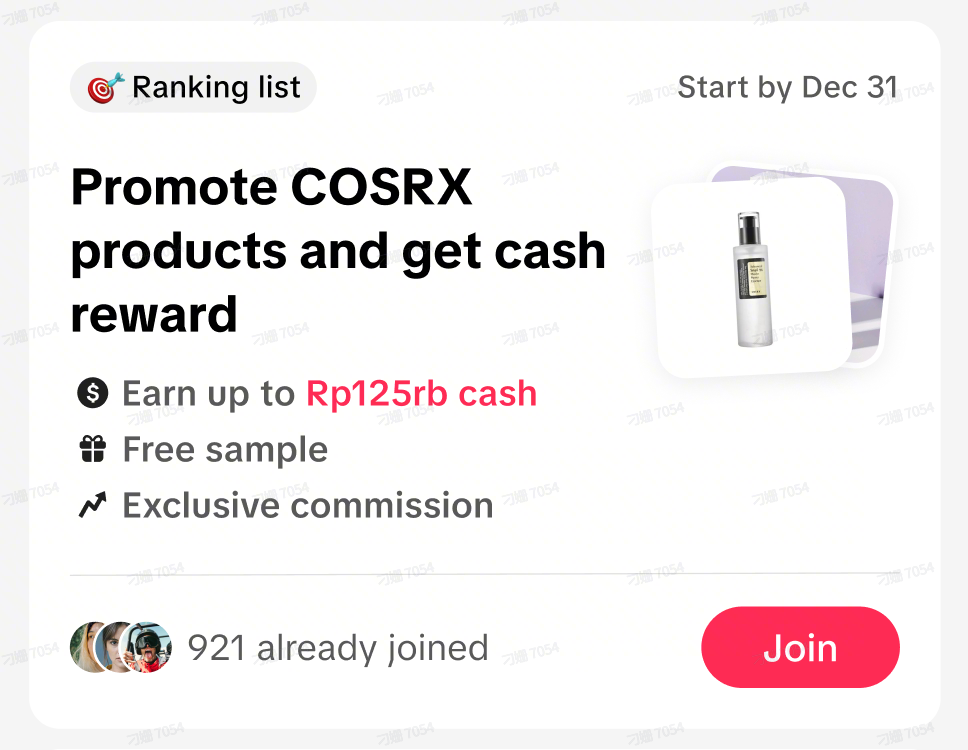
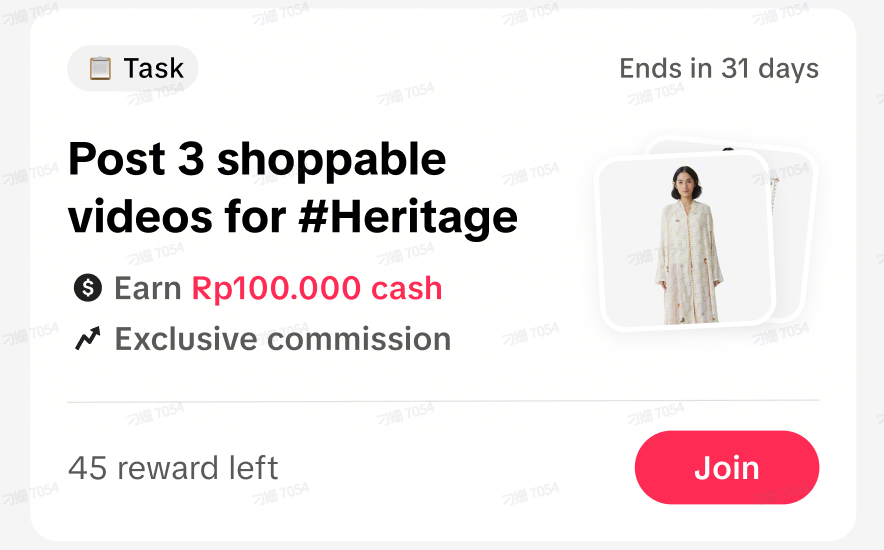
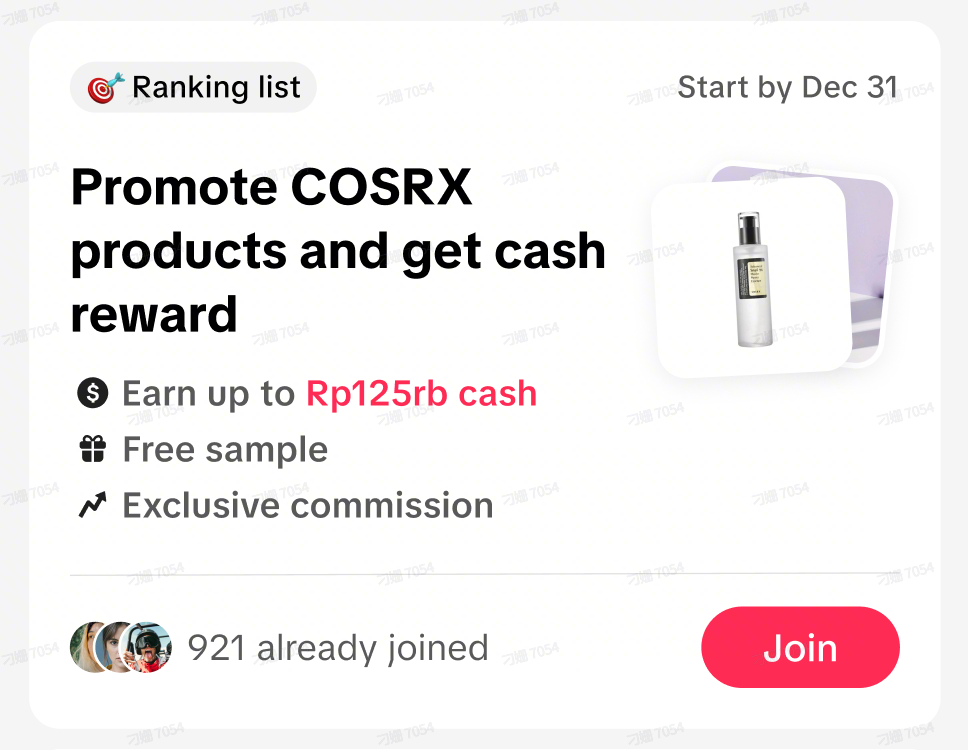
There are two types you can choose, Task and Ranking ListTask Some specific tasks—such as producing shoppable content, generating a certain amount of sales or GMV. Creator will get the reward if they meet the set requirements. | Ranking List Creators compete for the highest sales or GMV. Only the top ranked creators will receive rewards. |
 |  |
Step 1: Join the Campaign
- Browse the list of available campaigns. Use filters (e.g.Sort by,Promotion types...) to find ones that interest you.
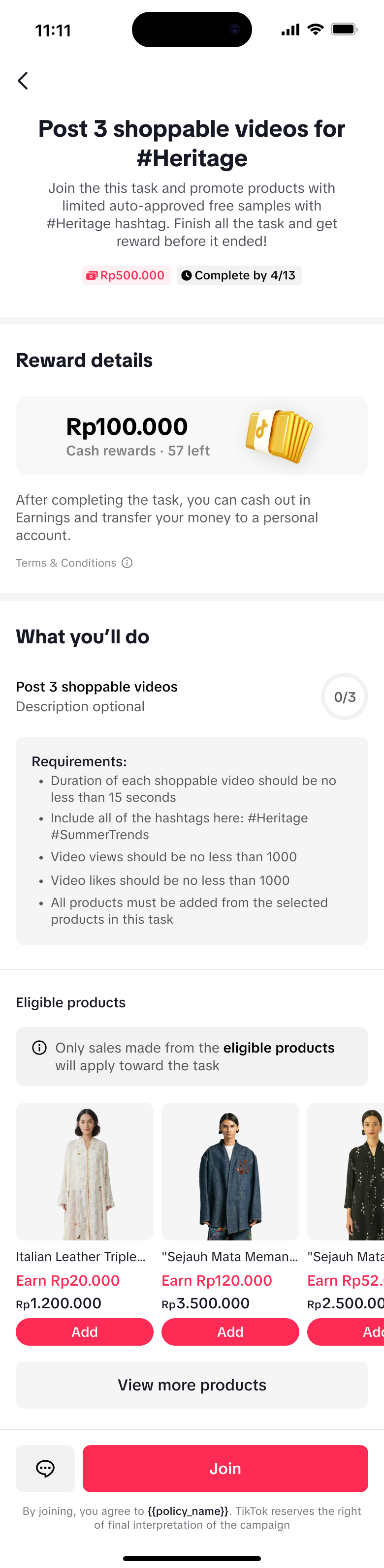
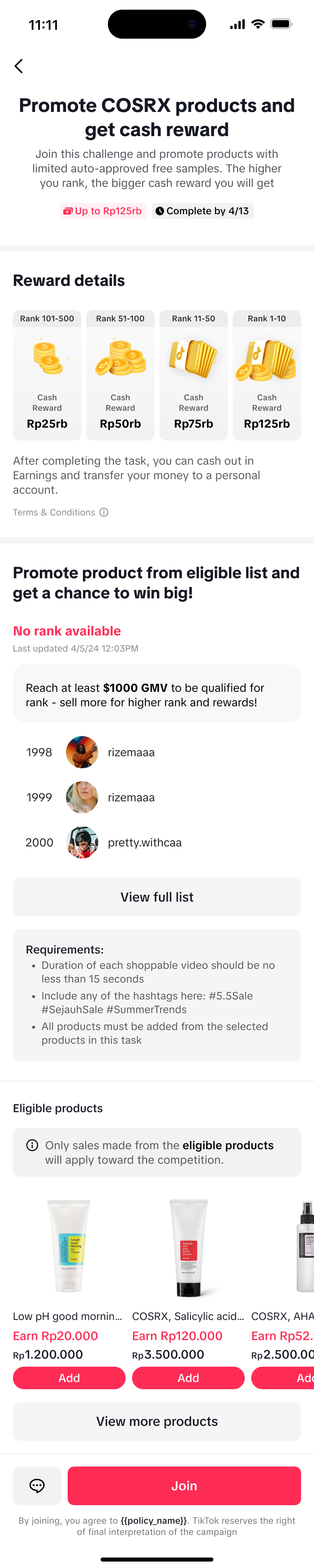
- Tap on any task card to view its details. On the task details page, you can find more detailed information, including the task description, rewards, and eligible products.
- If you meet all criteria, click the "Join" button
- Once applied, the Campaign will move to the "joined" list. Ensure you complete it before the deadline.
Task Detail Page | Ranking List Detail Page |
 |  |
Step 2: Complete the Collabration
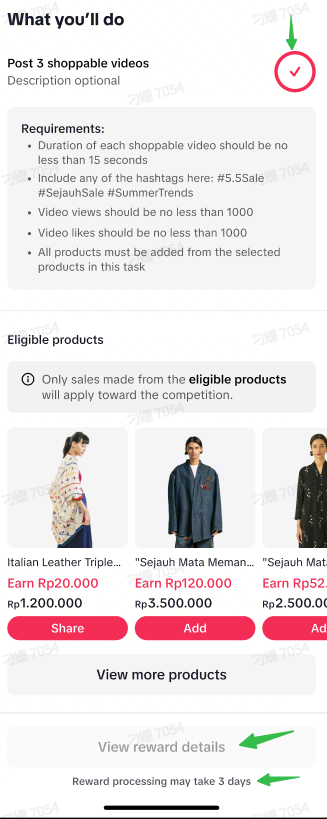
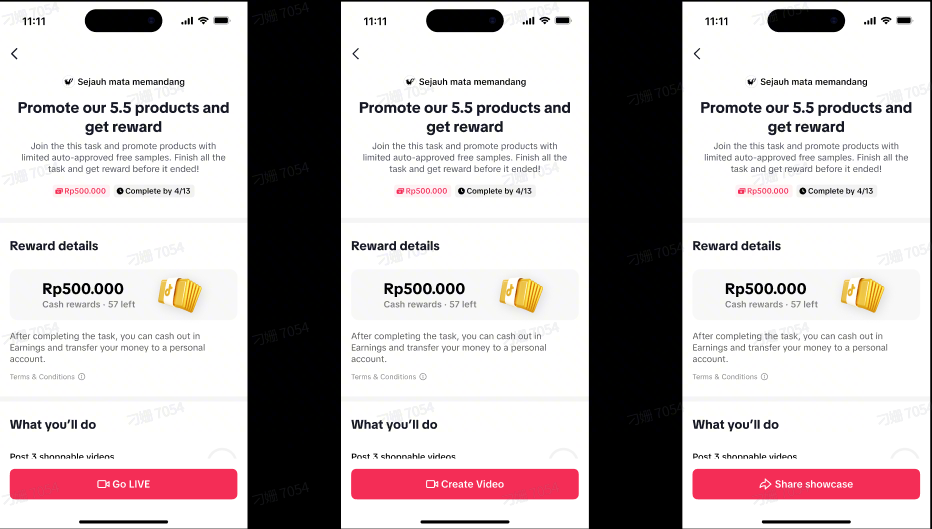
Once you're registered, you're all set! Your next step is to complete the task step by stepTask | Ranking List |
 |
|
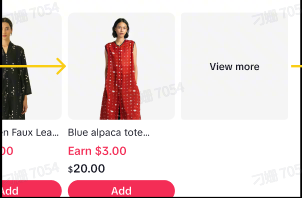
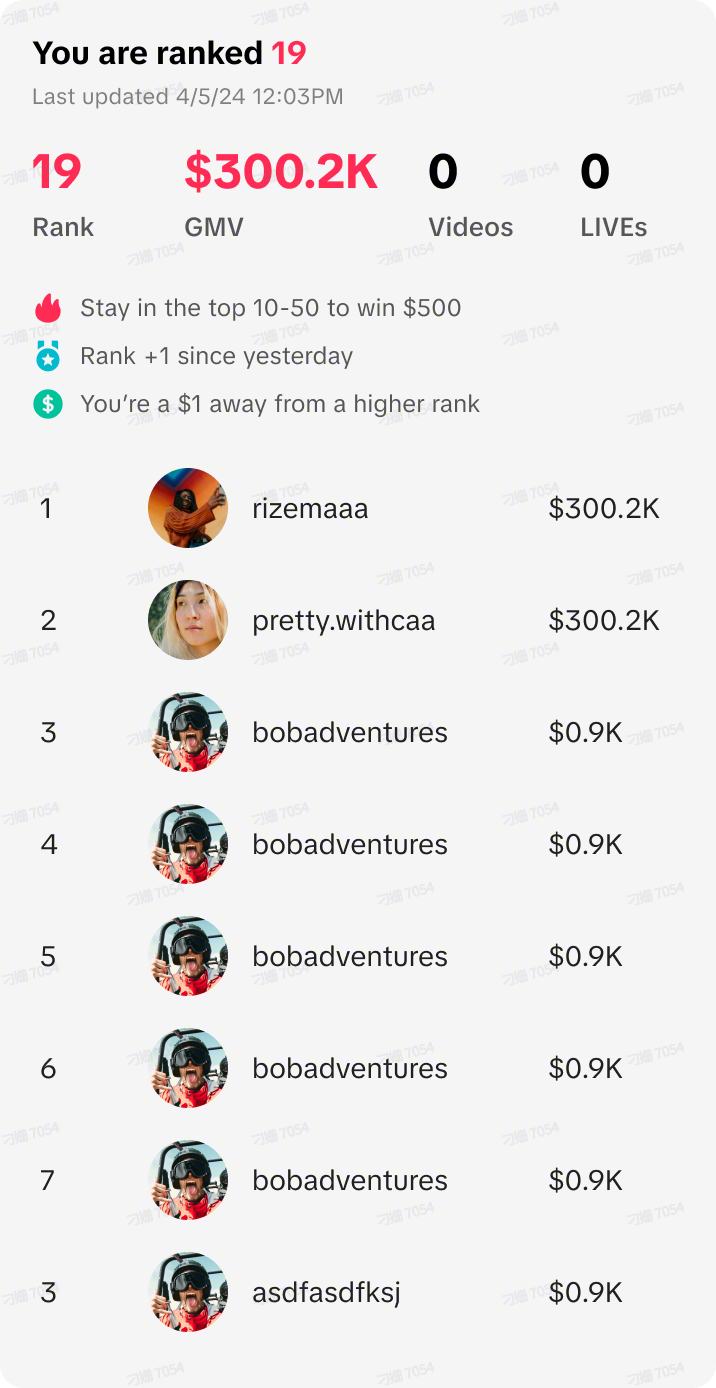
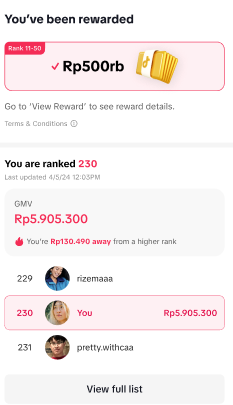
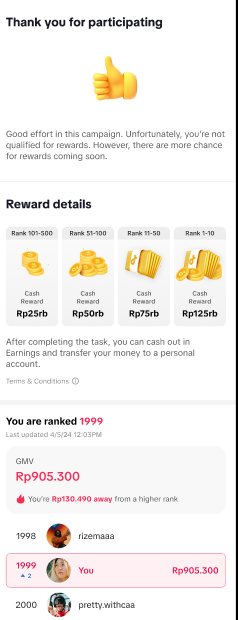
Step 3: Get the Reward and Check Earnings
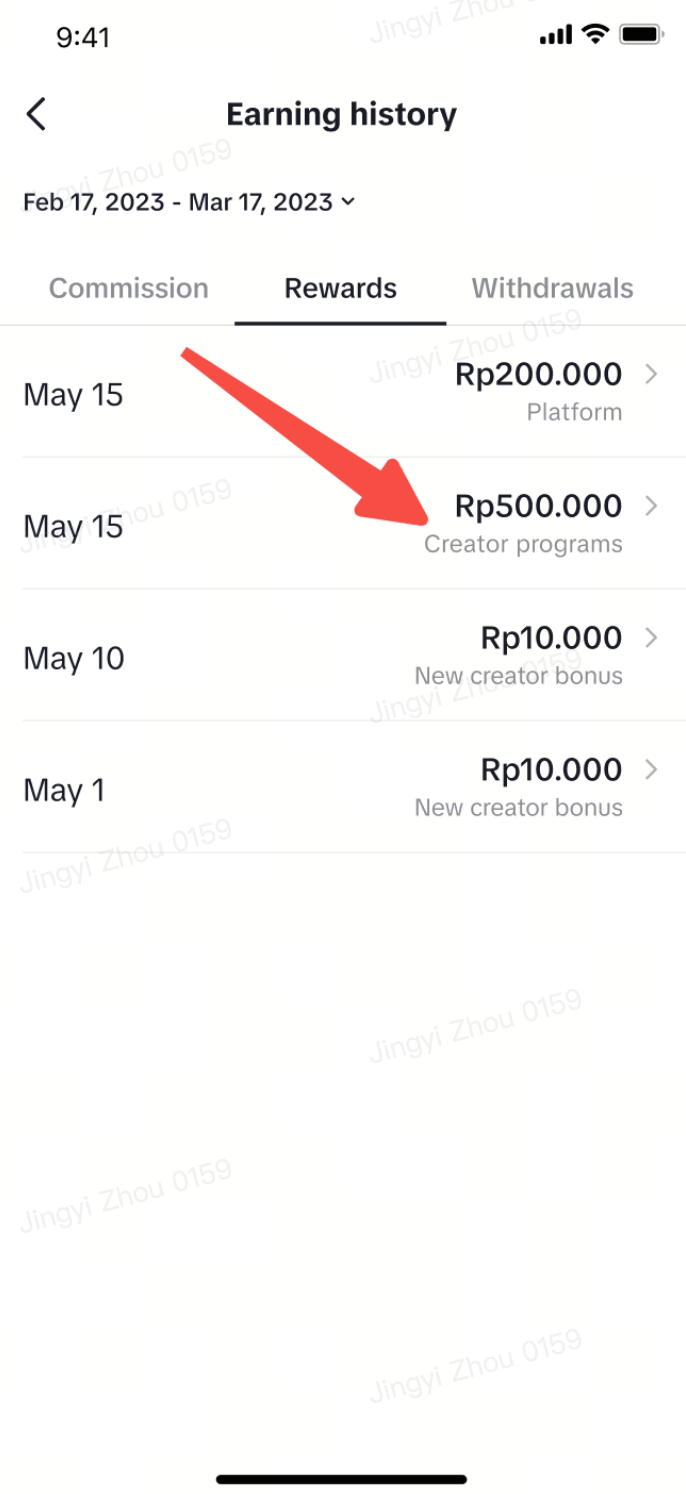
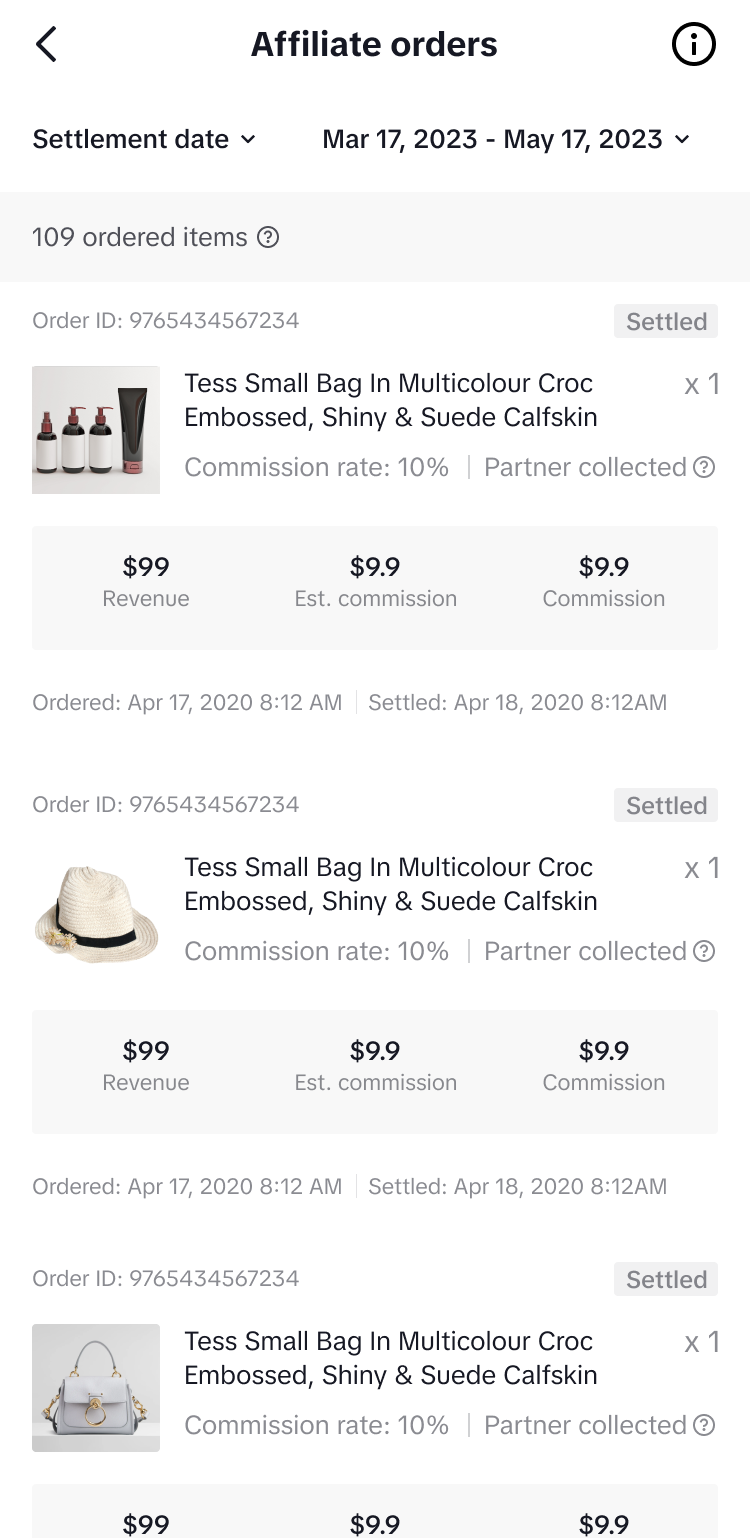
- You can check the earnings by clicking "View Reward Details", the page will jump to the Earning History page, the reward will shown under the tab name with "Rewards". Click the arrow on the right to go to the detailed earnings page.
 |  |
FAQs
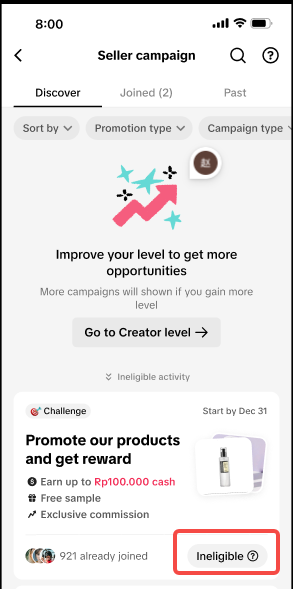
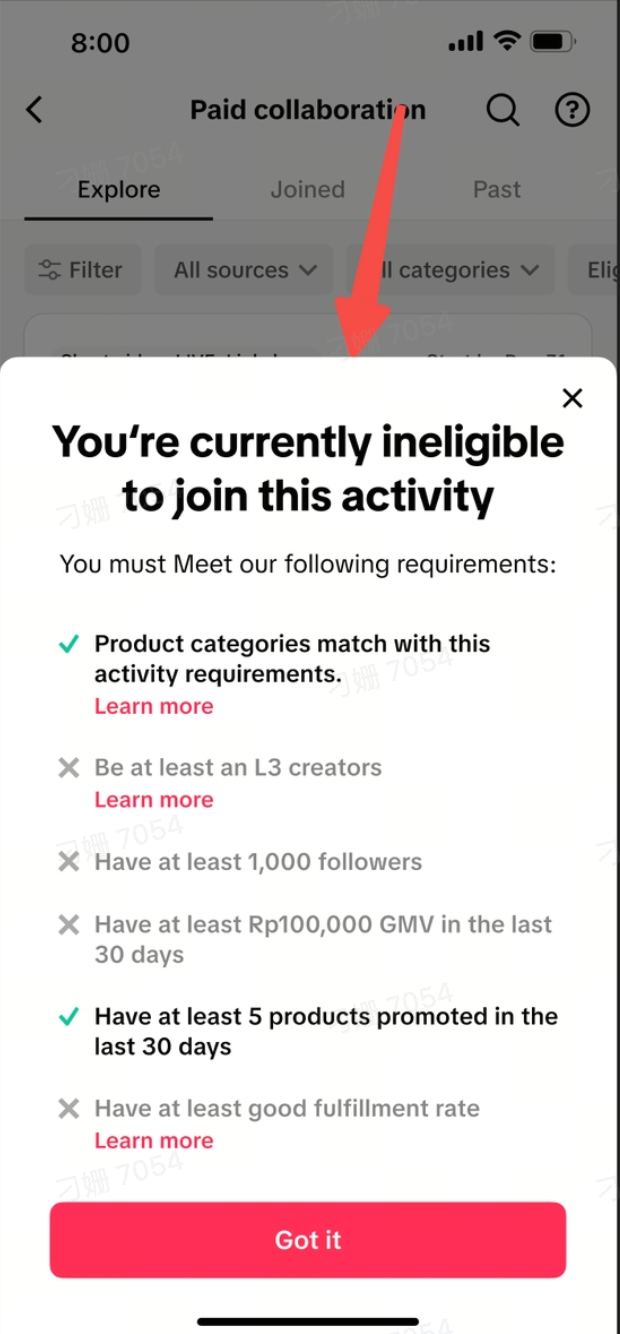
- Why are some tasks marked as "Not Eligible"? How can I check what the specific issue is?
 |  |
- How many ongoing campaigns can I have at the same time?
- How can I check the remaining rewards for the ongoing Task?
- Why can't I find collaboration Plus?
- How is the Collaboration Plus list sorted for creators?