

Product Card Performance
03/25/2024
This article teaches you what Product Cards are and how to measure their performance.

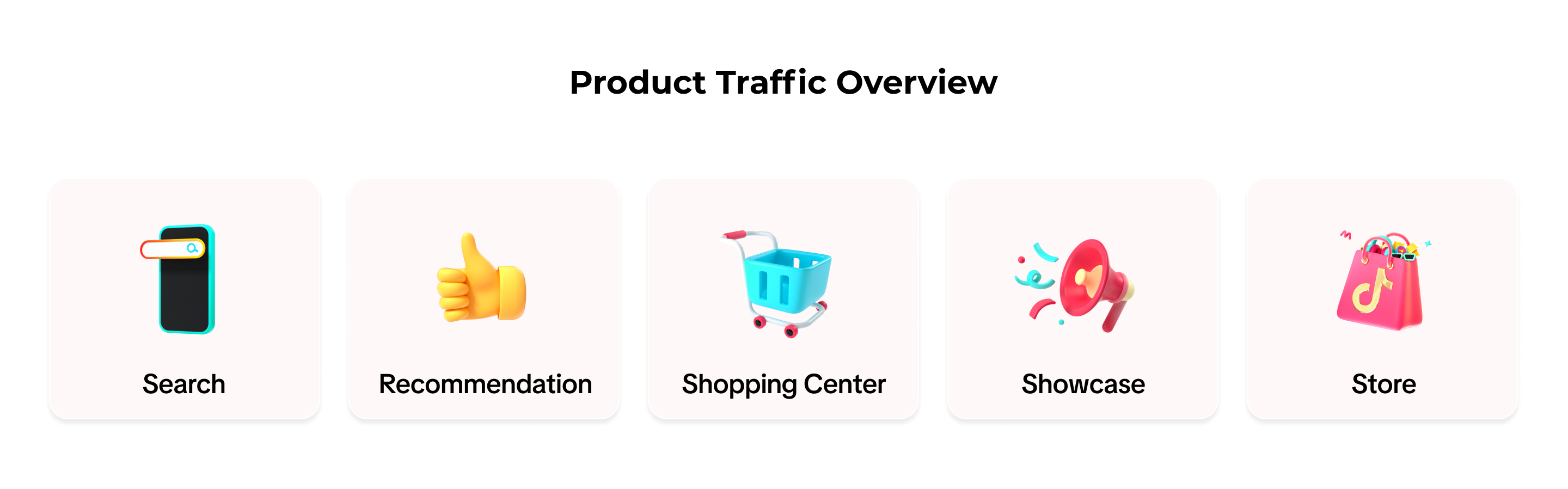
 Whether a user lands on a product through Search, Recommendation, the Shopping Center, Store or Showcase, you gain traffic from the Cards.

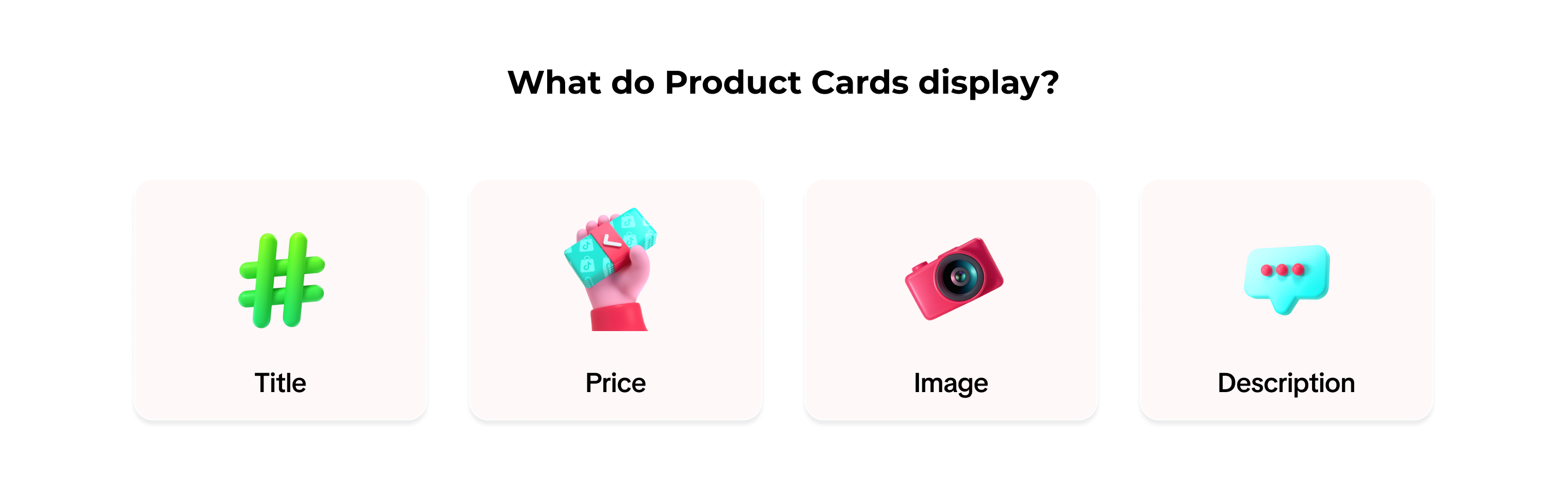
What are Product Cards?
Product Cards are cards that display everything you need to know about a product, like its title, image, description, and price after its successfully listed on TikTok Shop.How to View Traffic from Product Cards
- On TikTok Seller Center, click on Data Compass. Visit Product Card, then Performance. Here there are two main dashboards: Core Data and Traffic Source.
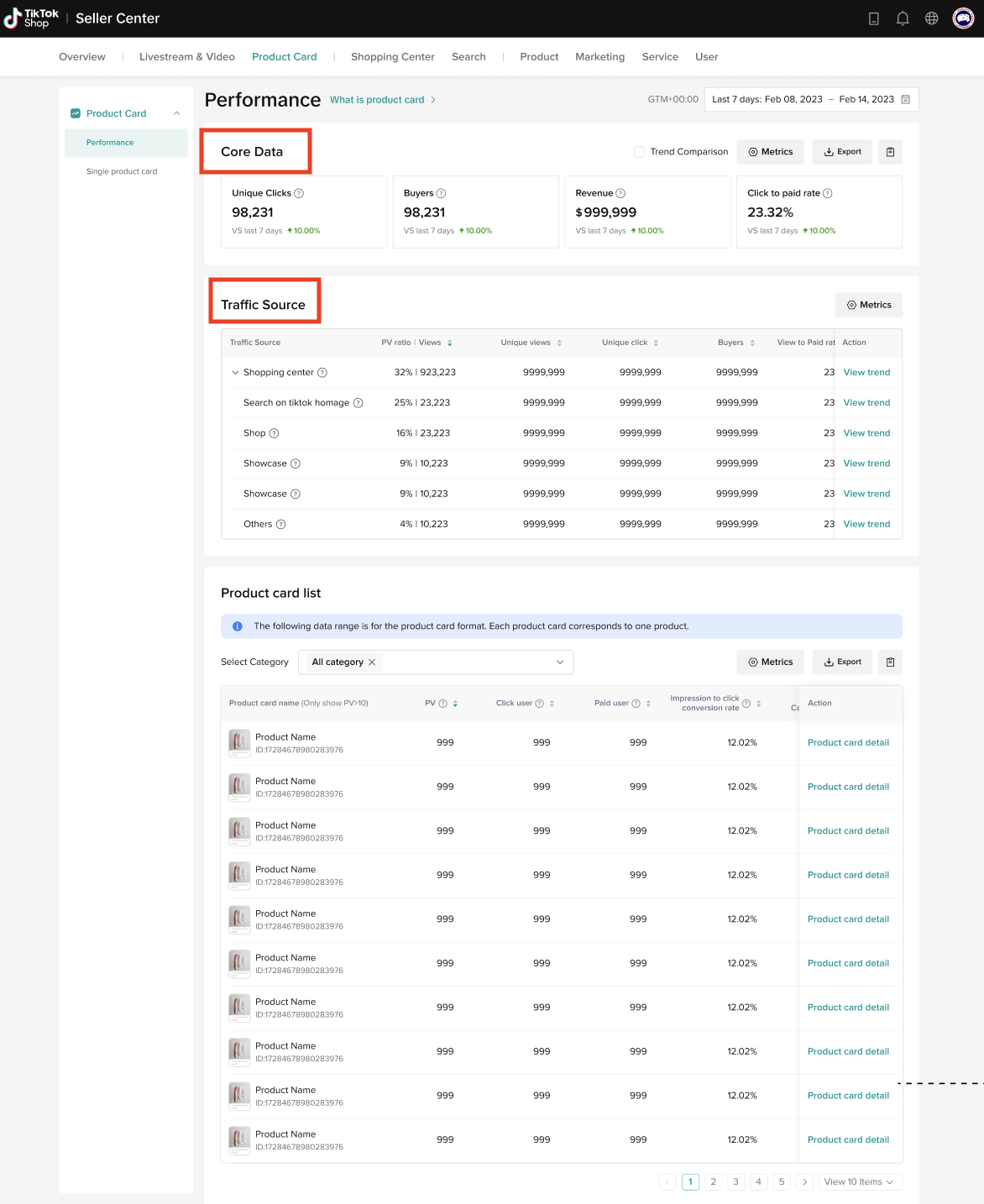
- Core Data shows Viewers, Buyers, GMV, and View to Paid Rate.
- Under Traffic Source, you will see how much traffic and revenue come from different sources. This way you can identify the best performing channel.
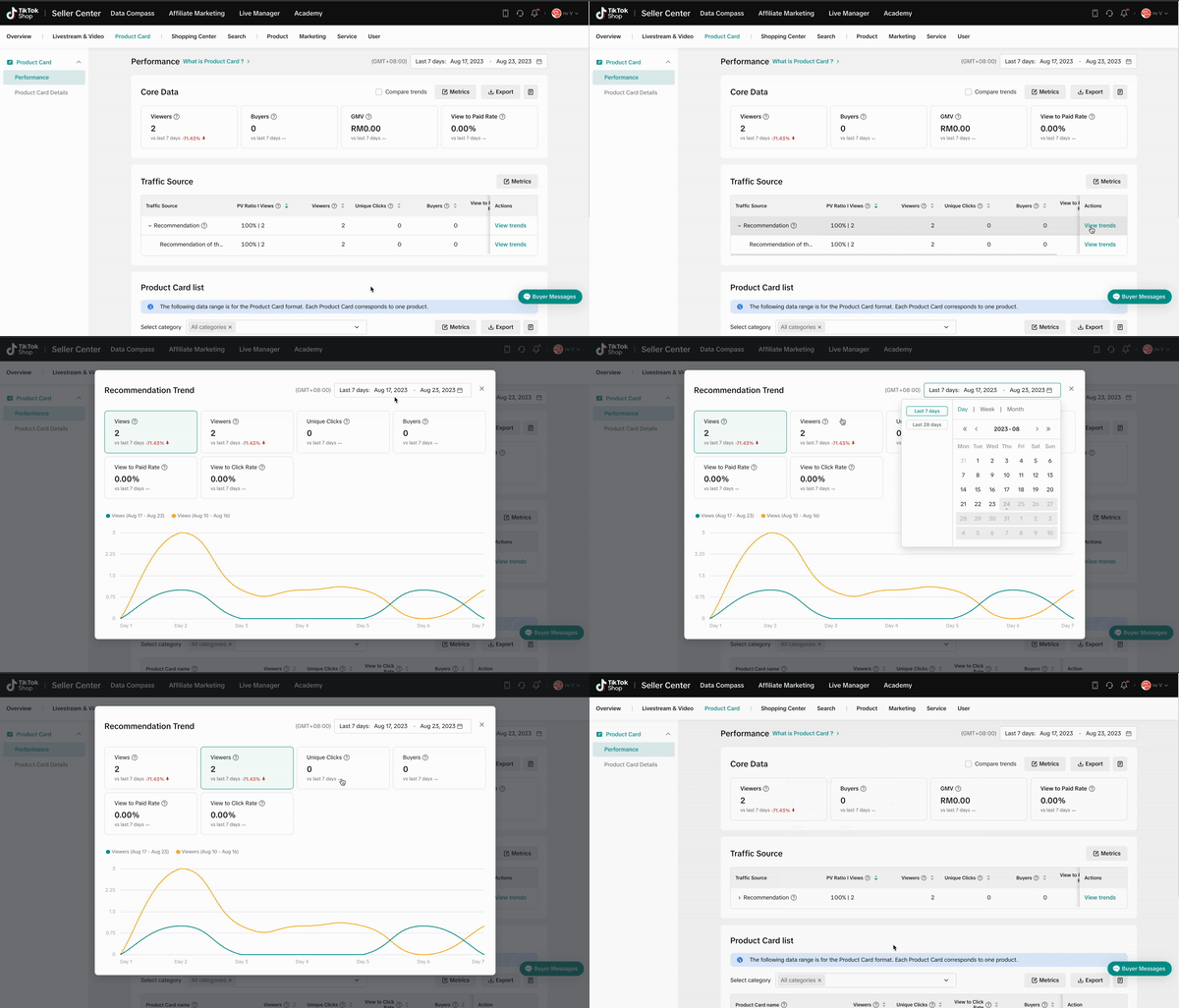
- Click on View trends to examine a Traffic Source. You will find its Views, Viewers, Unique Clicks, Buyers, View to Paid Rate, and View to Click Rate.

How to Check Product Card Rankings & Details
- View the revenue and traffic performance of each Product Card or filter by Product Category. Moreover, you can rank Product Cards by traffic and revenue metrics to find the most popular Product Card.
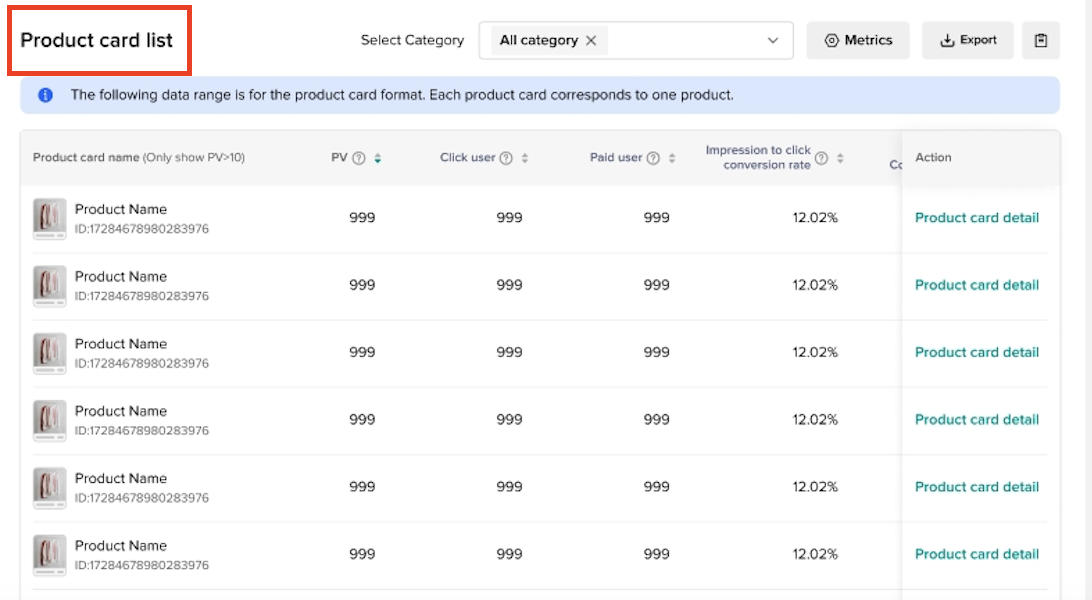
- There are two ways to understand the details of specific Product Cards:
- Look for a specific Product Card and bookmark it by clicking on the "heart".
- Or head to the Product Card Detail page where you will see three columns: Recently Visited, Product with high views, and Recently Bookmarked (the Product Card that you had bookmarked in the previous step will appear here).
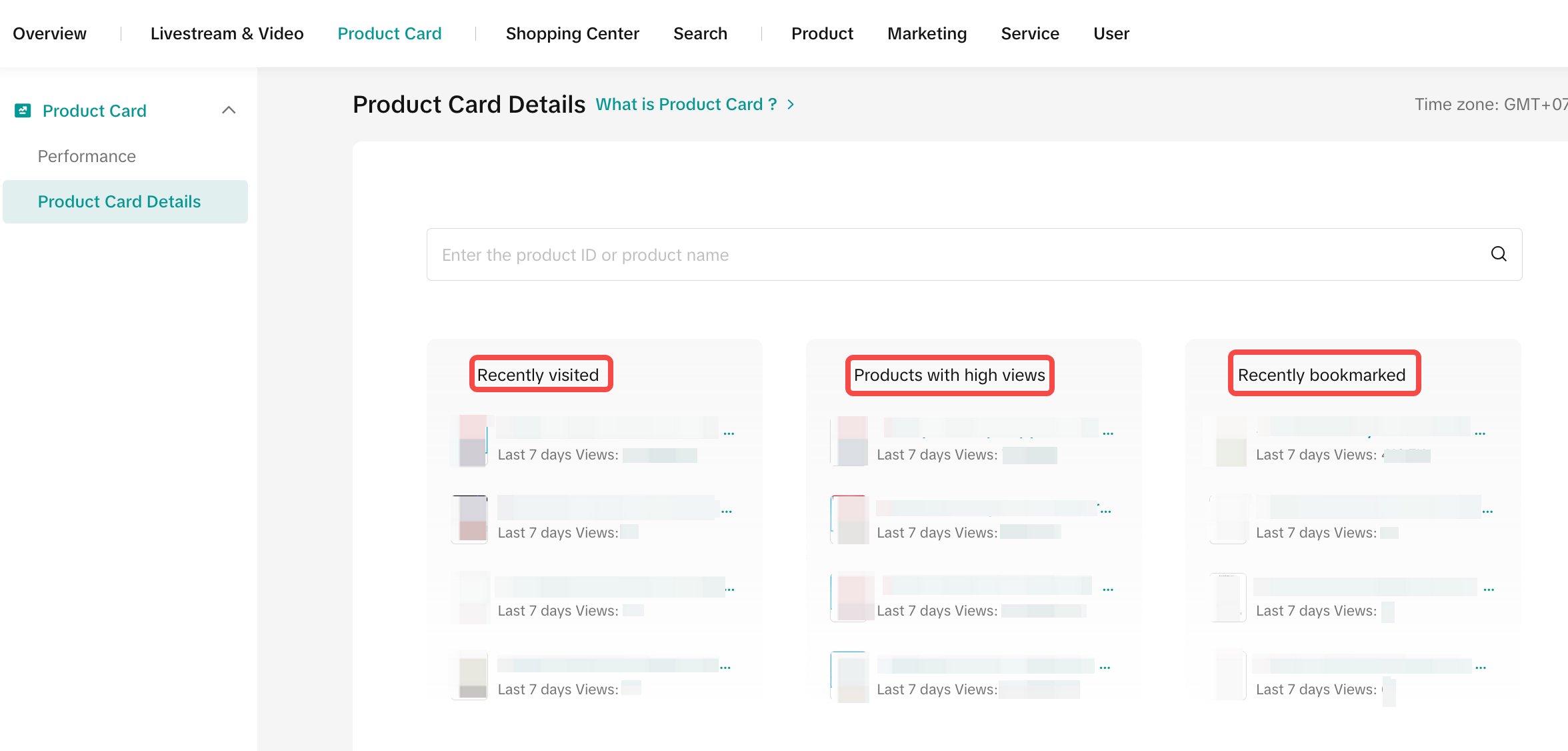
- Alternatively, you can click on Product Card Details, key in the product ID or name to search for a specific Product Card.
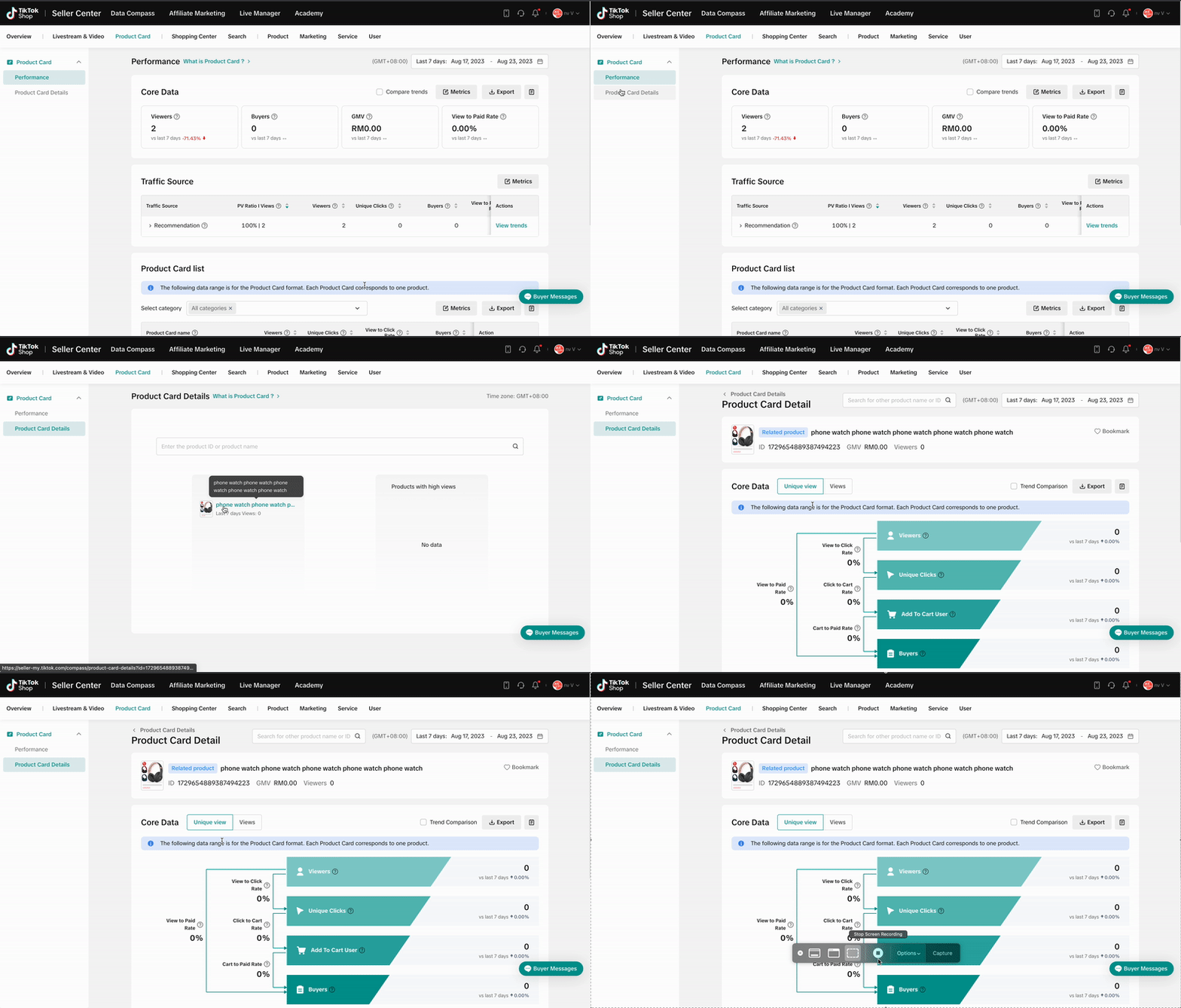
- Under Product Card Details, you can see the revenue and traffic funnel, which can help you understand the conversion from View to Click, Click to Cart, and Cart to Paid Rate.

FAQs
- Do my products automatically qualify as Product Cards upon uploading?
- How are revenues calculated through Product Cards?
- How can I improve my traffic through Product Cards?