

Optimizing Your Account Settings for Business Success on ShopTokopedia
03/17/2025
Hi Seller! 🚀 Ensuring your business details and information are accurate and up-to-date is essential for smooth operations on ShopTokopedia. Today, we’ll guide you through the process of adjusting your account settings in the Seller Center, focusing on business details and essential information customization. Let’s dive into how you can manage and optimize your account settings for better performance and compliance! 💼📊
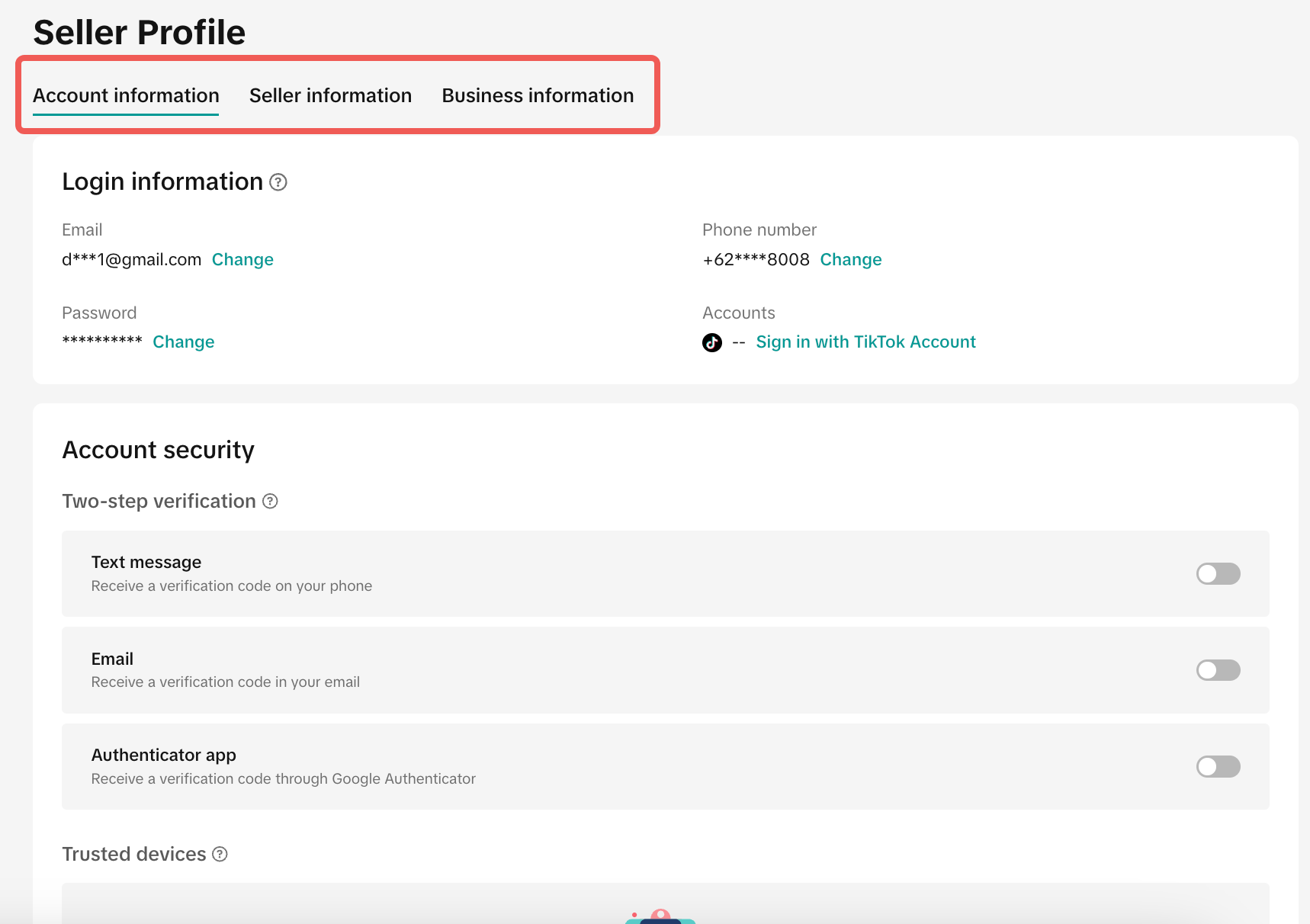
Accessing Your Account Settings
To adjust your account settings, simply follow these steps: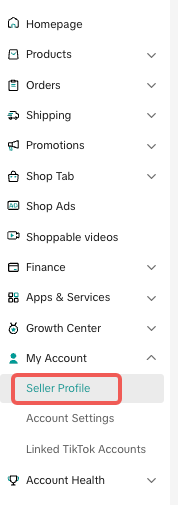 | 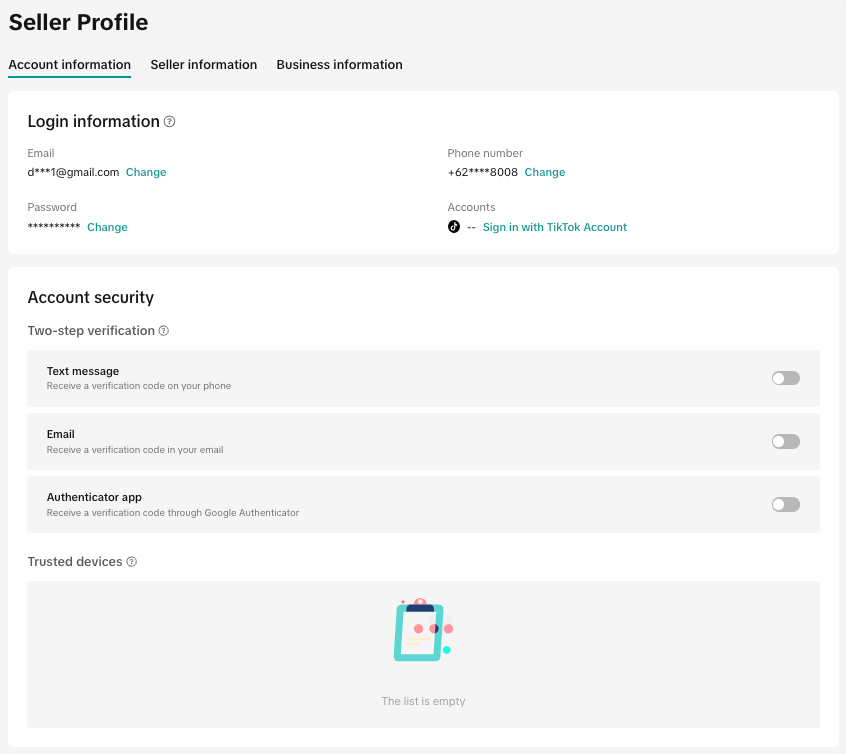 |
- Log in to Seller Center: Head to the Seller Center and click on the "My account > Seller Profile" tab.
- Business Information Section: From there, you’ll be able to manage your business details, including account information, seller information, and business information.
How to Adjust Your Account Settings
Here’s an overview of the key areas you can customize to ensure your account information is accurate and optimized:Account information
- Email: Update your registered email address for communication with ShopTokopedia and your customers.
- Phone Number: Ensure your business phone number is current to handle customer queries and important notifications.
- Password: Change your account password for enhanced security whenever needed.
- Accounts: Manage linked accounts used for your ShopTokopedia store.
2. Seller Information
- Shop Name: Ensure that your shop name is up-to-date and accurately represents your business.
- Shop Logo: Upload or update your shop logo to maintain brand consistency.
- Email: Set a customer-facing email that buyers can use to reach you.
- Phone Number: Ensure your business phone number is current to handle customer queries and important notifications.
Best Practices for Managing Account Settings
- Regular Updates: Review your account settings periodically to ensure all information is accurate, especially after any business changes.
- Compliance: Ensure all details, especially tax and business registration information, comply with local regulations to avoid any disruptions in your business activities.