

Pre-Heat Video Production
10/21/2025
Hi Seller!
Want more people to join your upcoming LIVE? Don’t wait until you go LIVE to grab attention—start earlier with a pre-heat video. This short promotional video helps create excitement, drive traffic, and increase visibility before your session even begins. Let’s walk through how to use it effectively.

A pre-heat video is a short and engaging promo posted before a LIVE session. Its main goal is to generate awareness, excitement, and intent to join.




Post your teaser up to 3 days before the LIVE session.This gives time to build awareness and ensure the audience sees the content. Include highlights of:
 💥 Try This Today:
Create a short pre-heat video highlighting your key promo and LIVE schedule. Post it up to 3 days before your session, then review performance to improve next time. A strong teaser drives more viewers to your LIVE.
Want more people to join your upcoming LIVE? Don’t wait until you go LIVE to grab attention—start earlier with a pre-heat video. This short promotional video helps create excitement, drive traffic, and increase visibility before your session even begins. Let’s walk through how to use it effectively.
What Is a Pre-Heat Video and Why It Matters
A pre-heat video is a short and engaging promo posted before a LIVE session. Its main goal is to generate awareness, excitement, and intent to join.
Why It’s Important:
- Increases visibility for your upcoming LIVE
- Reaches more people before the session starts
- Works as a soft reminder or teaser
- Can be boosted with ads to attract new viewers
Recommendation for Teaser Video Structure
Try This: Use LIVE Highlight as a Pre-Heat Teaser
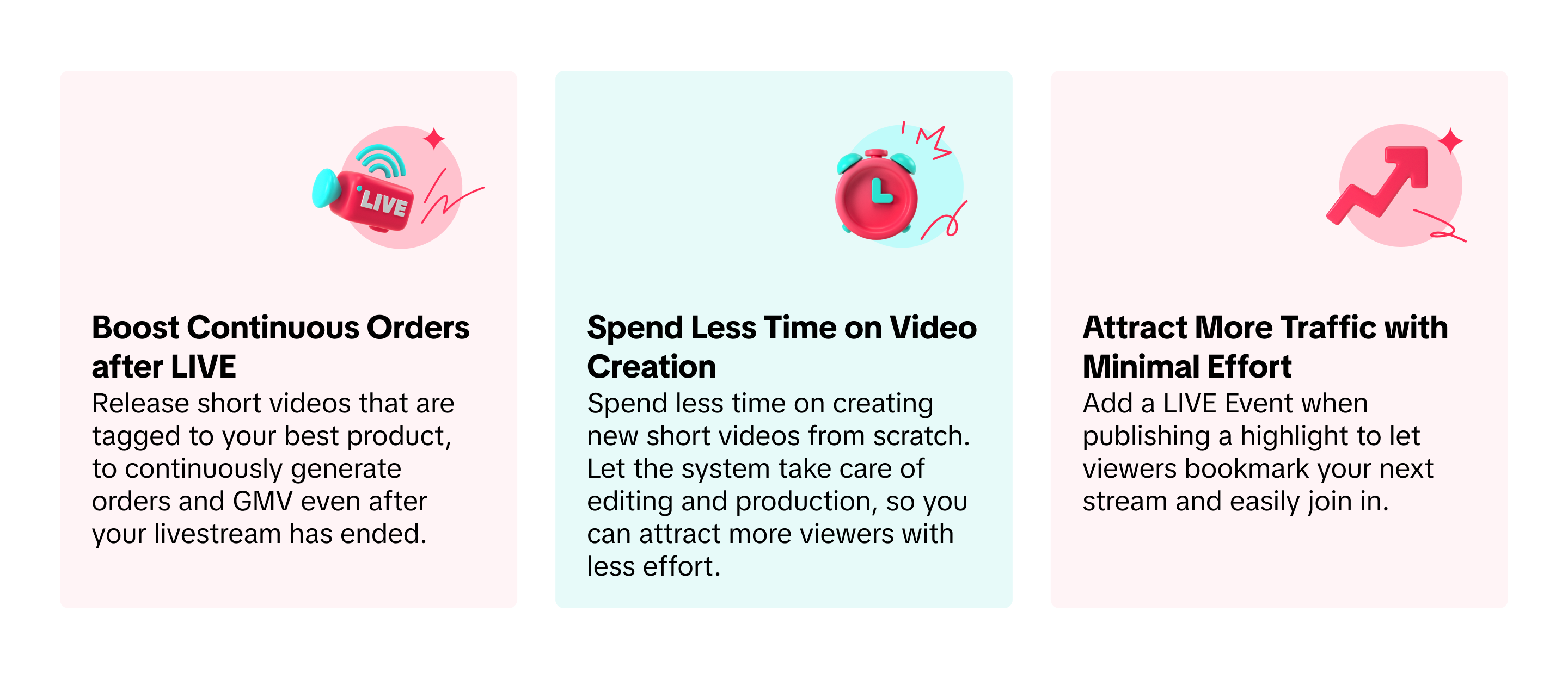
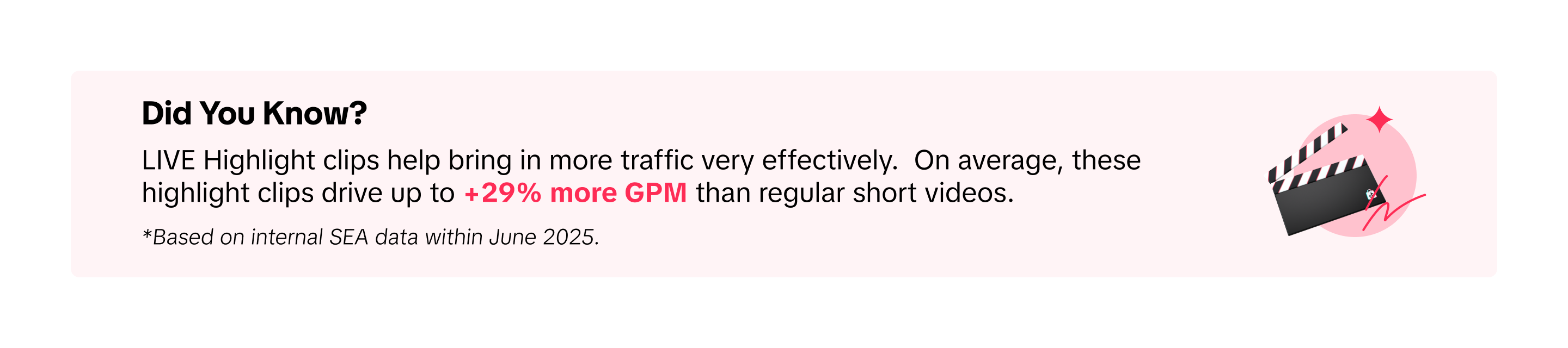
Looking for a fast and easy way to create a pre-heat video? Use LIVE Highlight to repurpose your best-performing livestream clips into short teaser content! 📚 How to use LIVE HighlightsAfter going LIVE
Once your LIVE has ended, you can review the LIVE Highlight clips provided to you in 3 ways:- Via App - LIVE Shopping Bag
- Via App - LIVE Center
- Via Seller Center PC - LIVE Selling > Manage Teaser
Best Practice for Pre-Heat Video
Aspect | Recommendation |
| Duration | Keep teaser short and focused (around 30 seconds) |
| Concept | Center it around your theme or promo angle |
| Description | Include clear call-to-action and LIVE schedule |
| Tools | Use LIVE Highlight tool to repost past clips or test scenes (Editing Tools: CapCut, TikTok Editor, Canva, InShot) |
- Key products or offers
- Session theme or purpose
- Urgency or limited-time deals
💥 Try This Today:Create a short pre-heat video highlighting your key promo and LIVE schedule. Post it up to 3 days before your session, then review performance to improve next time. A strong teaser drives more viewers to your LIVE.