

Visual and Audio Quality for LIVE
10/21/2025
Hi Sellers!
Want to turn casual viewers into loyal buyers during your LIVE sessions? It all starts with how you look and sound on screen. From blurry visuals to crackly audio, the wrong setup can drive your audience away. The good news? With the right equipment and setup, your LIVE performance can shine—boosting engagement and sales!



 🚀 Try This TodayBefore your next LIVE, run this quick checklist:
Want to turn casual viewers into loyal buyers during your LIVE sessions? It all starts with how you look and sound on screen. From blurry visuals to crackly audio, the wrong setup can drive your audience away. The good news? With the right equipment and setup, your LIVE performance can shine—boosting engagement and sales!
Why It Matters: First Impressions Count
| Viewer Experience | Impact on LIVE Performance |
| Clear audio | Keeps viewers listening longer |
| Sharp, smooth video | Builds trust and shows your professionalism |
| Good lighting | Highlights your product and boosts engagement |
| Neat background | Makes your brand look polished and intentional |
| Stable connection | Prevents lag and keeps viewers from dropping off |
📌 Note: LIVE selling isn’t just about what you sell—it’s about how you present it.
Recommended Devices for LIVE
| 🎤 Audio Device Recommendation | |||
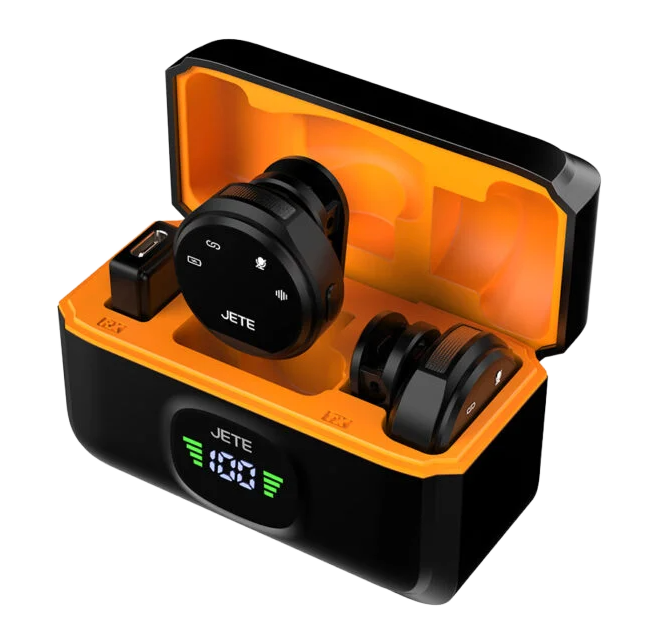 JETE MP1 Series | 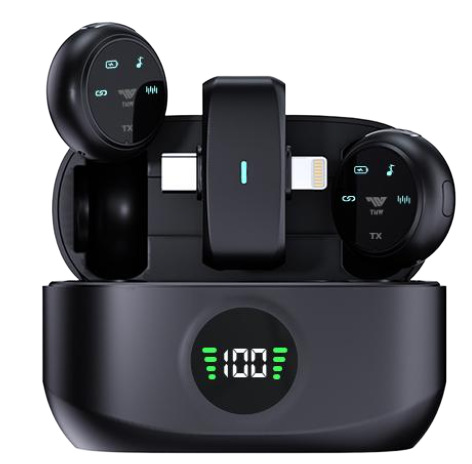 TNW A37 Wireless | 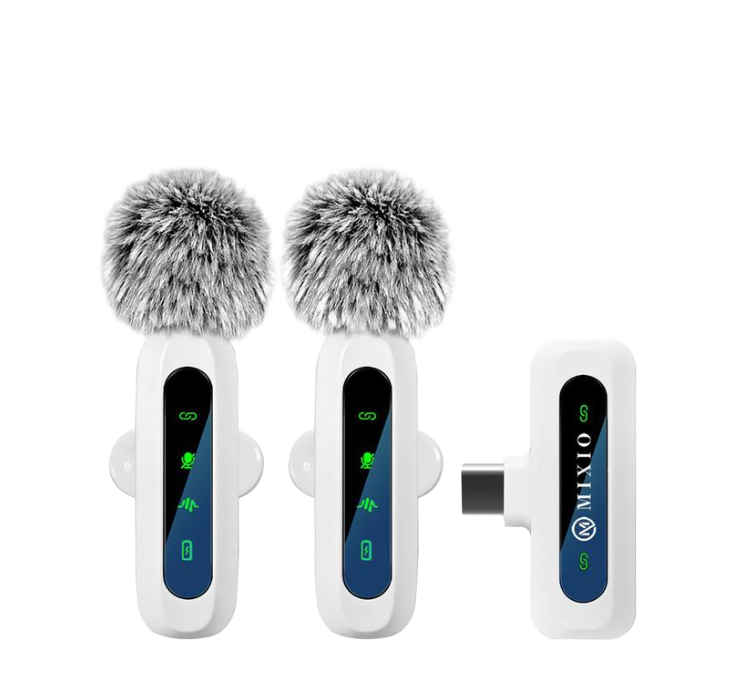 MIXIO W26 | 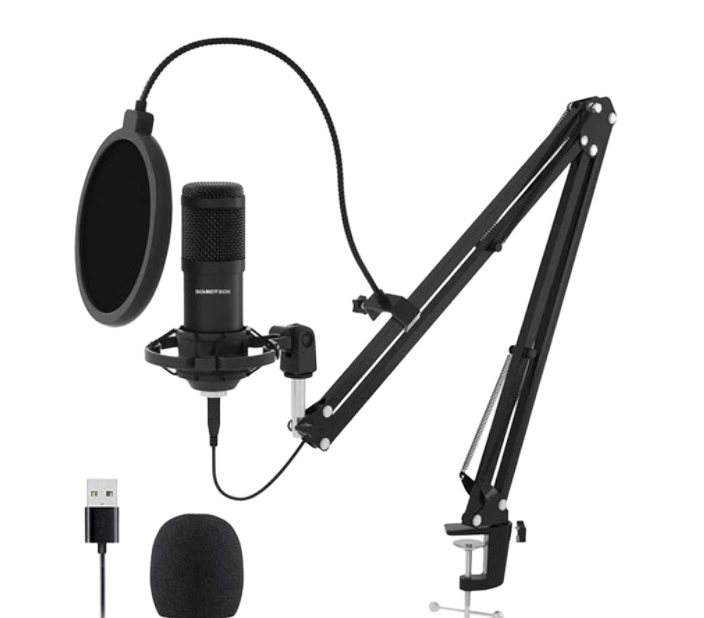 SOUNDTECH USB Mic |
Affordable and clear | Great sound with full mobility | Super-clear output | Studio-quality audio |
| 🎥 Video Device Recommendation | |||
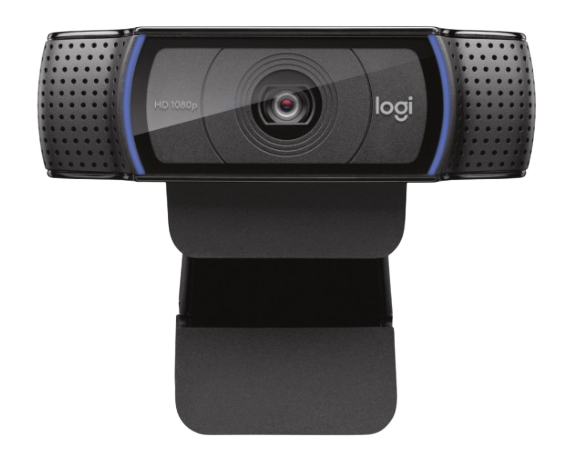 Logitech C920 | 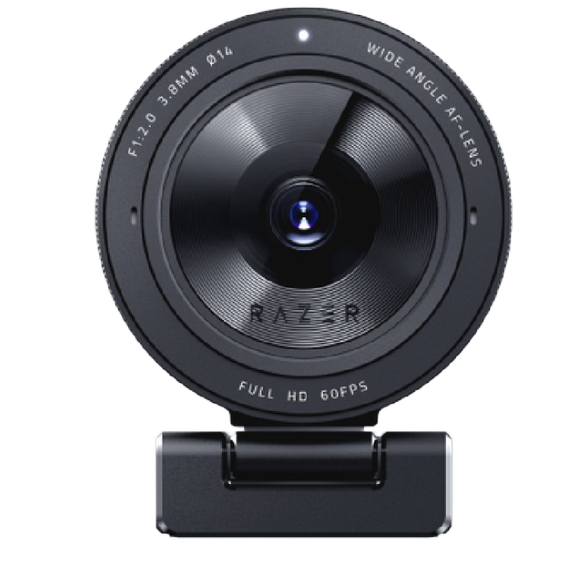 Razer Kiyo Pro | ||
Affordable HD quality | Built-in lighting, smooth video | ||
| 💡 Lighting Device Recommendation | |||
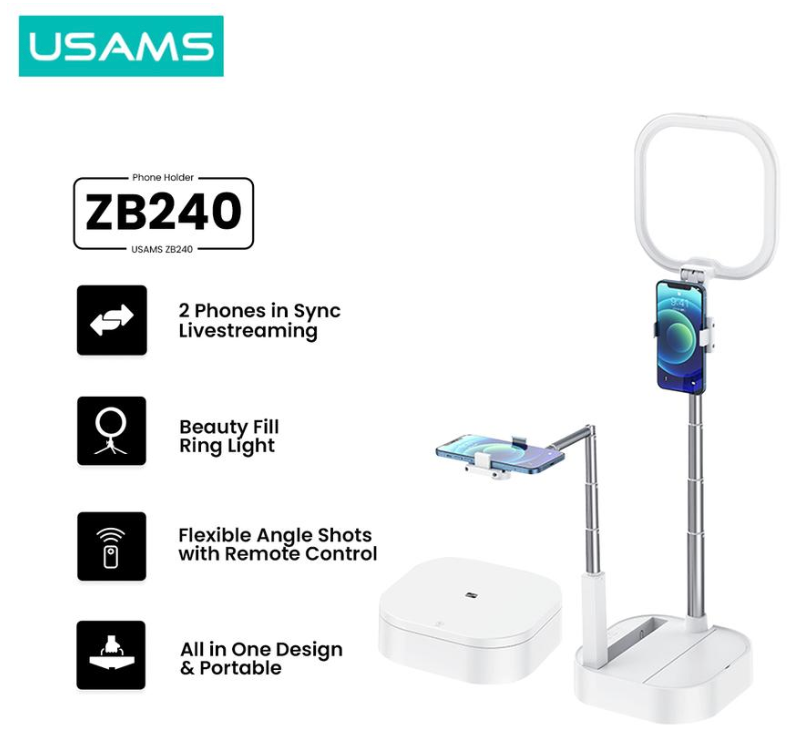 USAMS ZB240 | 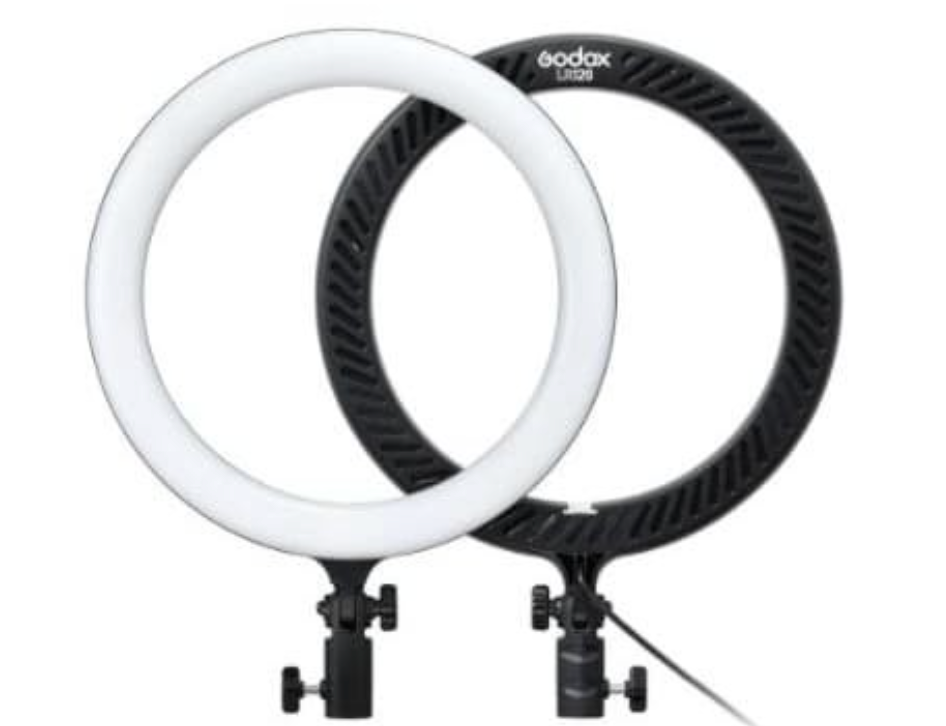 Godox LED Ring Light 120 | 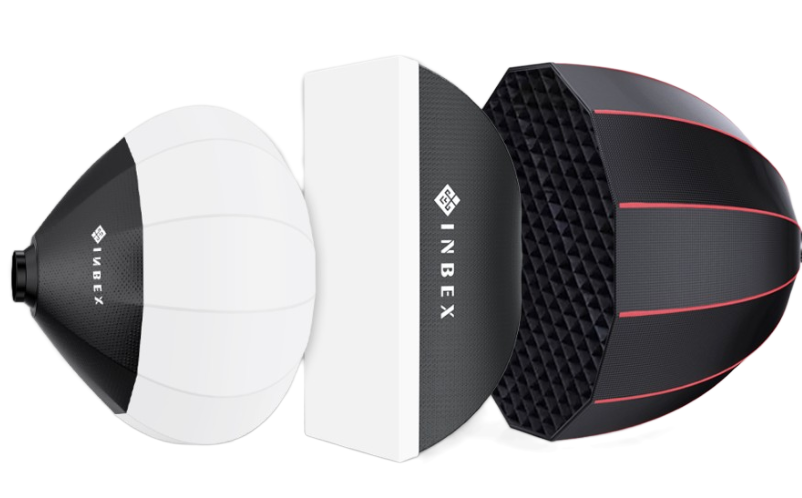 INBEX Softbox | 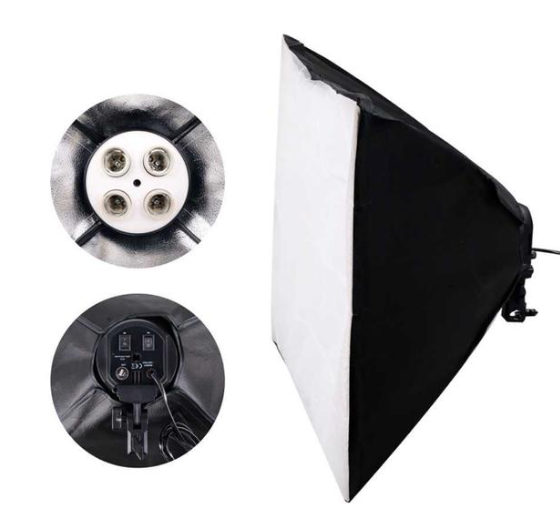 TaftSTUDIO KS65 |
Adjustable ring light | Soft, pro-level glow | Diffused lighting, wide setup | Studio-level softbox lighting |
How to set up the LIVE equipment
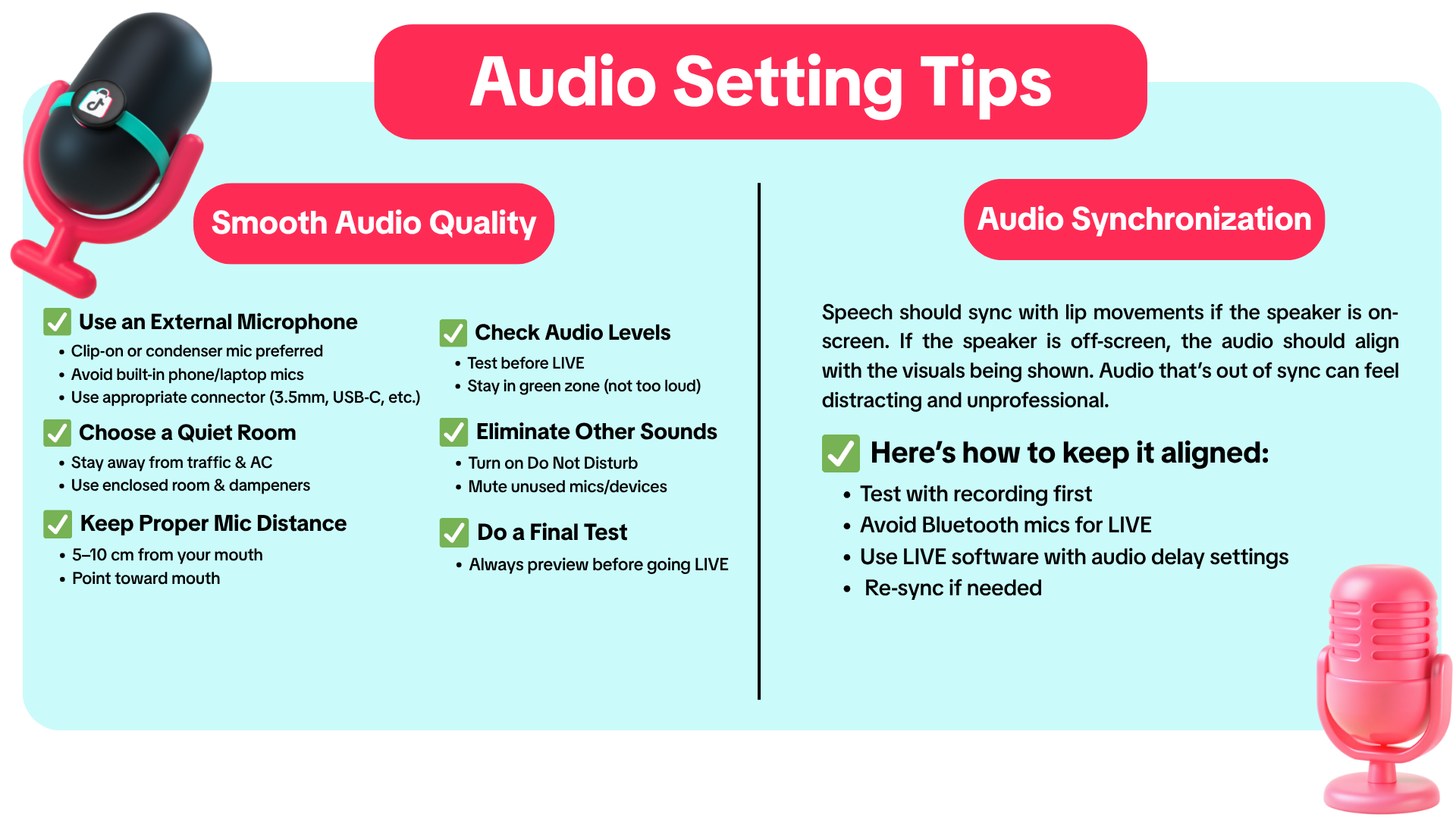
Audio Setting Tips
Example: Good vs. Poor Audio Quality
| Smooth Audio Quality | Audio Sync Quality | ||
| ✅Good Audio Quality | ❌Poor Audio Quality | ✅Good Audio Quality | ❌Poor Audio Quality |
|
|
| The visual and audio is not sync (lagged), where the items are being shown, but the speaker is talking about other things. |
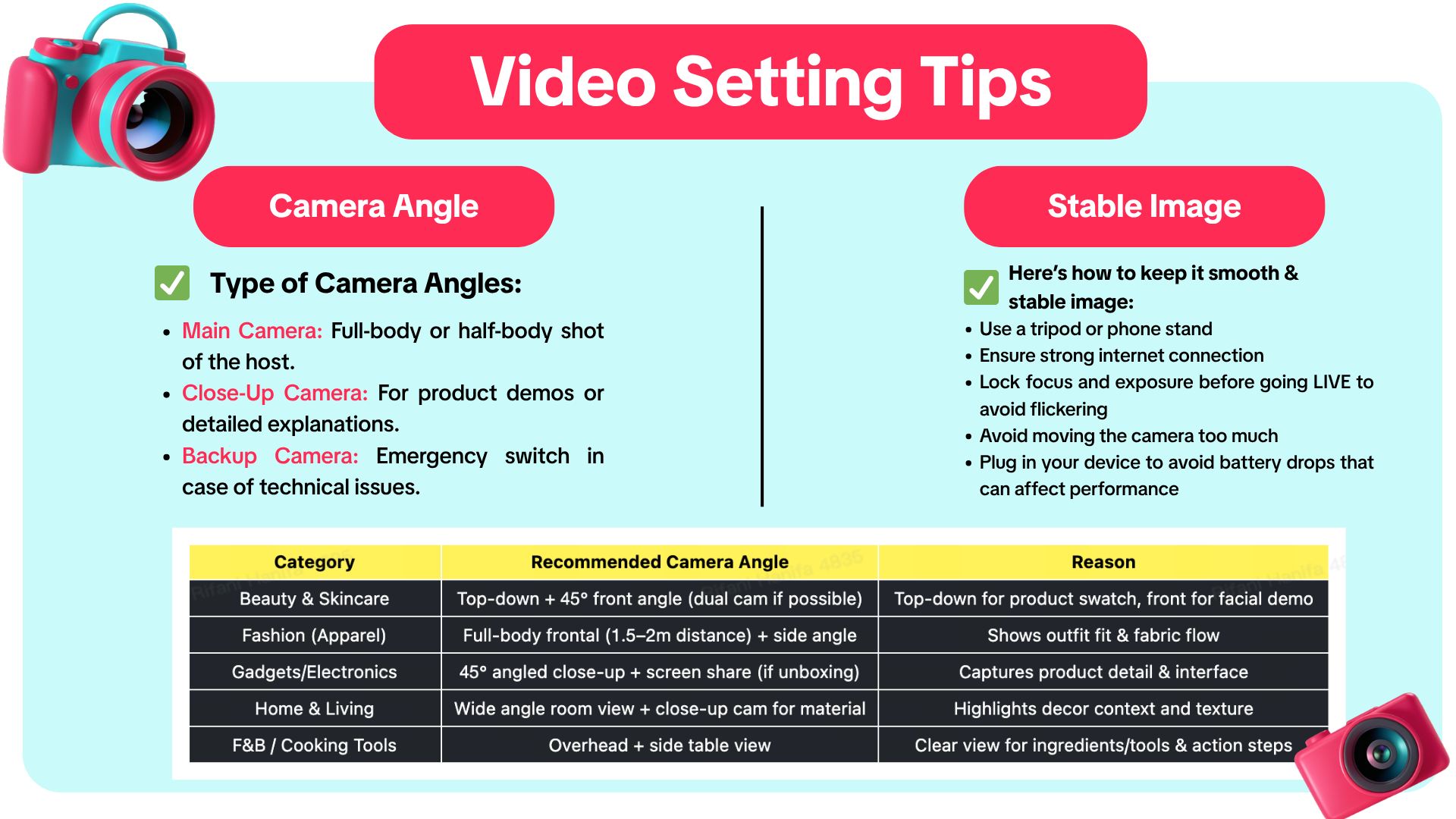
Video Setting Tips
Example: Good vs. Poor Video Quality
| Smooth Audio Quality | Audio Sync Quality | ||
| ✅Good Audio Quality | ❌Poor Audio Quality | ✅Good Audio Quality | ❌Poor Audio Quality |
|
|
| The visual and audio is not sync (lagged), where the items are being shown, but the speaker is talking about other things. |
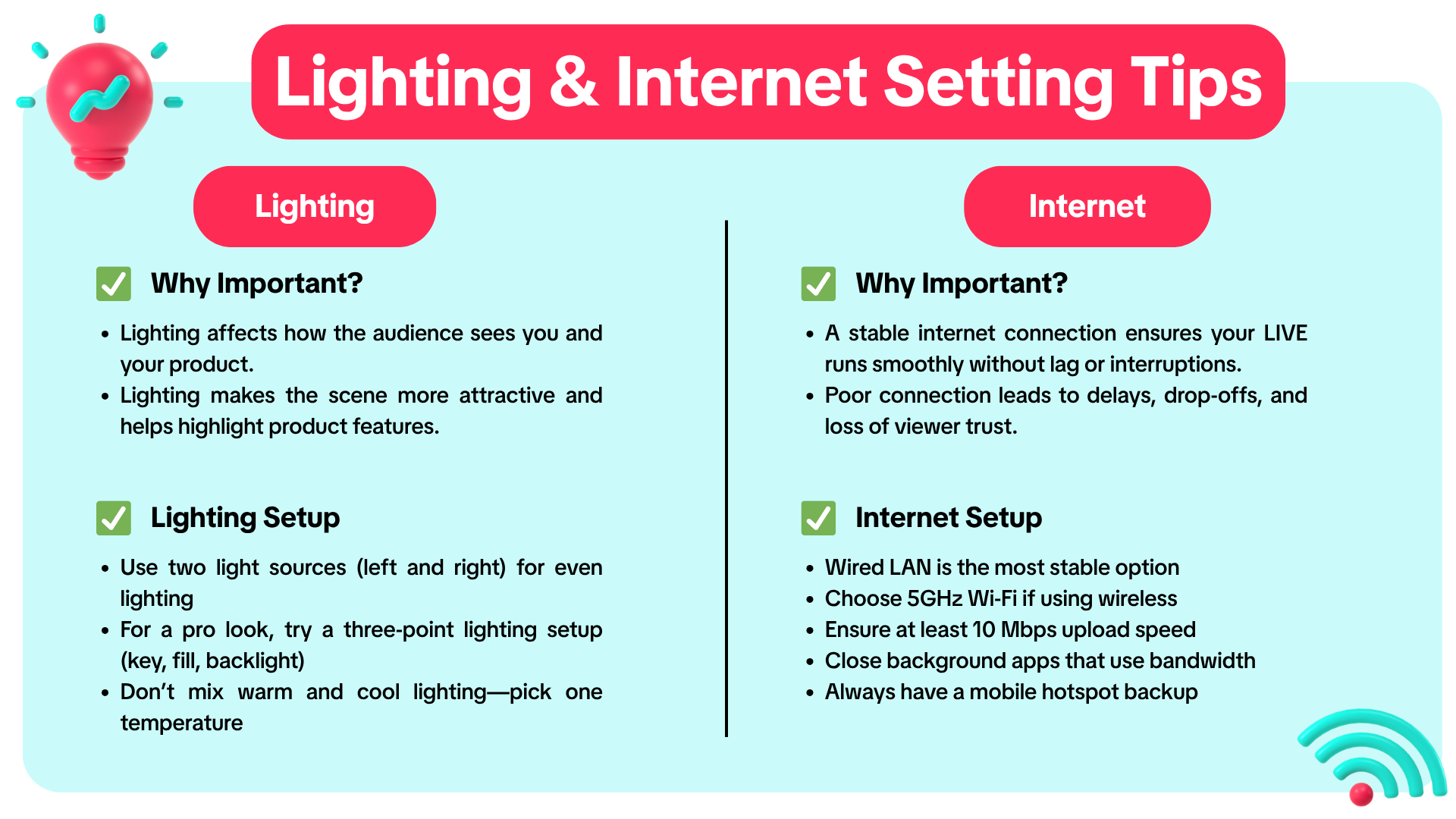
Lighting & Internet Setting Tips
✅ Test camera, mic, and lighting
✅ Frame your shot at eye level
✅ Do a short test LIVE for sync and clarity✅ Prepare backup internet
Get seen. Get heard. Let your setup sell for you!You may also be interested in
- 21 lessons
LIVE
Master the art of LIVE selling—from planning to hosting sessions that drive real-time engagement and…
- 3 lessons
LIVE Content Creation
Learn how to create engaging LIVE content that drives sales and audience engagement.
- 2 lessons
Understand LIVE Industry & Develop Host Mindset
Introduction to the LIVE industry, its importance, and how to develop an effective host mindset.

Drive More Viewers to Your LIVE for Free
This article twill help you automatically create short videos by repurposing best-performing moments…